Editor's Choice
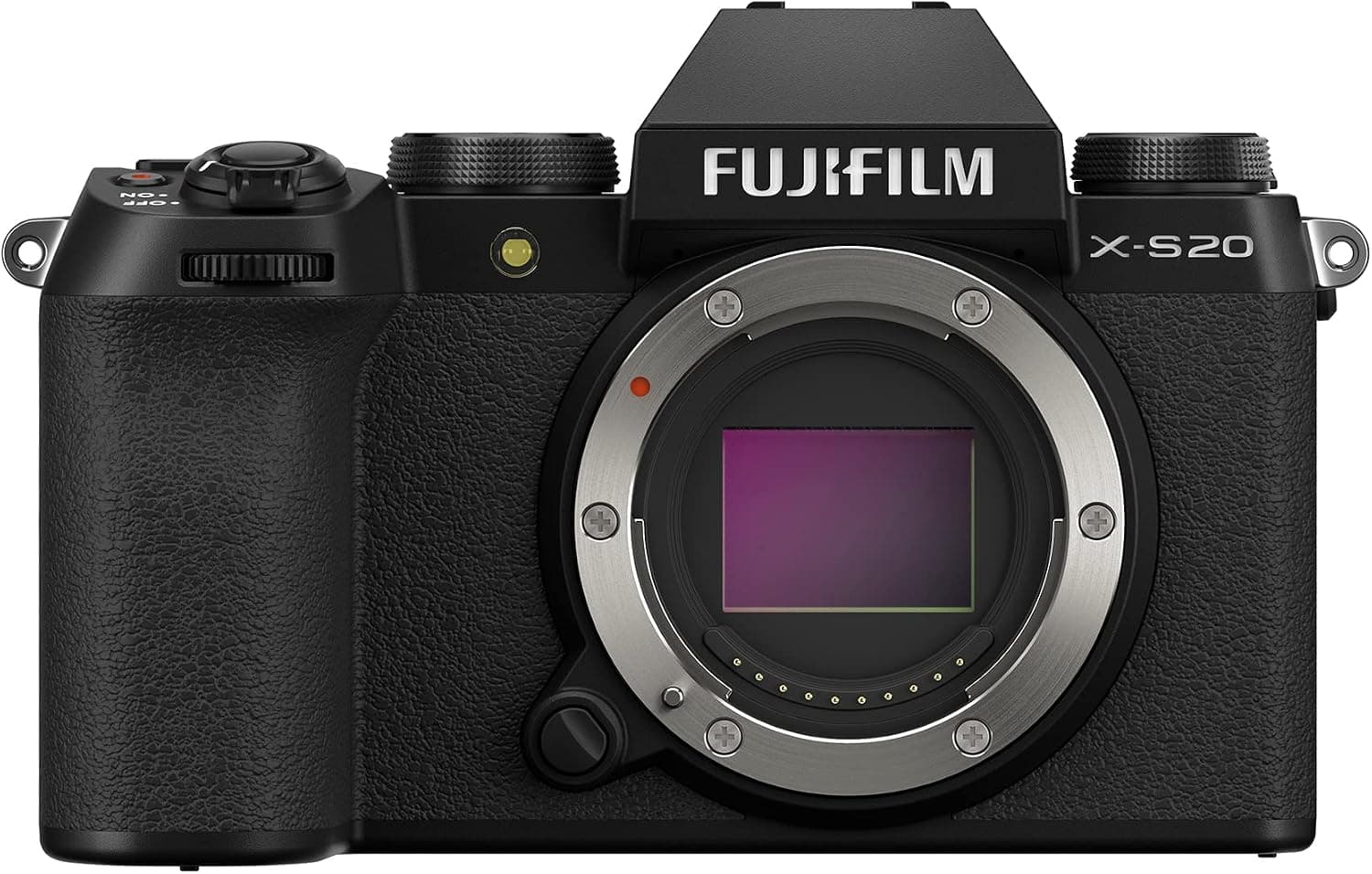
Fujifilm X-S20
Best fit: Hybrid shooters who want one capable, portable body for photo and video.
$1,199 - $1,349
Skip if: APS-C, not full-frame
Shoot planning · v2
Choose the shoot, lay out the route, and send yourself a field checklist. Real estate, creator video, portrait, product, or event.
Shoot planner
Choose the kind of shoot, add its route items in order, trim the shots you do not need, then use the boxes as your field progress.
Route
0/24
Field
0/0
Done
0/0
Auto-saves on this device.
Choose a shoot
Each mode uses a different vocabulary and starter route. Switching modes clears the current draft so two shoots never get mixed together.
Step 1
Tap an option to add it. Tap it again to remove it. Use the small plus for extra copies.
Route 0/24
Step 2
DONE
0/0
Add spaces to generate the board.
Step 3
Next move
A field list solves the order problem. The next step is matching the route to the guide, the gear, and the rules that affect the shoot.
Gear path
Start with the camera and support you can use across more than one kind of shoot. The live gear panel above narrows this further after you build a route.
Before you leave the calculator
Use the result to name the real limit: light, stability, focal length, or focus distance.
Fit check
Read best-for and skip-if before the retailer click, so the item has to earn its place.
Buying order
Compare similar gear and deal history first, then use the retailer button when the choice is clear.
Editor's Choice
Best fit: Hybrid shooters who want one capable, portable body for photo and video.
$1,199 - $1,349
Skip if: APS-C, not full-frame
Best Pocket Gimbal
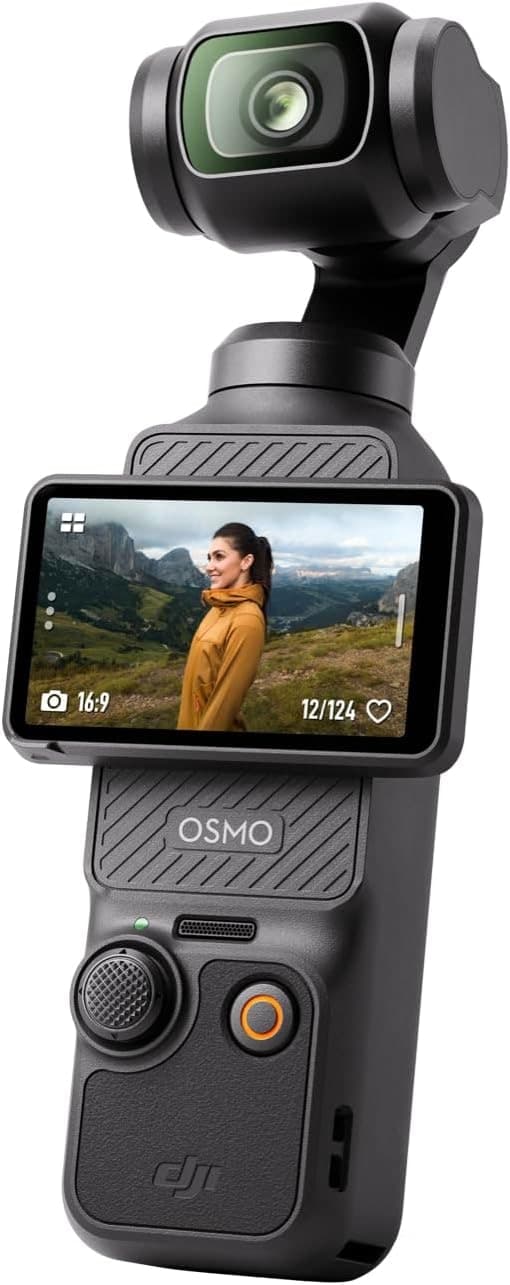
Best fit: Travel vloggers and solo creators who want smooth footage with the least kit possible.
$499 - $669
Skip if: Fixed wide lens
Best Overall
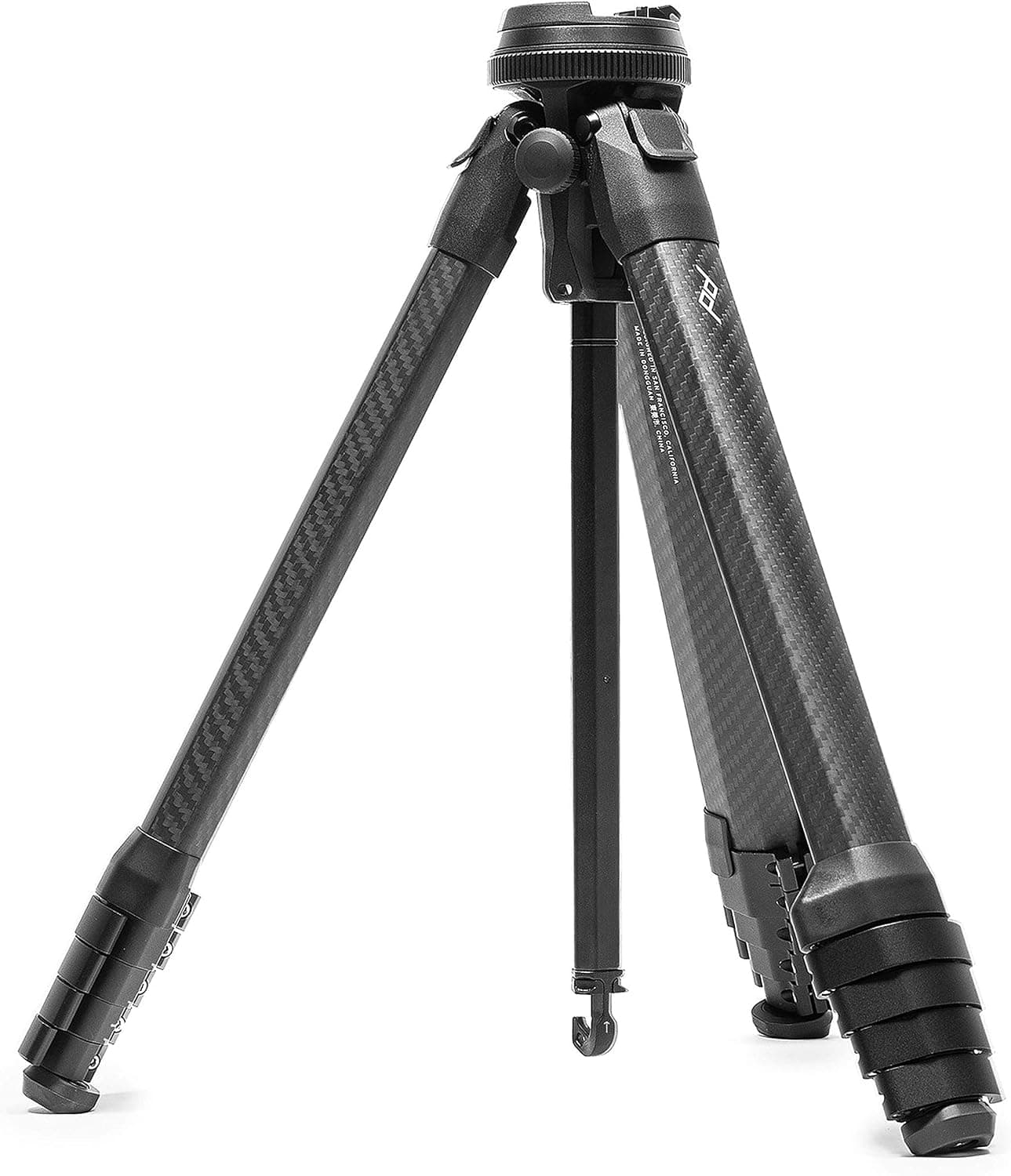
Best fit: Photographers who hike or travel and want full height in a pack-friendly form.
$599 - $699
Skip if: Expensive
Best Overall
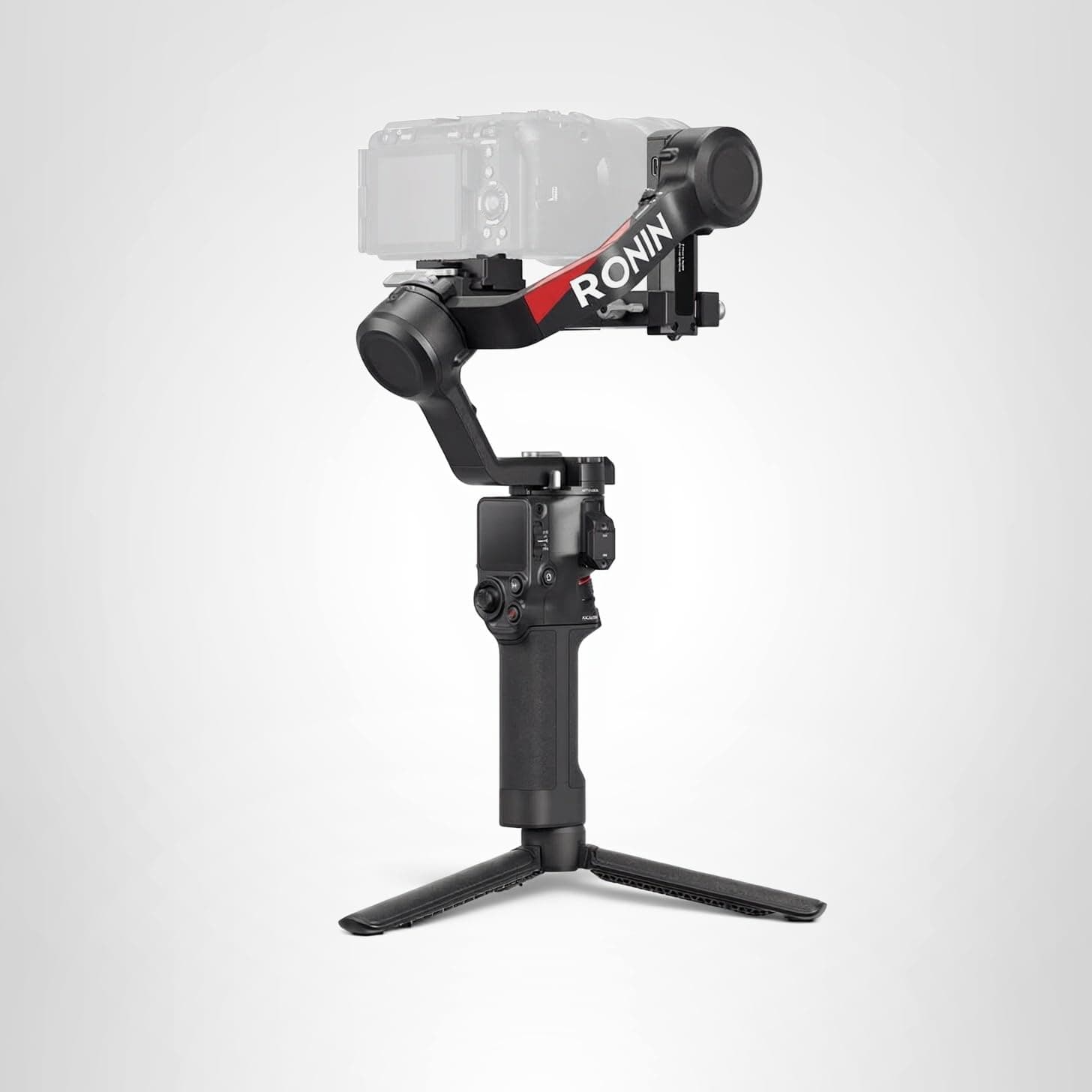
Best fit: Real estate and event shooters who want stable side-pans and push-ins without a learning curve.
$520 - $560
Skip if: Overkill for phone-only shooters
Product links may earn a commission at no cost to you. Use the calculator first, buy only if the gear solves the actual problem.