We may earn a commission from links on this page, at no extra cost to you. Picks are researched, not sponsored.
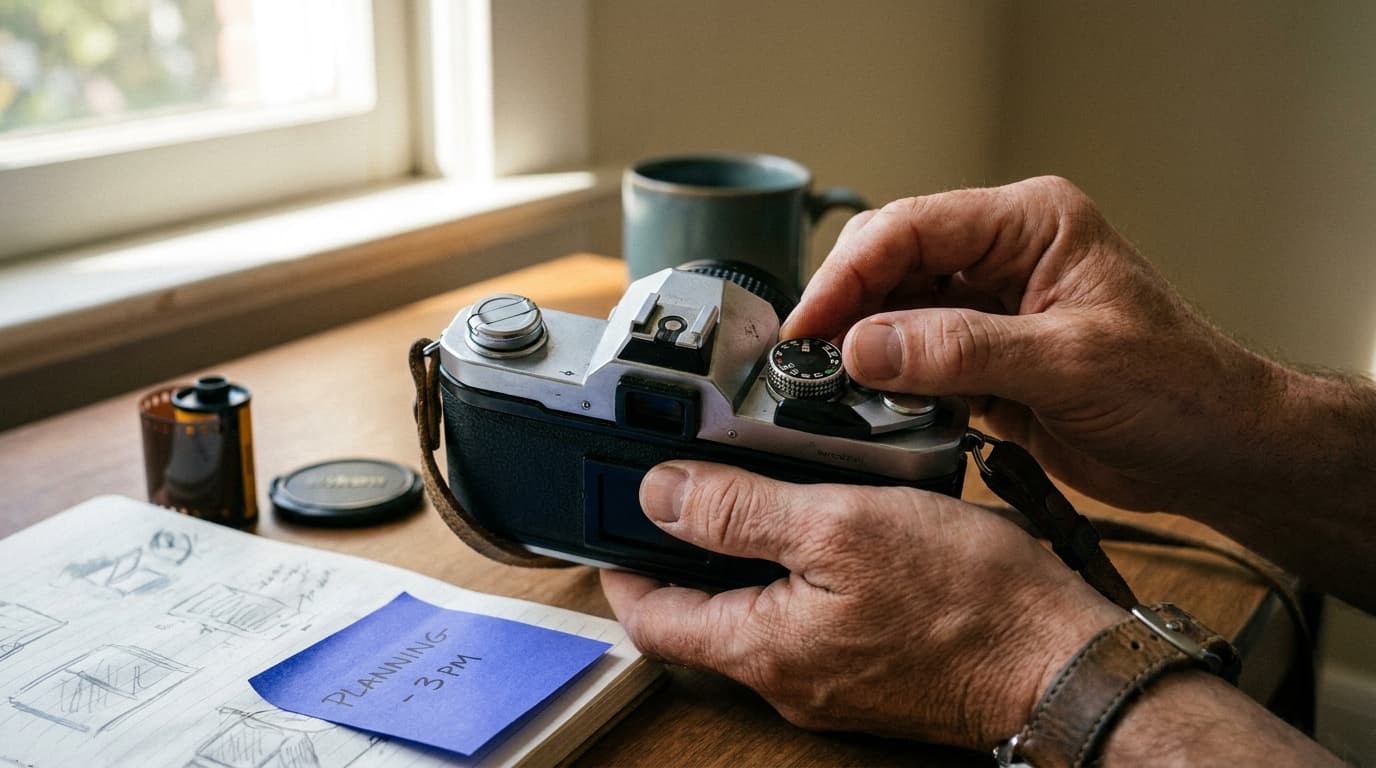
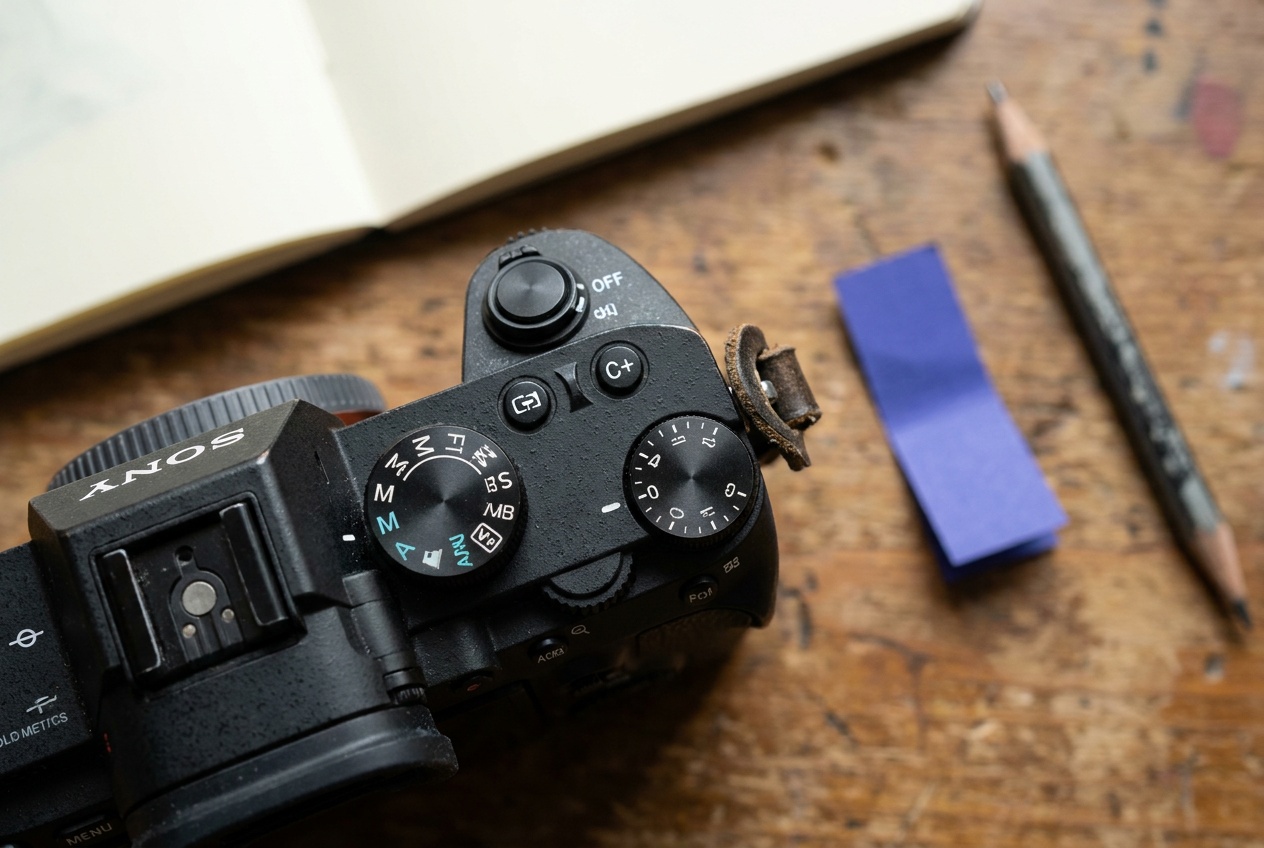
Manual mode (the M on the dial) gives you full control of the three controls in the exposure triangle. The camera stops deciding brightness for you, which sounds intimidating and is not. You are making three small decisions in a fixed order, then checking one number.
What manual mode actually controls
In manual mode you set all three exposure controls by hand:
- Aperture, the f-number, covered in aperture and f-stop explained.
- Shutter speed, the fraction of a second, covered in shutter speed explained.
- ISO, the amplification, covered in ISO explained.
Everything else (focus, white balance, drive mode) works the same as in any other mode. Manual is only about brightness.
The order to set them in
You do not set the three randomly. Start with the control tied to the look you want.
- Decide the priority. Blurred background means aperture first. Frozen or blurred motion means shutter speed first.
- Set that control. For a portrait, maybe f/2.8. For a running dog, maybe 1/1000.
- Set the second control to fill in the look. A handheld street shot might want 1/250 to stay sharp.
- Set ISO last to reach correct brightness. Keep it as low as the scene allows.
A solid daylight baseline to adjust from is f/8 · 1/250 · ISO 200. Indoors you might land closer to f/2.8 · 1/125 · ISO 1600.
Reading the in-camera meter
When you half-press the shutter, the viewfinder shows a small scale, usually running from -2 through 0 to +2. That is the light meter.
- Needle at 0: the camera thinks the exposure is balanced.
- Needle to the minus side: the shot will be darker than the meter wants.
- Needle to the plus side: brighter.
You do not have to obey the meter. It is a starting reference, not a rule. For a snowy scene or a bright sky you will often push past 0 on purpose, which is the idea behind exposure compensation. To check the result instead of trusting the meter, learn how to read a histogram.
Common mistakes
- Setting ISO first and forgetting it. ISO drifts up to 6400 from a dark room last week, then ruins a bright outdoor shot today. Reset it.
- Chasing the meter to 0 on every frame. A backlit subject metered to 0 comes out as a silhouette. Read the scene, not just the needle.
- Forgetting one control changed. You set 1/1000 to freeze motion, then wonder why the next indoor frame is black. Re-check all three when the light changes.
- Avoiding manual entirely. If full manual feels like too much at once, start with aperture priority or shutter priority, which let the camera handle one control while you learn the others.
The exposure calculator lets you test combinations and see how a change to one control trades against the others before you are standing in front of the shot.
When should I use manual mode instead of auto?
Use manual when the light is consistent and you want the same exposure across many frames, such as a studio setup, a concert, or astrophotography. For fast-changing light, a priority mode is often quicker.
Do I keep ISO on auto in manual mode?
You can. Auto ISO in manual mode lets you lock aperture and shutter speed for the look you want while the camera fills in brightness. It is a popular middle ground between full manual and the priority modes.
Why is my manual photo too dark even though the meter said zero?
The meter averages the scene and can be fooled by a bright sky or a dark background. Check the result on the histogram and adjust, rather than trusting a single needle position.
Keep going
Next useful steps
Pick one. Each link continues the same job without starting the research over.
Related Learn guides

Content Credentials and C2PA Explained for Photographers
Content Credentials record a photo's signed provenance and edits. Learn what C2PA proves, what it cannot prove, and how capture-to-export workflows work.
Open Gate Video Explained: When 3:2 Is Worth It
Open Gate records a taller sensor area for flexible 16:9, 9:16, and square crops. See when it helps, what it costs, and how to frame it correctly.
Pre-Capture Photography Explained: Get the Frame Before the Click
Pre-Capture buffers photos before the shutter is fully pressed. Learn how it works, which settings change, and when RAW, flash, or focus may be limited.
RAW vs JPEG: Which File Format Should You Shoot?
RAW keeps all your sensor data for maximum editing freedom; JPEG is smaller and ready to share. Here is how they differ and when each one is the right call.
Researched, not personally tested: picks compare specifications, available owner feedback, and established expert sources. As an Amazon Associate I earn from qualifying purchases. We may earn a commission from links here, at no extra cost to you. How we research →