We may earn a commission from links on this page, at no extra cost to you. Picks are researched, not sponsored.
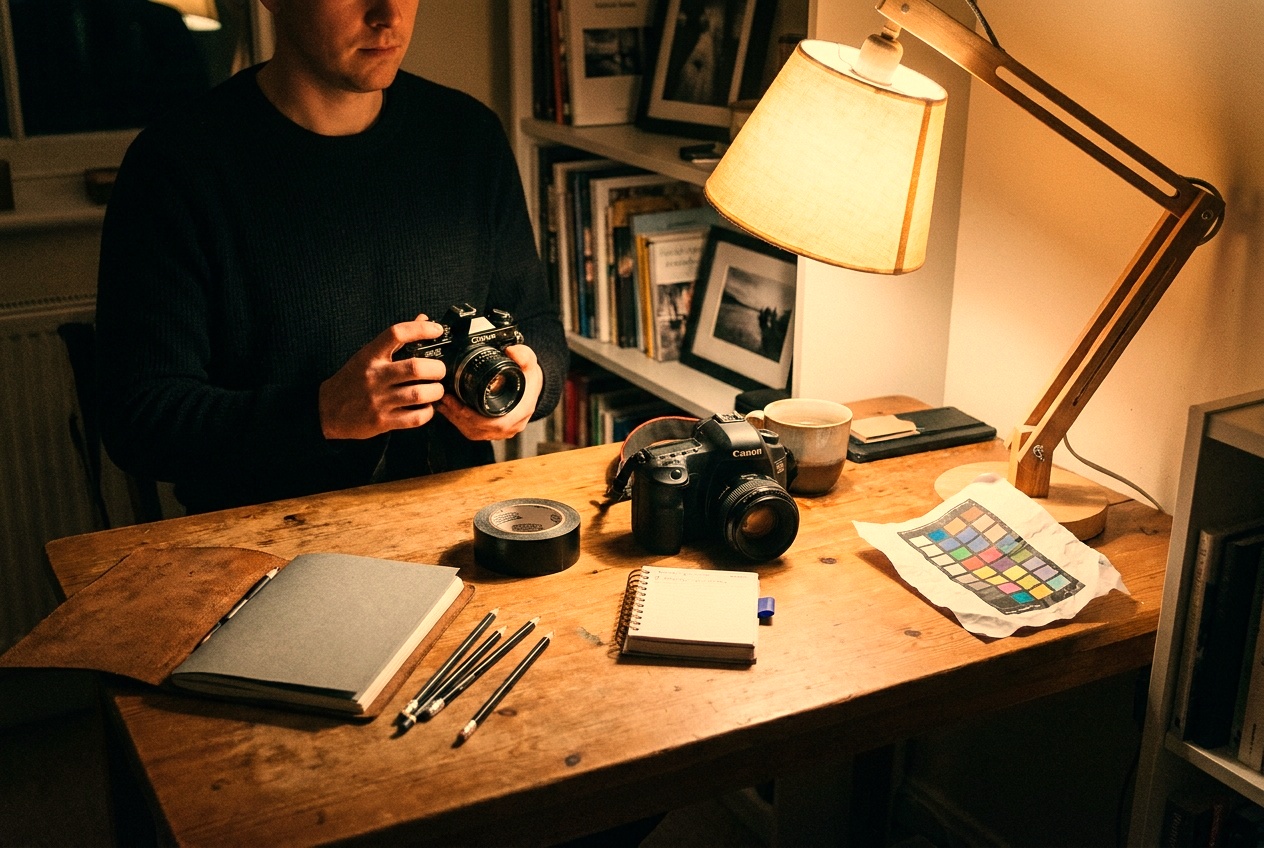
Color in a photo is relative. Your eyes adapt instantly, so a white shirt looks white under a warm lamp or a blue sky. The camera does not adapt on its own, so it has to be told what white is. That setting is white balance, and getting it wrong is why so many indoor photos come out orange.
Color temperature and Kelvin
Light has a color temperature measured in kelvin (K). Low numbers are warm and orange, high numbers are cool and blue, which feels backwards until you stop thinking of it as hot and cold. A candle is around 1900K, a tungsten bulb around 3200K, midday sun around 5500K, and open shade up around 7500K. White balance shifts the image the opposite way to cancel the cast: under a warm 3200K bulb, the camera adds blue to bring white back to neutral.
Auto, presets, and Kelvin
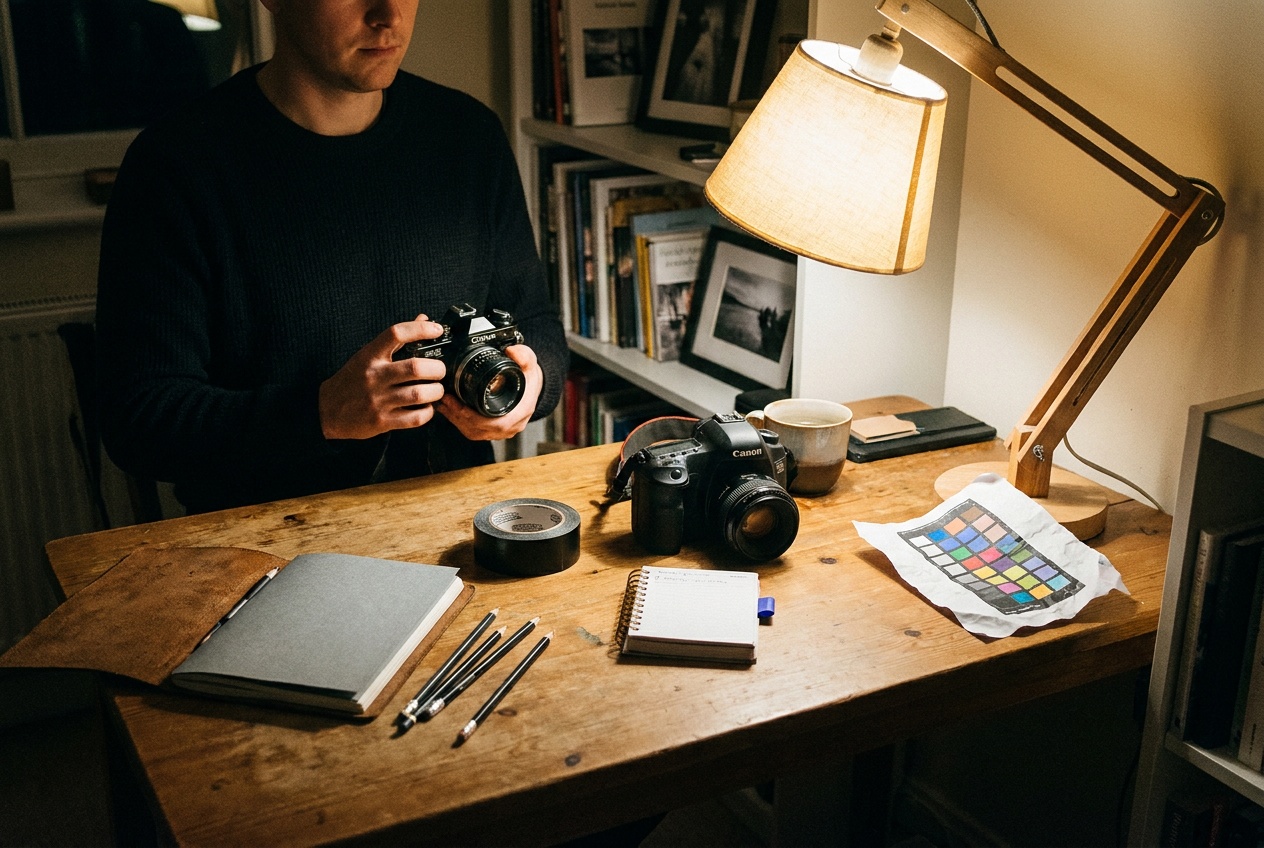
Auto white balance reads the scene and guesses, and modern cameras guess well in even light. It drifts in mixed or strongly colored light, which is the case for mixed and artificial light. When auto wanders, take control:
- Presets (daylight, cloudy, shade, tungsten, fluorescent) lock a fixed correction. Cloudy and shade warm the image up, which is often flattering.
- Kelvin lets you dial the exact number. Higher K warms the image, lower K cools it. This is the most precise and the most consistent across a series.
- Custom uses a gray card or white sheet you photograph in the actual light, the most accurate option for critical color.
When to break neutral on purpose
Correct is not always the goal. Golden hour looks better left warm, not neutralized into gray. A cold blue cast can suit a winter or night scene. Neutral is the safe default; deliberate warmth or coolness is a creative choice, and the readout you already know from the exposure triangle does not change, only the color does.
Where this fits
White balance is the color half of exposure. Pair it with shooting in different light to read the color of the light you are in, and with portrait photography, where true skin tone matters more than almost anything else.
What white balance should I use?
Auto for everyday shooting in even light. Switch to a preset or a Kelvin value when the light is colored or mixed, or when you need consistent color across many frames. Shooting raw lets you correct any of it later.
Why are my indoor photos orange?
Household bulbs are warm, around 2700K to 3200K, and auto white balance often under-corrects them. Set the tungsten preset or dial a lower Kelvin value, or shoot raw and fix the color in editing.
Keep going
Next useful steps
Pick one. Each link continues the same job without starting the research over.
Shoot kits
Buy around the job, not the spec sheet
Beginner photo
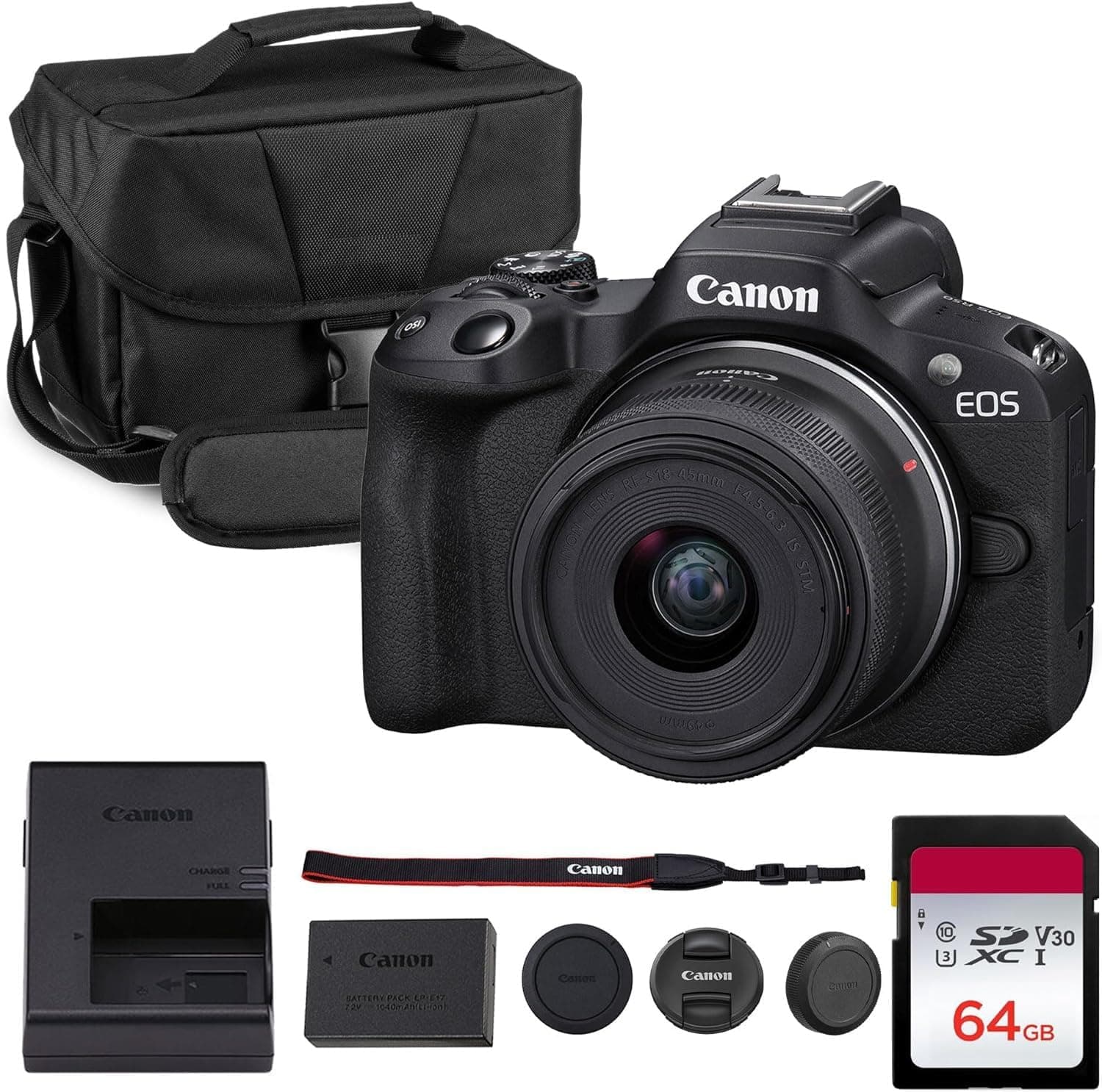
First real camera kit
$1,068
An affordable body, a sharp prime, a reliable card, and a small carry setup that does not turn learning into a hauling problem.
Best learning kit
Buy order: start with the first piece that makes the job possible, then add the support pieces that remove friction.
Camera: start here. If this piece does not make the shoot easier, the rest of the kit can wait.
Carry: add it after the core setup proves useful.
Canon EOS R50
Small, approachable, and good enough to learn exposure, autofocus, and lens choice properly.
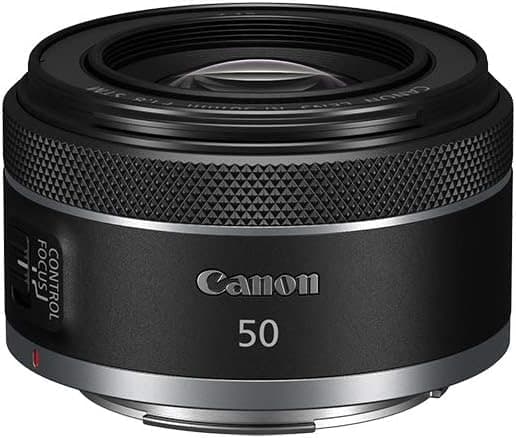
Canon RF 50mm f/1.8 STM
Cheap, bright, and useful for portraits, detail shots, and learning depth of field.
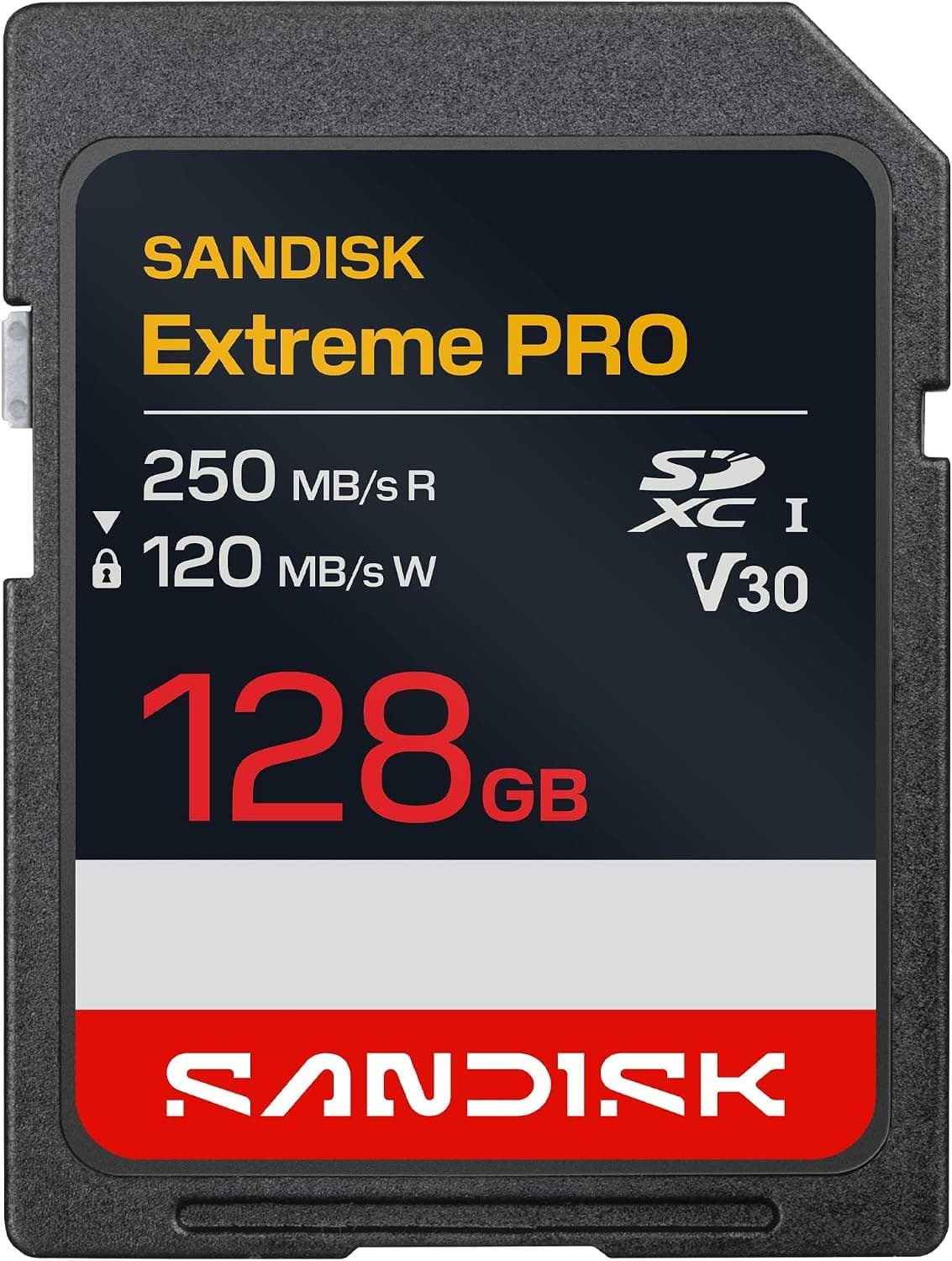
SanDisk Extreme Pro SDXC 128GB
Fast enough for normal stills and video without making storage the exciting purchase.
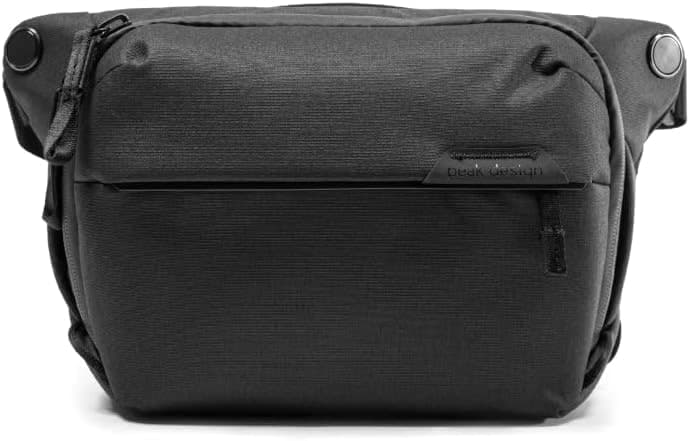
Peak Design Everyday Sling 6L V2
Room for a small body and lens without dragging a full backpack everywhere.
Prices are rough catalog totals. Retailer prices change, and you can swap pieces to fit your system.
Related Learn guides

Content Credentials and C2PA Explained for Photographers
Content Credentials record a photo's signed provenance and edits. Learn what C2PA proves, what it cannot prove, and how capture-to-export workflows work.
Open Gate Video Explained: When 3:2 Is Worth It
Open Gate records a taller sensor area for flexible 16:9, 9:16, and square crops. See when it helps, what it costs, and how to frame it correctly.
Pre-Capture Photography Explained: Get the Frame Before the Click
Pre-Capture buffers photos before the shutter is fully pressed. Learn how it works, which settings change, and when RAW, flash, or focus may be limited.
RAW vs JPEG: Which File Format Should You Shoot?
RAW keeps all your sensor data for maximum editing freedom; JPEG is smaller and ready to share. Here is how they differ and when each one is the right call.
Researched, not personally tested: picks compare specifications, available owner feedback, and established expert sources. As an Amazon Associate I earn from qualifying purchases. We may earn a commission from links here, at no extra cost to you. How we research →