We may earn a commission from links on this page, at no extra cost to you. Picks are researched, not sponsored.
The problem
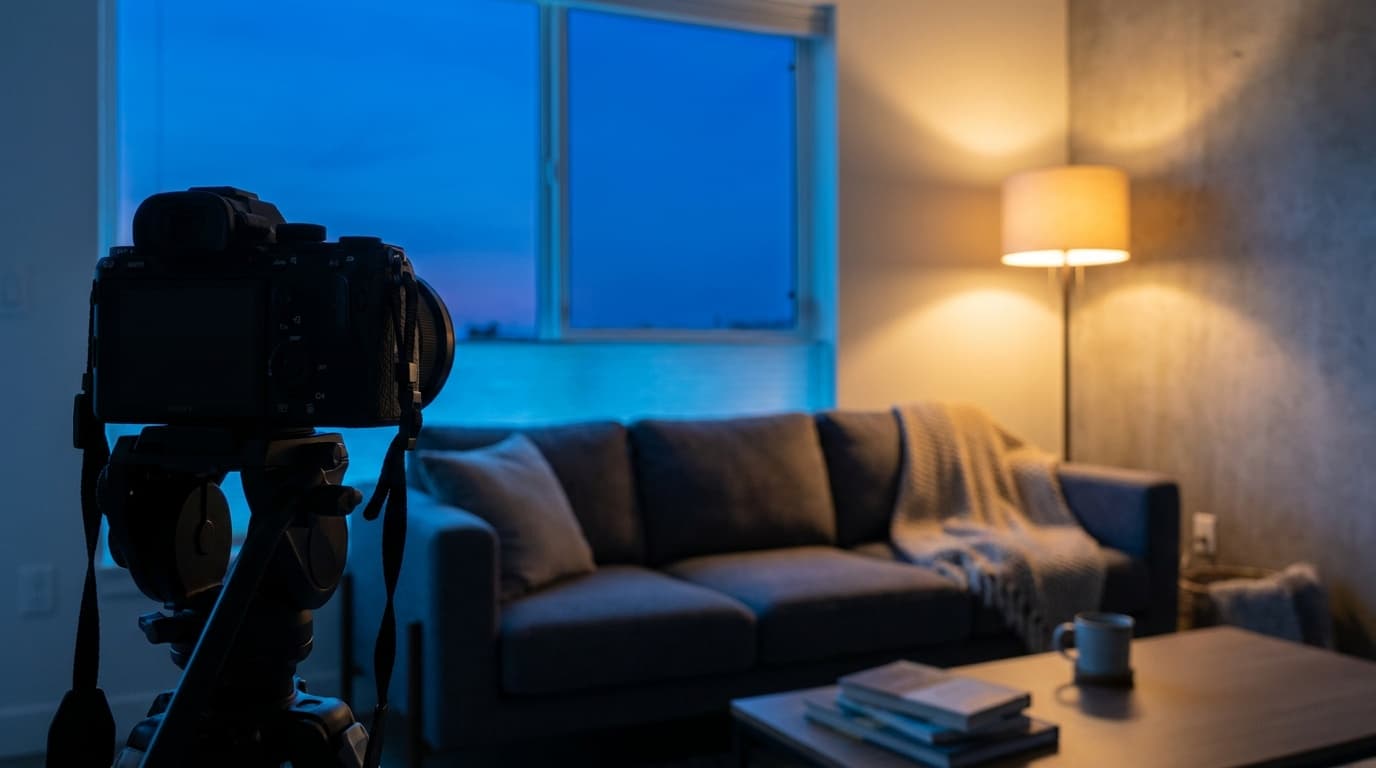
Your eyes silently correct for the color of light, so a room lit by a warm lamp and a cool window looks normal to you. The camera does not correct on its own, and it cannot pick one white balance that satisfies two different-colored sources. The result is a frame where skin looks orange under the lamp but blue by the window, or where fluorescent tubes add a green cast nothing else shares. The brightness is just low-light shooting; the color is what makes mixed light its own problem.
The settings
Exposure-wise you are in normal indoor territory, so the starting point looks like any dim room:
The most important habit here is shooting raw. A raw file lets you set white balance after the fact and even brush different corrections onto different parts of the frame, which is the only clean way to handle two light colors in one shot. Auto white balance often shifts frame to frame under mixed light, so locking it to a chosen value keeps a series consistent.
Interactive exposure demo. Enable JavaScript to drag the exposure for this light.
The fix
The cleanest fix is to remove the conflict. Turn off the room lamps and shoot by the window for one consistent cool light, or close the blinds and light the room entirely with lamps for one warm look. When you cannot control the sources, decide which light owns your subject and balance for that one, accepting that the background may go warm or cool. Matching your own added light to the room, for example a warm gel on a flash near tungsten lamps, keeps things consistent too.
The gear that helps
Mixed light is less about specialized gear and more about a camera and lens that perform in the dim indoor conditions where it usually happens. A fast lens keeps ISO down so color stays cleaner, which the prime vs zoom guide covers. A body with good raw color latitude makes white balance correction far more forgiving; the camera buying guide is the place to start.
Where this fits
Interiors are the classic mixed-light scenario in real estate photography, where window daylight and warm room lamps fight in the same frame and the goal is walls and floors that read true. The exposure is the same exposure triangle you already know; the new skill is treating color as a setting you choose, not one you leave to the camera.
How do I fix white balance under mixed lighting?
Shoot raw and set white balance for the light on your main subject, then correct the rest in editing, where you can even apply different adjustments to different areas. The most reliable fix is to remove the conflict entirely by lighting the scene with a single type of source.
Why do my indoor photos look orange or green?
Orange usually comes from tungsten lamps and a white balance set too cool for them; green comes from fluorescent tubes. Set white balance to match the dominant source, shoot raw so you can correct it, and where possible avoid mixing daylight, tungsten, and fluorescent in one frame.
Keep going
Next useful steps
Pick one. Each link continues the same job without starting the research over.
Related Learn guides

Content Credentials and C2PA Explained for Photographers
Content Credentials record a photo's signed provenance and edits. Learn what C2PA proves, what it cannot prove, and how capture-to-export workflows work.

Open Gate Video Explained: When 3:2 Is Worth It
Open Gate records a taller sensor area for flexible 16:9, 9:16, and square crops. See when it helps, what it costs, and how to frame it correctly.

Pre-Capture Photography Explained: Get the Frame Before the Click
Pre-Capture buffers photos before the shutter is fully pressed. Learn how it works, which settings change, and when RAW, flash, or focus may be limited.
RAW vs JPEG: Which File Format Should You Shoot?
RAW keeps all your sensor data for maximum editing freedom; JPEG is smaller and ready to share. Here is how they differ and when each one is the right call.
Researched, not personally tested: picks compare specifications, available owner feedback, and established expert sources. As an Amazon Associate I earn from qualifying purchases. We may earn a commission from links here, at no extra cost to you. How we research →