We may earn a commission from links on this page, at no extra cost to you. Picks are researched, not sponsored.
Top pick
Insta360 Luna Ultra
9.1
Aperture Score · 8
- Best if
- Two useful focal lengths
- Skip if
- Costs more than a Pocket 3
Check the exact listing
Confirm lens mount, sensor format, battery, charger, and kit contents.
Pick faster
Start with the job, then open details if the tradeoff matters.
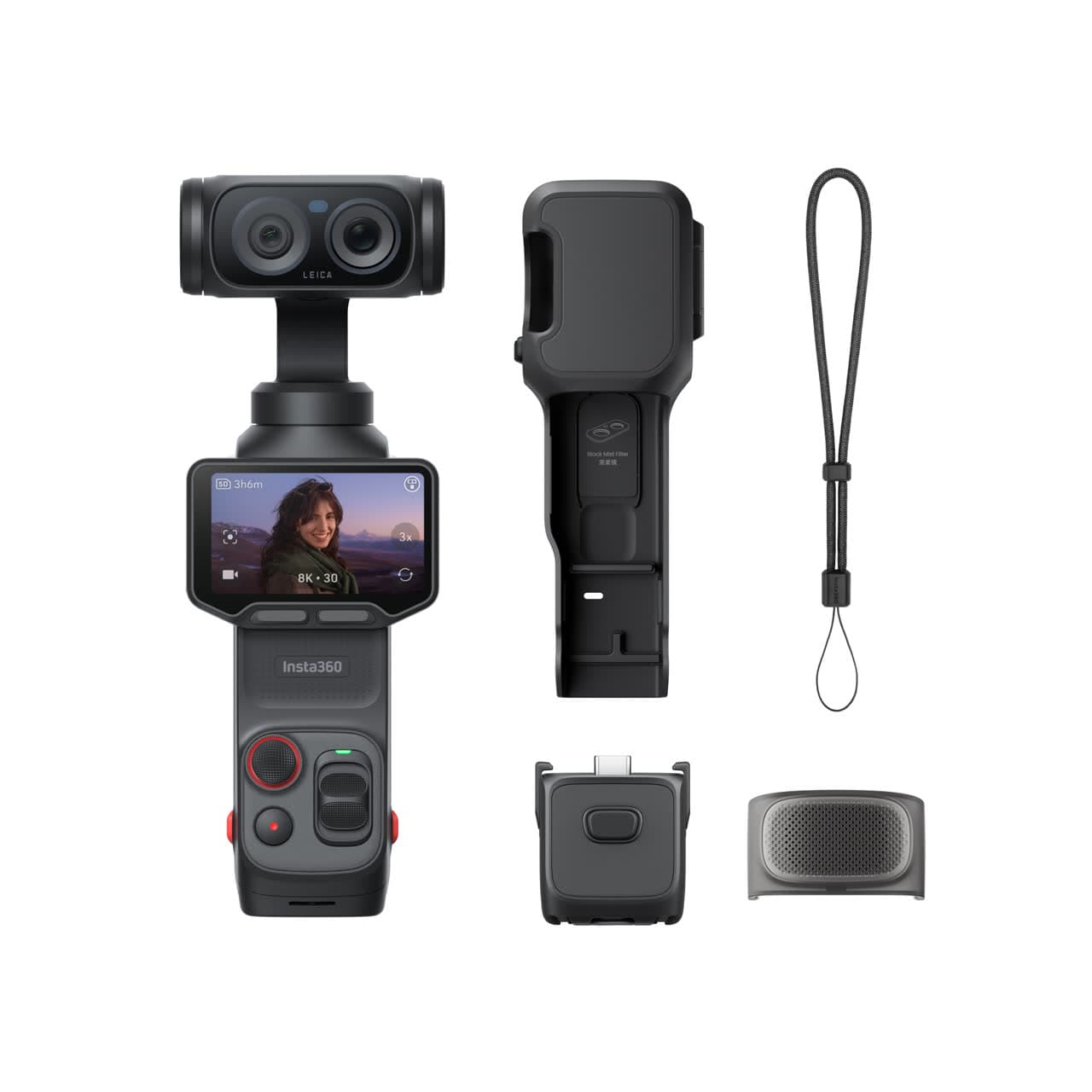
Best Premium Pocket GimbalInsta360 Luna UltraBest for: U.S. creators who want a current premium pocket gimbal with wide and tele framing in one camera.Skip if: Costs more than a Pocket 3Before retailerConfirm lens mount, sensor format, battery, charger, and kit contents.Check Insta360 · $769 - $970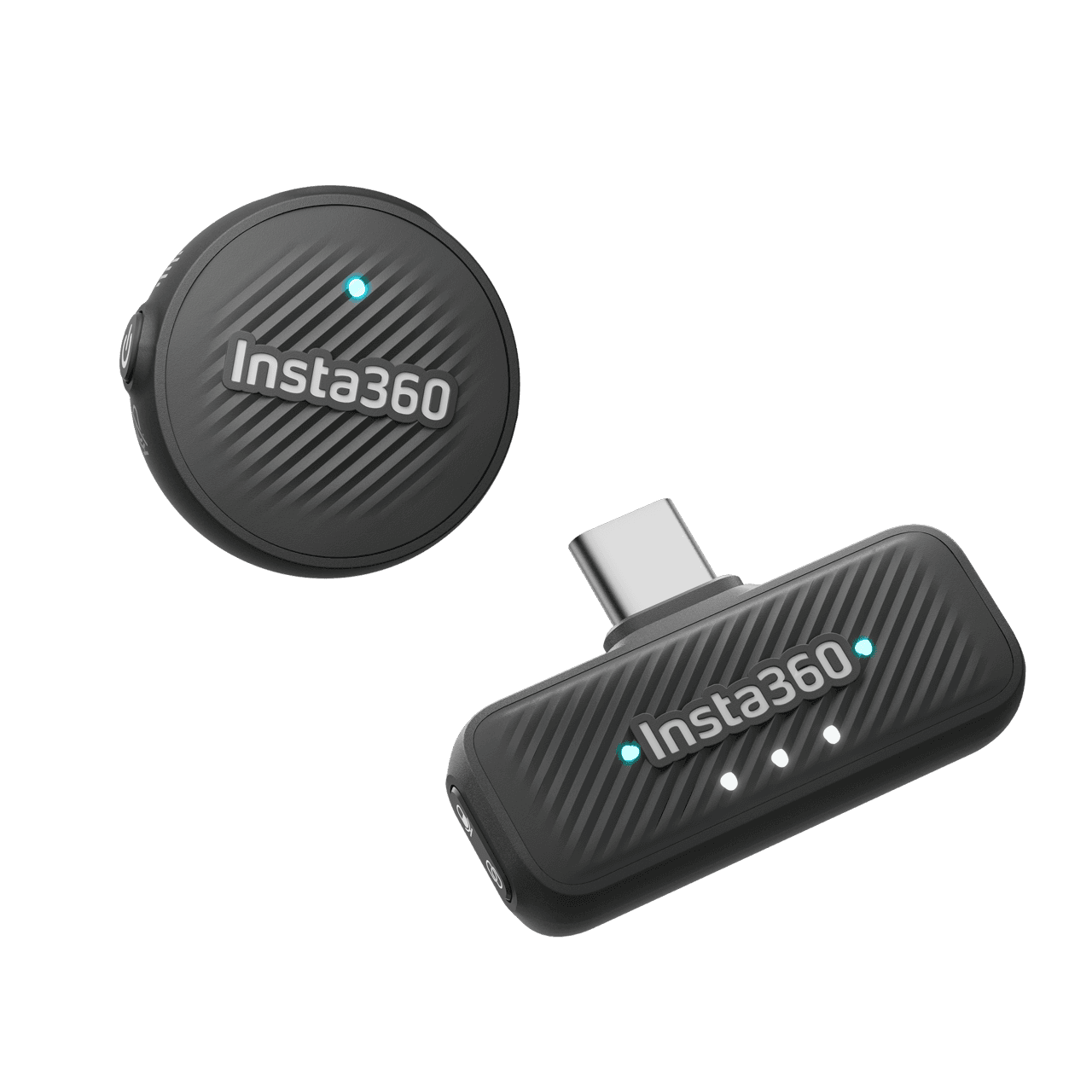 Best Luna CompanionInsta360 Mic AirBest for: Luna Ultra owners who want a small first wireless microphone for solo speech and walk-and-talk video.Skip if: No onboard backup recordingBefore retailerConfirm connector, recording format, power, and camera or phone compatibility.Check Amazon · $68 transmitter / $96 kit
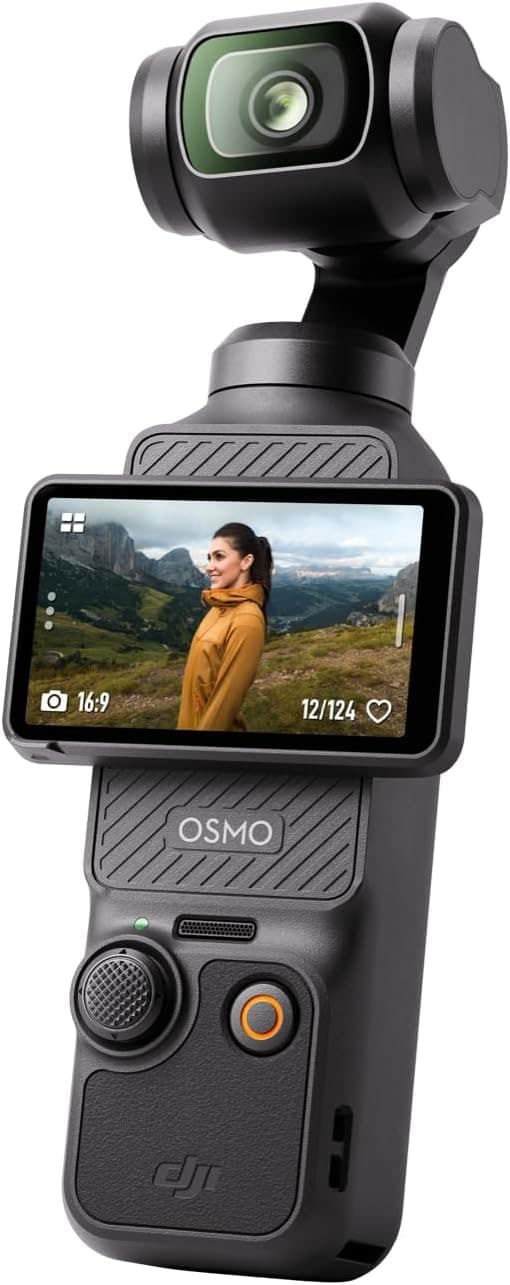 Best U.S. ValueDJI Osmo Pocket 3Best for: U.S. buyers who want a proven, lower-cost pocket gimbal with official domestic retail support.Skip if: Fixed wide lensBefore retailerConfirm lens mount, sensor format, battery, charger, and kit contents.Check Amazon · $499 - $669
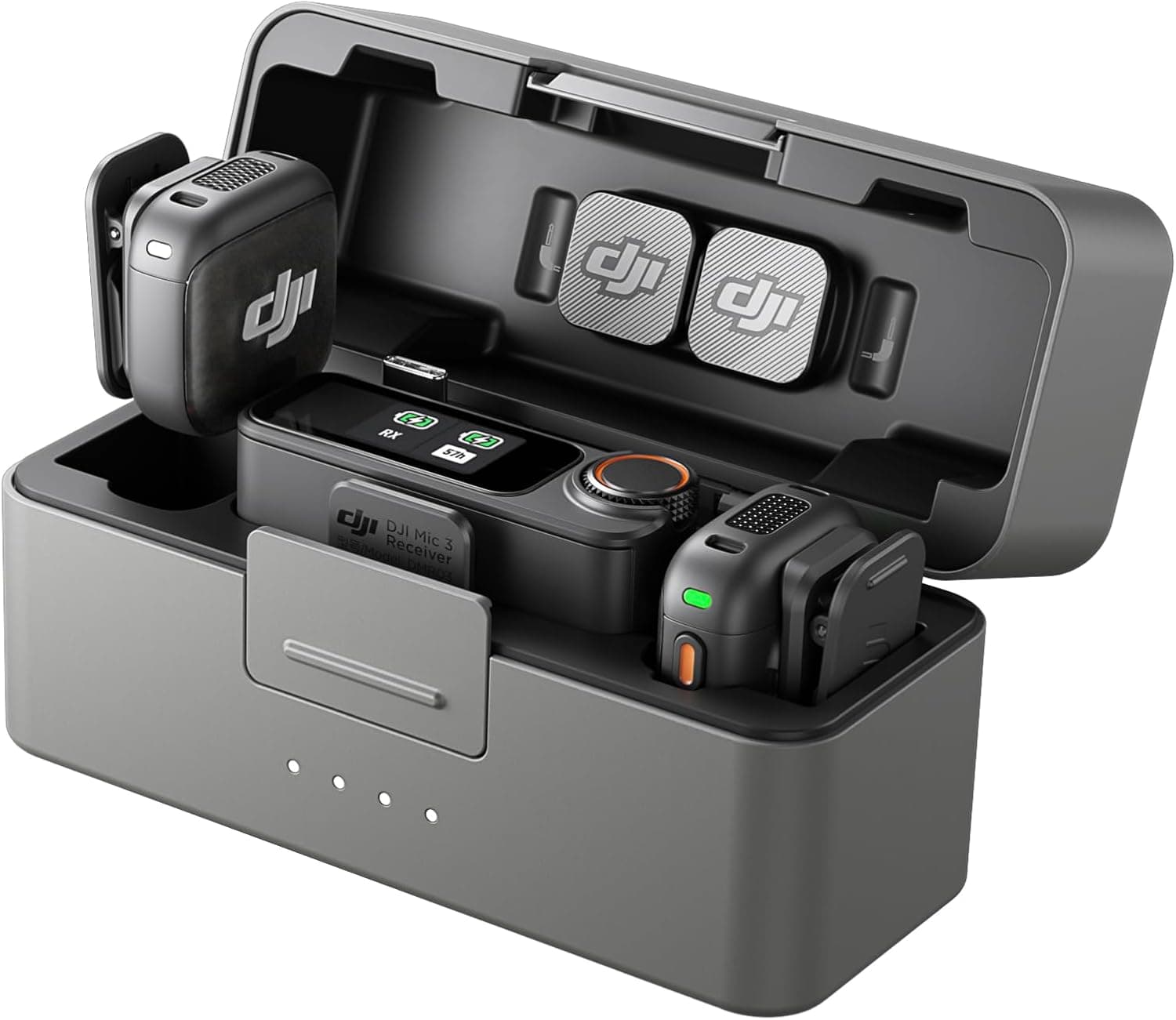 Best for PhonesDJI Mic MiniBest for: Phone creators and beginners who want reliable wireless audio cheaply.Skip if: No on-board recordingBefore retailerConfirm connector, recording format, power, and camera or phone compatibility.Check Amazon · $149 - $189
Not sure yet?
Use best-for, skip-if, and the checkout check before opening more retailer tabs.
Vlogging gear is easy to buy in the wrong order. A camera with impressive video specs is still a poor kit if speech is thin, movement is rough, or the files fill the card before the day is over. Start with the job: walking and narrating, talking at a desk, or shooting planned videos with lenses and lights.
Use the vlogging camera comparison for the body decision, the video microphone guide for sound, and the video codecs explainer before choosing a camera for a format name.
What belongs in a vlogging kit?
| Job | Start with | Add it when |
|---|---|---|
| Camera | A pocket gimbal or creator-focused mirrorless body | Your subject, framing, or lens needs change |
| Audio | The built-in mic at close range or a compatible wireless mic | Speech is distant, echoey, or exposed to wind |
| Support | A small grip or tabletop tripod | You need repeatable framing or hands-free shots |
| Light | Window light first, then a soft LED | The face is dim or unevenly lit |
| Storage | The media the camera specifies, plus a second copy | High-bitrate files or shoot frequency make loss expensive |
The common mistake is buying another lens before fixing sound. Viewers forgive an ordinary image faster than muffled speech.
Which vlogging kit fits the job?
Current premium pocket kit: Insta360 Luna Ultra
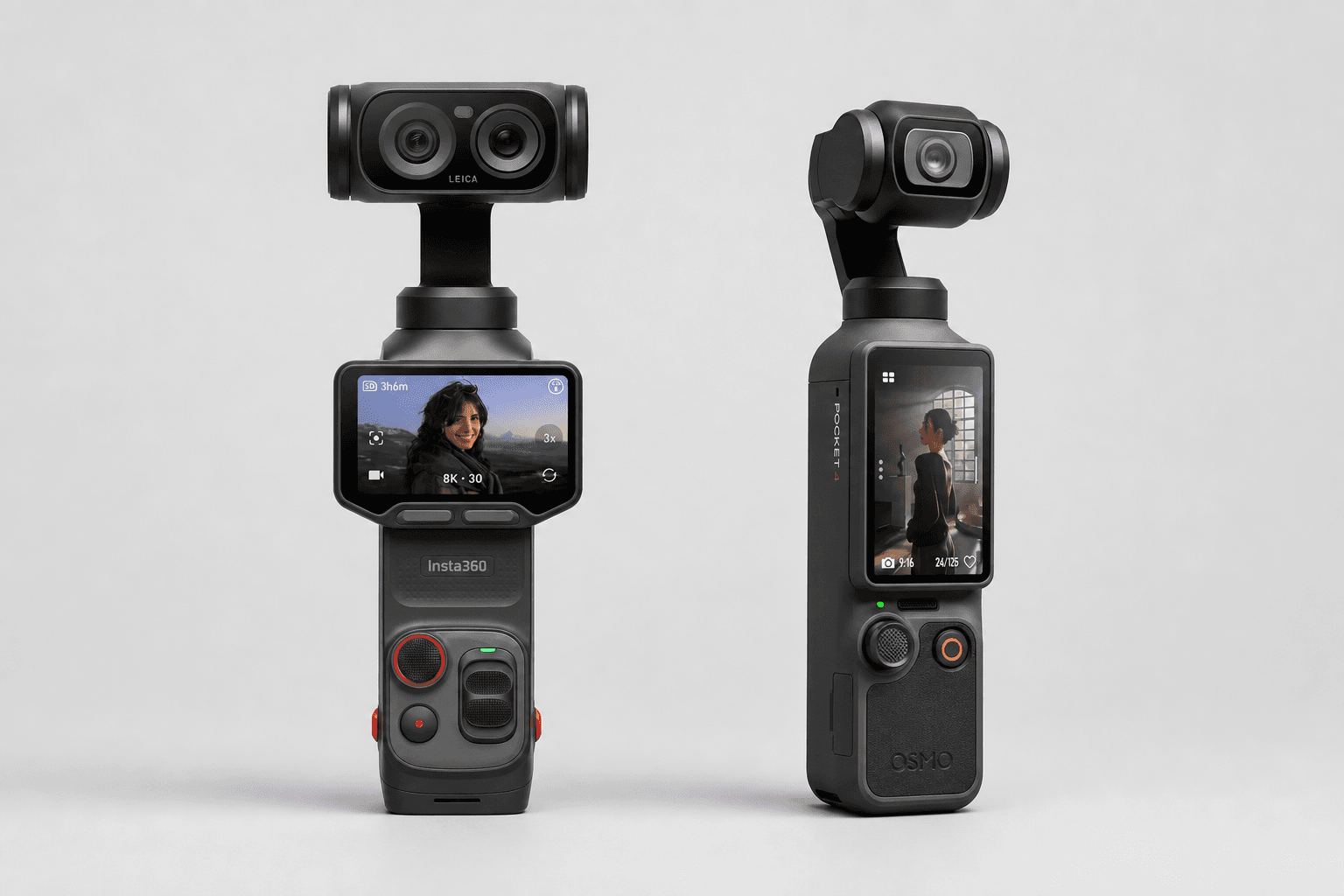
The Insta360 Luna Ultra is built for travel, walking commentary, quick vertical clips, and solo filming. The 20mm-equivalent main camera handles wide walk-and-talk framing, while the 60mm-equivalent tele camera adds details and portraits without a lens change. Its detachable screen can face the creator or work as a remote when the camera is placed across the room.
Best Premium Pocket Gimbal
Insta360 Luna Ultra
U.S. creators who want a current premium pocket gimbal with wide and tele framing in one camera.
Check price at Insta360Best Luna Companion
Insta360 Mic Air
Luna Ultra owners who want a small first wireless microphone for solo speech and walk-and-talk video.
Check price at AmazonStart with the camera and a UHS-I V30 microSD card. Use the built-in audio at close range, then add Mic Air when the camera moves farther away or the room gets noisy. Luna Ultra supports Mic Air over Bluetooth without a receiver. Move up to Mic Pro when onboard backup recording, timecode, or more directional pickup options justify the extra cost. The 47GB of internal storage is useful emergency capacity, but it is not a backup plan.
This is the premium choice, not the budget choice. It is also not an action camera: Insta360 states that Luna Ultra is not water-, dust-, or splash-resistant.
U.S. value pocket kit: DJI Osmo Pocket 3
The DJI Osmo Pocket 3 is now previous generation, but DJI still sells it in the U.S. It remains useful when its lower total price, direct DJI audio support, and established accessory ecosystem matter more than buying the latest model.
Best U.S. Value
DJI Osmo Pocket 3
U.S. buyers who want a proven, lower-cost pocket gimbal with official domestic retail support.
Check price at AmazonBest for Phones
DJI Mic Mini
Phone creators and beginners who want reliable wireless audio cheaply.
Check price at AmazonDo not mistake availability for current-generation status. DJI Osmo Pocket 4 is the current regular model in supported international markets. Compare it with Luna Ultra in Insta360 Luna Ultra vs DJI Osmo Pocket 4, then check the official sales and warranty region before importing anything.
Flexible mirrorless kit: Sony ZV-E10 II
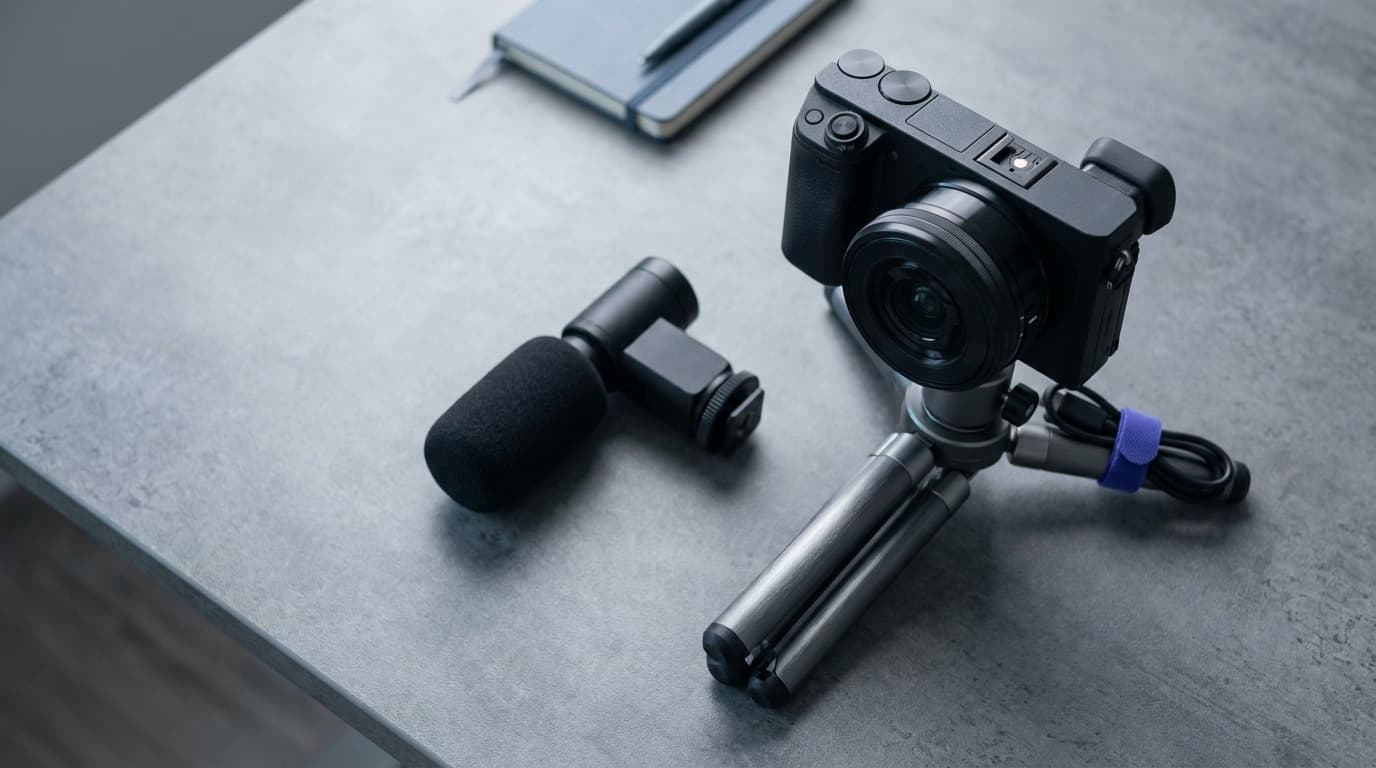
The Sony ZV-E10 II is the better base when you want lens choice, more low-light control, or still photos alongside video. Its vari-angle screen, face and eye autofocus, and creator controls work well for solo operation. It has no in-body stabilization, so walking footage needs a stabilized lens, careful technique, digital stabilization, or a gimbal.
Best for Vlogging
Sony ZV-E10 II
Vloggers and content creators who want interchangeable lenses without a viewfinder.
Check price at AmazonPair it with a wide lens for arm's-length framing, a small tripod for desk work, and a wireless microphone. The camera system gives you more control than a pocket gimbal, but it also adds decisions and weight.
For a less expensive mirrorless route, compare Canon EOS R50 V vs Sony ZV-E10 II. The older DJI Osmo Pocket 3 vs Sony ZV-E10 II comparison remains useful when Pocket 3 pricing is the reason it is still on your list.
Run-and-gun kit: add light and backup
Long interviews, paid work, and several locations in one day need redundancy. Plan for a microphone, enough card capacity, a light that can work away from a window, and a portable SSD for a second copy before cards are reused.
Best Overall
Samsung T7 Shield
Most shooters who want a tough, fast drive for offload and recording.
Check price at AmazonBest Soft Panel
Amaran P60c RGBWW Panel
Soft fill and background color in small spaces.
Check price at AmazonPut the light close enough to be soft and useful. Use the SSD to make a second copy, not as permission to format the only card immediately. The portable SSD guide and LED video light guide cover the deeper choices.
What storage does each pocket camera need?
Best microSD Card
SanDisk Extreme microSDXC 256GB
Pocket cameras, action cameras, and drones that record standard 4K to microSD.
Check price at Amazon| Camera | Built-in storage | Removable media | Practical note |
|---|---|---|---|
| Insta360 Luna Ultra | 47GB usable | microSD | Add a card for normal shooting and keep internal storage as overflow |
| DJI Osmo Pocket 4 | 107GB usable | microSD | Internal storage can cover a useful shoot without a card |
| DJI Osmo Pocket 3 | None | microSD | A card is required; U3/V30 is the practical baseline for common 4K modes |
| Sony ZV-E10 II | None | Full-size SDXC | Match the card speed to the selected bitrate |
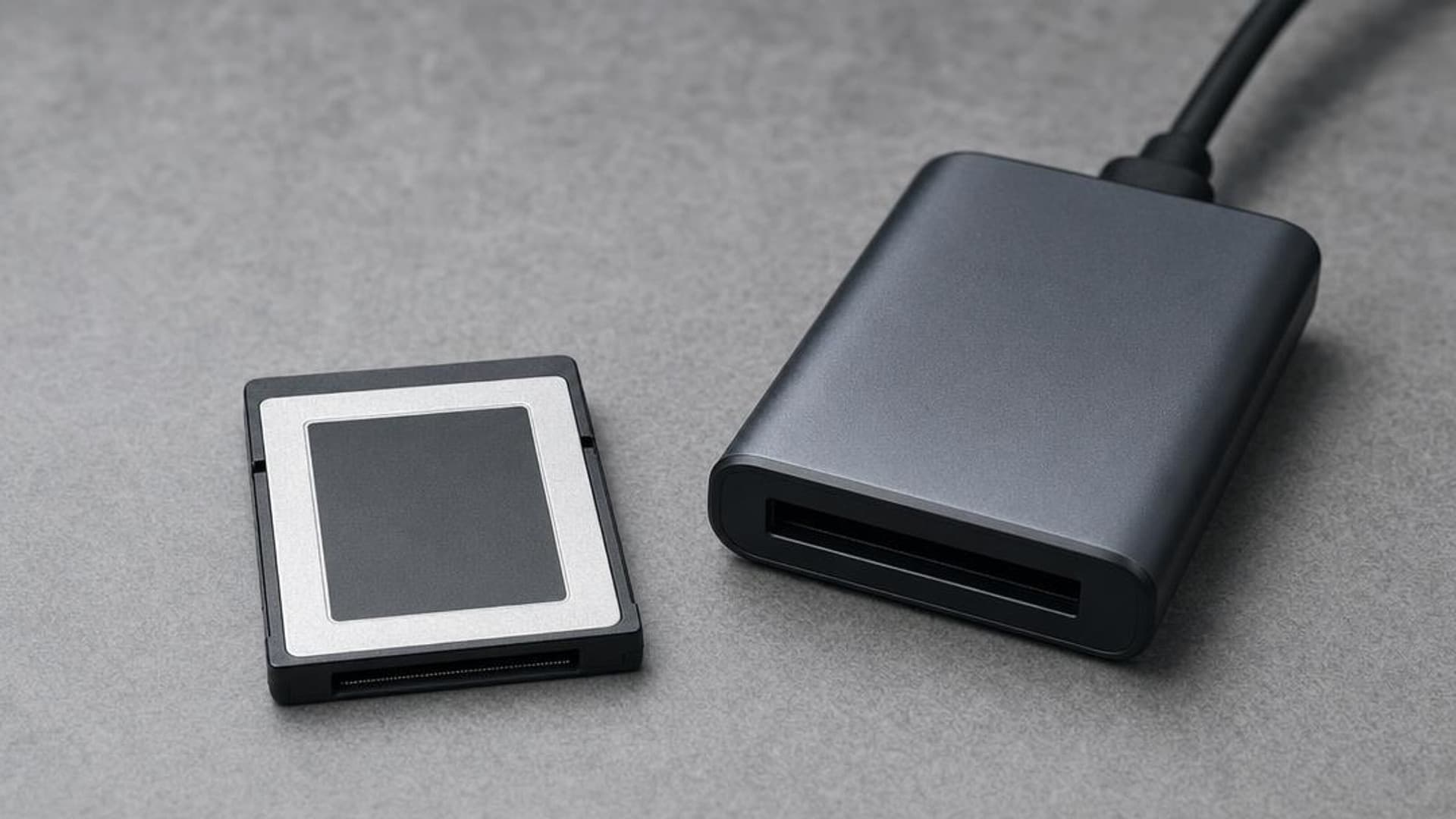
Do not buy from the read-speed number alone. Sustained write speed, card type, and the camera's approved media list matter more. After the shoot, copy the files to a second location before formatting the card. The memory card guide explains U3, V30, V60, V90, and CFexpress.
Do you need Log, RAW, or 10-bit?
Most new vloggers do not need RAW. A normal 10-bit profile is often the useful middle ground. Luna Ultra offers I-Log, Pocket 4 offers D-Log, Pocket 3 offers D-Log M, and the mirrorless cameras have their own profiles. Log can preserve grading room, but it also needs deliberate exposure and color correction.
Choose the format your editing habit can support. A ready-to-use profile is better than a flat Log file that never gets corrected. The codecs, formats, Log, and RAW guide separates the file wrapper, compression method, color profile, and bit depth.
What should you buy first?
- Choose the camera form factor: pocket gimbal, fixed-lens compact, or interchangeable-lens body.
- Fix the audio path for the distance between you and the camera.
- Add support for shots you cannot hold steadily.
- Add light only where available light fails.
- Add storage and a second copy before recording more often.
The Camera Gear Finder narrows the list by job and budget. The solo vlogging kit gives you a complete starting list.
What is the smallest current vlogging kit?
For a U.S. buyer, start with Insta360 Luna Ultra and a microSD card. Add a compatible wireless microphone only when the subject-to-camera distance or the room makes built-in audio unreliable.
Is DJI Osmo Pocket 3 still worth buying?
Yes, when it is priced as a previous-generation model and you value official U.S. retail support. It is no longer DJI's current regular Pocket model, so compare its real checkout price with newer options before buying.
Do I need a light for vlogging?
No. Start with a window or open shade. Add a small soft LED when the available light changes too much, the face falls into shadow, or you need to record after sunset.
How much should I spend on vlogging gear?
Set a total kit budget before choosing the body. Leave money for audio, support, storage, and backup so the camera does not consume the budget required to make it usable.
Sources: Insta360 Luna Ultra official specifications, Insta360 Luna Ultra recording specifications, Insta360 Luna Ultra microphone support, Insta360 Luna Ultra memory-card guidance, DJI Osmo Pocket 4 official announcement, DJI Osmo Pocket 4 support, DJI Osmo Pocket 3 specifications, Sony ZV-E10 II official specifications.
Compare picks
The short version
Use this to narrow the list before opening the detailed cards.
Scores weigh fit, owner sentiment, build, and value. Affiliate links do not change pick order. Methodology
Buying order
Start with the skip note. A good deal on the wrong camera is still the wrong camera.
Compare verdictsIf you already own lenses, check the system path before buying into a new mount.
Check systemsOnce the fit makes sense, compare current deals and retailer listings.
Check current dealsCamera system shortcut
If you already own one of these systems, keep the comparison inside that ecosystem before checking out.
Autofocus hybrid kits
Pocket video setups
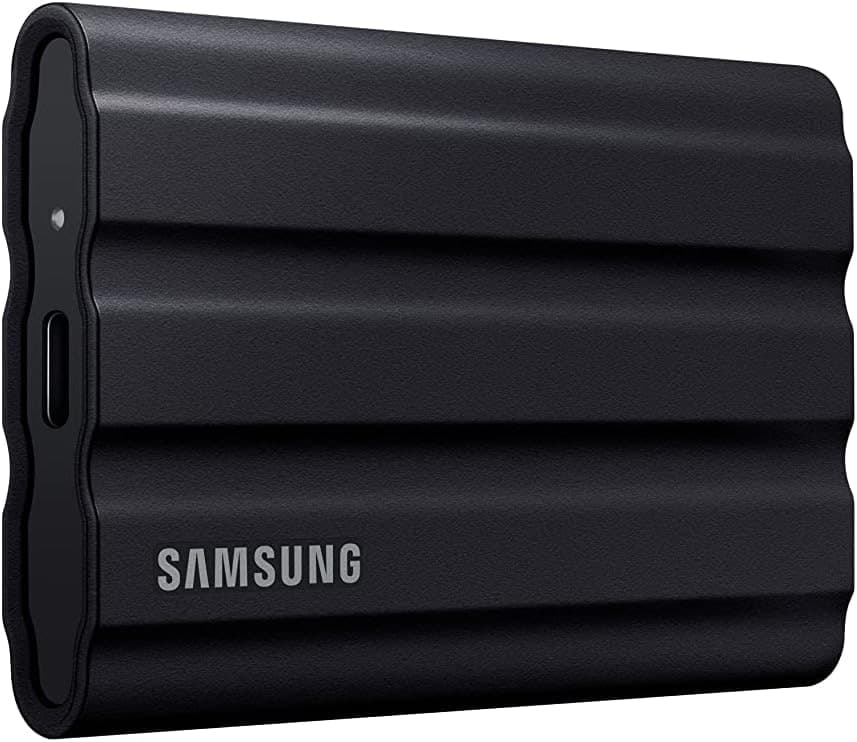
Most shooters who want a tough, fast drive for offload and recording.
Use the retailer for the current price after the tradeoff makes sense. Confirm capacity, sustained write speed, card class, and backup workflow.
Tradeoff: Fixed wide lens
Use the retailer for the current price after the tradeoff makes sense. Confirm lens mount, sensor format, battery, charger, and kit contents.
9.1/10 Aperture Score
Use the retailer for the current price after the tradeoff makes sense. Confirm lens mount, sensor format, battery, charger, and kit contents.
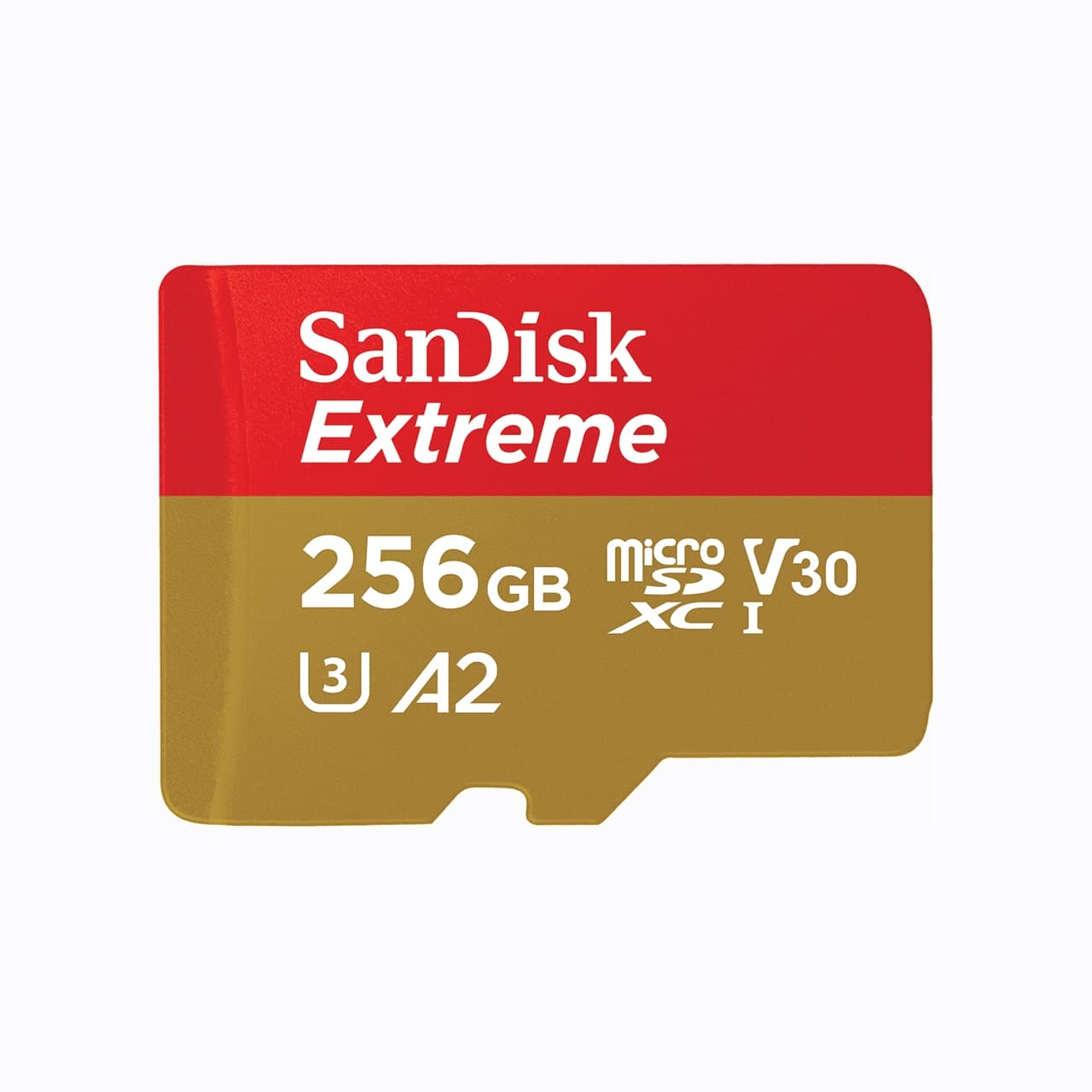
$22 - $35
Use the retailer for the current price after the tradeoff makes sense. Confirm capacity, sustained write speed, card class, and backup workflow.
Price ladder
The useful range here runs from $29 to $1,050. Start with the ceiling that matches the assignment.
- U.S. creators who want a current premium pocket gimbal with wide and tele framing in one camera.
- Two useful focal lengths
- Costs more than a Pocket 3
Use the retailer for the current price after the tradeoff makes sense. Confirm lens mount, sensor format, battery, charger, and kit contents.
- Luna Ultra owners who want a small first wireless microphone for solo speech and walk-and-talk video.
- Direct Luna Ultra connection
- No onboard backup recording
Use the retailer for the current price after the tradeoff makes sense. Confirm connector, recording format, power, and camera or phone compatibility.
- U.S. buyers who want a proven, lower-cost pocket gimbal with official domestic retail support.
- Real mechanical stabilization
- Fixed wide lens
Use the retailer for the current price after the tradeoff makes sense. Confirm lens mount, sensor format, battery, charger, and kit contents.
- Phone creators and beginners who want reliable wireless audio cheaply.
- Very small and light
- No on-board recording
Use the retailer for the current price after the tradeoff makes sense. Confirm connector, recording format, power, and camera or phone compatibility.
- Vloggers and content creators who want interchangeable lenses without a viewfinder.
- Sharp 26 MP sensor in a creator-friendly body
- No mechanical shutter, so rolling shutter shows in stills
Use the retailer for the current price after the tradeoff makes sense. Confirm lens mount, sensor format, battery, charger, and kit contents.
- Most shooters who want a tough, fast drive for offload and recording.
- Rugged and weather resistant
- Not the fastest for the heaviest codecs
Use the retailer for the current price after the tradeoff makes sense. Confirm capacity, sustained write speed, card class, and backup workflow.
- Soft fill and background color in small spaces.
- Soft light without a modifier
- Lower output than a COB
Use the retailer for the current price after the tradeoff makes sense. Confirm power, trigger compatibility, modifier mount, and whether the kit includes a stand.
- Pocket cameras, action cameras, and drones that record standard 4K to microSD.
- Fits microSD cameras
- Not for cameras that need V60, V90, or CFexpress
Use the retailer for the current price after the tradeoff makes sense. Confirm capacity, sustained write speed, card class, and backup workflow.
| Pick | Score | Price | Verdict | Action |
|---|---|---|---|---|
| Best Premium Pocket GimbalInsta360 Luna Ultra | 9.1
| $769 - $970 | U.S. creators who want a current premium pocket gimbal with wide and tele framing in one camera. Wins: Two useful focal lengths Skip: Costs more than a Pocket 3 | Check Insta360 · $769 - $970 Use the retailer for the current price after the tradeoff makes sense. Confirm lens mount, sensor format, battery, charger, and kit contents. |
| Best Luna CompanionInsta360 Mic Air | 8.5
| $68 transmitter / $96 kit | Luna Ultra owners who want a small first wireless microphone for solo speech and walk-and-talk video. Wins: Direct Luna Ultra connection Skip: No onboard backup recording | Check Amazon · $68 transmitter / $96 kit Use the retailer for the current price after the tradeoff makes sense. Confirm connector, recording format, power, and camera or phone compatibility. |
| Best U.S. ValueDJI Osmo Pocket 3 | 9.0
| $499 - $669 | U.S. buyers who want a proven, lower-cost pocket gimbal with official domestic retail support. Wins: Real mechanical stabilization Skip: Fixed wide lens | Check Amazon · $499 - $669 Use the retailer for the current price after the tradeoff makes sense. Confirm lens mount, sensor format, battery, charger, and kit contents. |
| Best for PhonesDJI Mic Mini | 8.5
| $149 - $189 | Phone creators and beginners who want reliable wireless audio cheaply. Wins: Very small and light Skip: No on-board recording | Check Amazon · $149 - $189 Use the retailer for the current price after the tradeoff makes sense. Confirm connector, recording format, power, and camera or phone compatibility. |
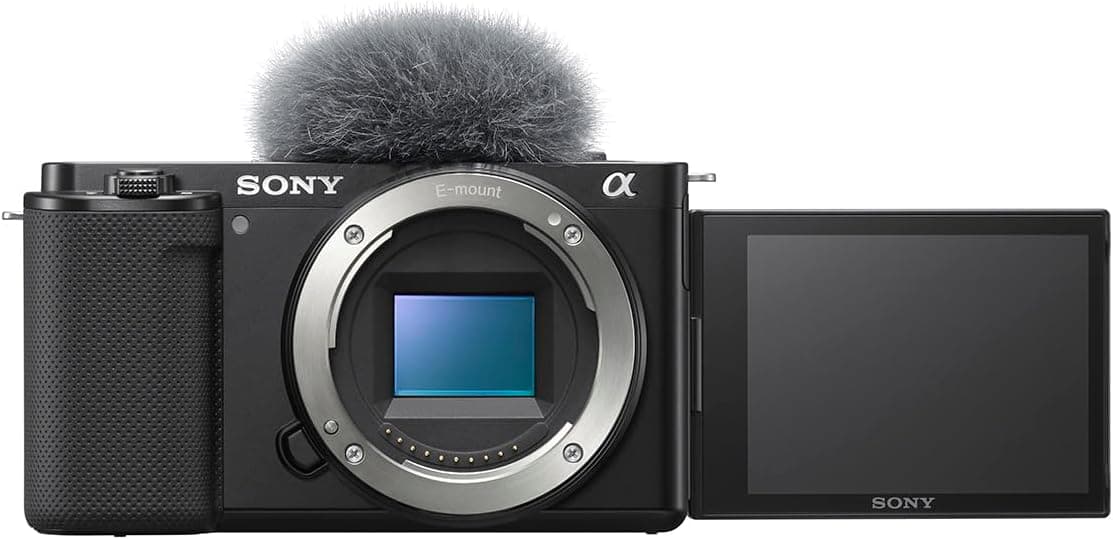 Best for VloggingSony ZV-E10 II Best for VloggingSony ZV-E10 II | 8.4
| $1,000 - $1,100 | Vloggers and content creators who want interchangeable lenses without a viewfinder. Wins: Sharp 26 MP sensor in a creator-friendly body Skip: No mechanical shutter, so rolling shutter shows in stills | Check Amazon · $1,000 - $1,100 Use the retailer for the current price after the tradeoff makes sense. Confirm lens mount, sensor format, battery, charger, and kit contents. |
| Best OverallSamsung T7 Shield | 9.0
| $99 - $179 | Most shooters who want a tough, fast drive for offload and recording. Wins: Rugged and weather resistant Skip: Not the fastest for the heaviest codecs | Check Amazon · $99 - $179 Use the retailer for the current price after the tradeoff makes sense. Confirm capacity, sustained write speed, card class, and backup workflow. |
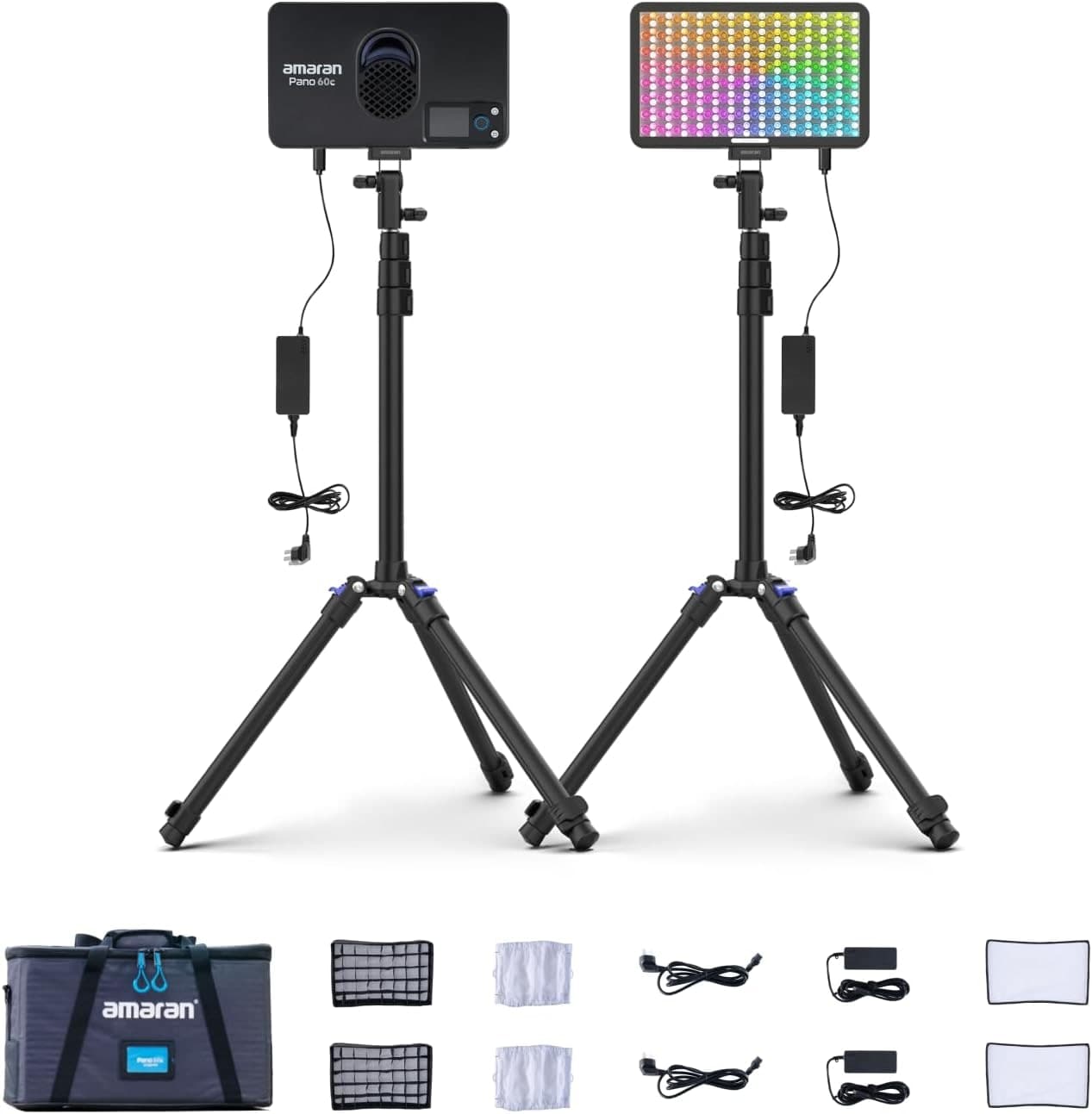 Best Soft PanelAmaran P60c RGBWW Panel Best Soft PanelAmaran P60c RGBWW Panel | 8.7
| $199 - $249 | Soft fill and background color in small spaces. Wins: Soft light without a modifier Skip: Lower output than a COB | Check Amazon · $199 - $249 Use the retailer for the current price after the tradeoff makes sense. Confirm power, trigger compatibility, modifier mount, and whether the kit includes a stand. |
| Best microSD CardSanDisk Extreme microSDXC 256GB | 8.8
| $22 - $35 | Pocket cameras, action cameras, and drones that record standard 4K to microSD. Wins: Fits microSD cameras Skip: Not for cameras that need V60, V90, or CFexpress | Check Amazon · $22 - $35 Use the retailer for the current price after the tradeoff makes sense. Confirm capacity, sustained write speed, card class, and backup workflow. |
Shoot kits
Buy around the job, not the spec sheet
Creator kit
Solo vlogging kit
$1,243
A stabilized pocket camera, clean wireless audio, fast media, a backup drive, and a small light for one-person video.
Best low-friction creator kit
Buy order: start with the first piece that makes the job possible, then add the support pieces that remove friction.
Camera: start here. If this piece does not make the shoot easier, the rest of the kit can wait.
Light: add it after the core setup proves useful.
Insta360 Luna Ultra
Wide and tele framing, mechanical stabilization, and a detachable screen without a full camera rig.
Insta360 Mic Air
Pairs directly with Luna Ultra for clearer speech without hanging a receiver from the camera.
SanDisk Extreme microSDXC 256GB
Pocket gimbals and action cameras use microSD, not a full-size SD card.
Samsung T7 Shield
A rugged pocket SSD for offloading footage before a card gets reused.
Amaran P60c RGBWW Panel
Soft, controllable fill for talking-head clips, product details, and ugly rooms.
Prices are rough catalog totals. Retailer prices change, and you can swap pieces to fit your system.
Related Gear guides
Insta360 Luna Ultra vs DJI Osmo Pocket 4: Which Pocket Gimbal Should You Buy?
Compare Luna Ultra and DJI Pocket 4 by lenses, video, Log formats, storage, U.S. availability, and the filming jobs each pocket gimbal handles best.
CFexpress 4.0 and VPG Explained: Buy the Card Your Camera Needs
CFexpress 4.0 doubles theoretical bandwidth, while VPG certifies sustained video writes. Learn Type A vs B, VPG classes, and when 4.0 is worth paying for.
Focal Length Explained: What 24mm, 50mm, 85mm, and 200mm Actually Do
What the millimeter number on a lens changes in the field: angle of view, compression, and working distance. When to reach for 24, 50, 85, or 200mm.
Canon EOS R50 V vs Sony ZV-E10 II: Which Beginner Vlogging Camera Should You Buy?
Canon EOS R50 V is the easier beginner creator kit. Sony ZV-E10 II is the deeper lens-system pick. Compare the practical tradeoffs.
Researched, not personally tested: picks compare specifications, available owner feedback, and established expert sources. As an Amazon Associate I earn from qualifying purchases. We may earn a commission from links here, at no extra cost to you. How we research →