We may earn a commission from links on this page, at no extra cost to you. Picks are researched, not sponsored.
A memory card has one job: keep up with your camera without dropping a frame or stalling the buffer. The hard part is that the rating system has three overlapping layers, and the fastest card in the store does nothing if it is the wrong physical format. Buy for the slot you have, then for the bitrate you record.
How to choose
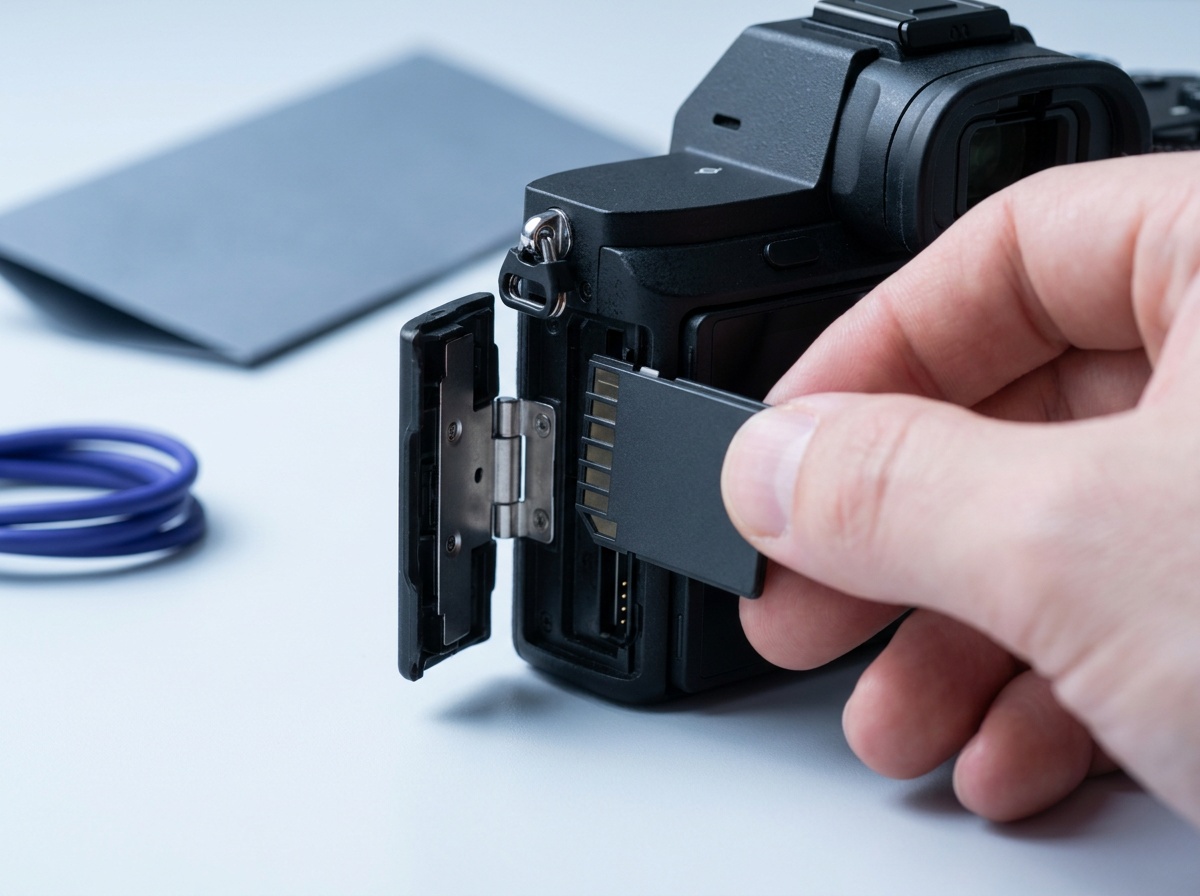
Start with the slot. Full-size SD cards come in UHS-I (older, slower, very common) and UHS-II (a second row of pins, much faster, only full speed in a UHS-II slot). microSD is the tiny card used by pocket gimbals, action cameras, drones, and some compact bodies. CFexpress Type B is a separate format entirely, found on higher-end hybrid and pro bodies, and far faster than any SD card. A CFexpress card will not fit an SD slot, a microSD card needs an adapter for full-size SD slots, and a UHS-II card runs at UHS-I speed in a UHS-I body, so check your manual before anything else.
Then read the V rating, which is the number that actually matters for video. It is the minimum sustained write speed: V30 sustains 30 MB/s and covers standard 4K, while V60 and V90 sustain 60 and 90 MB/s for high-bitrate 4K, 6K, and 8K. CFexpress uses a separate Video Performance Guarantee system. The CFexpress 4.0 and VPG guide explains VPG200 through VPG1600 and the counterintuitive profile compatibility rule. Ignore the big read-speed number on the label for video; a card can read at 200 MB/s and still stutter if its sustained write falls below your bitrate. For stills, write speed decides how fast a burst clears the buffer, and read speed decides how fast you offload to a computer. Capacity is the last call: bigger cards hold more, but spreading a shoot across two smaller cards limits what one failure can lose.
Which card fits your creator camera?
If you are building a vlogging kit, start here before opening retailer tabs.
| Camera path | Card type | First pick |
|---|---|---|
| Insta360 Luna Ultra | microSD UHS-I V30, up to 1TB | SanDisk Extreme microSDXC 256GB |
| DJI Osmo Pocket 4 | microSD, plus 107GB internal | SanDisk Extreme microSDXC 256GB |
| DJI Osmo Pocket 3 | microSD UHS-I U3 V30 | SanDisk Extreme microSDXC 256GB |
| GoPro, Insta360, DJI action cameras | microSD UHS-I U3 V30 | SanDisk Extreme microSDXC 256GB |
| Sony ZV-E10 II | Full-size SDXC UHS-I U3 V30 for standard 4K | SanDisk Extreme Pro SDXC 128GB |
| Canon EOS R50 V | Full-size SDXC UHS-I U3 V30 for standard 4K | SanDisk Extreme Pro SDXC 128GB |
| High-bitrate UHS-II bodies | Full-size SDXC UHS-II V60 or V90 | Sony TOUGH-G UHS-II SDXC 128GB |
| CFexpress Type B bodies | CFexpress Type B | Lexar Professional CFexpress Type B 128GB |
For the camera decision, use best vlogging cameras, Insta360 Luna Ultra vs DJI Osmo Pocket 4, DJI Osmo Pocket 3 vs Sony ZV-E10 II, or Canon EOS R50 V vs Sony ZV-E10 II. Once the card is handled, finish the rest of the kit with microphones for video, small video lights, and the Gear Finder.
The picks
Best microSD Card
SanDisk Extreme microSDXC 256GB
Pocket cameras, action cameras, and drones that record standard 4K to microSD.
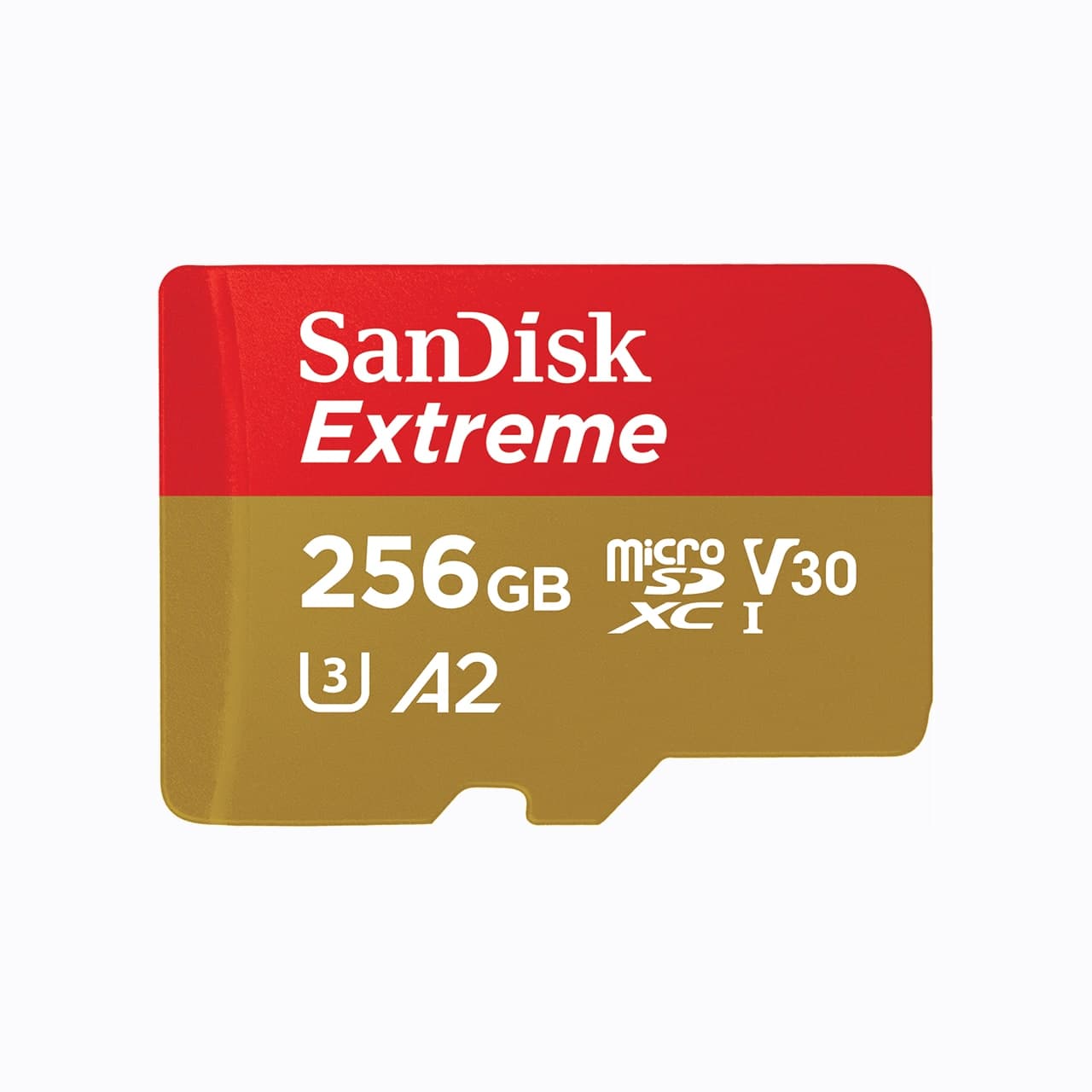
Check price at AmazonThe SanDisk Extreme microSDXC 256GB is the practical card for Luna Ultra, the Pocket series, action cameras, and drones. The U3 V30 rating meets Insta360's stated Luna Ultra requirement and covers common 4K recording, 256GB gives you useful travel capacity, and the SD adapter in common kits makes offload easier. It is not the card for cameras that demand V60, V90, or CFexpress, but it fixes the biggest mistake: buying a full-size SD card for a microSD camera.
Best SD Card
SanDisk Extreme Pro SDXC 128GB
Most enthusiasts shooting stills and standard 4K.
Check price at AmazonThe SanDisk Extreme Pro 128GB is the card to get if you shoot stills and standard 4K on a typical mirrorless or DSLR body. The V30 rating covers common 4K recording, the read speed is quick for offloading, and the price per gigabyte is hard to beat. The UHS-I ceiling is the limit, so high-bitrate cameras will outrun it, but for most people this is the sensible default.
Research pick
Sony TOUGH-G UHS-II SDXC 128GB
Sports and high-bitrate video shooters with UHS-II bodies.
Check price at AmazonThe Sony TOUGH-G UHS-II 128GB is the pick when you have a UHS-II slot and you push it: long burst sequences for sports, or high-bitrate 4K and above. The V90 rating clears the buffer fast and sustains demanding video, and the ribless monoblock body resists the bending and water that kill standard cards. It costs more than UHS-I, and you need a UHS-II slot to see the full speed, but for fast work it earns the premium.
Research pick
Lexar Professional CFexpress Type B 128GB Gold
Hybrid shooters on bodies that require CFexpress Type B.
Check price at AmazonThe Lexar Professional CFexpress Type B 128GB is the value entry for bodies that require CFexpress. Sustained write speeds sit far above any SD card, which is what RAW video and rapid stills bursts need, and it offloads quickly with a Type B reader. This is the one for hybrid shooters who hit a Type B slot and want capable storage without the cinema-card price.
Research pick
ProGrade Digital Dual-Slot CFexpress Type B and SD UHS-II Reader
Shooters mixing CFexpress Type B and SD who want quick offloads.
Check price at AmazonThe ProGrade Digital Dual-Slot Reader is the offload partner for a mixed kit. It reads CFexpress Type B and SD UHS-II over a fast USB 3.2 Gen 2 connection, both slots at once, so a shoot that fills both card types comes off the cards quickly. A fast card is only as useful as the reader behind it, and this one keeps the bottleneck out of your import.
Common mistakes
The first is buying a UHS-II card for a UHS-I body and expecting the rated speed; the second row of pins does nothing without a matching slot. The second is ignoring the V rating and finding a card cannot sustain your video bitrate, which shows up as a mid-record stop. The third is running one giant card for an entire job: a single point of failure loses everything. Two mid-size cards and a habit of offloading to a fast drive is cheaper insurance than recovery software.
Speed ratings tie directly to how you set the camera, so it helps to understand how shutter speed and motion drive your burst and frame rates, and how the rest of your kit fits together in our video camera guide. For shooters filling cards fast, the product photography workflow leans on quick offloads between setups.
What is the difference between UHS-I and UHS-II?
UHS-II adds a second row of pins for much faster transfer. A UHS-II card only reaches its rated speed in a UHS-II slot; in a UHS-I body it drops to UHS-I speeds. Check your camera before paying for UHS-II.
Do I need CFexpress, or is SD enough?
You need CFexpress only if your camera has a CFexpress slot and requires it for certain formats, usually RAW or high-bitrate video. If your body takes SD and you shoot stills and standard 4K, a good UHS-I or UHS-II SD card is enough.
What does the V rating mean?
The V rating is the minimum sustained write speed in MB/s. V30 covers standard 4K, V60 and V90 cover high-bitrate 4K and beyond. For video, the V rating matters more than the headline read speed.
Is one large card or two smaller cards better?
Two smaller cards spread the risk: a single card failure on a long shoot loses everything stored on it. Unless you genuinely need a single huge card, splitting capacity is cheaper insurance.
Sources: Insta360 Luna Ultra storage and memory-card guidance, DJI Osmo Pocket 4 support, DJI Osmo Pocket 3 specifications.
Compare picks
The short version
Use this to narrow the list before opening the detailed cards.
Scores weigh fit, owner sentiment, build, and value. Affiliate links do not change pick order. Methodology
Buying order
Start with the skip note. A good deal on the wrong camera is still the wrong camera.
Compare verdictsIf you already own lenses, check the system path before buying into a new mount.
Check systemsOnce the fit makes sense, compare current deals and retailer listings.
Check current dealsCamera system shortcut
If you already own one of these systems, keep the comparison inside that ecosystem before checking out.
Autofocus hybrid kits
Pocket cameras, action cameras, and drones that record standard 4K to microSD.
Use the retailer for the current price after the tradeoff makes sense. Confirm capacity, sustained write speed, card class, and backup workflow.
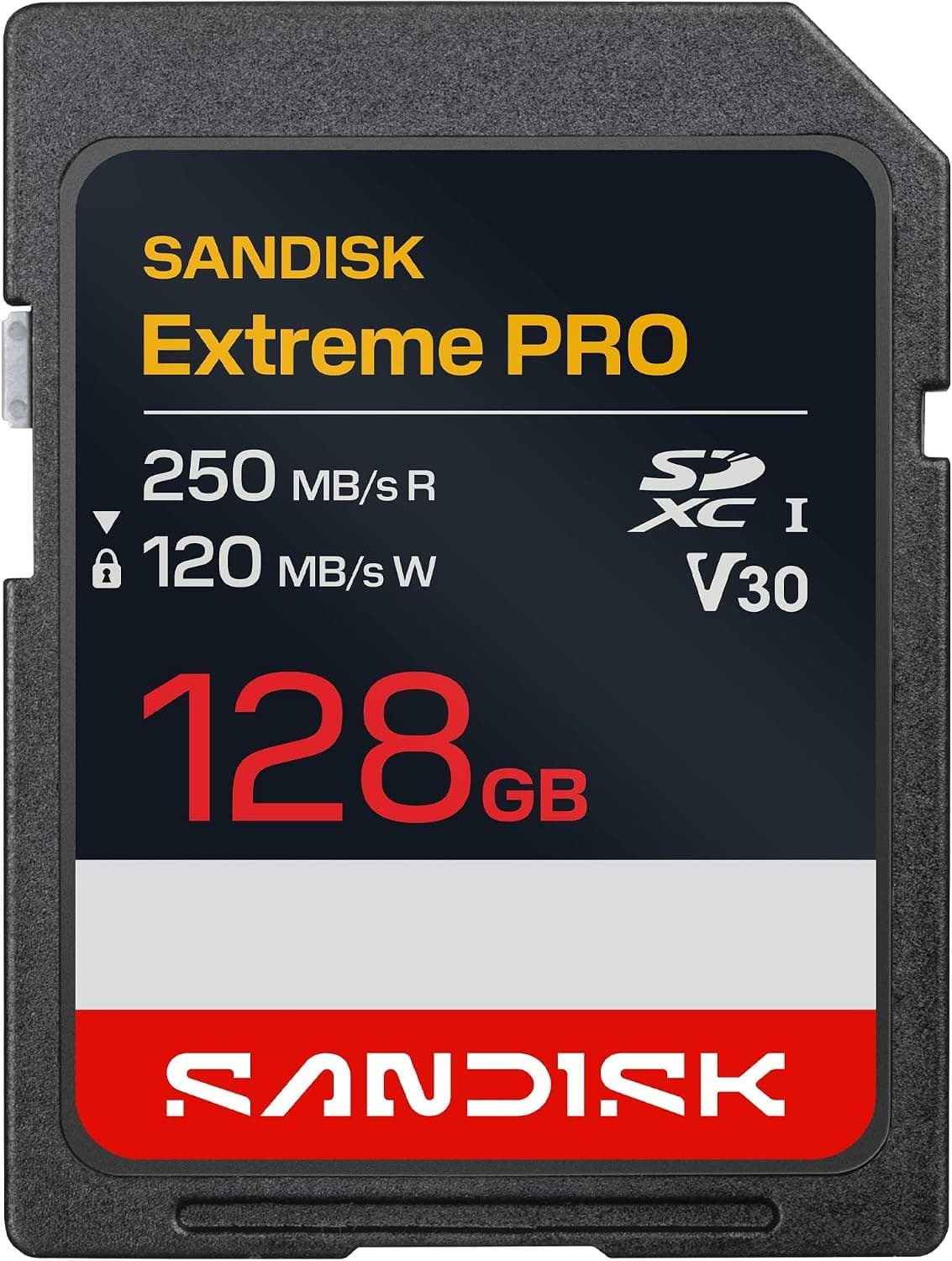
Tradeoff: UHS-I ceiling limits high-bitrate cameras
Use the retailer for the current price after the tradeoff makes sense. Confirm capacity, sustained write speed, card class, and backup workflow.
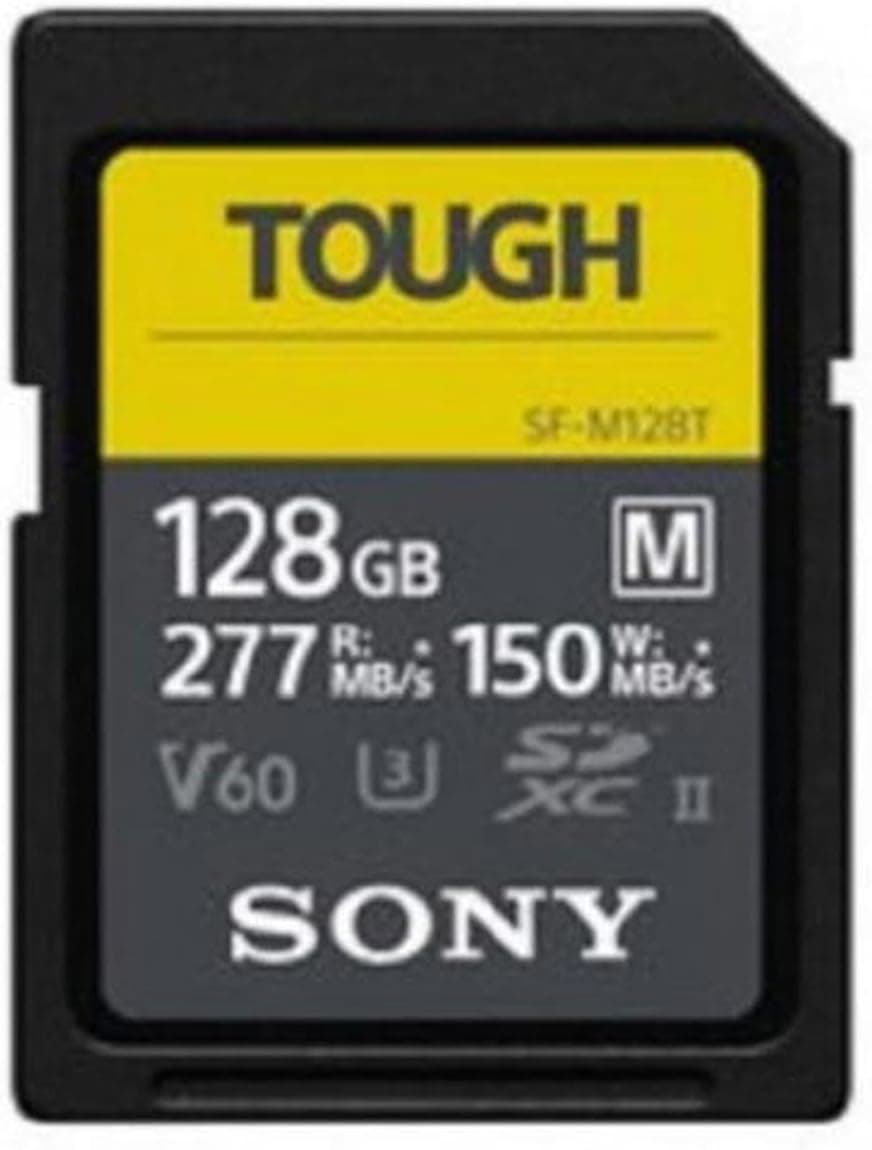
Sports and high-bitrate video shooters with UHS-II bodies.
Use the retailer for the current price after the tradeoff makes sense. Confirm capacity, sustained write speed, card class, and backup workflow.
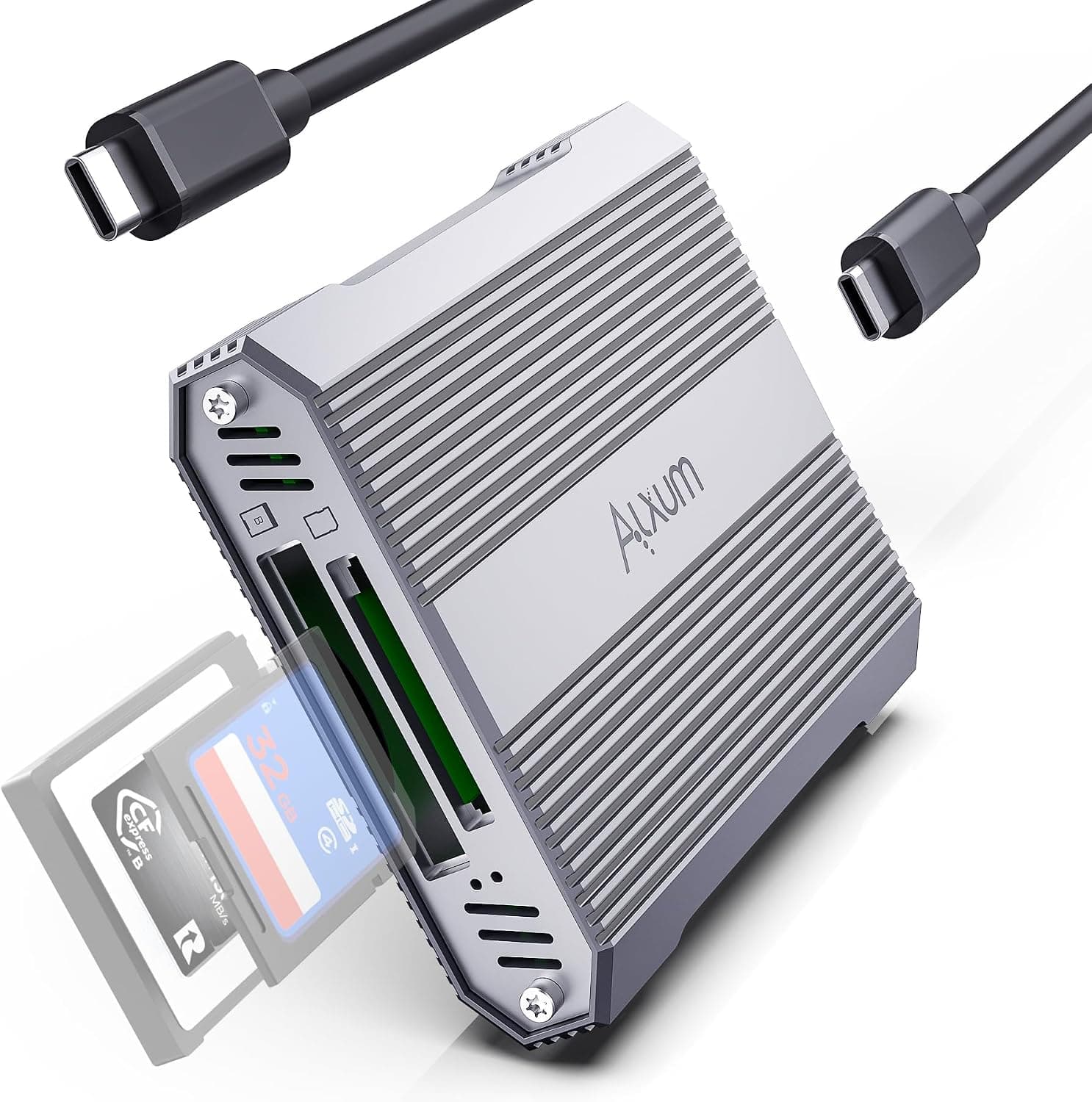
Shooters mixing CFexpress Type B and SD who want quick offloads.
Use the retailer for the current price after the tradeoff makes sense. Confirm capacity, sustained write speed, card class, and backup workflow.
Price ladder
The useful range here runs from $53 to $334. Start with the ceiling that matches the assignment.
- Pocket cameras, action cameras, and drones that record standard 4K to microSD.
- Fits microSD cameras
- Not for cameras that need V60, V90, or CFexpress
Use the retailer for the current price after the tradeoff makes sense. Confirm capacity, sustained write speed, card class, and backup workflow.
- Most enthusiasts shooting stills and standard 4K.
- Fast UHS-I read speeds
- UHS-I ceiling limits high-bitrate cameras
Use the retailer for the current price after the tradeoff makes sense. Confirm capacity, sustained write speed, card class, and backup workflow.
- Sports and high-bitrate video shooters with UHS-II bodies.
- High UHS-II write speeds
- Costs more than UHS-I
Use the retailer for the current price after the tradeoff makes sense. Confirm capacity, sustained write speed, card class, and backup workflow.
- Hybrid shooters on bodies that require CFexpress Type B.
- Very high sustained writes
- Only for CFexpress Type B slots
Use the retailer for the current price after the tradeoff makes sense. Confirm capacity, sustained write speed, card class, and backup workflow.
- Shooters mixing CFexpress Type B and SD who want quick offloads.
- Fast 10 Gbps interface
- No CFexpress Type A support
Use the retailer for the current price after the tradeoff makes sense. Confirm capacity, sustained write speed, card class, and backup workflow.
| Pick | Score | Price | Verdict | Action |
|---|---|---|---|---|
| Best microSD CardSanDisk Extreme microSDXC 256GB | 8.8
| Price varies by seller | Pocket cameras, action cameras, and drones that record standard 4K to microSD. Wins: Fits microSD cameras Skip: Not for cameras that need V60, V90, or CFexpress | Check Amazon · Price varies by seller Use the retailer for the current price after the tradeoff makes sense. Confirm capacity, sustained write speed, card class, and backup workflow. |
| Best SD CardSanDisk Extreme Pro SDXC 128GB | 9.0
| $48 - $58 | Most enthusiasts shooting stills and standard 4K. Wins: Fast UHS-I read speeds Skip: UHS-I ceiling limits high-bitrate cameras | Check Amazon · $48 - $58 Use the retailer for the current price after the tradeoff makes sense. Confirm capacity, sustained write speed, card class, and backup workflow. |
| PickSony TOUGH-G UHS-II SDXC 128GB | 8.9
| Price varies by seller | Sports and high-bitrate video shooters with UHS-II bodies. Wins: High UHS-II write speeds Skip: Costs more than UHS-I | Check Amazon · Price varies by seller Use the retailer for the current price after the tradeoff makes sense. Confirm capacity, sustained write speed, card class, and backup workflow. |
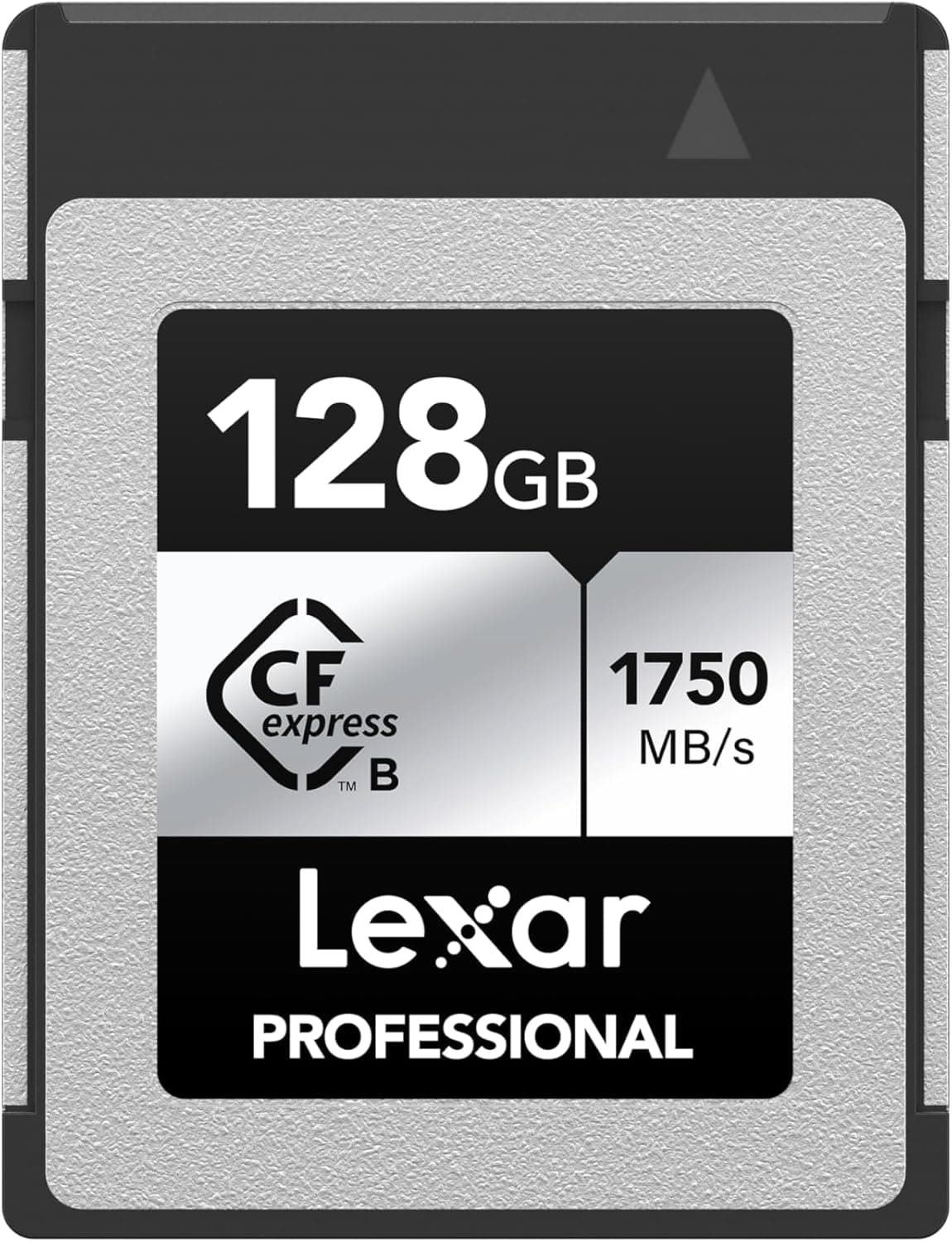 PickLexar Professional CFexpress Type B 128GB Gold PickLexar Professional CFexpress Type B 128GB Gold | 8.8
| $195 - $225 | Hybrid shooters on bodies that require CFexpress Type B. Wins: Very high sustained writes Skip: Only for CFexpress Type B slots | Check Amazon · $195 - $225 Use the retailer for the current price after the tradeoff makes sense. Confirm capacity, sustained write speed, card class, and backup workflow. |
| PickProGrade Digital Dual-Slot CFexpress Type B and SD UHS-II Reader | 8.9
| $70 - $95 | Shooters mixing CFexpress Type B and SD who want quick offloads. Wins: Fast 10 Gbps interface Skip: No CFexpress Type A support | Check Amazon · $70 - $95 Use the retailer for the current price after the tradeoff makes sense. Confirm capacity, sustained write speed, card class, and backup workflow. |
Shoot kits
Buy around the job, not the spec sheet
Creator kit
Solo vlogging kit
$1,286
A stabilized pocket camera, clean wireless audio, fast media, a backup drive, and a small light for one-person video.
Best low-friction creator kit
Buy order: start with the first piece that makes the job possible, then add the support pieces that remove friction.
Camera: start here. If this piece does not make the shoot easier, the rest of the kit can wait.
Light: add it after the core setup proves useful.
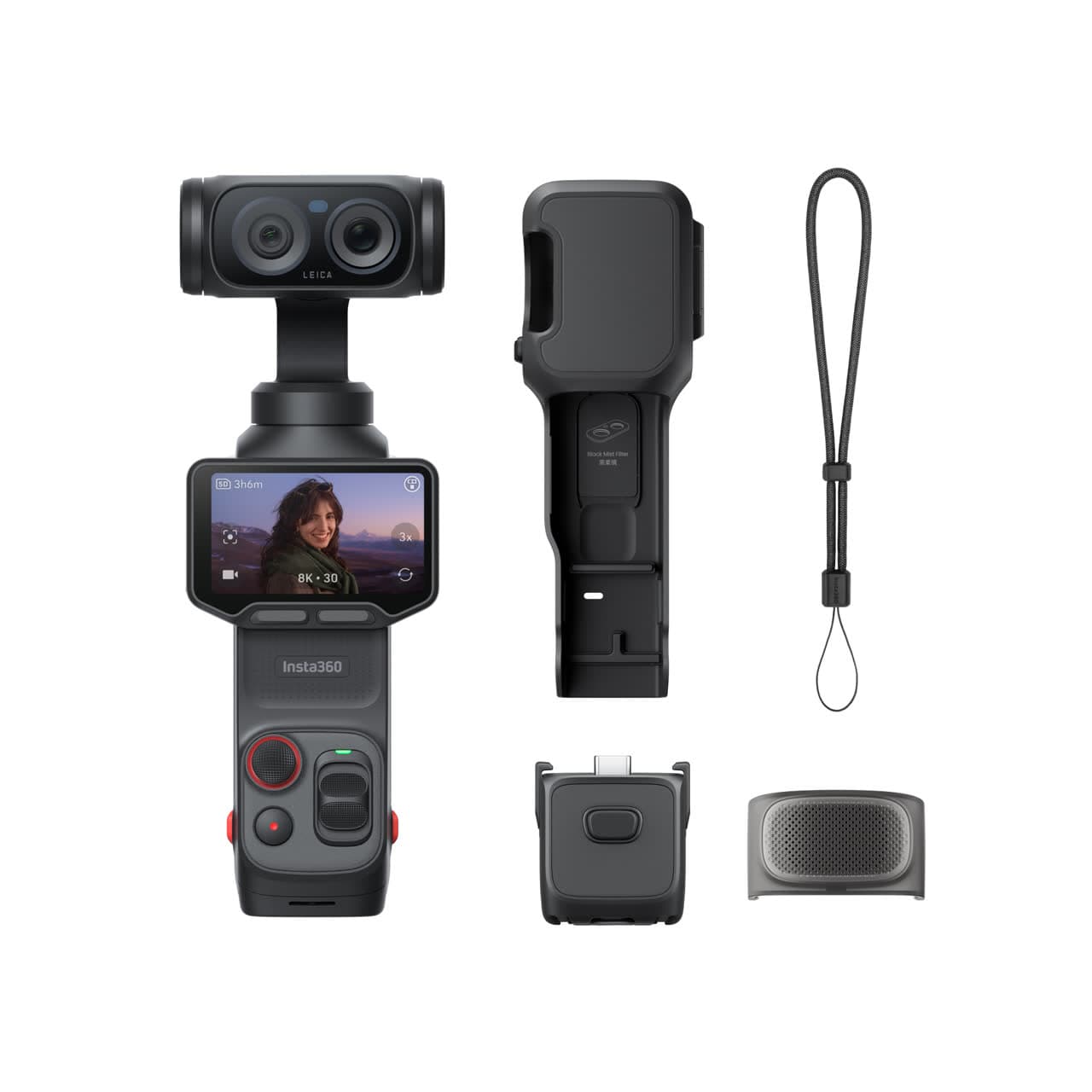
Insta360 Luna Ultra
Wide and tele framing, mechanical stabilization, and a detachable screen without a full camera rig.
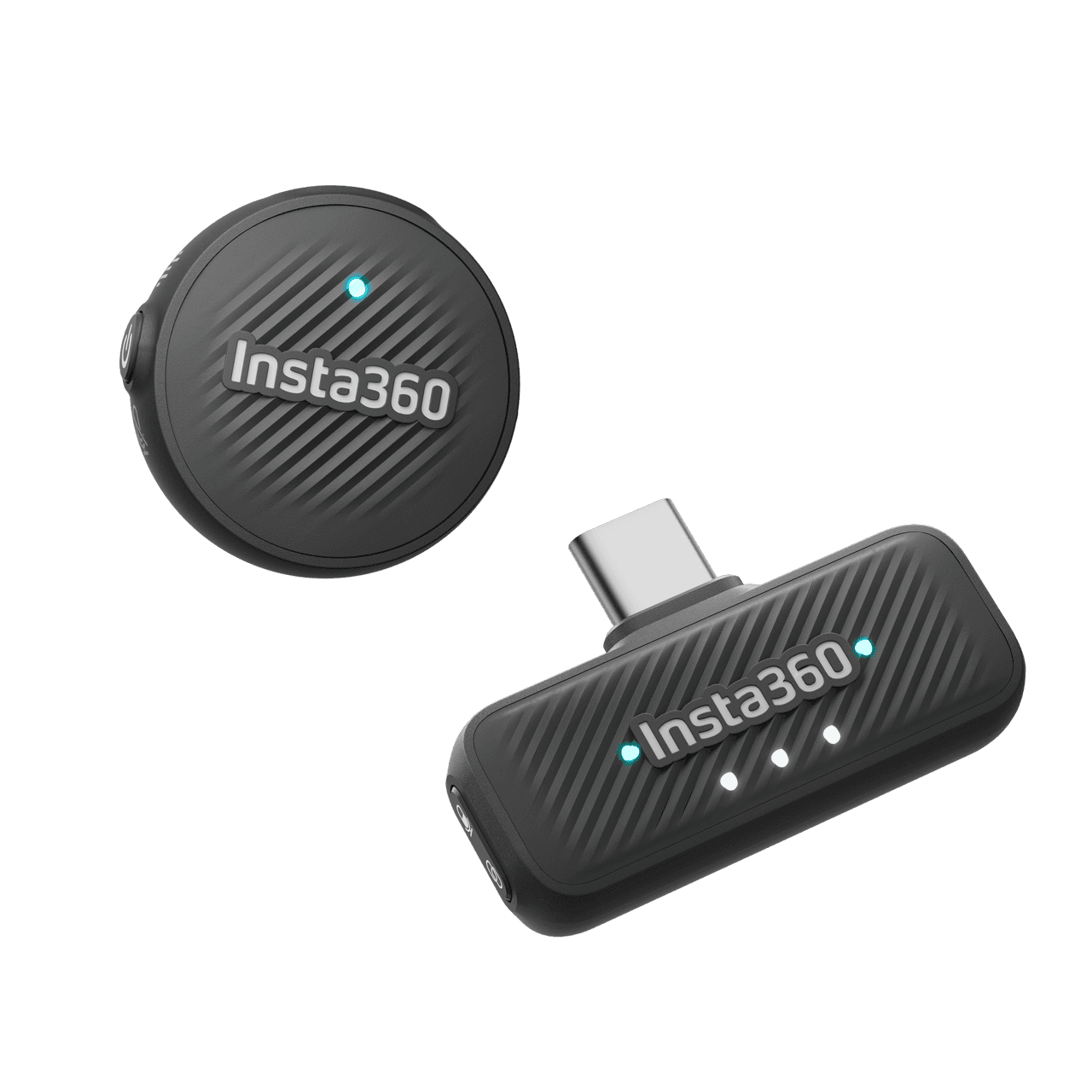
Insta360 Mic Air
Pairs directly with Luna Ultra for clearer speech without hanging a receiver from the camera.
SanDisk Extreme microSDXC 256GB
Pocket gimbals and action cameras use microSD, not a full-size SD card.
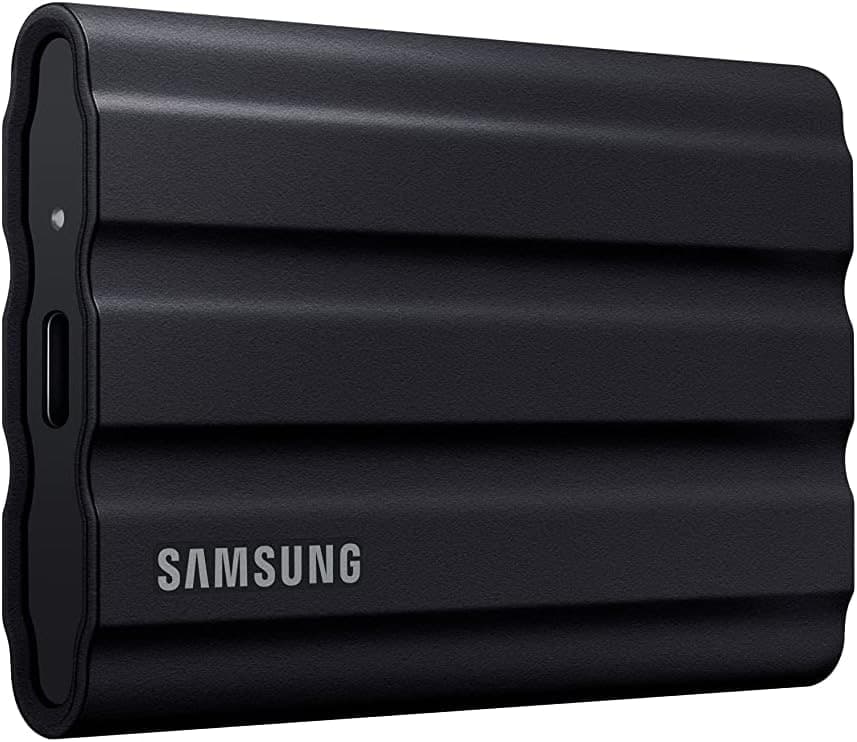
Samsung T7 Shield
A rugged pocket SSD for offloading footage before a card gets reused.
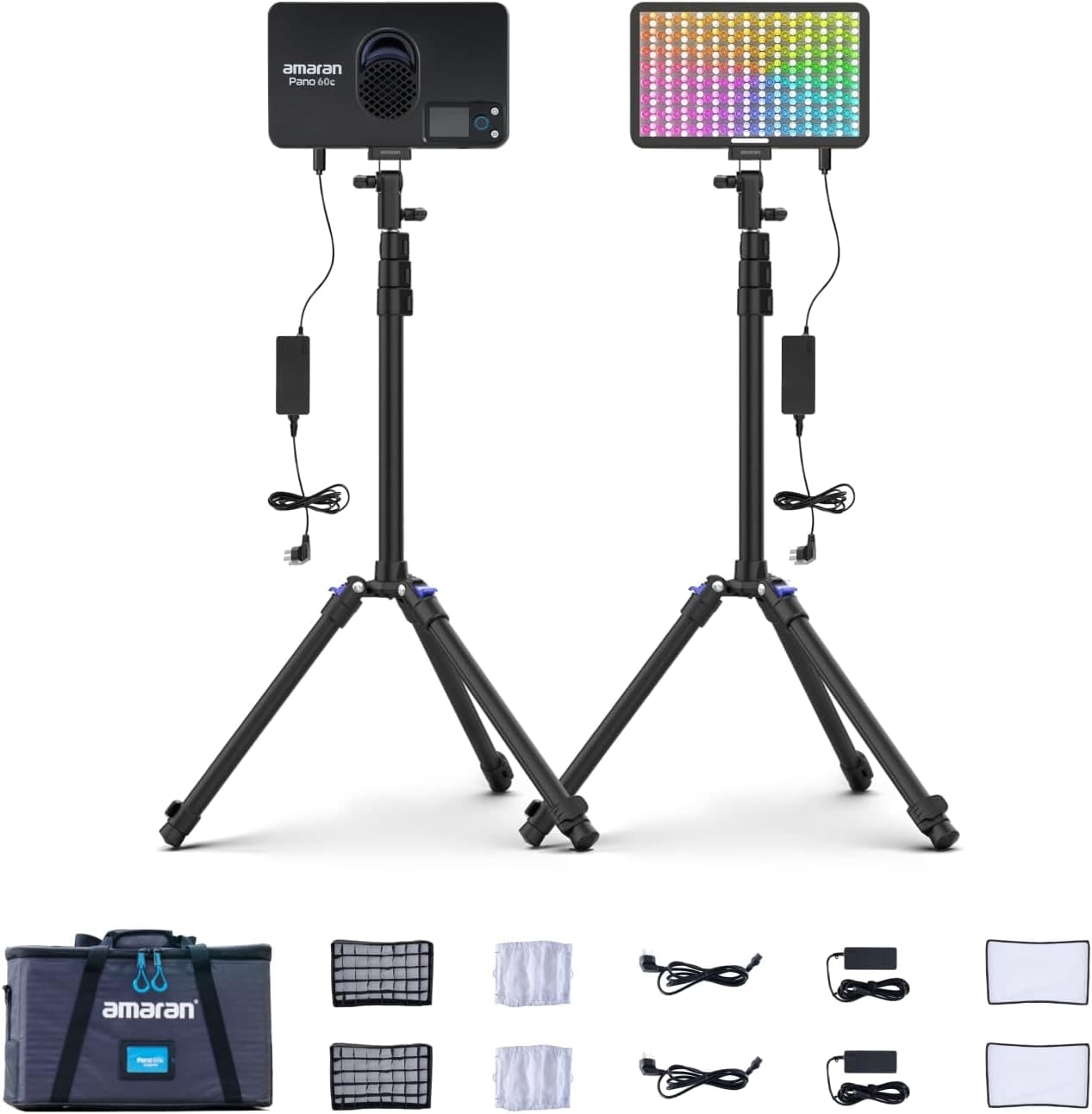
Amaran P60c RGBWW Panel
Soft, controllable fill for talking-head clips, product details, and ugly rooms.
Prices are rough catalog totals. Retailer prices change, and you can swap pieces to fit your system.
Related Gear guides
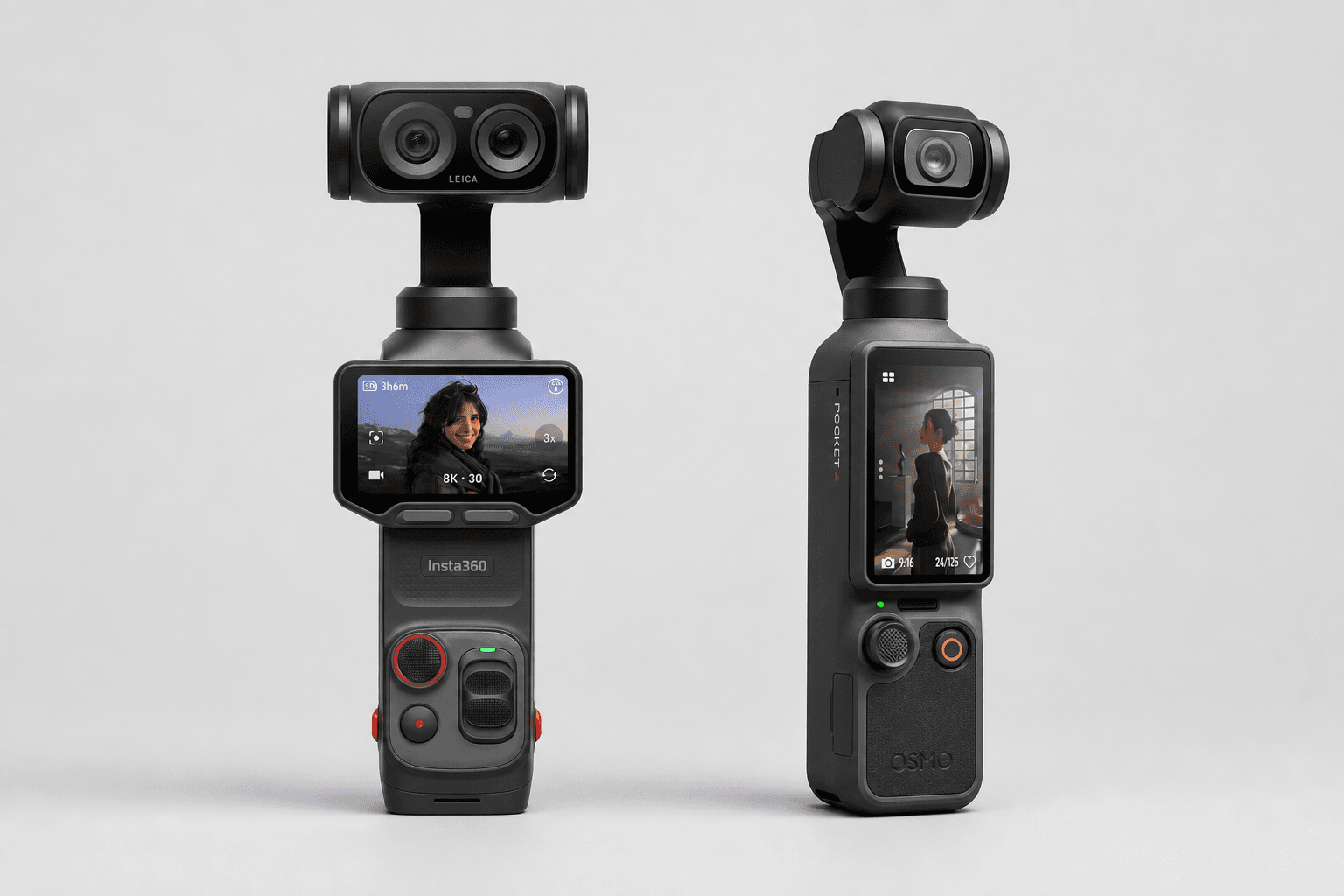
Insta360 Luna Ultra vs DJI Osmo Pocket 4: Which Pocket Gimbal Should You Buy?
Compare Luna Ultra and DJI Pocket 4 by lenses, video, Log formats, storage, U.S. availability, and the filming jobs each pocket gimbal handles best.
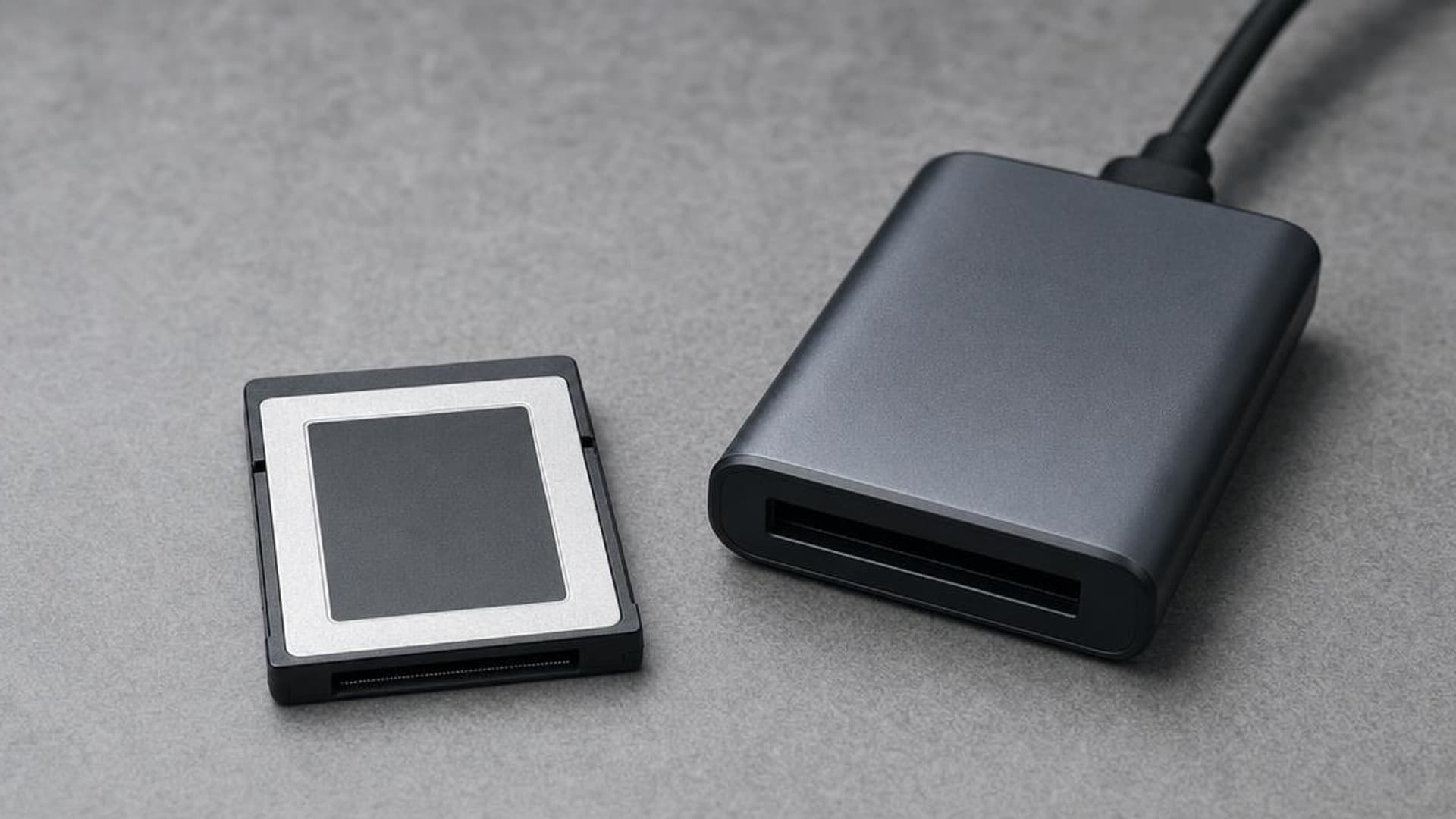
CFexpress 4.0 and VPG Explained: Buy the Card Your Camera Needs
CFexpress 4.0 doubles theoretical bandwidth, while VPG certifies sustained video writes. Learn Type A vs B, VPG classes, and when 4.0 is worth paying for.
Focal Length Explained: What 24mm, 50mm, 85mm, and 200mm Actually Do
What the millimeter number on a lens changes in the field: angle of view, compression, and working distance. When to reach for 24, 50, 85, or 200mm.
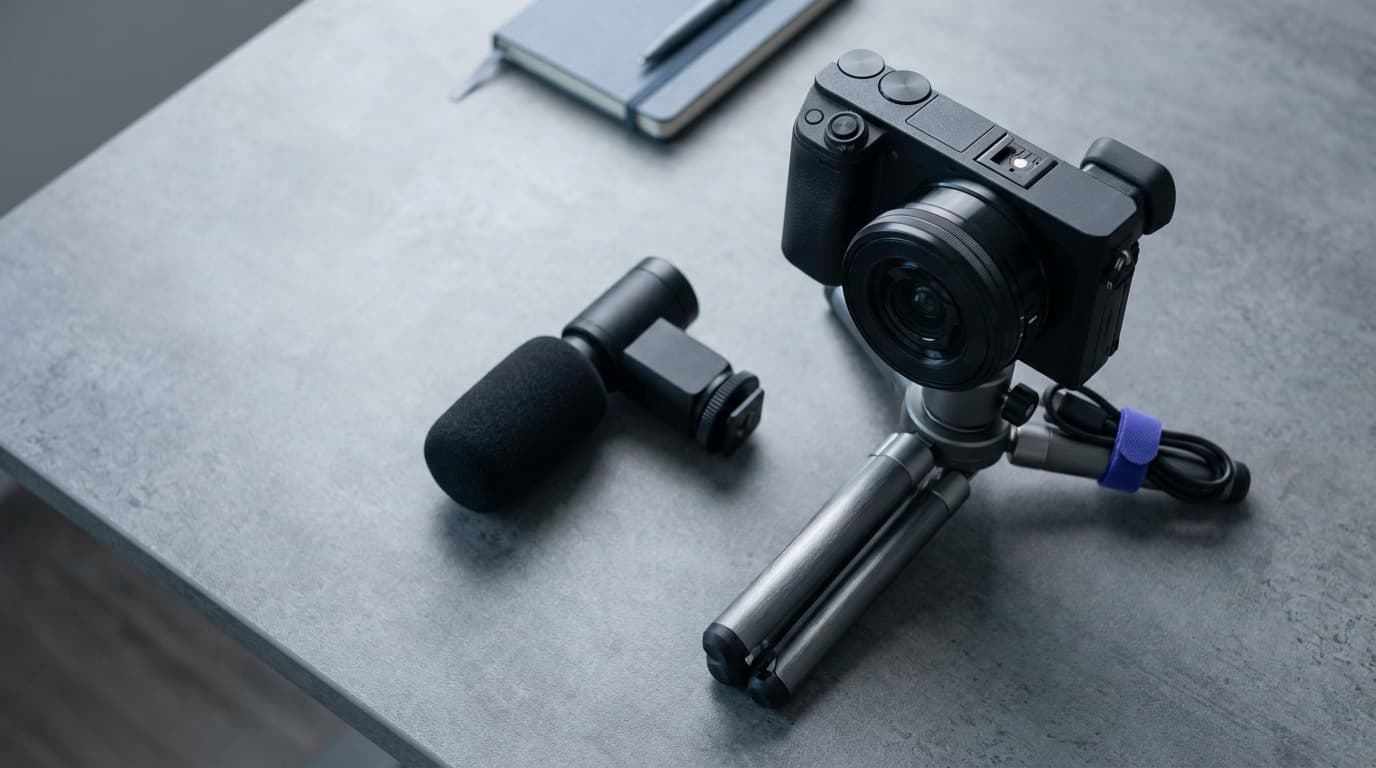
Canon EOS R50 V vs Sony ZV-E10 II: Which Beginner Vlogging Camera Should You Buy?
Canon EOS R50 V is the easier beginner creator kit. Sony ZV-E10 II is the deeper lens-system pick. Compare the practical tradeoffs.
Researched, not personally tested: picks compare specifications, available owner feedback, and established expert sources. As an Amazon Associate I earn from qualifying purchases. We may earn a commission from links here, at no extra cost to you. How we research →