We may earn a commission from links on this page, at no extra cost to you. Picks are researched, not sponsored.
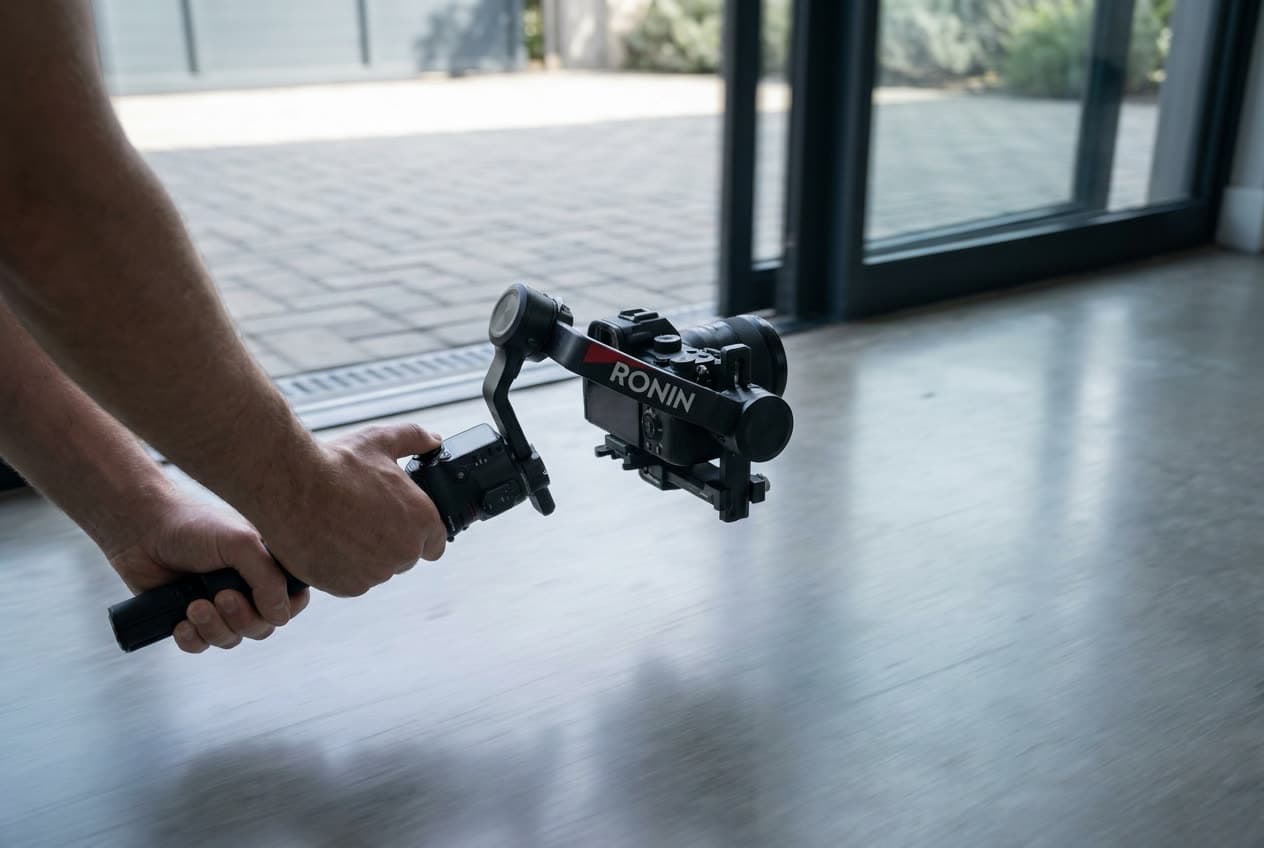
A gimbal keeps the camera level. It does not decide what the camera does. The difference between footage that looks handheld and footage that looks deliberate is a small set of repeatable moves, used for the right reason at the right moment. This is the part most beginners skip, and it is where the look actually comes from. Pick the right body and gimbal first in our best gimbals for video guide, then learn the moves below.
The footwork comes before the gimbal
Most shaky gimbal footage is shaky because of the feet, not the motors. Walk heel to toe with your knees slightly bent, like you are carrying a full cup of coffee you do not want to spill. Keep your elbows tucked into your body so the gimbal rides on your frame, not on your arms. Take smaller steps than feel natural. The gimbal smooths what your body cannot, but it cannot invent stability that was never there.
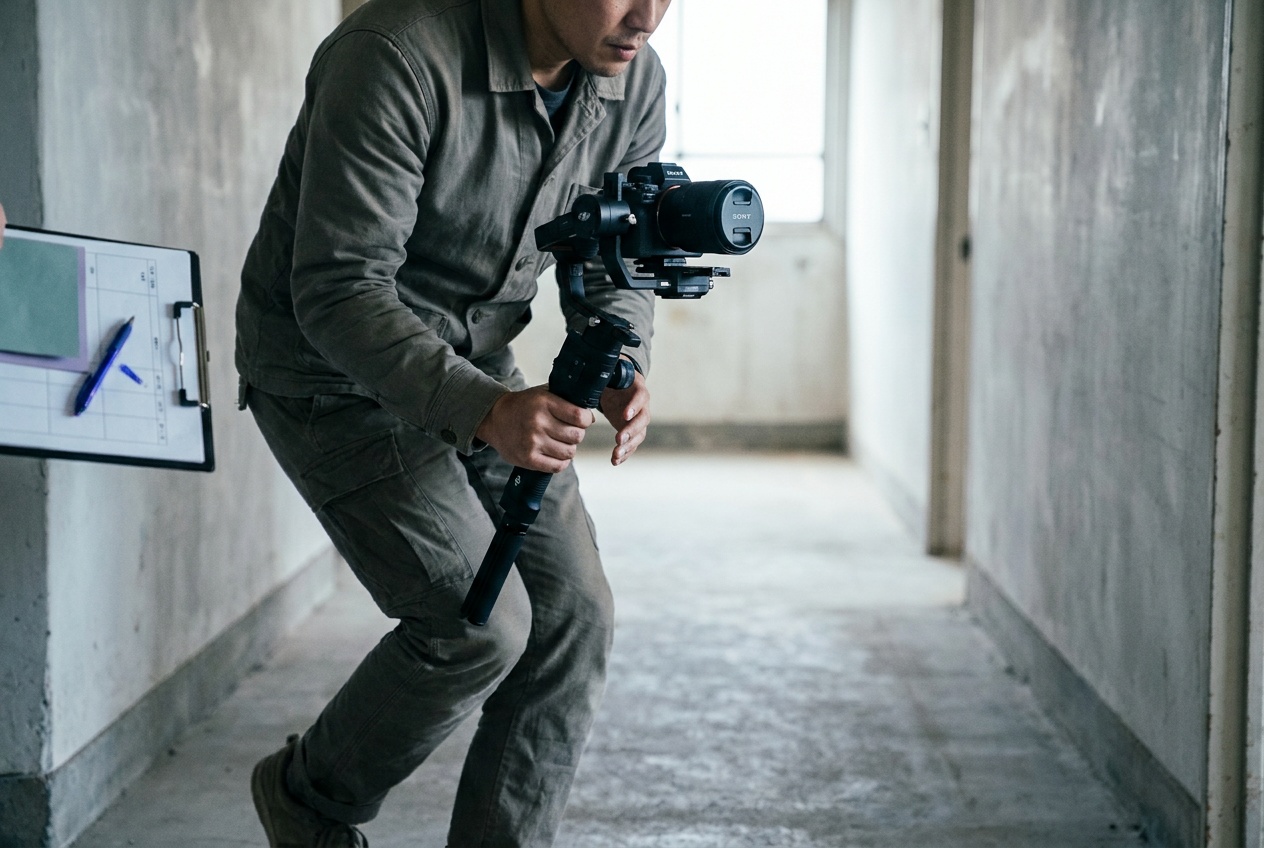
The six moves and when to use each
Pan. A horizontal sweep with your body, not the wrist. Use it to follow a subject across a space or to take in a wide view. Rotate from the hips and let the gimbal handle the leveling.
Tilt. A vertical move, up to show height or down to ground a shot in a detail. A tilt up a staircase or a tall window says "scale" without a word of narration.
Push-in. You walk straight toward the subject. This is the most useful move you own. A slow push toward a fireplace, a desk, or a face builds focus and intent. Keep the speed even; the move dies if you accelerate at the end.
Reveal. You start with something blocking the frame, a doorway edge, a wall, a plant, then move past it so the space opens up behind. Reveals are how you make an ordinary room feel like an entrance.
Side-pan. You walk sideways while the camera faces straight ahead, so the foreground slides across the frame. This is the signature real estate move: a slow side-pan across a kitchen or living room shows depth that a static shot flattens.
Orbit. You circle a subject while keeping it centered. Use it sparingly, for a hero object or a centerpiece. Overused, it reads as a demo reel; used once, it punctuates.
These six are the backbone of the real estate walkthrough, and the Shot-List Generator maps each move to the room it belongs in, so you walk in with a plan instead of improvising.
Settings that make the moves work
Shoot motion at a shutter speed near double your frame rate: at 24 fps, that is 1/50; at 30 fps, 1/60. That gives natural motion blur so movement looks smooth rather than stuttery. In bright light you will need a variable ND filter to hold that shutter without overexposing. Set your follow speed slow, so the gimbal eases into pans instead of snapping. And frame a little wider than your final composition, because warp stabilization in the edit crops in slightly, and you want room to give it.
f/5.6 · 1/50 · ISO 200 is a sane daylight-interior starting point with an ND filter on.
Common mistakes
The biggest one is moving for no reason. A move should answer a question: where am I, what matters here, what comes next. If a static tripod shot would say it better, use the tripod. The second mistake is moving too fast; almost every amateur gimbal shot improves at half the speed. The third is forgetting to balance the gimbal properly before you start, which makes the motors fight you and drains the battery.
Best Overall
DJI RS 4
Real estate and event shooters who want stable side-pans and push-ins without a learning curve.
Check price at AmazonThe DJI RS 4 is the stronger pick when the moves need to be repeatable across a long shoot, because it balances fast and the follow modes stay predictable. For lighter setups and solo work, the Hohem is the easier thing to carry all day.
Best Value
Hohem iSteady M7
Solo creators who want stabilized motion on a budget.
Check price at AmazonHow slow should a gimbal move be?
Slower than feels right. Most beginners move at roughly double the speed a shot wants. If you are unsure, shoot it once at your instinct and once at half that, and the slower take almost always wins in the edit.
Do I still need a tripod if I have a gimbal?
Yes. A gimbal is for motion; a tripod is for locked, perfectly still frames like a hero exterior or a detail shot. They cover different jobs. See our roundup of the best tripods.
Practice this
Turn the guide into a working setup
Keep going
Next useful steps
Pick one. Each link continues the same job without starting the research over.
Shoot kits
Buy around the job, not the spec sheet
Video rig
Run-and-gun video rig
$4,201
A compact cinema body, fast normal zoom, cage, monitor, gimbal, shotgun mic, and battery for paid video work.
Best upgrade path from creator kit
Buy order: start with the first piece that makes the job possible, then add the support pieces that remove friction.
Camera: start here. If this piece does not make the shoot easier, the rest of the kit can wait.
Power: add it after the core setup proves useful.
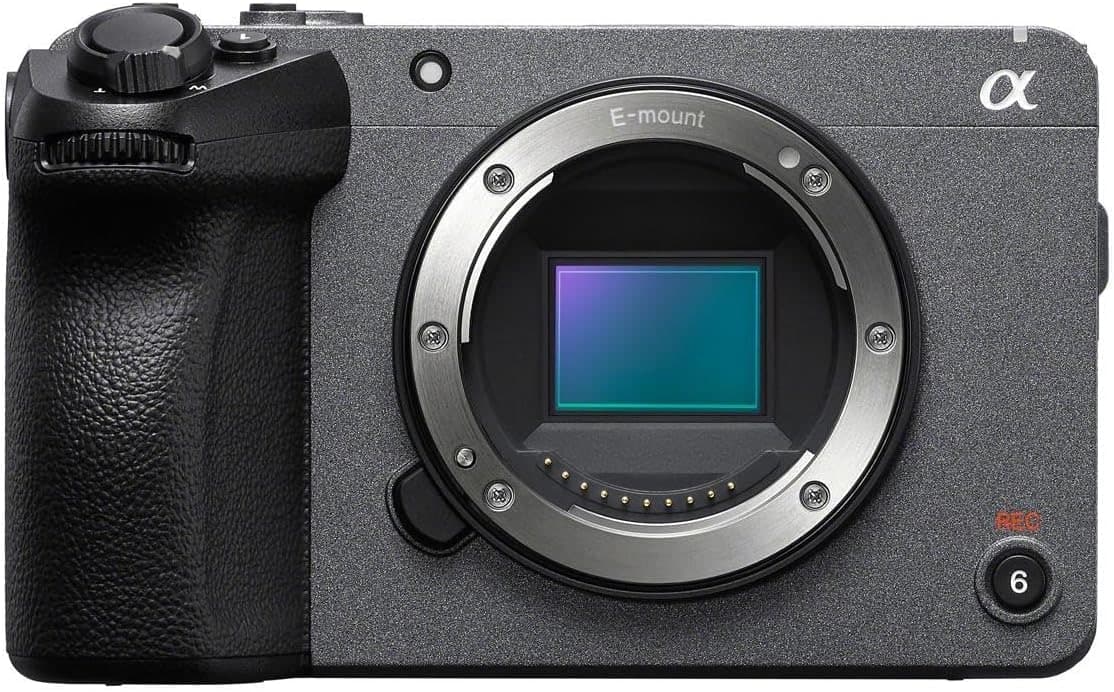
Sony FX30
Cinema-line controls, active cooling, reliable autofocus, and files that grade well without full-frame cost.
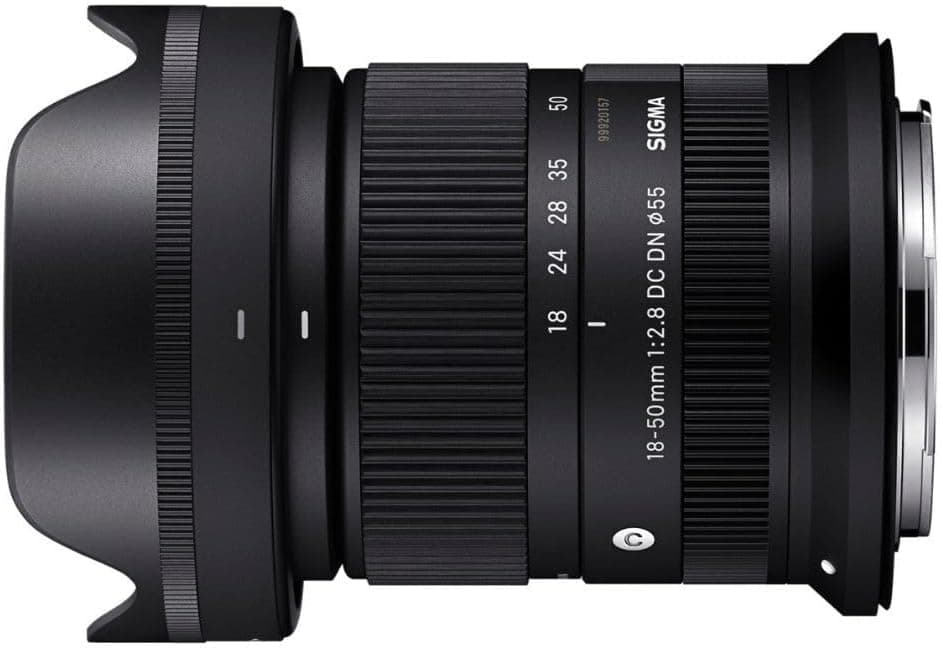
Sigma 18-50mm f/2.8 DC DN Contemporary
A small constant-aperture zoom that keeps an APS-C rig light enough to carry and balance.
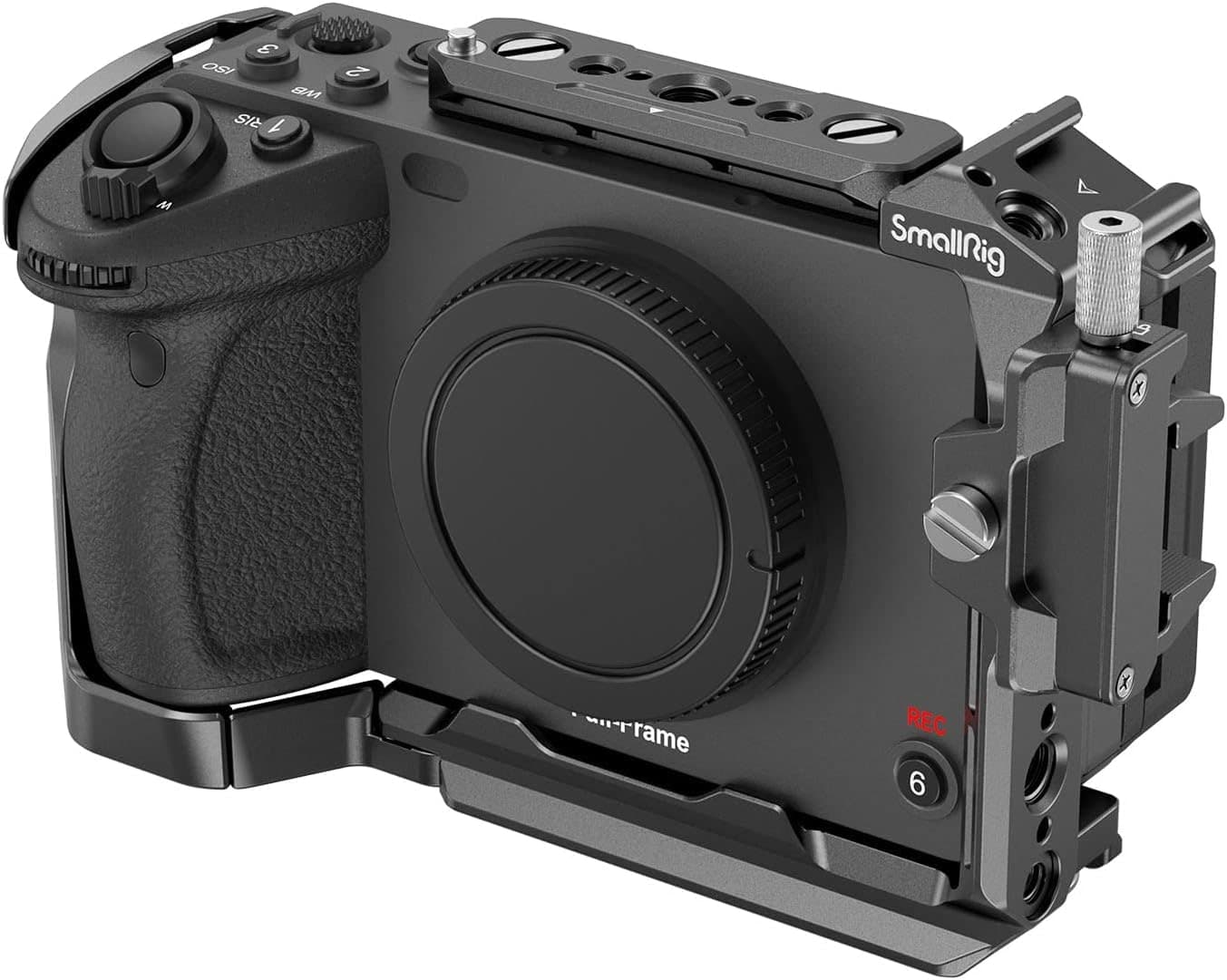
SmallRig Cage for Sony FX3 and FX30
Adds proper mounting points for handles, monitors, mics, and cables without relying on the camera body.
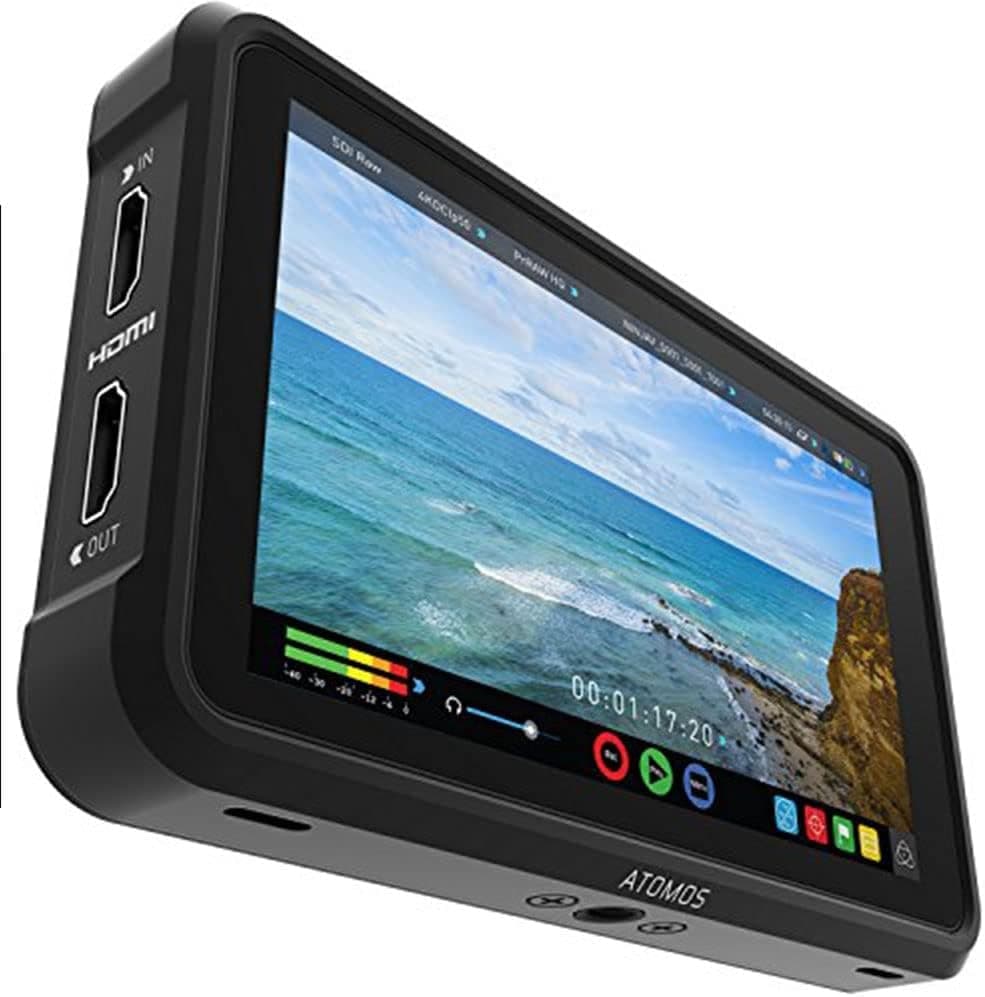
Atomos Ninja V
A bright five-inch screen for focus, exposure tools, LUT preview, and cleaner client monitoring.
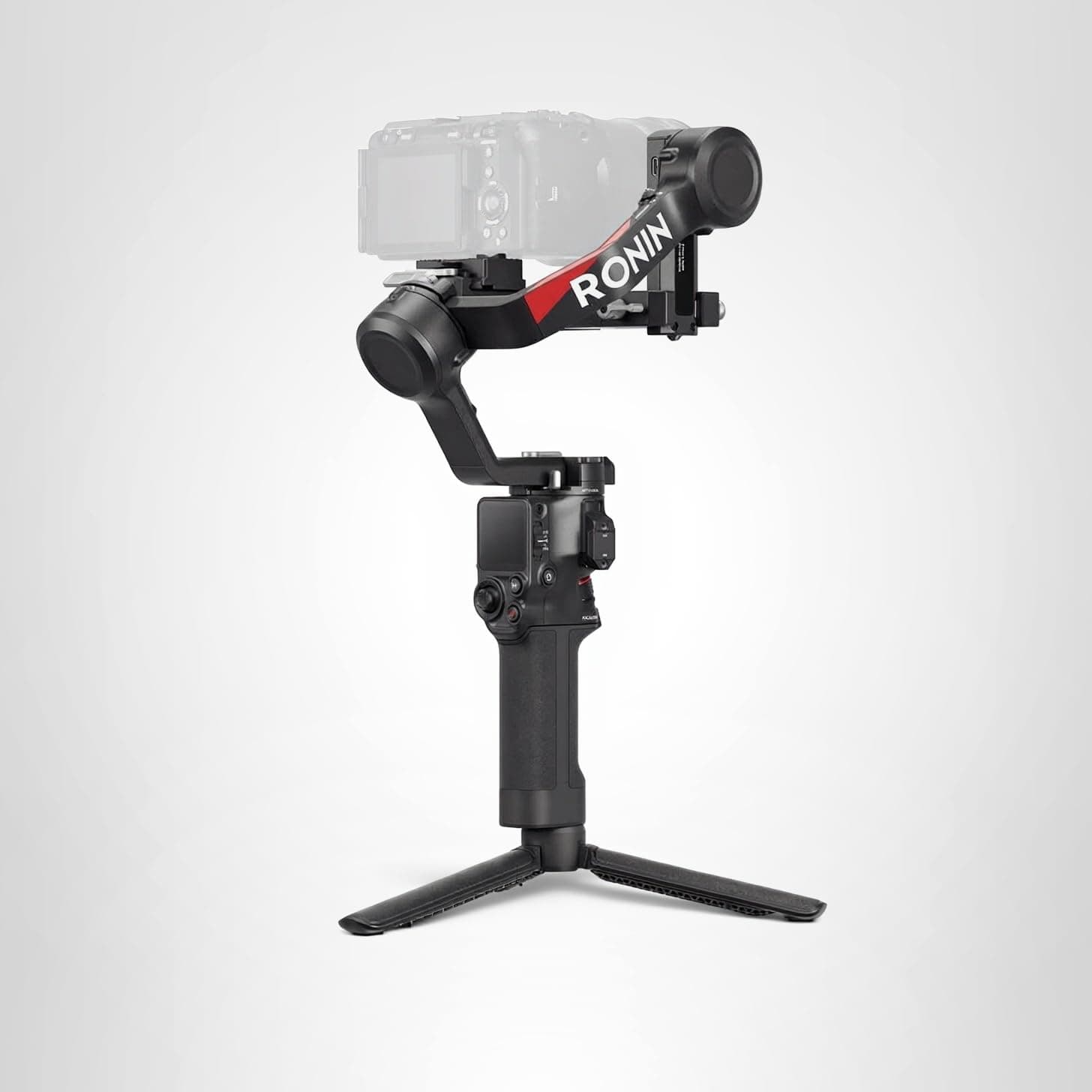
DJI RS 4
The gimbal tier that can handle a built-out mirrorless or compact cinema rig without becoming huge.
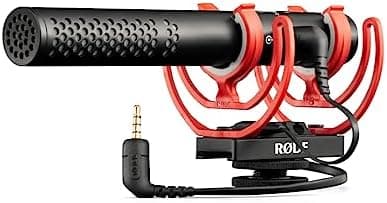
Rode VideoMic NTG
A flexible on-camera shotgun that also works as a small USB mic for quick voiceover or desk work.
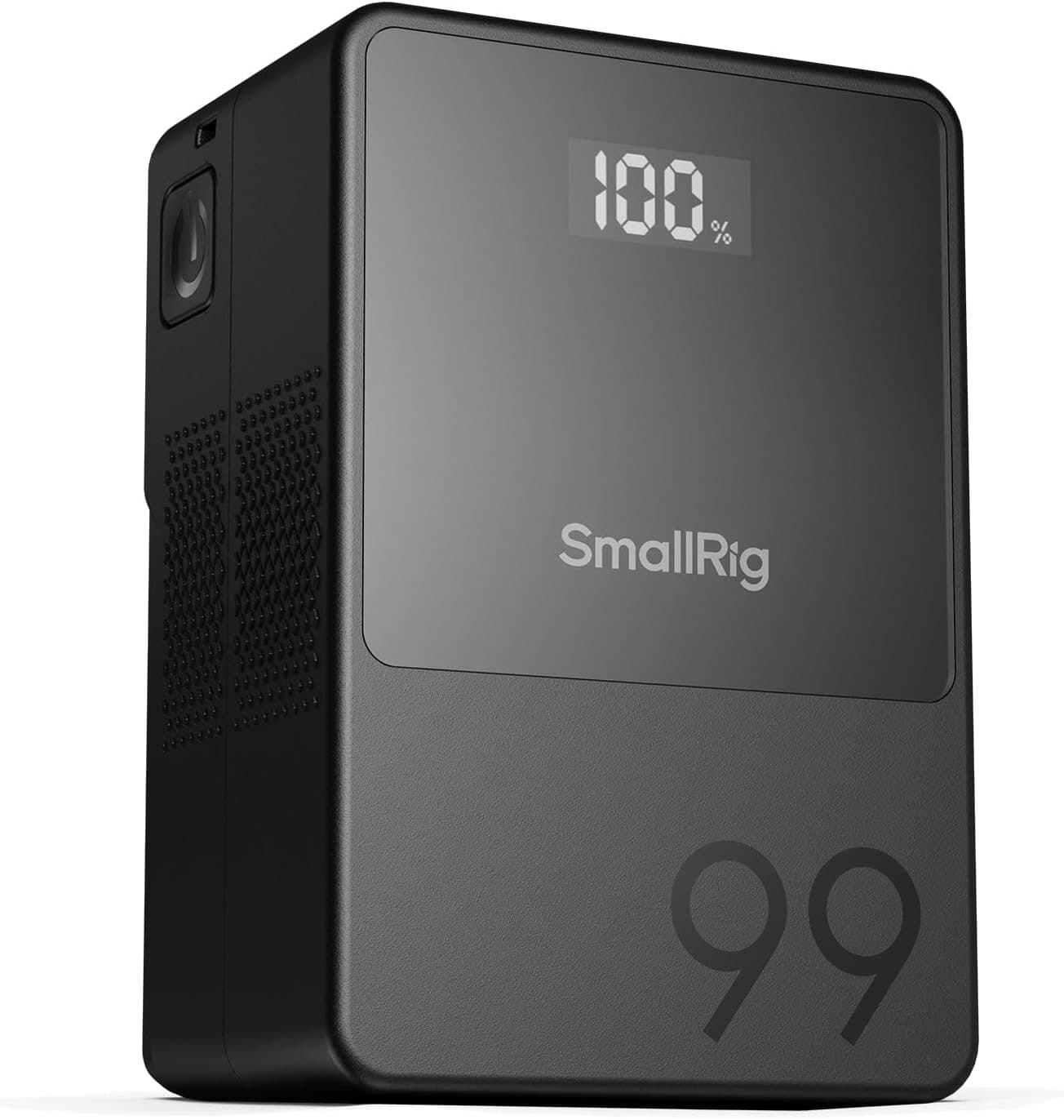
SmallRig VB99
A compact V-mount that can run monitors, lights, or cinema bodies without turning the rig into a brick.
Prices are rough catalog totals. Retailer prices change, and you can swap pieces to fit your system.
Related Gear guides
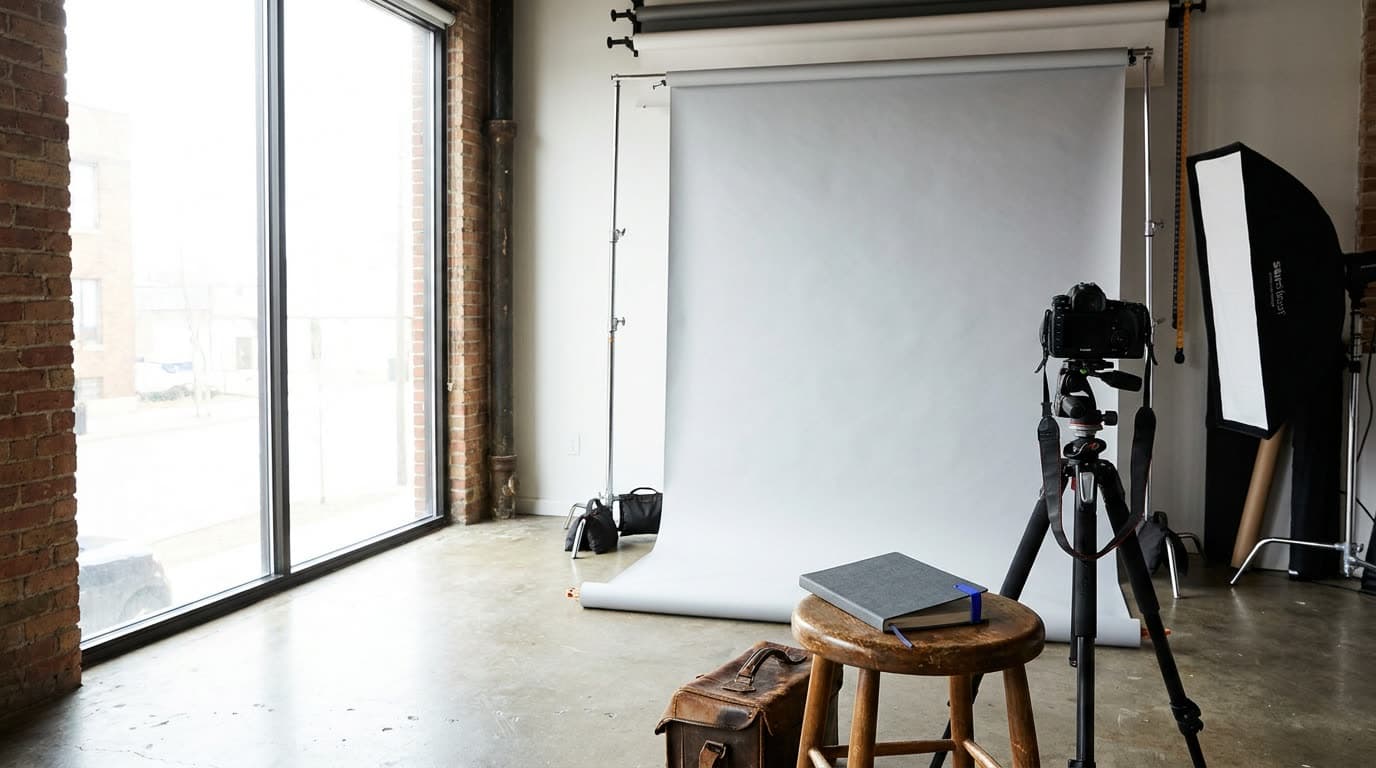
Best Backdrops and Stands in 2026: Studio Background Picks
The best backdrops and stands for home studios, with each pick's real size, height limit, and price, so you know whether it fits headshots, products, or full-length portraits.
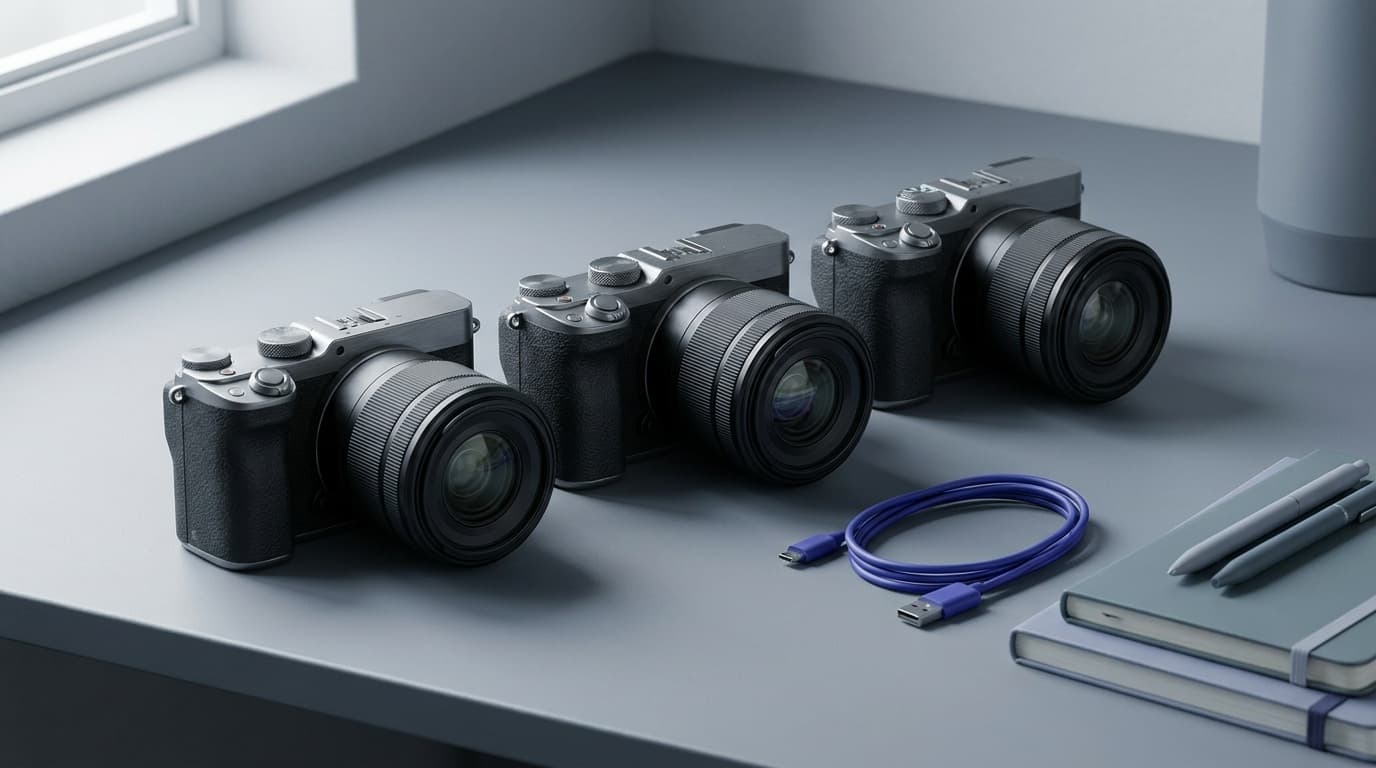
Best Cameras for Beginners in 2026: First Interchangeable-Lens Picks
The best beginner cameras balance an easy interface, good autofocus, and room to grow. Here are six we recommend and how to pick the right first body.
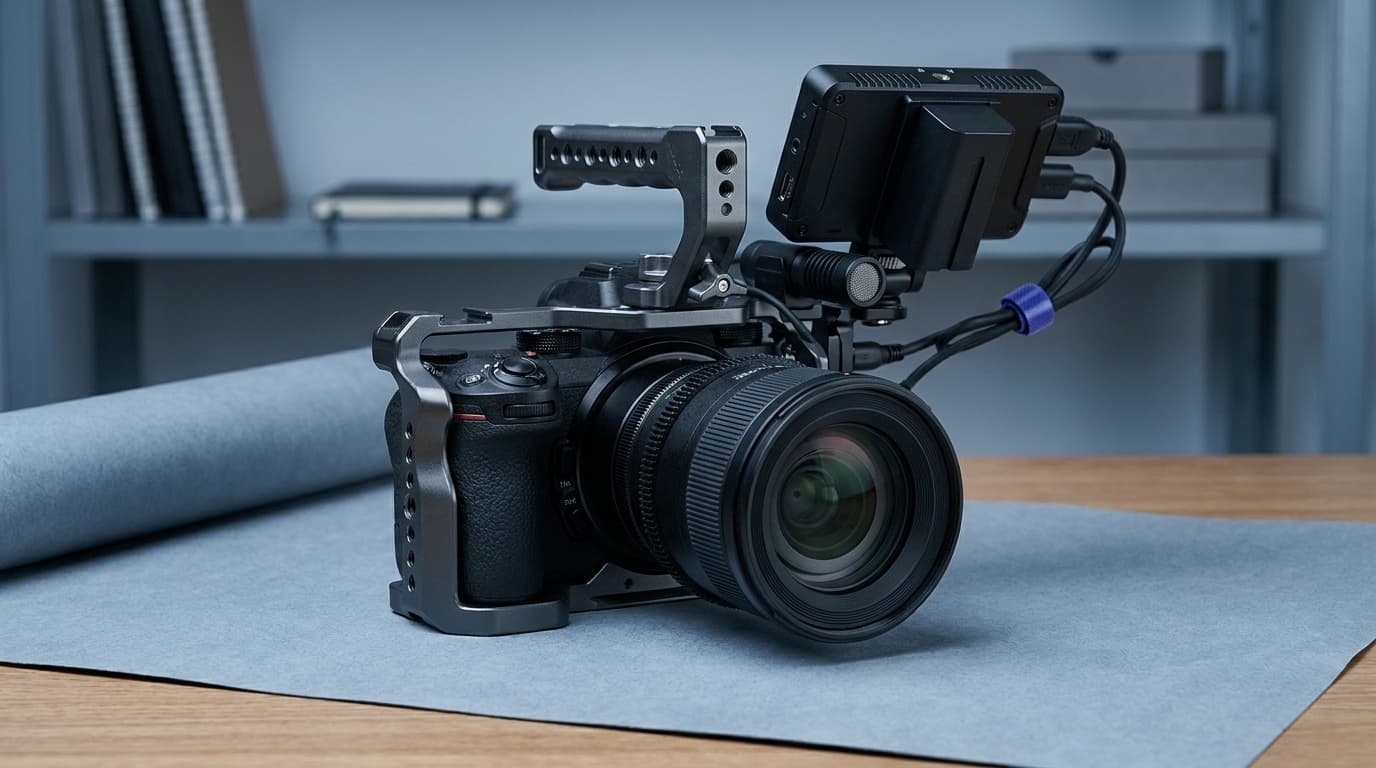
Best Cameras for Video in 2026: Hybrid, Cinema, and Vlogging Picks
Panasonic Lumix S5 II is the value video pick; GH7 suits long recording, and Sony a7 IV is the hybrid choice. Compare six cameras by workflow.
Best Cameras Under $1000 in 2026: Beginner, Value, and Creator Picks
The best cameras under $1000 deliver strong autofocus and image quality without the full-frame price. Here are six picks and how to choose the right one.
Researched, not personally tested: picks compare specifications, available owner feedback, and established expert sources. As an Amazon Associate I earn from qualifying purchases. We may earn a commission from links here, at no extra cost to you. How we research →