We may earn a commission from links on this page, at no extra cost to you. Picks are researched, not sponsored.
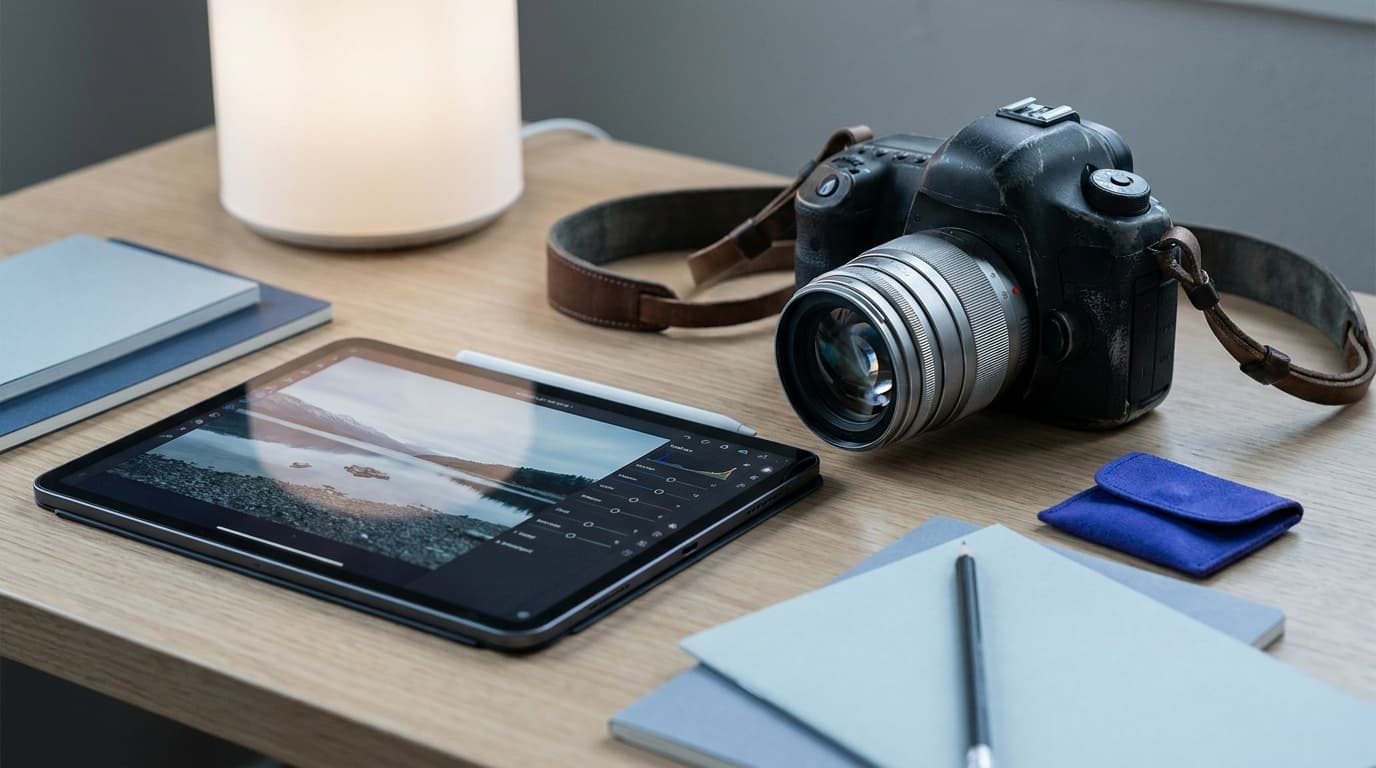
These software picks are tools we research and cross-check against how photographers actually use them, not fake storefront products. The honest summary up front: almost all of these will produce excellent results, and the differences matter less than how well you know the one you pick. Editing raw files gives you the most room to recover detail, so shoot raw where you can.
The all-rounder
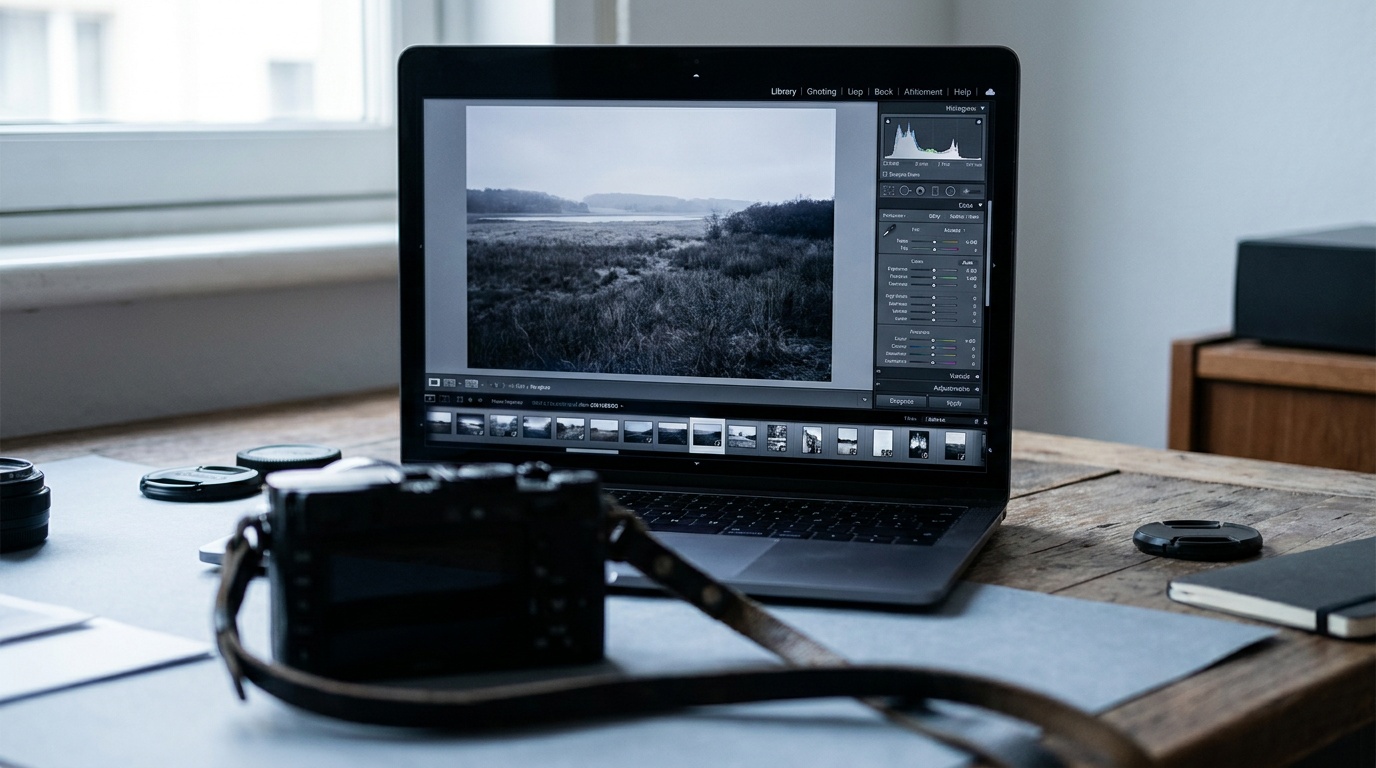
Adobe Lightroom is the default for a reason. It combines library management, raw editing, and a syncing workflow across desktop and mobile in one place, so a thousand photos from a shoot stay organized and edits follow you between devices. It is a subscription, which is the main objection, but the catalog tools and the consistency of the editing controls keep it as the benchmark most other apps are measured against. If you shoot a lot and want one tool for both sorting and editing, this is it.
The free options
You do not have to pay to edit well.
Darktable is a free, open-source raw editor for desktop that covers most of what Lightroom does, including library management and non-destructive editing. The interface is denser and the learning curve steeper, but the price is zero and the results are professional. RawTherapee is a similar free option with very strong raw-detail recovery.
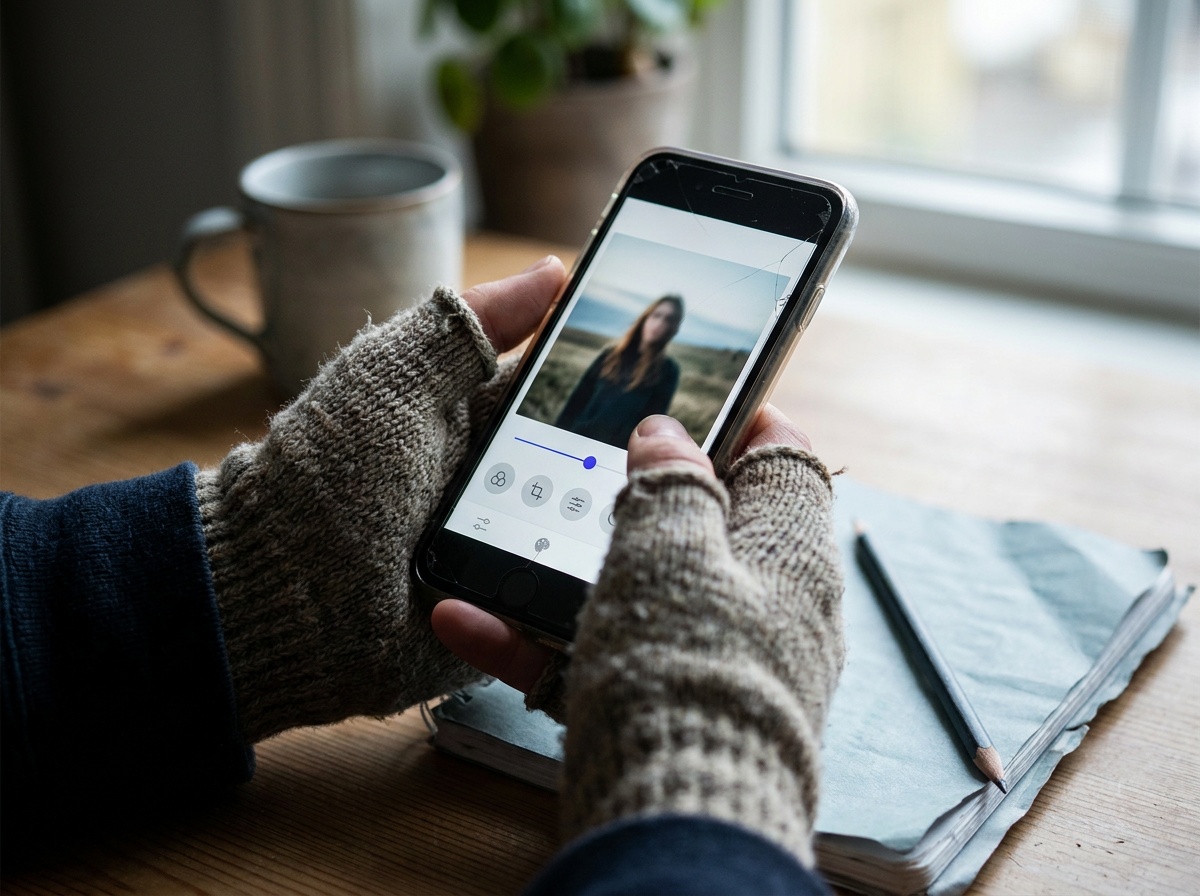
Snapseed is the standout free mobile editor. Its selective adjustments and healing tools punch well above a free app, and it handles raw files from many cameras. For quick edits on the phone, it is hard to beat.
Photopea runs entirely in a browser with nothing to install and handles layered editing, including Photoshop files. It is the easiest way to do a quick layer-based fix or composite on a computer that does not have editing software.
The studio and color choice
Capture One is the alternative serious shooters reach for, especially for tethered studio work where the camera feeds straight into the app, and for its color-grading controls. Portrait and product photographers who care about precise skin tones and color often prefer it. It is a paid app, available as a subscription or a one-time license, and like Lightroom it manages a full library as well as editing.
How to choose
Decide on three things. First, desktop or mobile: if you edit mostly on a phone, Snapseed or Lightroom mobile; on a computer, the rest. Second, budget: if free is a hard requirement, Darktable on desktop and Snapseed on mobile cover almost everything. Third, your work: high-volume library management points to Lightroom or Capture One, while occasional layered fixes point to Photopea.
Then stop comparing and start learning. The biggest gains come from understanding what to edit, not which app you edit in. Our intro to post-processing covers the order of operations, exposure, white balance, contrast, and local adjustments, that applies in every one of these tools.
Useful hardware around the edit
The app is only one part of the workflow. If you edit travel, wedding, wildlife, or video files, the boring hardware matters: a fast drive, a card reader that does not crawl, and enough storage to keep a second copy before you format the card.
Research pick
Samsung T9 Portable SSD 2TB
Hybrid shooters editing large video and RAW files in the field.
Check price at AmazonThe Samsung T9 is the faster editing-drive pick. It is overkill for casual JPEG folders, but useful when you work from large raw catalogs or video files and want one portable drive that can keep up with the computer. Check that your machine supports the faster USB mode before paying for the speed.
A fast USB-C UHS-II card reader is the cheap workflow fix. If your camera uses SD cards, a proper reader gets files onto the computer faster and reduces the temptation to edit straight from the card. If you shoot CFexpress too, step up to a dual-slot reader instead.
Where this fits
A good edit starts with a good file, so the editing app cannot fix what the exposure triangle got wrong in the field. Get the exposure and white balance close in camera and the editing is light. For the editing fundamentals themselves, read intro to post-processing; for shooting the files you will edit, the portrait photography and landscape photography guides cover what to capture.
What is the best free photo editing app?
On desktop, Darktable is the strongest free raw editor, with RawTherapee a close second for detail recovery. On mobile, Snapseed is excellent and free. For browser-based layered editing with nothing to install, Photopea is the pick. All produce professional results without a subscription.
Is Lightroom or Capture One better?
Both are excellent and the choice is mostly preference. Lightroom has the broader ecosystem and the same workflow across desktop and mobile, which suits high-volume and travel shooters. Capture One is favored for tethered studio work and precise color, which suits portrait and product photographers. Try both; either will serve you well.
Do I need to shoot raw to edit photos?
You can edit JPEGs, but raw files hold far more detail in highlights and shadows, so they give your editor much more to recover and adjust without the image falling apart. If your camera shoots raw and your editor supports it, use raw for anything you plan to edit seriously.
Keep going
Next useful steps
Pick one. Each link continues the same job without starting the research over.
Related Gear guides
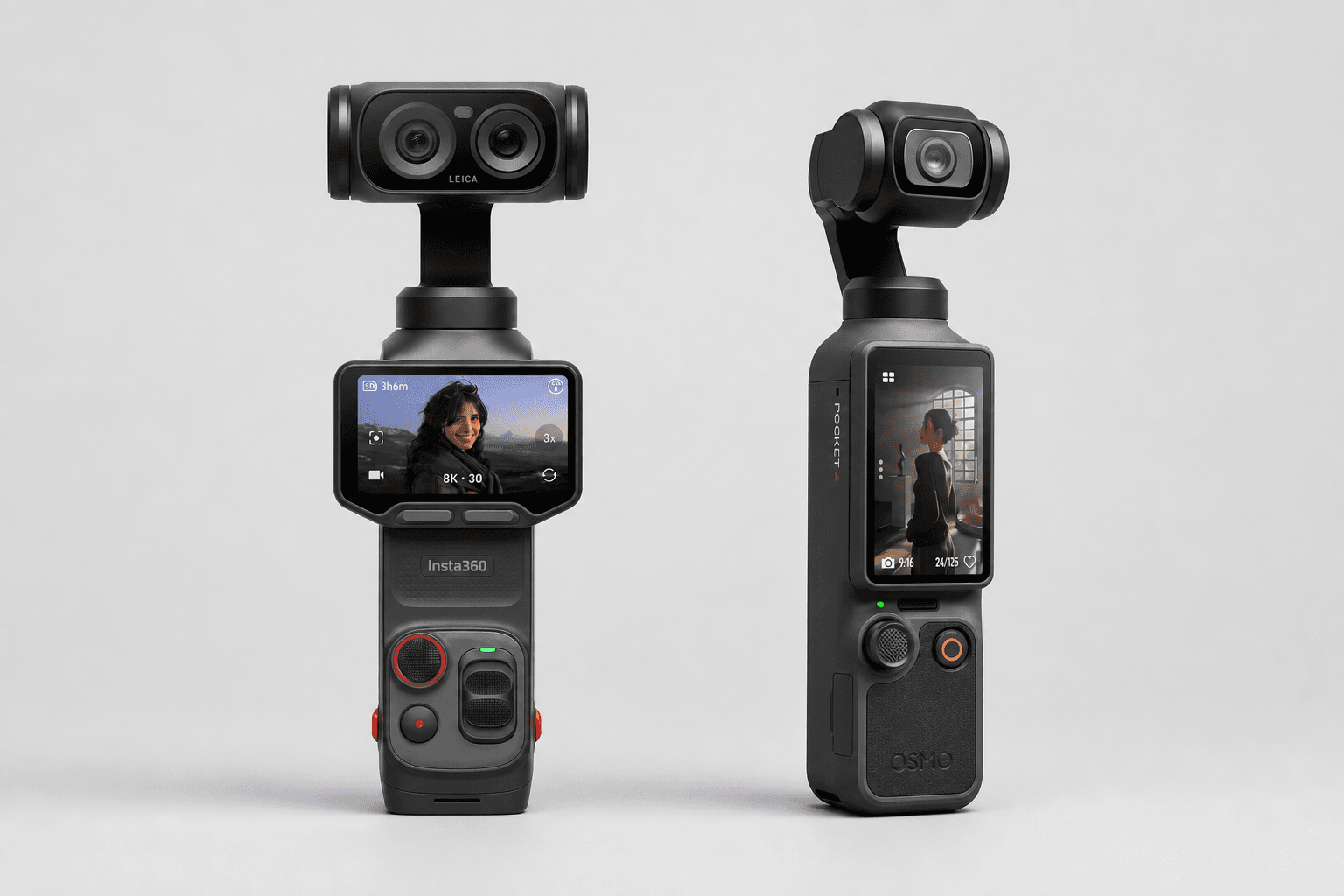
Insta360 Luna Ultra vs DJI Osmo Pocket 4: Which Pocket Gimbal Should You Buy?
Compare Luna Ultra and DJI Pocket 4 by lenses, video, Log formats, storage, U.S. availability, and the filming jobs each pocket gimbal handles best.
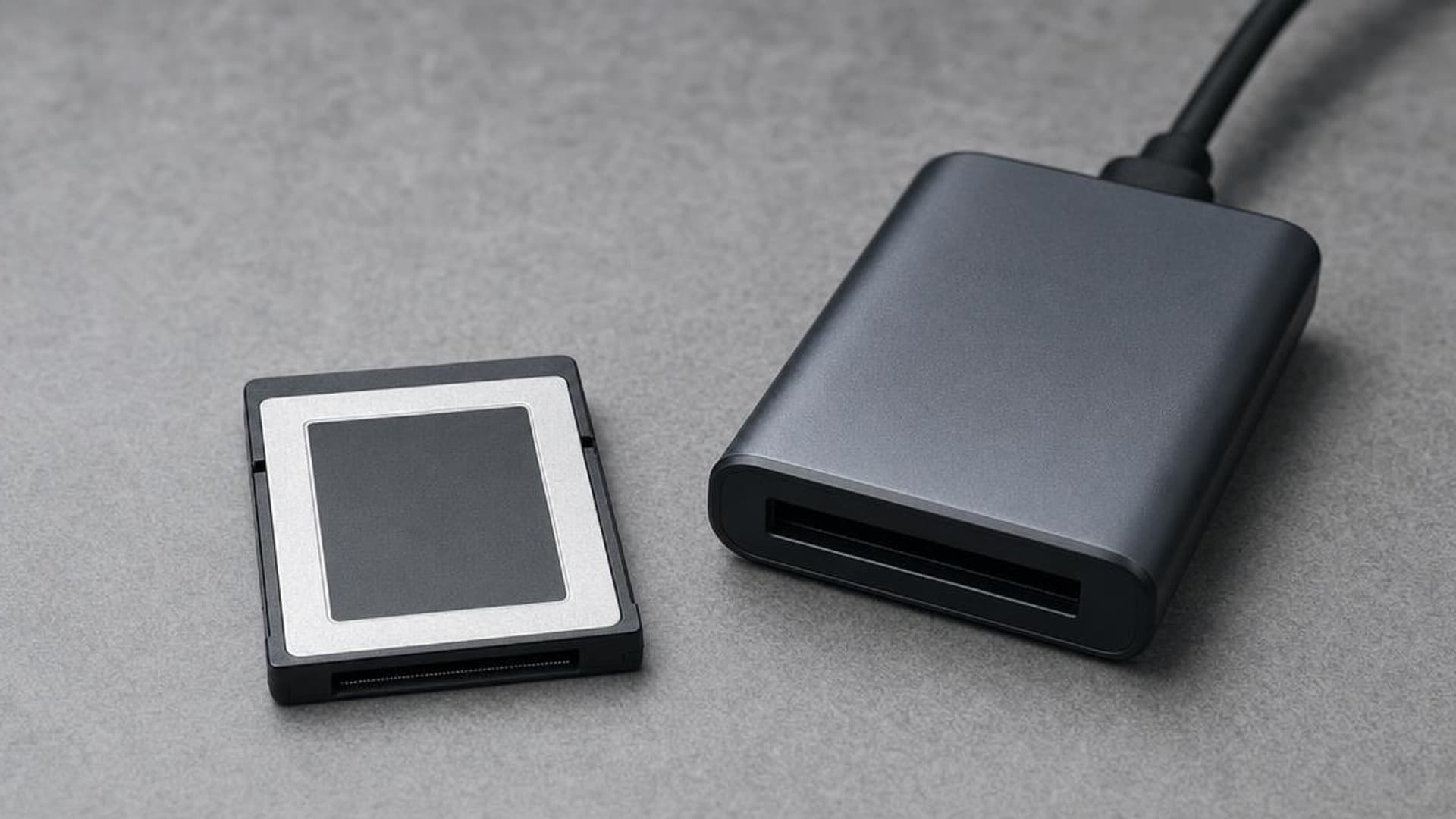
CFexpress 4.0 and VPG Explained: Buy the Card Your Camera Needs
CFexpress 4.0 doubles theoretical bandwidth, while VPG certifies sustained video writes. Learn Type A vs B, VPG classes, and when 4.0 is worth paying for.
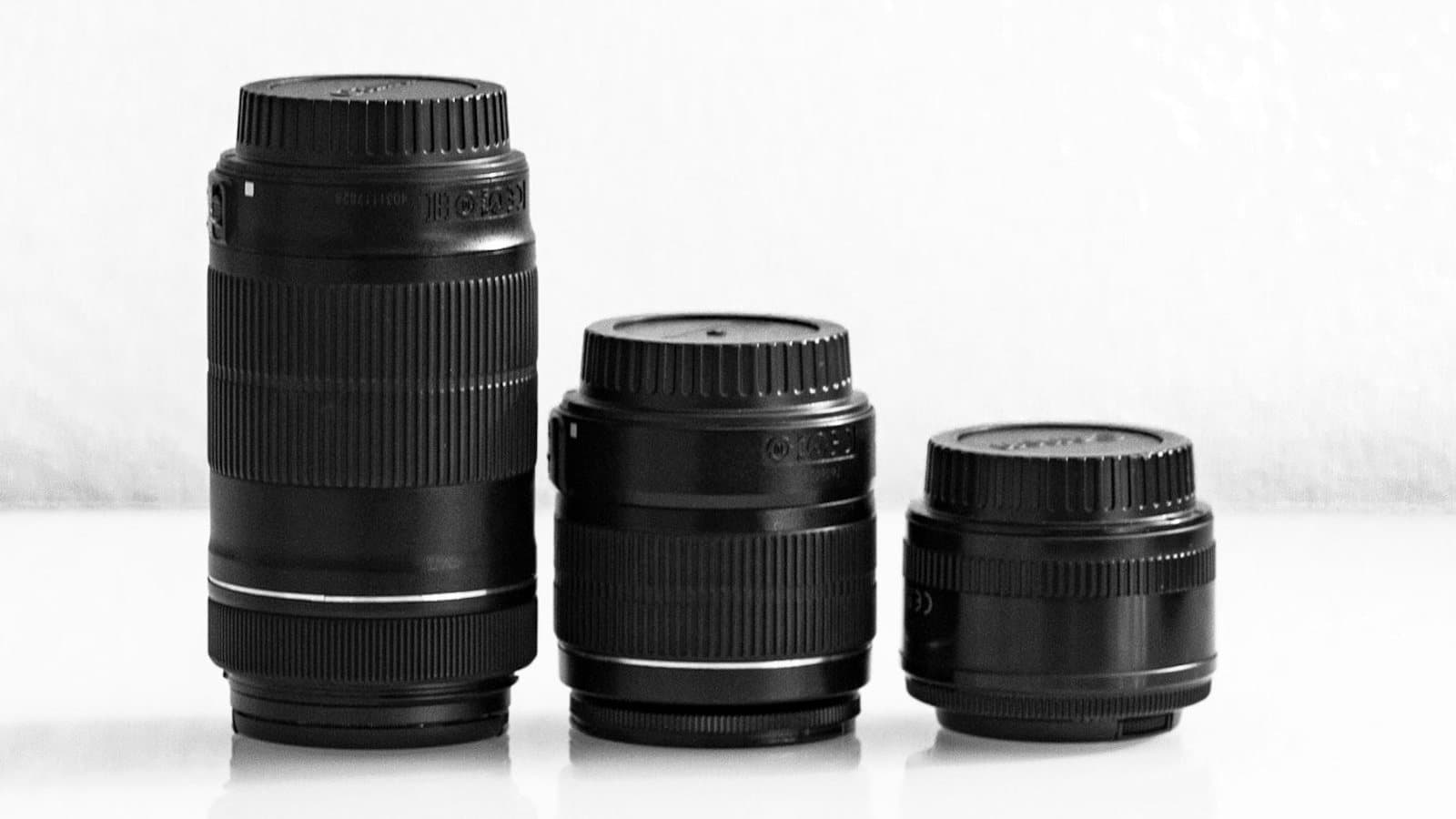
Focal Length Explained: What 24mm, 50mm, 85mm, and 200mm Actually Do
What the millimeter number on a lens changes in the field: angle of view, compression, and working distance. When to reach for 24, 50, 85, or 200mm.
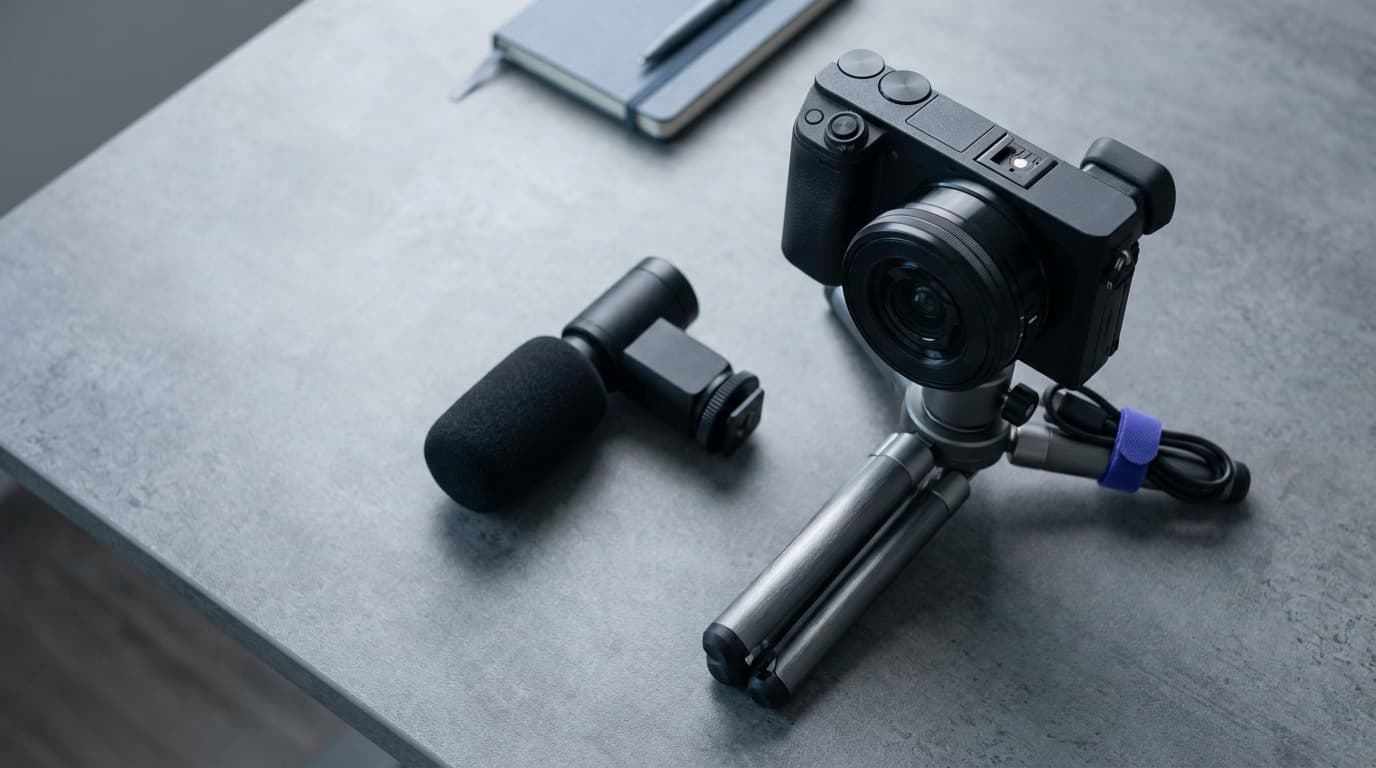
Canon EOS R50 V vs Sony ZV-E10 II: Which Beginner Vlogging Camera Should You Buy?
Canon EOS R50 V is the easier beginner creator kit. Sony ZV-E10 II is the deeper lens-system pick. Compare the practical tradeoffs.
Researched, not personally tested: picks compare specifications, available owner feedback, and established expert sources. As an Amazon Associate I earn from qualifying purchases. We may earn a commission from links here, at no extra cost to you. How we research →