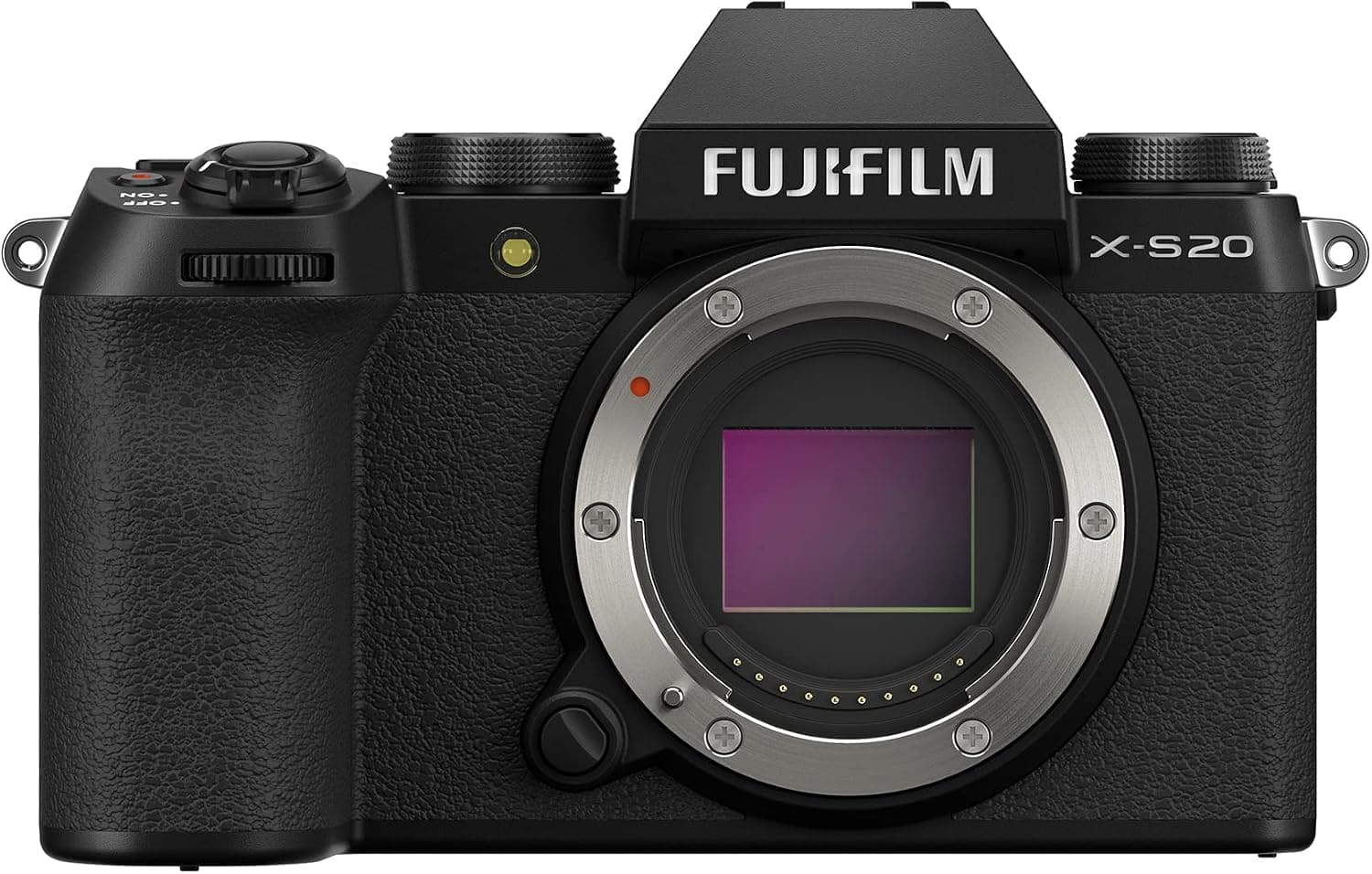
Fujifilm X-S20
Best fit: Hybrid shooters who want one capable, portable body for photo and video.
$1,490 - $1,680
Skip if: APS-C, not full-frame
Exposure calculator · full-stop scales
Start with an image brightness you want to keep. Protect the part of the look that matters, then change another setting and see what has to move.
Exposure match
Use this when the photo is bright enough, but the look is wrong. Protect the result you care about, change one setting, and the calculator moves the third setting to keep brightness matched.
9.0
9.0
Equivalent
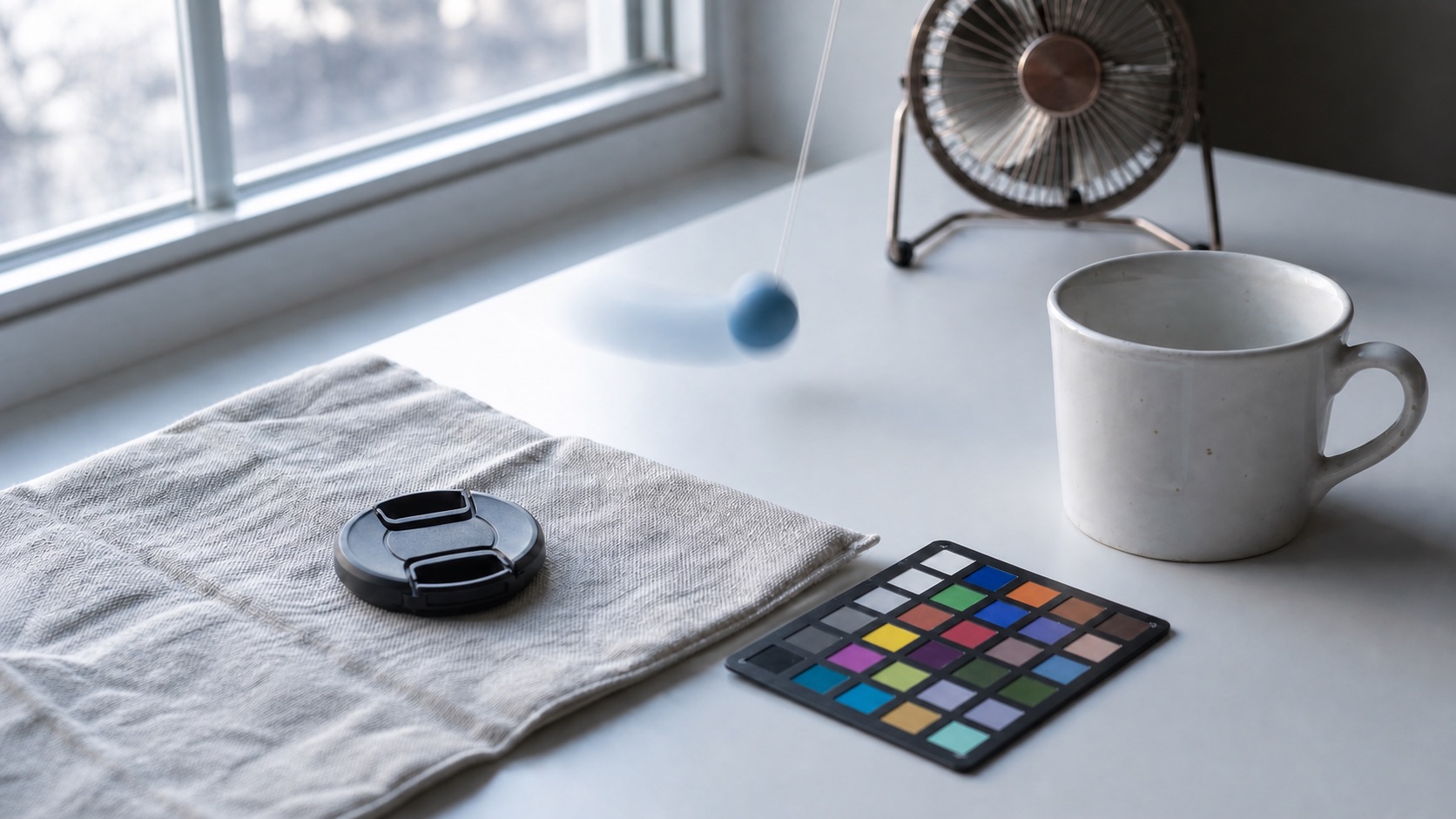
f/4 · 1/250 · ISO 800
What you are doing
A correct exposure is the brightness you decide to preserve. The controls beside this image change depth, motion, or noise, then the third setting moves to keep the exposure matched.
f/4 · 1/125 · ISO 400
This is the brightness reference the calculator is trying to keep.
Generated reference image. The browser mimics exposure, depth of field, motion blur, and ISO noise as a teaching preview.
What happened
ISO +1 stop. Shutter speed -1 stop. The total is 0 stops, so brightness stays matched.
Balanced depth
General-purpose focus depth.
Steady handheld
Good for still subjects.
Mild noise
Usually manageable.
Stop ledger
Read each row as light gained or light removed compared with the starting exposure. A dot to the right adds brightness. A dot to the left removes brightness.
0 stops
Zero means same brightness.
Aperture
f/4 to f/4
unchanged
Shutter speed
1/125 to 1/250
-1 stop darker
ISO
ISO 400 to ISO 800
+1 stop brighter
0 stops
f/4 · 1/125 · ISO 400
f/4 · 1/250 · ISO 800
| Setting | Start | Now | Light |
|---|---|---|---|
| Aperture | f/4 | f/4 | 0 stops |
| Shutter speed | 1/125 | 1/250 | -1 stop |
| ISO | ISO 400 | ISO 800 | +1 stop |
| Total exposure change | 0 stops | ||
Next move
A matched exposure is only the starting point. The next step is deciding whether you need a skill fix, a settings workflow, or gear that handles the job better.
Gear path
If equivalent exposure always pushes ISO too high or shutter too slow, the fix may be a more capable body, a light, or better support instead of another settings tweak.
Use the result to name the real limit: light, stability, focal length, or focus distance.
Read best-for and skip-if before the retailer click, so the item has to earn its place.
Compare similar gear and deal history first, then use the retailer button when the choice is clear.
Best fit: Hybrid shooters who want one capable, portable body for photo and video.
$1,490 - $1,680
Skip if: APS-C, not full-frame
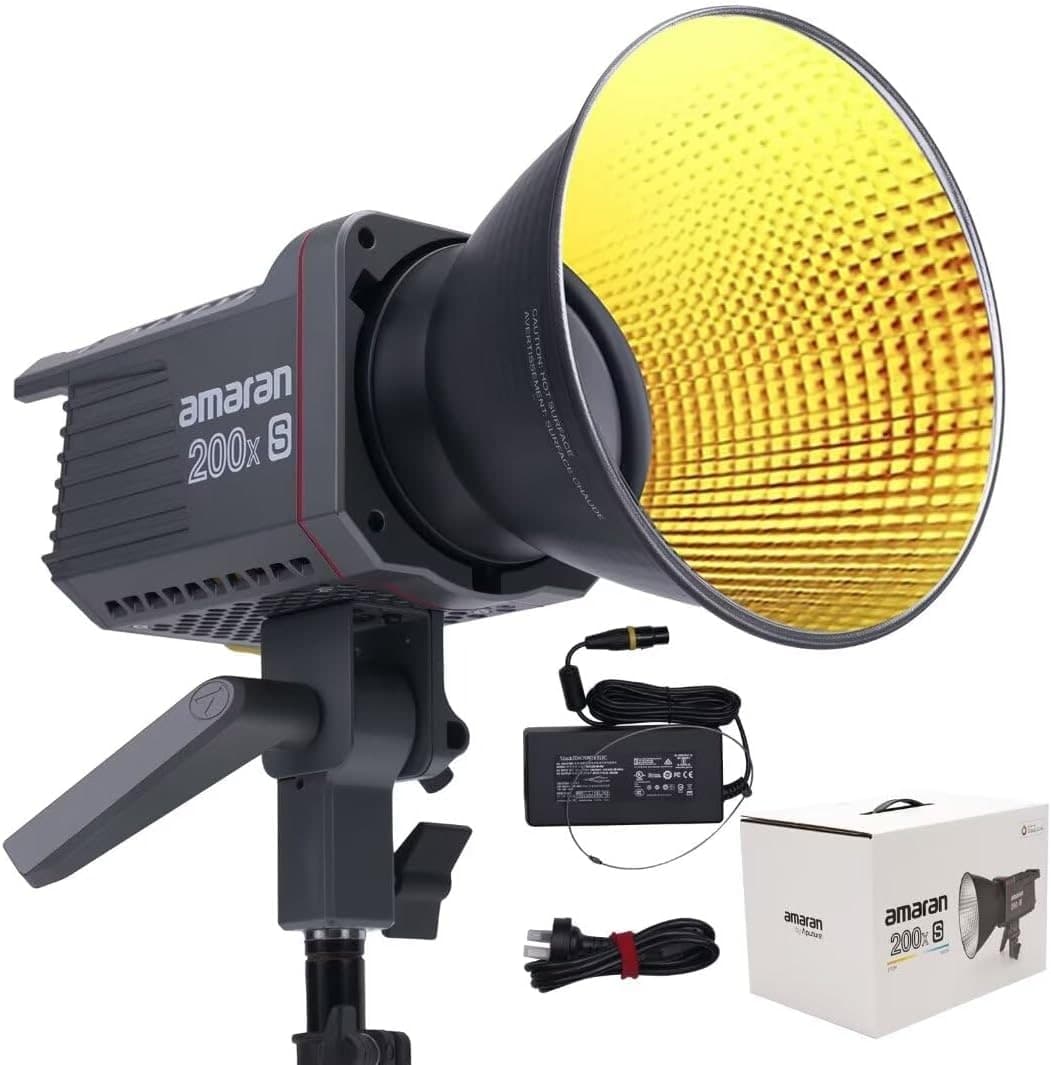
Best fit: Creators who want one capable key light that works with any softbox.
$269 - $329
Skip if: Needs a modifier to shape light
Product links may earn a commission at no cost to you. Use the calculator first, buy only if the gear solves the actual problem.
Step 1
Use a preset or your own settings as the image brightness you want to preserve.
Step 2
Protect aperture for depth of field, shutter speed for motion, or ISO for noise.
Step 3
Change one available value. The visual shows what added light, what removed light, and why zero stops means matched brightness.
It solves exposure equivalence. If your brightness is already right but you want a different aperture, shutter speed, or ISO, it shows the setting that keeps brightness matched.
For this tool, it means the image brightness you want to keep. It is not a moral judgment or a perfect setting, just the starting brightness you are protecting while you change the look.
Protect means do not move this setting. If you protect shutter speed, for example, the calculator changes aperture or ISO around it.
Zero stops means the changes cancel. One setting may add light and another may remove the same amount, so the image brightness stays equivalent.
Full stops make the exposure triangle visible. One click is one doubling or halving of light, which is the cleanest way to learn the tradeoff.
It shows the ISO-adjusted exposure value, normalized to ISO 100, so aperture, shutter speed, and ISO are all counted in the result.
No. It is an exposure equivalence calculator. It shows which settings produce the same brightness and explains the tradeoffs for depth, motion, and noise.