We may earn a commission from links on this page, at no extra cost to you. Picks are researched, not sponsored.
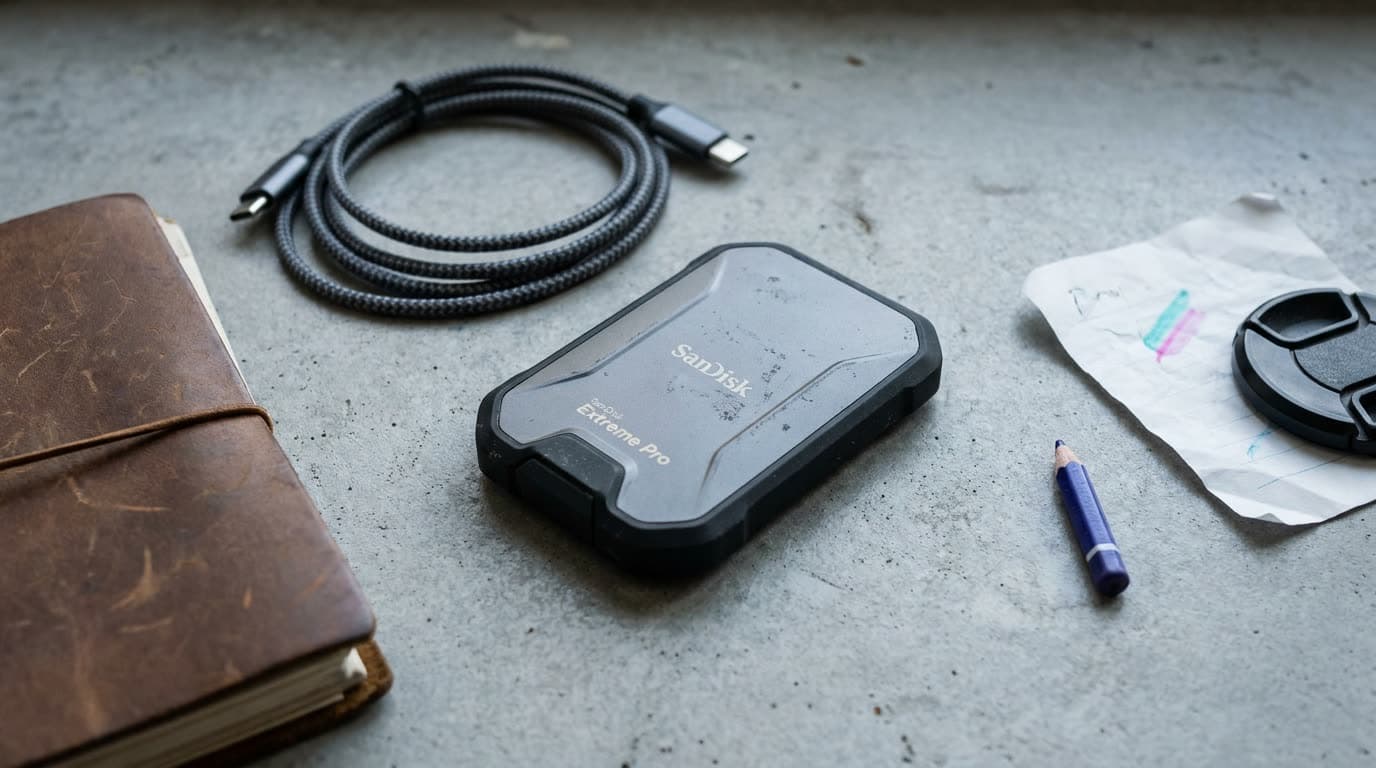
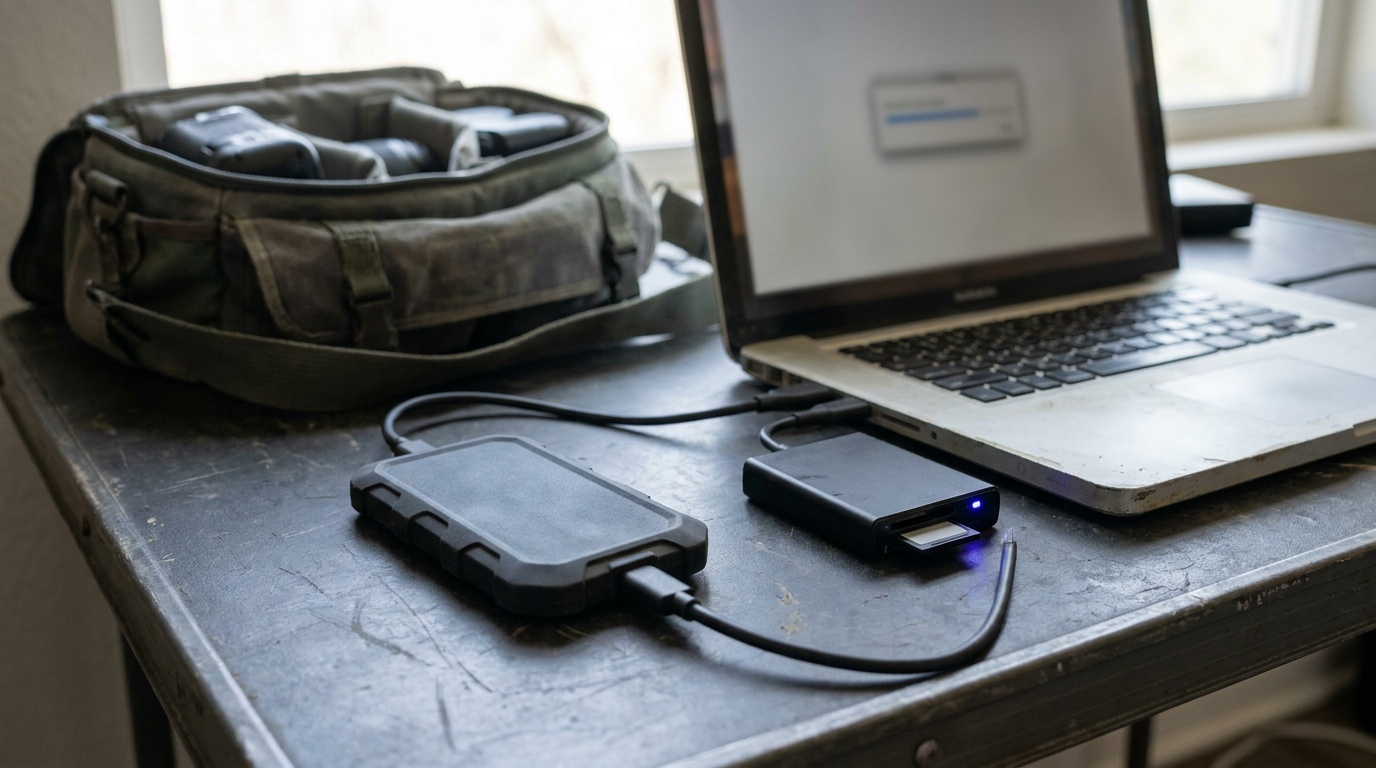
A portable SSD does two jobs for video. It offloads footage from cards fast, so you spend less time waiting at the end of a shoot, and on some cameras and monitor recorders it records video directly, often in a better codec than the camera writes internally. The cards in your camera are precious and small; a good SSD is where footage lives once it leaves them.
If you are still choosing the cards that footage starts on, our best memory cards guide covers that side, and best camera monitors covers the monitor recorders that write straight to these drives.
How to choose
Start with sustained write speed, which matters more than the headline number. Marketing speeds are peak bursts; what counts for video is the speed the drive holds while writing continuously, both when offloading large files and especially when recording off a camera. A drive that records 4K or RAW directly must sustain the camera's bitrate without dropping frames, so check the recorder's required speed before you buy.
Then weigh the connection and capacity. A USB 3.2 Gen 2 drive offloads fast enough for most workflows; a faster Gen 2x2 or Thunderbolt drive helps with the largest files and direct recording, but only if your computer or camera supports it. For capacity, video eats space, so buy bigger than you think; a half-full drive is also less hassle than juggling several small ones on a shoot.
Last, weigh durability and the small stuff. A drive you carry to a location gets dropped, rained on, and bounced in a bag, so a rugged, weather-resistant body earns its place. Check that the right cable is included, since USB-C standards vary and the wrong cable caps your speed. And keep two copies of anything that matters: an SSD is fast and reliable, but it is still one drive.
The picks
Best Overall
Samsung T7 Shield
Most shooters who want a tough, fast drive for offload and recording.
Check price at AmazonThe Samsung T7 Shield is the default recommendation. It pairs fast USB 3.2 Gen 2 speeds with a rugged, water- and dust-resistant rubberized body that survives a working bag, all at a fair price across capacities. It offloads footage quickly and serves as direct recording media for many setups. It is not the fastest drive here for the heaviest codecs, but for the great majority of shooters it is the right balance of speed, toughness, and cost.
Best Portable SSD
Samsung T7 Portable SSD 1TB
Photographers backing up cards on the road.
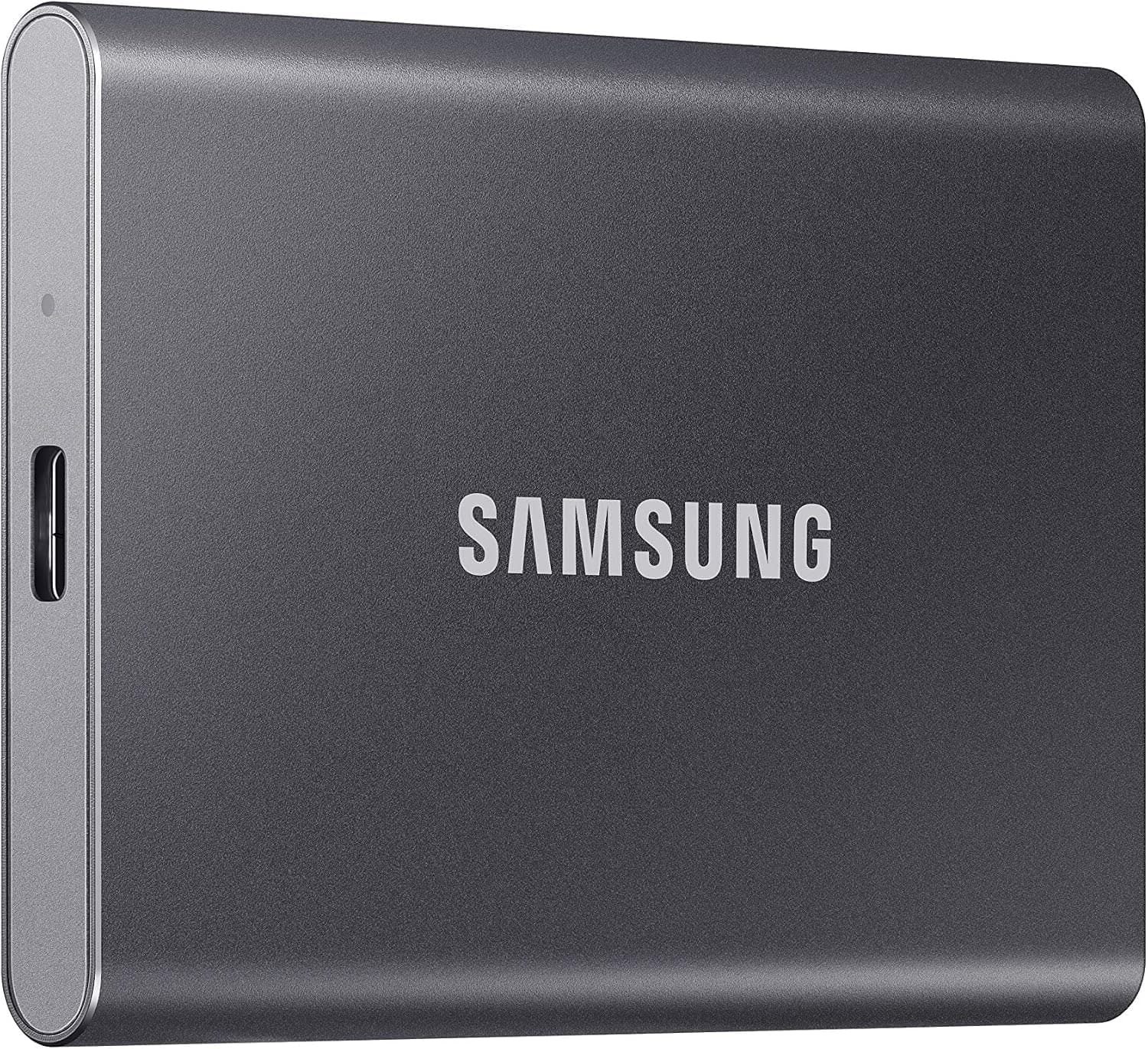
Check price at AmazonThe regular Samsung T7 is the lower-cost choice when the drive will live on a desk, in a padded laptop sleeve, or in a protected studio bag. Its USB 3.2 Gen 2 connection is quick enough for normal offloads and editing, and the small 1 TB body is easy to carry. It lacks the Shield's rubberized, weather-resistant protection, so pay the difference for the Shield if the drive will spend real time outdoors or loose in a working bag.
Best for Recording
SanDisk PRO-G40
High-bitrate and RAW direct-recording workflows.
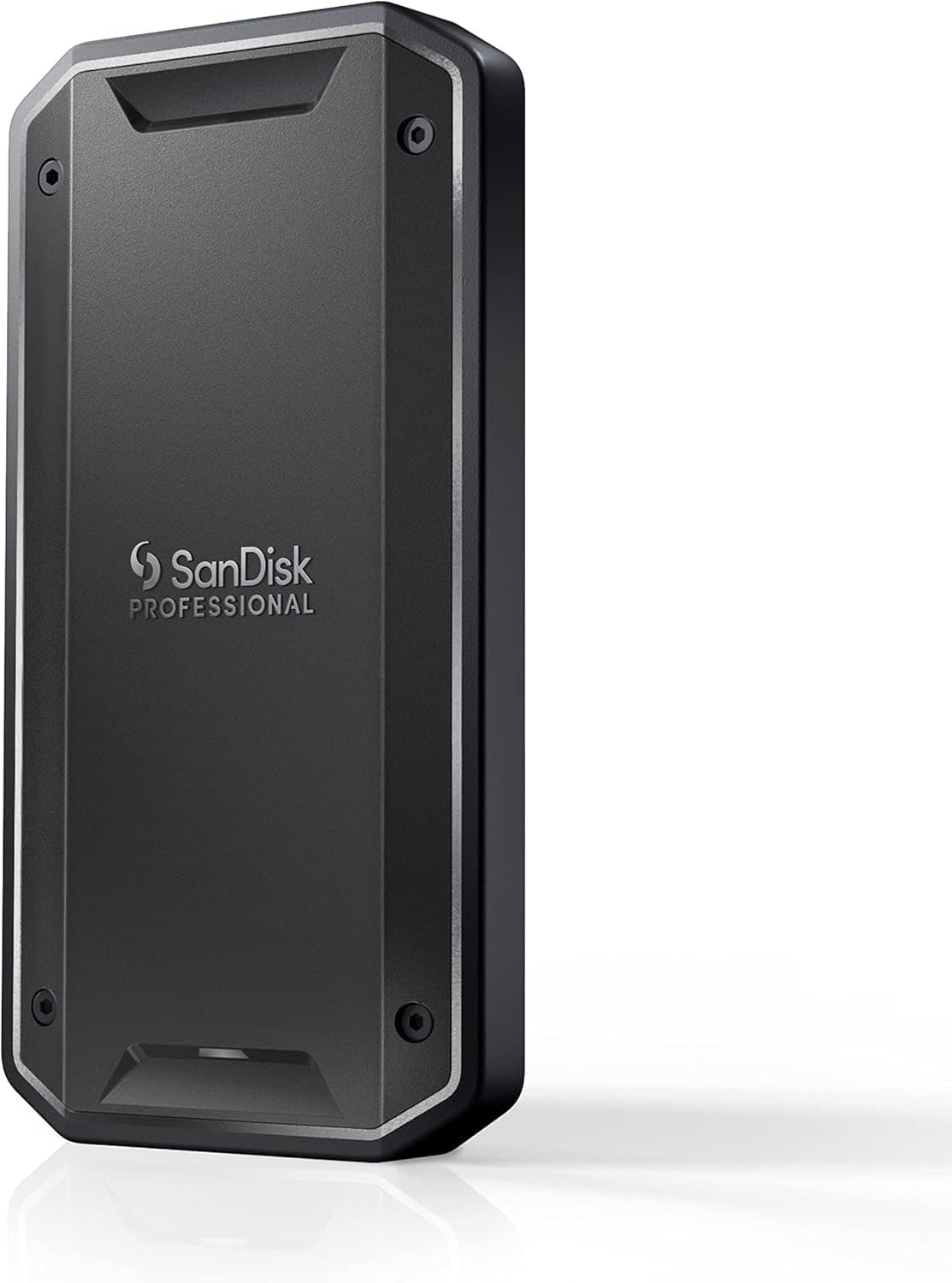
Check price at AmazonThe SanDisk PRO-G40 is the pick for direct recording and the heaviest files. It runs over Thunderbolt and USB, sustaining very high speeds that keep up with high-bitrate and RAW video recorded straight off a camera or monitor recorder, and the rugged body shrugs off location abuse. It costs more and needs a fast port to reach full speed, but for high-end recording workflows, it has the headroom.
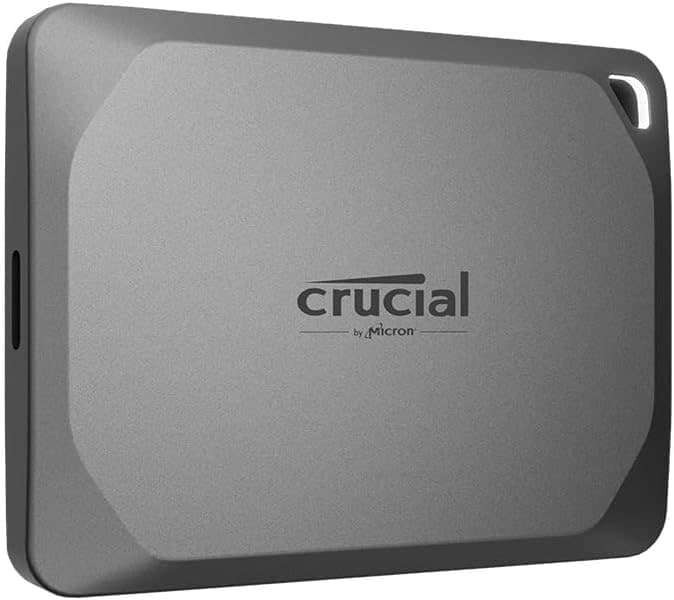
The Crucial X9 Pro is the value pick for offloading and backups. It delivers solid USB 3.2 Gen 2 speeds in a compact, light body for one of the lowest prices per terabyte here, which makes it easy to buy several as backup drives. It is not built for the most demanding direct-recording codecs, but for getting footage off cards quickly and keeping safe copies, it does the core job cheaply.
Best All-Rounder
SanDisk Extreme PRO
Shooters who want one dependable drive for everything.
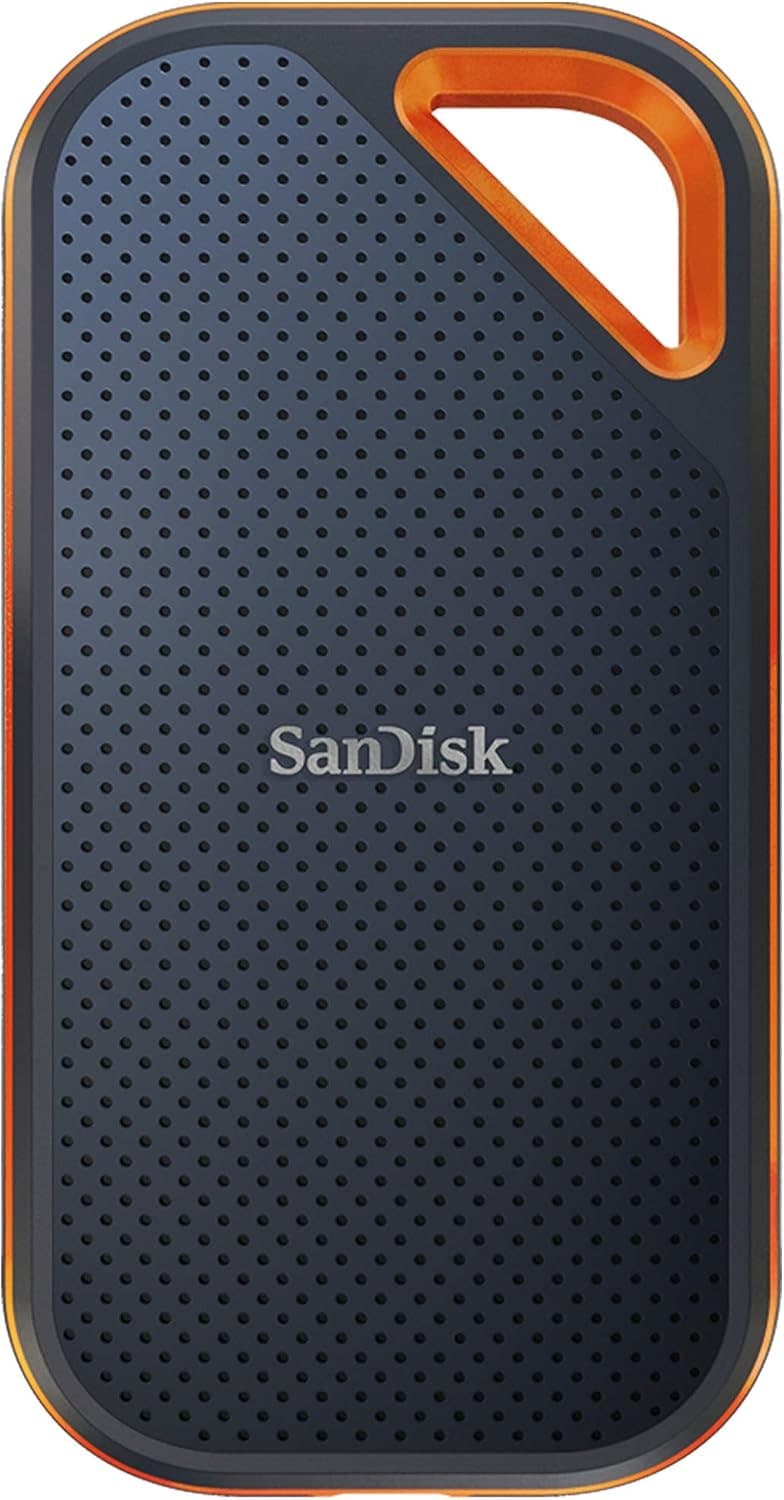
Check price at AmazonThe SanDisk Extreme PRO is the rugged all-rounder. It combines strong USB 3.2 Gen 2 speeds with a tough, weather-resistant body and a carabiner loop that clips to a bag, so it handles both fast offloads and many direct-recording setups on location. It sits between the value and the top-tier drives on both speed and price, which makes it a dependable middle choice for shooters who want one drive for everything.
Best for Location
LaCie Rugged SSD Pro
Demanding location work in rough conditions.
Check price at AmazonThe LaCie Rugged SSD Pro is the pick for demanding location work. The shock- and water-resistant orange shell is built for the field, and the Thunderbolt interface sustains the speeds high-bitrate recording and fast pro offloads need. It is the most expensive drive here and needs a Thunderbolt port to shine, but for shooters who treat their footage drive as serious gear and work in rough conditions, it earns the premium.
Common mistakes
The most common one is buying for the headline speed and ignoring sustained write speed, then dropping frames when recording high-bitrate video directly to the drive. Check the speed the drive holds continuously, not its peak burst. The second is using the wrong cable: USB-C connectors look identical but carry very different speeds, so the included or correct cable matters. The third is treating one SSD as a backup; a single drive is a single point of failure, so always keep a second copy of footage you cannot reshoot.
A fast drive is one link in a reliable workflow. See our best camera bags guide for carrying drives and gear safely, and raw vs jpeg for understanding the large files that fill them.
Can I record video directly to a portable SSD?
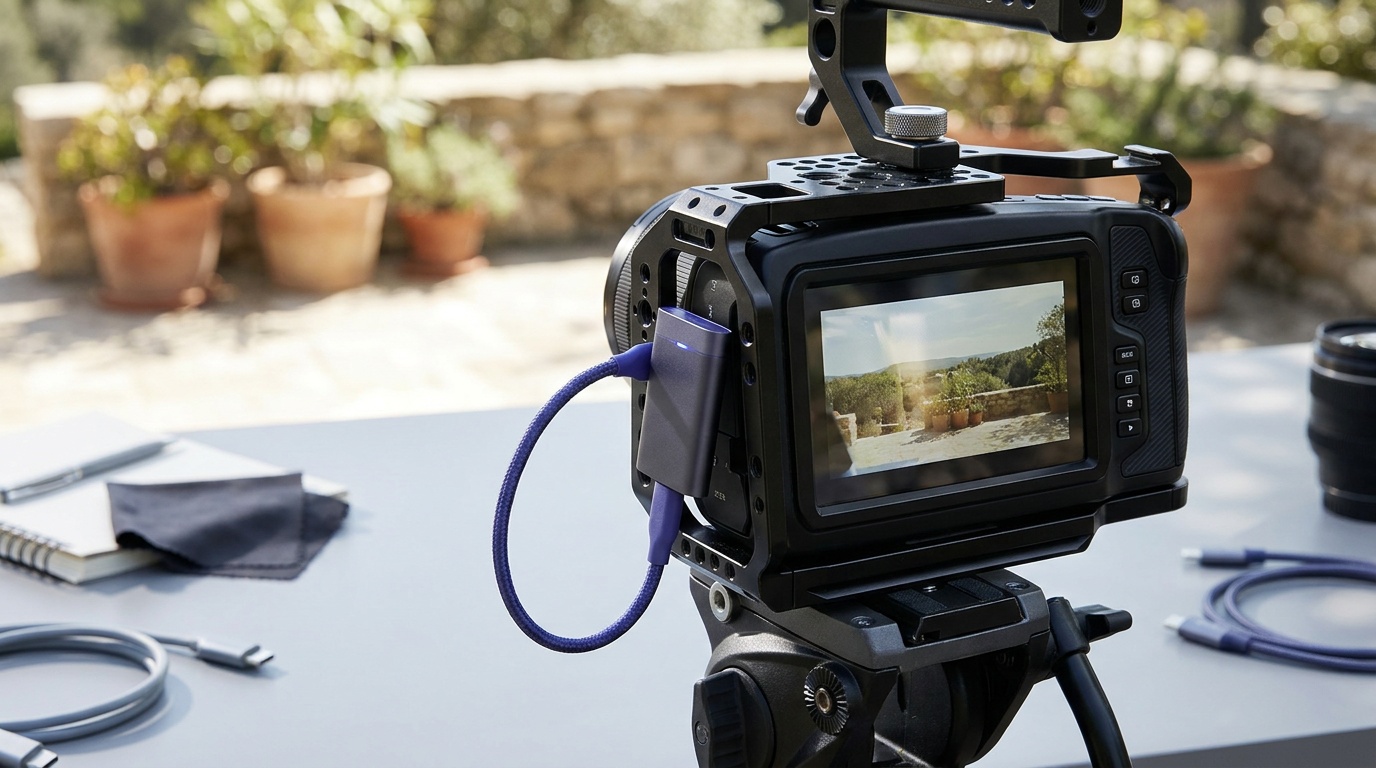
On some setups, yes. Many monitor recorders and a growing number of cameras can write video straight to an external SSD, often in a higher-quality codec than the camera records internally. The drive has to sustain the camera's bitrate without dropping frames, so check the recorder's required speed and use a drive rated to keep up. Not every camera supports it, so confirm yours does.
How fast does a video SSD need to be?
For offloading footage, almost any modern USB 3.2 Gen 2 SSD is fast enough. For recording video directly off a camera, the drive must sustain the camera's bitrate continuously, which is where faster Thunderbolt or Gen 2x2 drives matter. Look at the sustained write speed the recorder requires, not the drive's peak burst number.
How much storage do I need for video?
More than you expect, because video files are large, especially in high resolution or RAW. Buying bigger capacity also means fewer drives to juggle on a shoot. A practical approach is one large working drive plus separate backup drives, since you should always keep two copies of footage you cannot reshoot.
Compare picks
The short version
Use this to narrow the list before opening the detailed cards.
Scores weigh fit, owner sentiment, build, and value. Affiliate links do not change pick order. Methodology
Buying order
Start with the skip note. A good deal on the wrong camera is still the wrong camera.
Compare verdictsIf you already own lenses, check the system path before buying into a new mount.
Check systemsOnce the fit makes sense, compare current deals and retailer listings.
Check current deals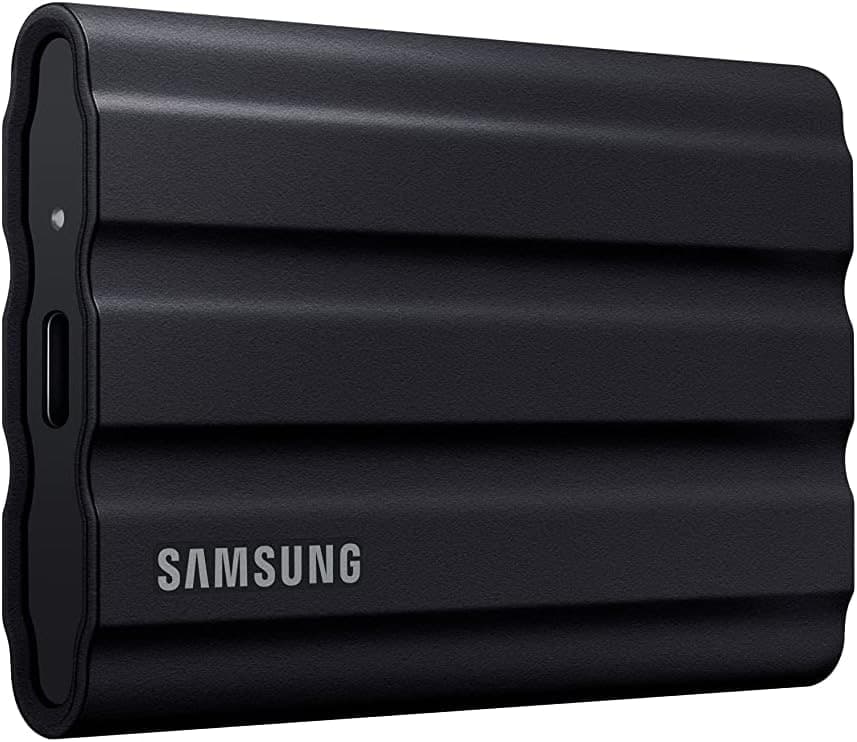
Most shooters who want a tough, fast drive for offload and recording.
Use the retailer for the current price after the tradeoff makes sense. Confirm capacity, sustained write speed, card class, and backup workflow.
Tradeoff: Not built for the most demanding recording codecs
Confirm the exact model, seller, and price before buying. Confirm capacity, sustained write speed, card class, and backup workflow.
9.1/10 Aperture Score
Use the retailer for the current price after the tradeoff makes sense. Confirm capacity, sustained write speed, card class, and backup workflow.
Photographers backing up cards on the road.
Use the retailer for the current price after the tradeoff makes sense. Confirm capacity, sustained write speed, card class, and backup workflow.
Price ladder
The useful range here runs from $99 to $532. Start with the ceiling that matches the assignment.
- Most shooters who want a tough, fast drive for offload and recording.
- Rugged and weather resistant
- Not the fastest for the heaviest codecs
Use the retailer for the current price after the tradeoff makes sense. Confirm capacity, sustained write speed, card class, and backup workflow.
- Photographers backing up cards on the road.
- Fast and compact
- Heat-throttles on very long writes
Use the retailer for the current price after the tradeoff makes sense. Confirm capacity, sustained write speed, card class, and backup workflow.
- High-bitrate and RAW direct-recording workflows.
- High sustained speed
- Costs more
Use the retailer for the current price after the tradeoff makes sense. Confirm capacity, sustained write speed, card class, and backup workflow.
- Fast offloading and affordable backup copies.
- Low cost per terabyte
- Not built for the most demanding recording codecs
Confirm the exact model, seller, and price before buying. Confirm capacity, sustained write speed, card class, and backup workflow.
- Shooters who want one dependable drive for everything.
- Tough weather-resistant body
- Sits mid-pack on price and speed
Use the retailer for the current price after the tradeoff makes sense. Confirm capacity, sustained write speed, card class, and backup workflow.
- Demanding location work in rough conditions.
- Built for rough conditions
- Most expensive here
Confirm the exact model, seller, and price before buying. Confirm capacity, sustained write speed, card class, and backup workflow.
| Pick | Score | Price | Verdict | Action |
|---|---|---|---|---|
| Best OverallSamsung T7 Shield | 9.0
| Price varies by seller | Most shooters who want a tough, fast drive for offload and recording. Wins: Rugged and weather resistant Skip: Not the fastest for the heaviest codecs | Check Amazon · Price varies by seller Use the retailer for the current price after the tradeoff makes sense. Confirm capacity, sustained write speed, card class, and backup workflow. |
| Best Portable SSDSamsung T7 Portable SSD 1TB | 8.9
| $225 - $260 | Photographers backing up cards on the road. Wins: Fast and compact Skip: Heat-throttles on very long writes | Check Amazon · $225 - $260 Use the retailer for the current price after the tradeoff makes sense. Confirm capacity, sustained write speed, card class, and backup workflow. |
| Best for RecordingSanDisk PRO-G40 | 9.1
| $530 - $600 | High-bitrate and RAW direct-recording workflows. Wins: High sustained speed Skip: Costs more | Check Amazon · $530 - $600 Use the retailer for the current price after the tradeoff makes sense. Confirm capacity, sustained write speed, card class, and backup workflow. |
| Best ValueCrucial X9 Pro | 8.5
| $79 - $149 | Fast offloading and affordable backup copies. Wins: Low cost per terabyte Skip: Not built for the most demanding recording codecs | Search Amazon Confirm the exact model, seller, and price before buying. Confirm capacity, sustained write speed, card class, and backup workflow. |
 Best All-RounderSanDisk Extreme PRO Best All-RounderSanDisk Extreme PRO | 8.7
| Price varies by seller | Shooters who want one dependable drive for everything. Wins: Tough weather-resistant body Skip: Sits mid-pack on price and speed | Check Amazon · Price varies by seller Use the retailer for the current price after the tradeoff makes sense. Confirm capacity, sustained write speed, card class, and backup workflow. |
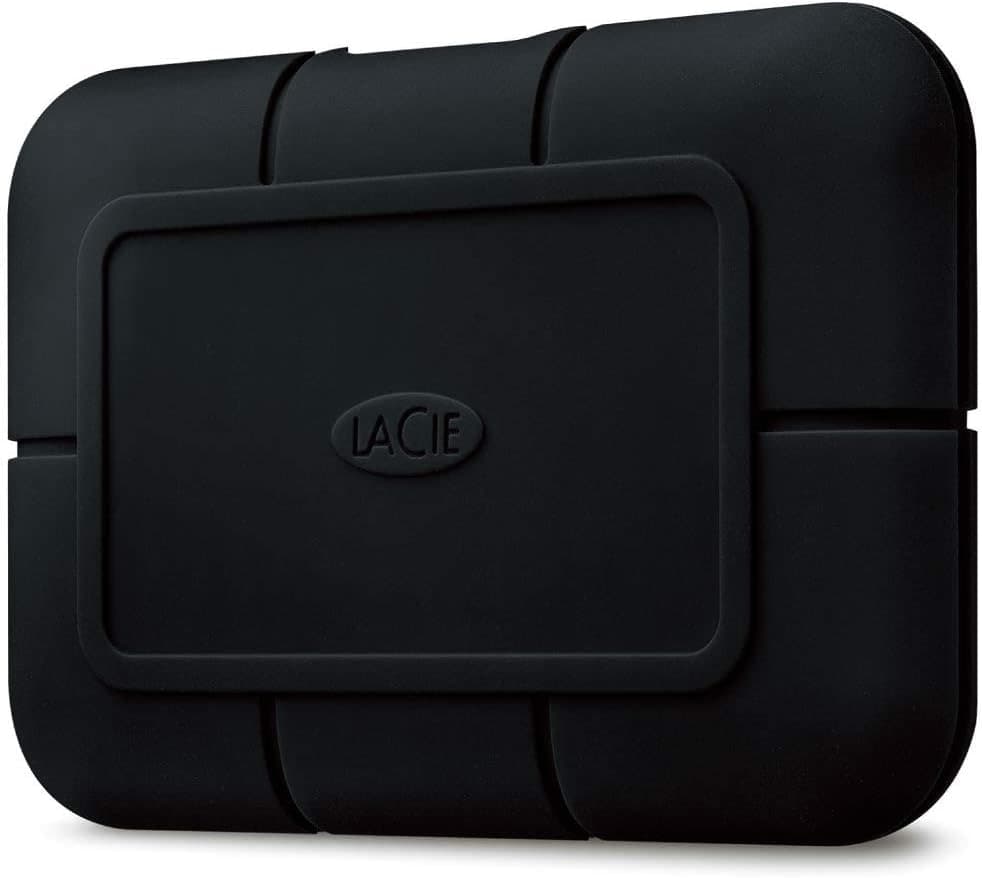 Best for LocationLaCie Rugged SSD Pro Best for LocationLaCie Rugged SSD Pro | 8.8
| $229 - $349 | Demanding location work in rough conditions. Wins: Built for rough conditions Skip: Most expensive here | Search Amazon Confirm the exact model, seller, and price before buying. Confirm capacity, sustained write speed, card class, and backup workflow. |
Keep going
Next useful steps
Pick one. Each link continues the same job without starting the research over.
Shoot kits
Buy around the job, not the spec sheet
Creator kit
Solo vlogging kit
$1,286
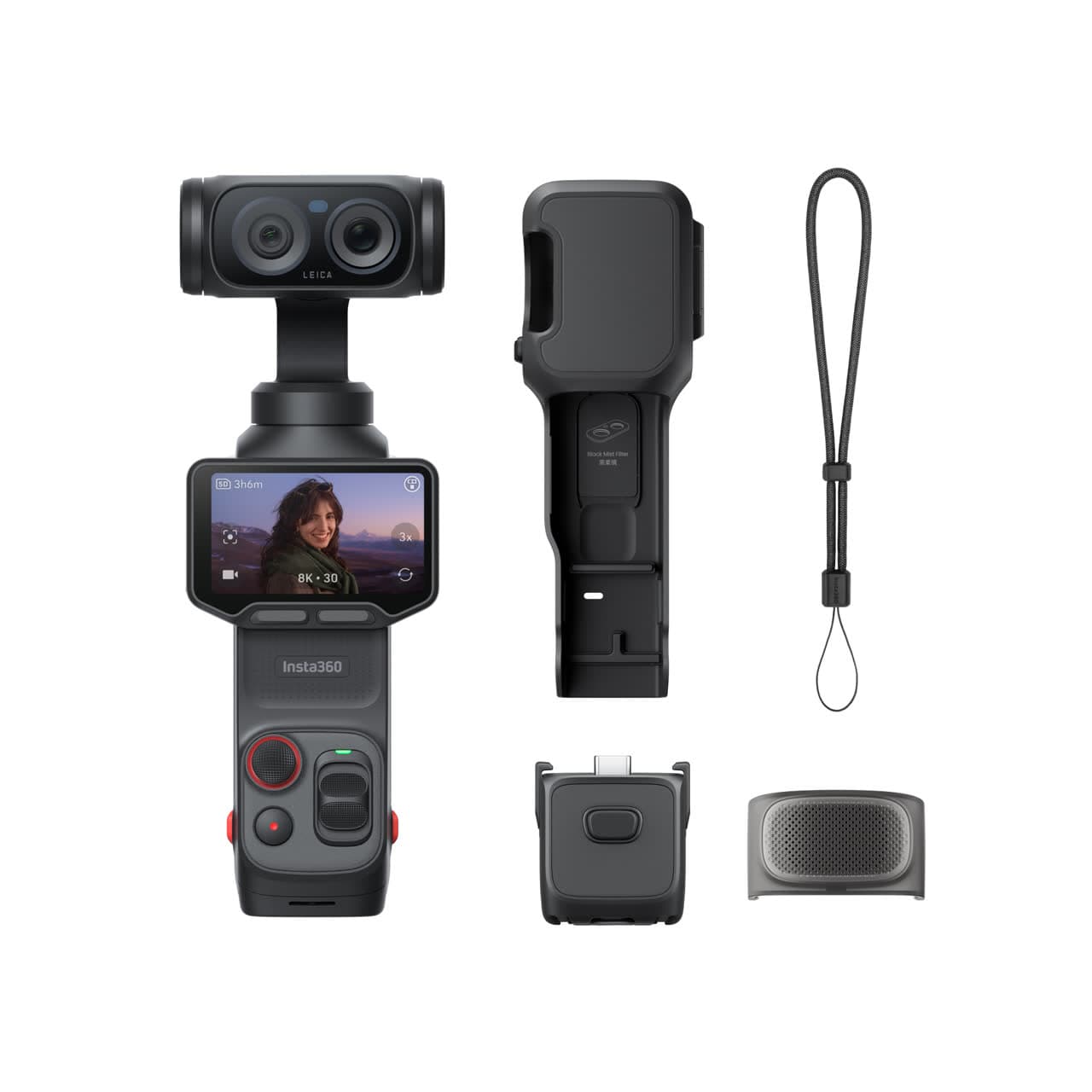
A stabilized pocket camera, clean wireless audio, fast media, a backup drive, and a small light for one-person video.
Best low-friction creator kit
Buy order: start with the first piece that makes the job possible, then add the support pieces that remove friction.
Camera: start here. If this piece does not make the shoot easier, the rest of the kit can wait.
Light: add it after the core setup proves useful.
Insta360 Luna Ultra
Wide and tele framing, mechanical stabilization, and a detachable screen without a full camera rig.
Insta360 Mic Air
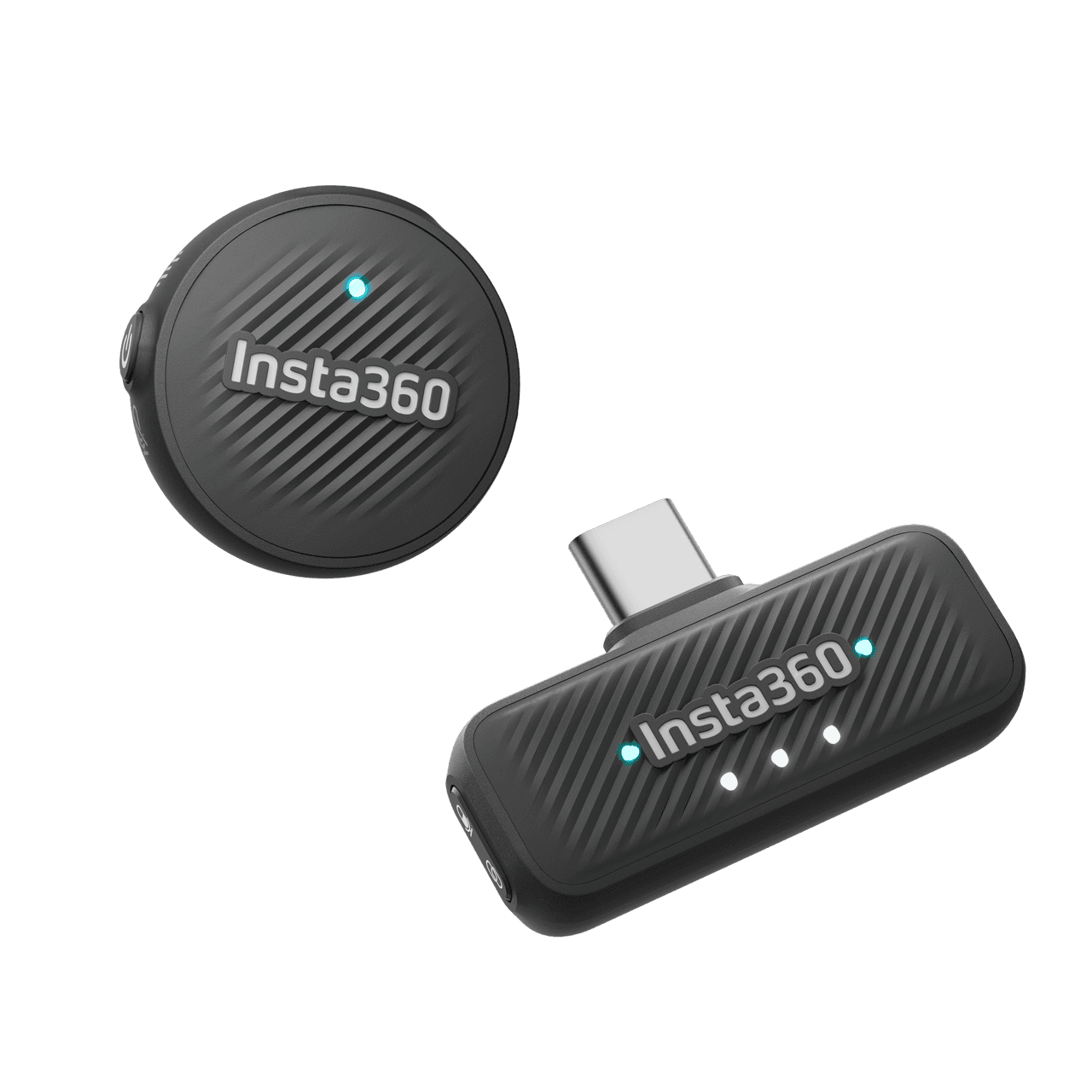
Pairs directly with Luna Ultra for clearer speech without hanging a receiver from the camera.
SanDisk Extreme microSDXC 256GB
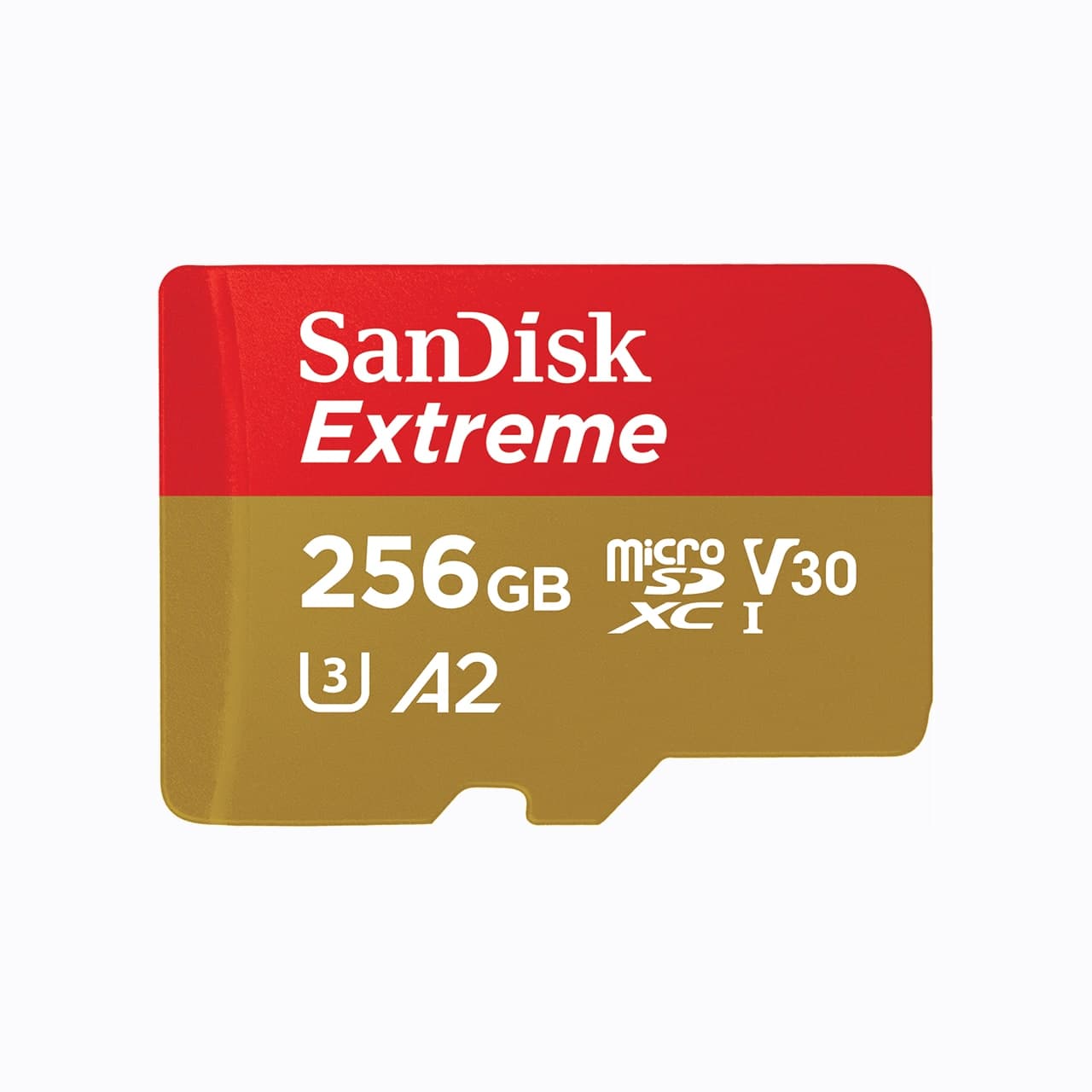
Pocket gimbals and action cameras use microSD, not a full-size SD card.
Samsung T7 Shield
A rugged pocket SSD for offloading footage before a card gets reused.
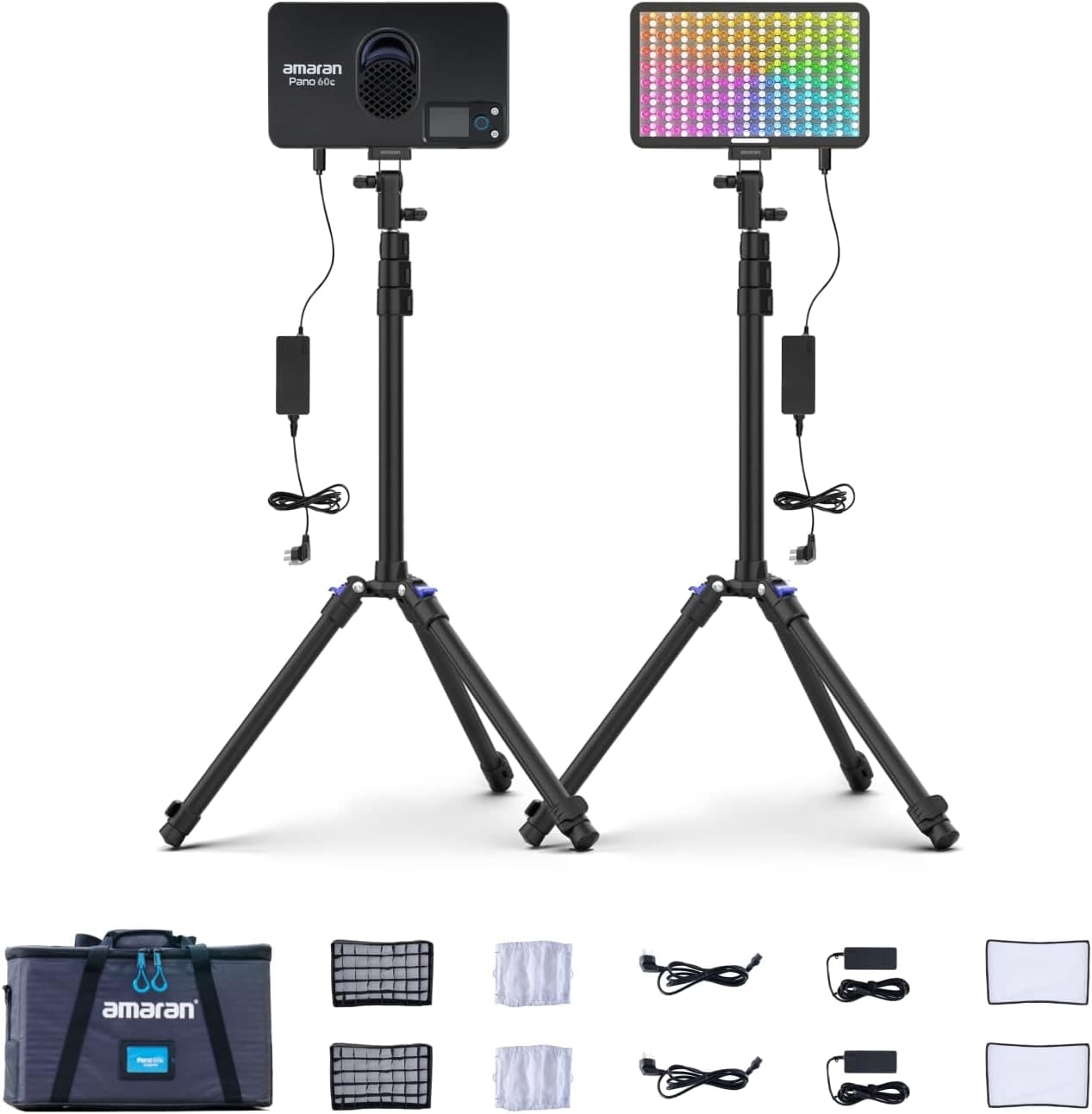
Amaran P60c RGBWW Panel
Soft, controllable fill for talking-head clips, product details, and ugly rooms.
Prices are rough catalog totals. Retailer prices change, and you can swap pieces to fit your system.
Related Gear guides
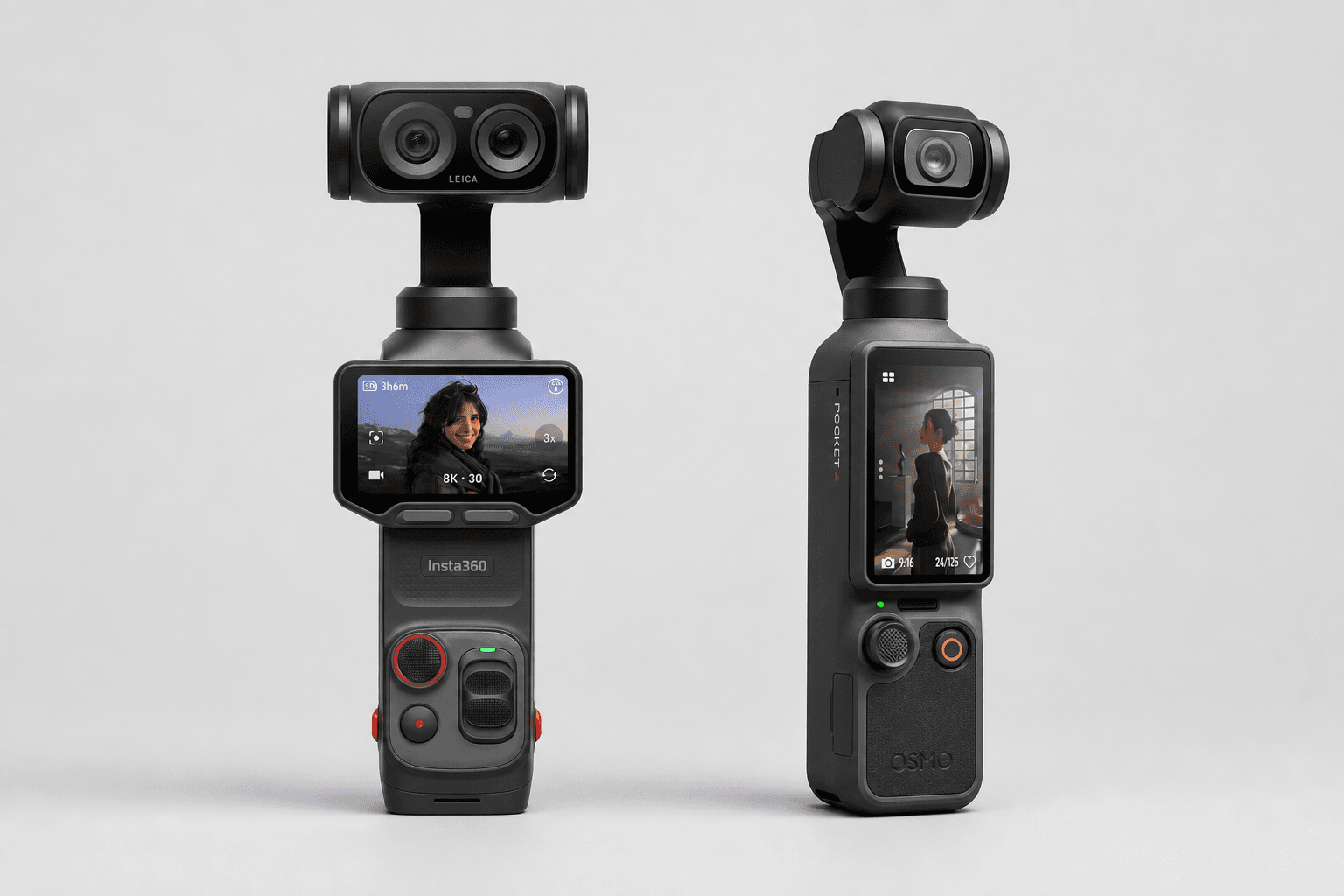
Insta360 Luna Ultra vs DJI Osmo Pocket 4: Which Pocket Gimbal Should You Buy?
Compare Luna Ultra and DJI Pocket 4 by lenses, video, Log formats, storage, U.S. availability, and the filming jobs each pocket gimbal handles best.
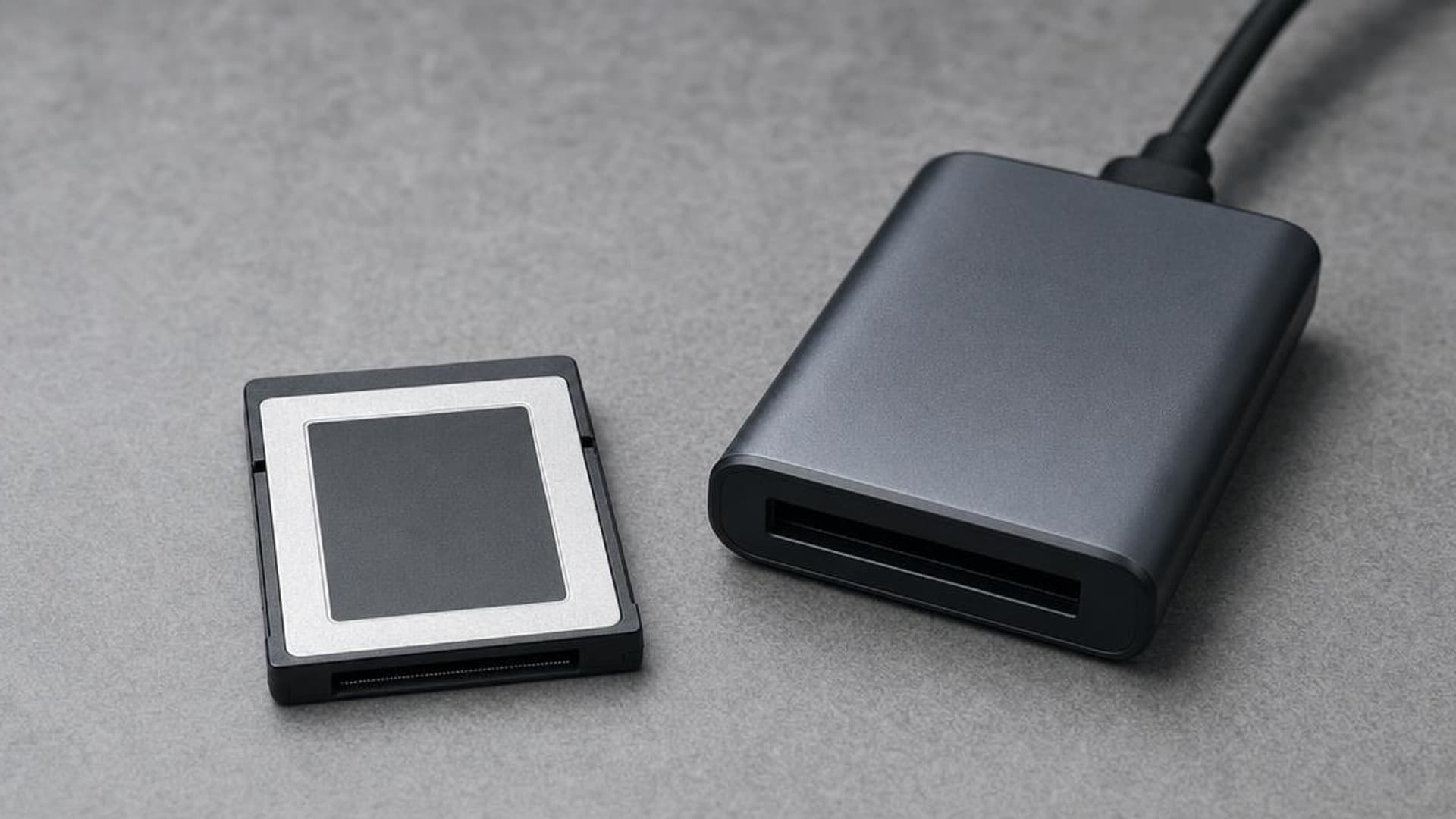
CFexpress 4.0 and VPG Explained: Buy the Card Your Camera Needs
CFexpress 4.0 doubles theoretical bandwidth, while VPG certifies sustained video writes. Learn Type A vs B, VPG classes, and when 4.0 is worth paying for.
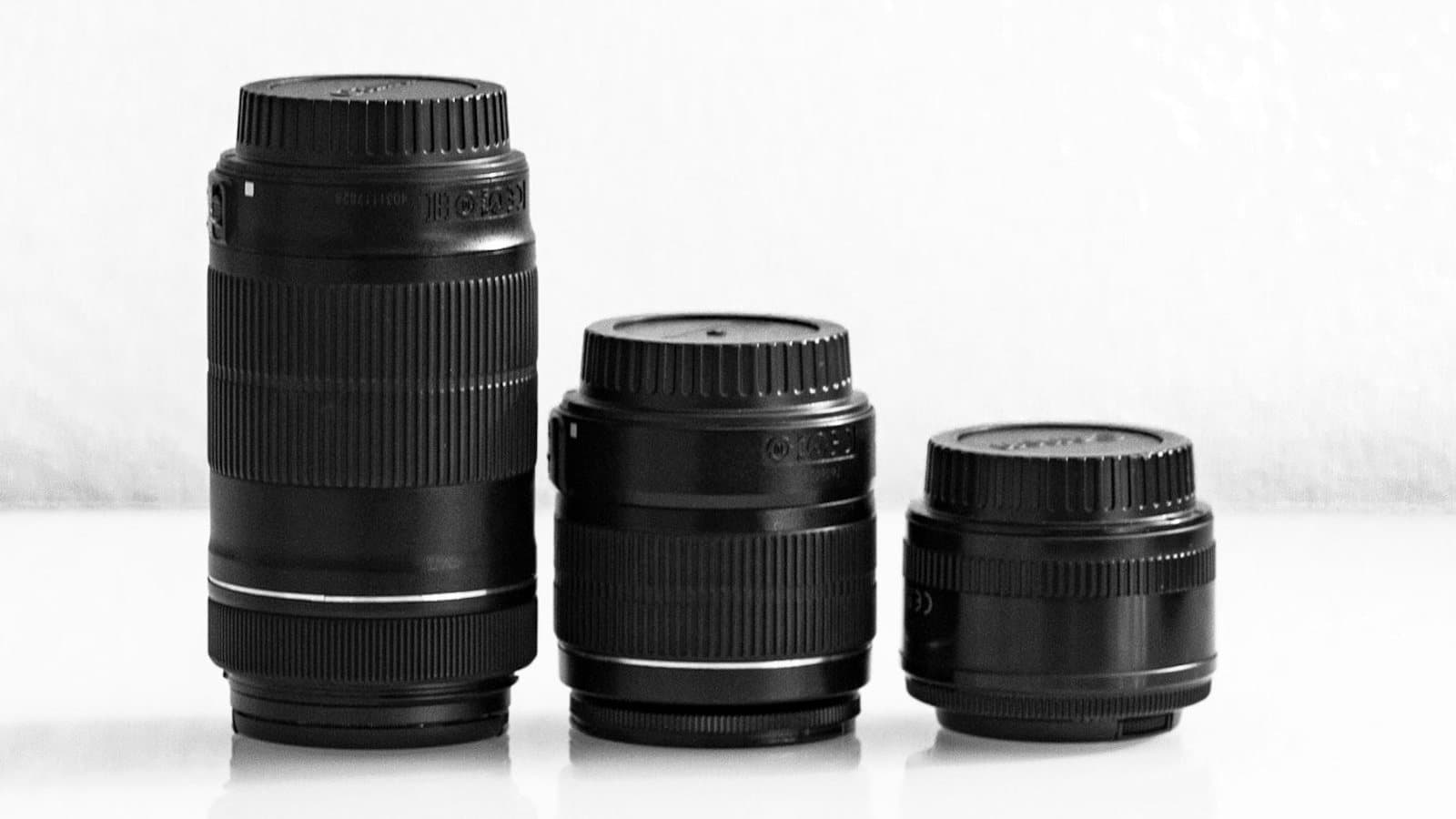
Focal Length Explained: What 24mm, 50mm, 85mm, and 200mm Actually Do
What the millimeter number on a lens changes in the field: angle of view, compression, and working distance. When to reach for 24, 50, 85, or 200mm.
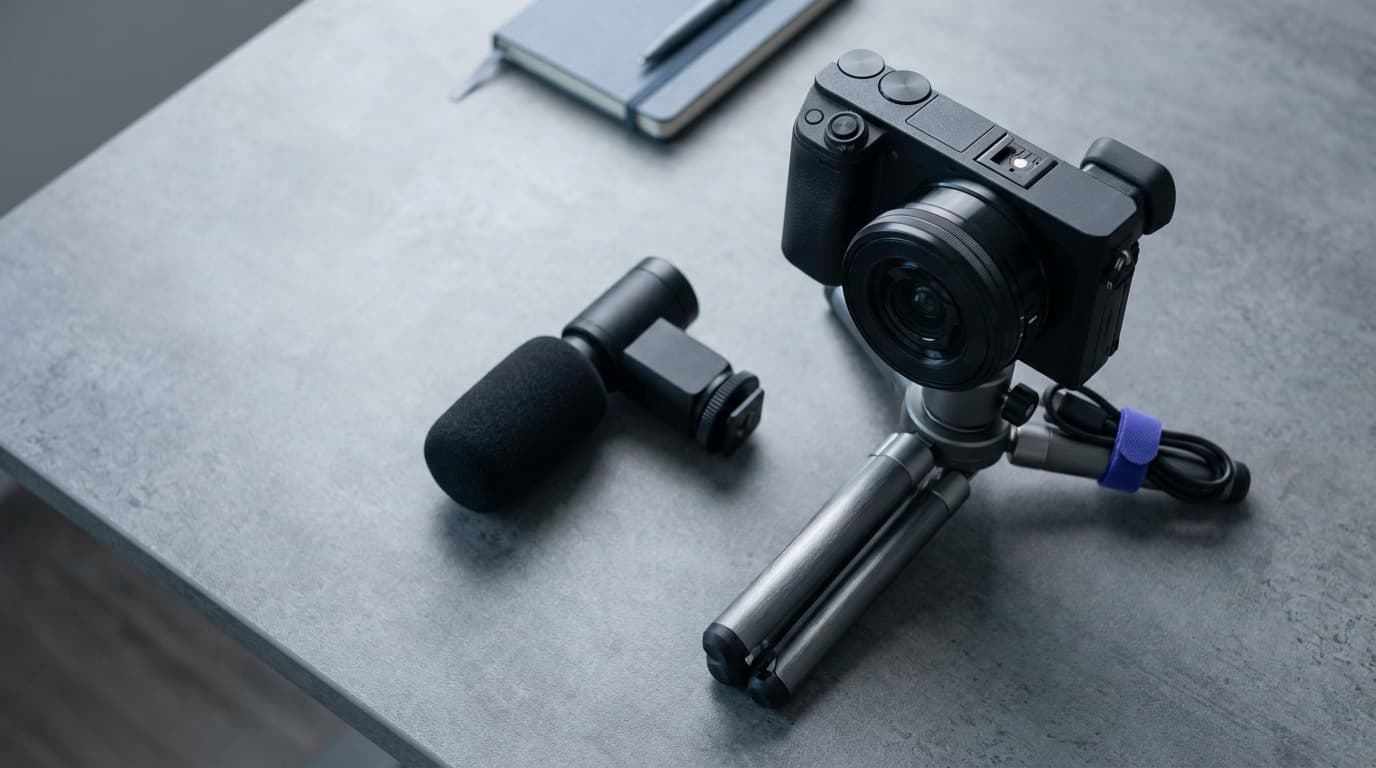
Canon EOS R50 V vs Sony ZV-E10 II: Which Beginner Vlogging Camera Should You Buy?
Canon EOS R50 V is the easier beginner creator kit. Sony ZV-E10 II is the deeper lens-system pick. Compare the practical tradeoffs.
Researched, not personally tested: picks compare specifications, available owner feedback, and established expert sources. As an Amazon Associate I earn from qualifying purchases. We may earn a commission from links here, at no extra cost to you. How we research →