We may earn a commission from links on this page, at no extra cost to you. Picks are researched, not sponsored.
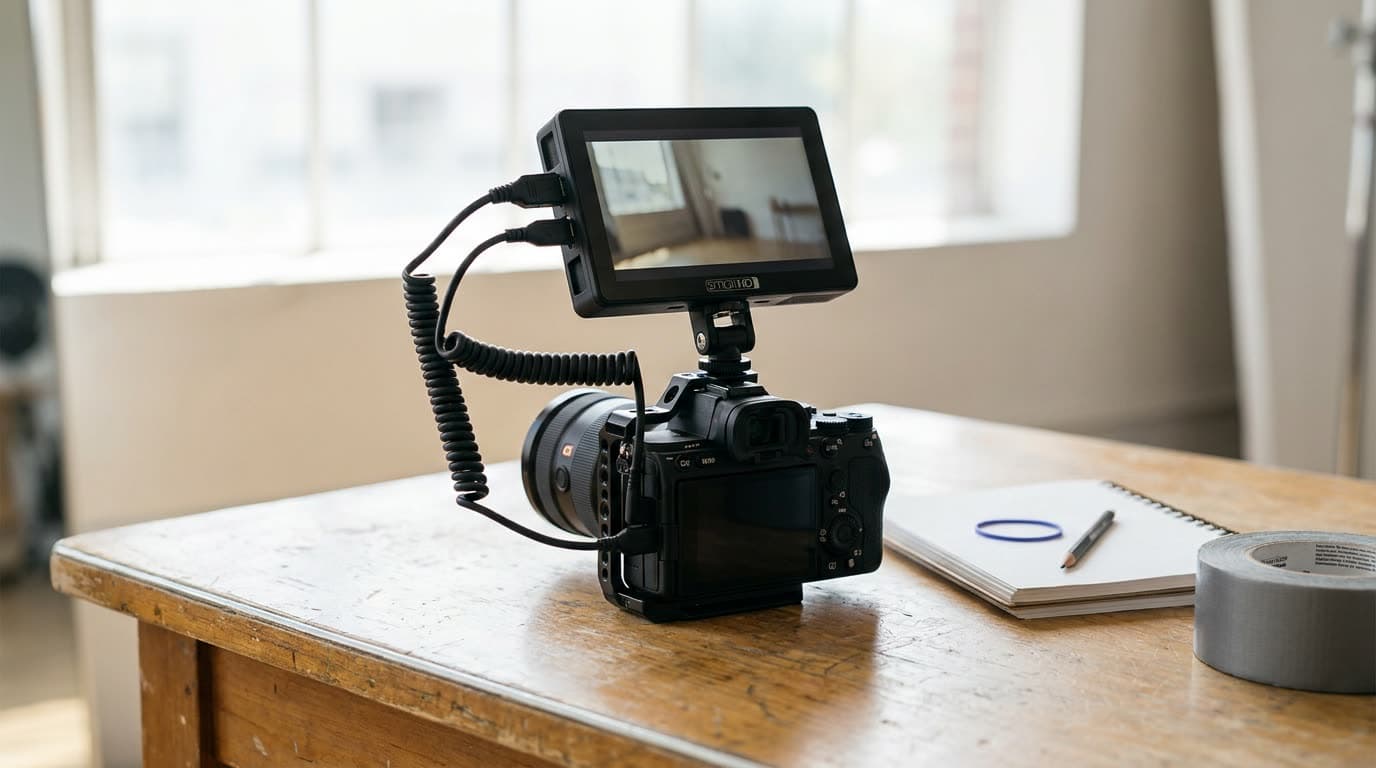
The camera screen on the back of your body is small, dim, and hard to judge focus on. A field monitor fixes all three: a larger, brighter panel with real exposure and focus tools so you can see what you are actually capturing. Once you frame a shot on a good monitor, going back to a 3-inch rear screen feels like guessing.
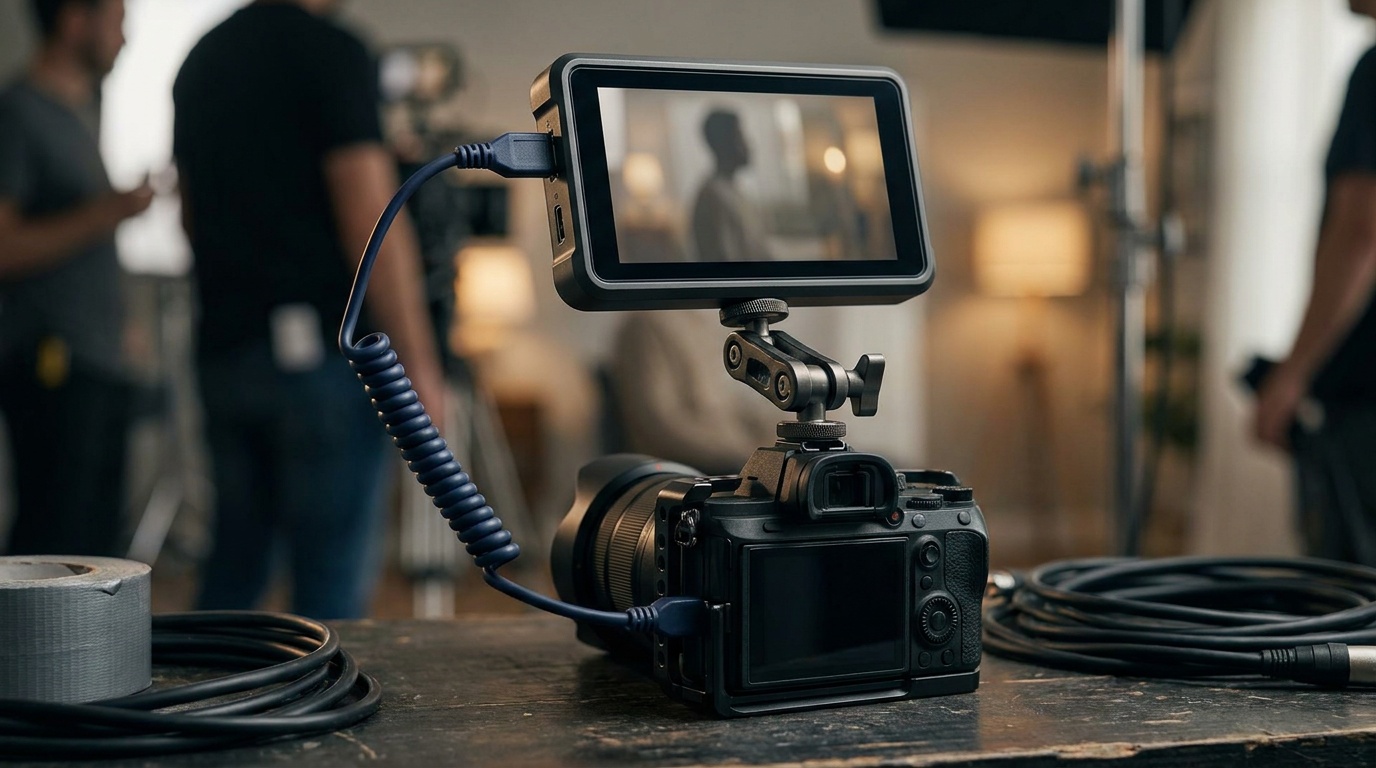
If you are still learning what the on-screen tools are telling you, the exposure triangle covers the settings a monitor helps you confirm, and our best cameras for video guide covers the bodies these monitors attach to.
How to choose
Start with brightness, measured in nits. A monitor you cannot see in daylight is useless on an outdoor shoot. Think in tiers: 1000 nits is the working floor for shade and overcast, 1500 nits is comfortable in open daylight, and 2000 nits and up resists direct sun even without a hood. Indoor and studio shooters can get away with less. Resolution matters too: a sharp 1920 by 1080 panel is enough to judge critical focus at five to seven inches, since most field monitors downscale a 4K signal to that anyway.
Then decide whether you need a recorder. A plain monitor just shows the image. A monitor recorder, like the Atomos Ninja line, also records high-quality codecs (ProRes, sometimes RAW) to an external drive, which can beat the codec your camera writes internally. If your camera records all you need, save the money and buy a monitor.
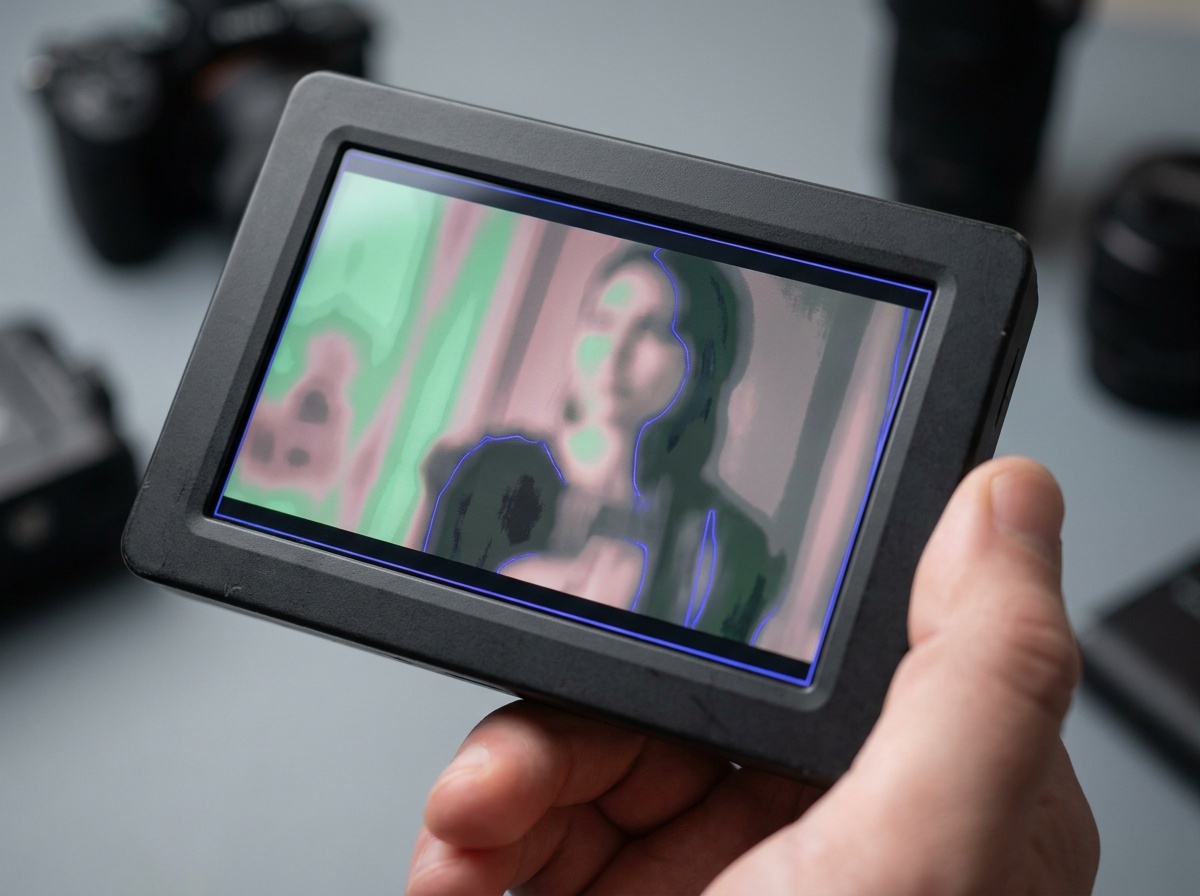
After that, weigh the tools. Focus peaking highlights the sharpest edges in a color so you can confirm focus at a glance, false color maps exposure to a color scale so skin tones land in the safe range, and waveforms, zebras, and loadable 3D LUTs round out the set. They let you nail focus and exposure precisely instead of eyeballing it. Last, check the inputs: most mirrorless cameras output a clean signal over HDMI, while cinema bodies and longer cable runs use the locking SDI connector, so match the port to your body and your distance.
The picks
Best Overall
Atomos Ninja V
Hybrid shooters who want better monitoring and a stronger codec in one unit.
Check price at AmazonThe Atomos Ninja V is the default recommendation for hybrid shooters. The 5-inch screen hits 1000 nits, the scopes and focus tools are complete and accurate, and it records ProRes and other high-quality codecs to a fast SSD, which often beats what the camera writes on its own card. It draws power and adds bulk, and the SSD media costs extra, but as one unit that improves your monitoring and your footage, it earns its place.
Best for Color
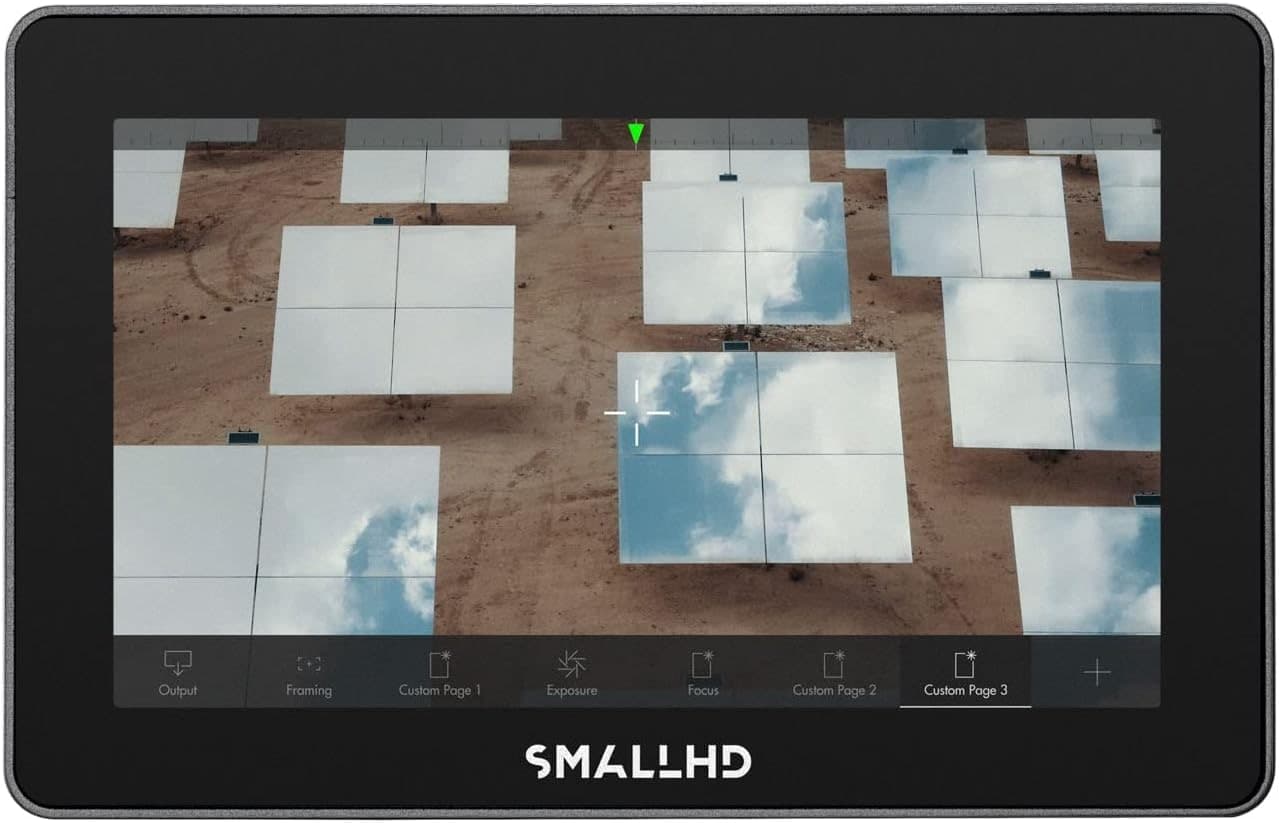
SmallHD Indie 5
Shooters who want an accurate monitor and already trust their camera's codec.
Check price at AmazonThe SmallHD Indie 5 is the pick when you want a monitor and not a recorder. Its 1000-nit panel, HDMI and 3G-SDI inputs, color tools, and page-based interface suit a camera department that needs reliable monitoring across different bodies. It does not record and it costs far more than the budget screens here, so buy it for the interface, connectivity, and color workflow rather than brightness alone.
Best Value
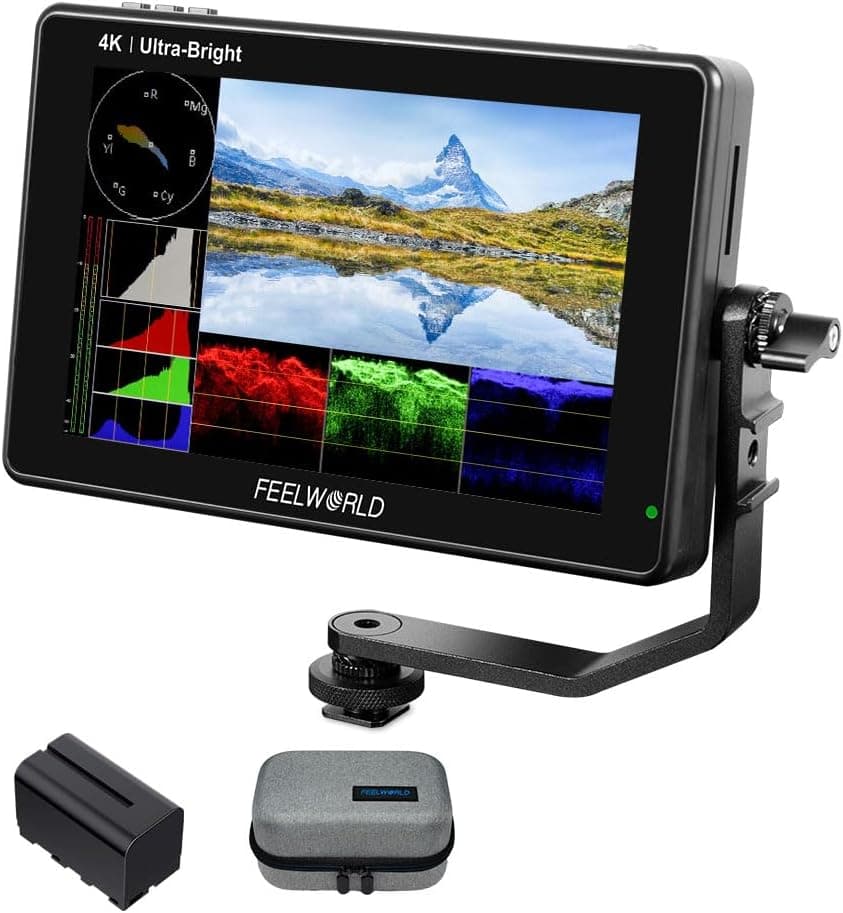
Feelworld LUT7
Beginners and second-camera setups that need outdoor brightness on a budget.
Check price at AmazonThe Feelworld LUT7 is the budget standout. A 7-inch, 2200-nit screen that you can genuinely see in sunlight, plus waveform, peaking, and LUT support, for a fraction of the premium brands. The build is plastic and the touchscreen is less refined, but for a beginner or a second-camera monitor, the brightness-per-dollar is the best on this list.
Best Large Screen
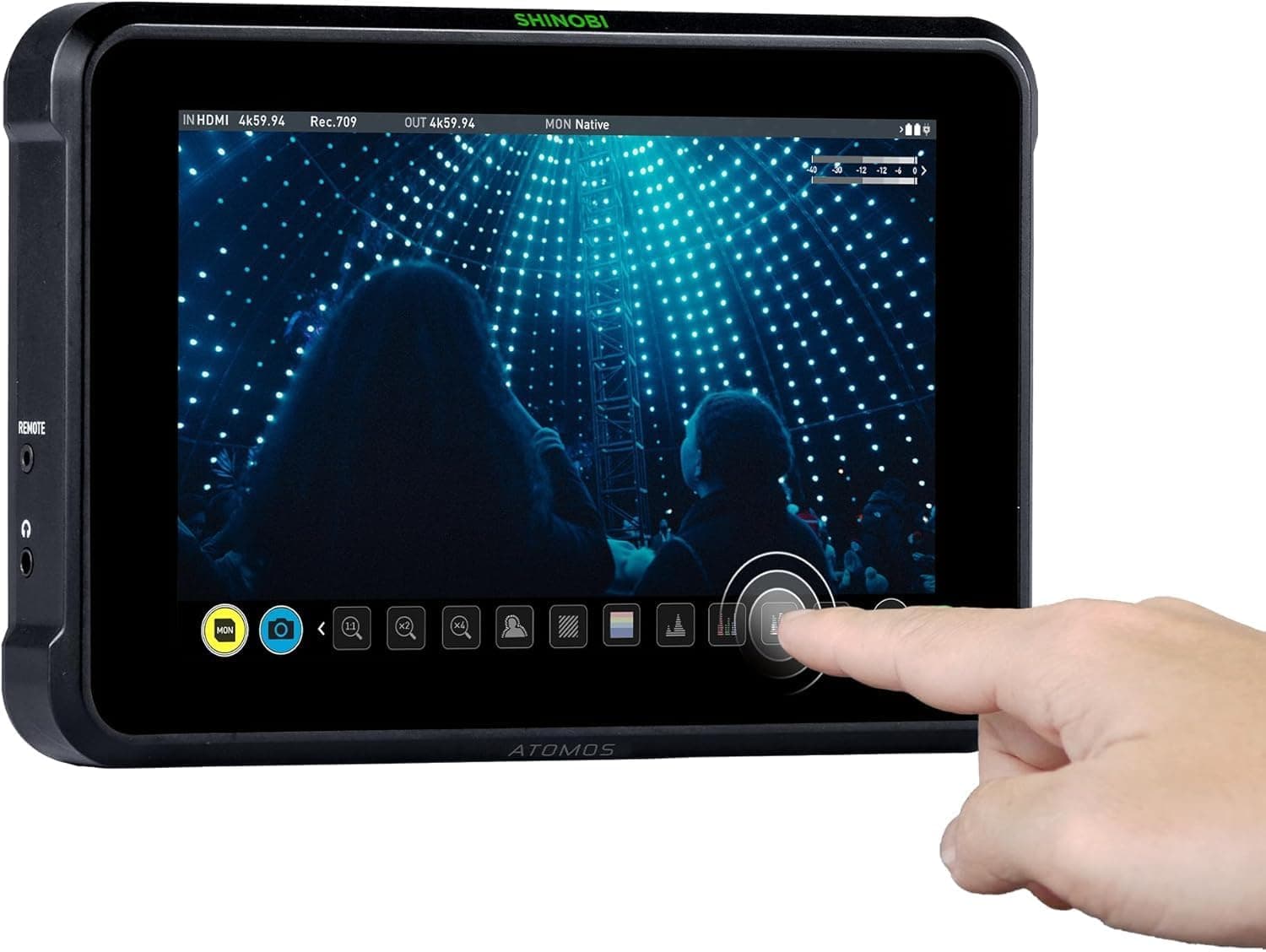
Atomos Shinobi 7
Studio and rig shooters who want a large, accurate display.
Check price at AmazonThe Atomos Shinobi 7 is the large monitor pick for studio and gimbal work. The 7-inch, 2200-nit HDR panel is big and bright enough for tethered studio shoots and client review, and it accepts both HDMI and SDI, which matters on bigger rigs. It is monitor-only, so it leans toward shooters who already have their recording sorted and want a large, accurate display.
Best for Control
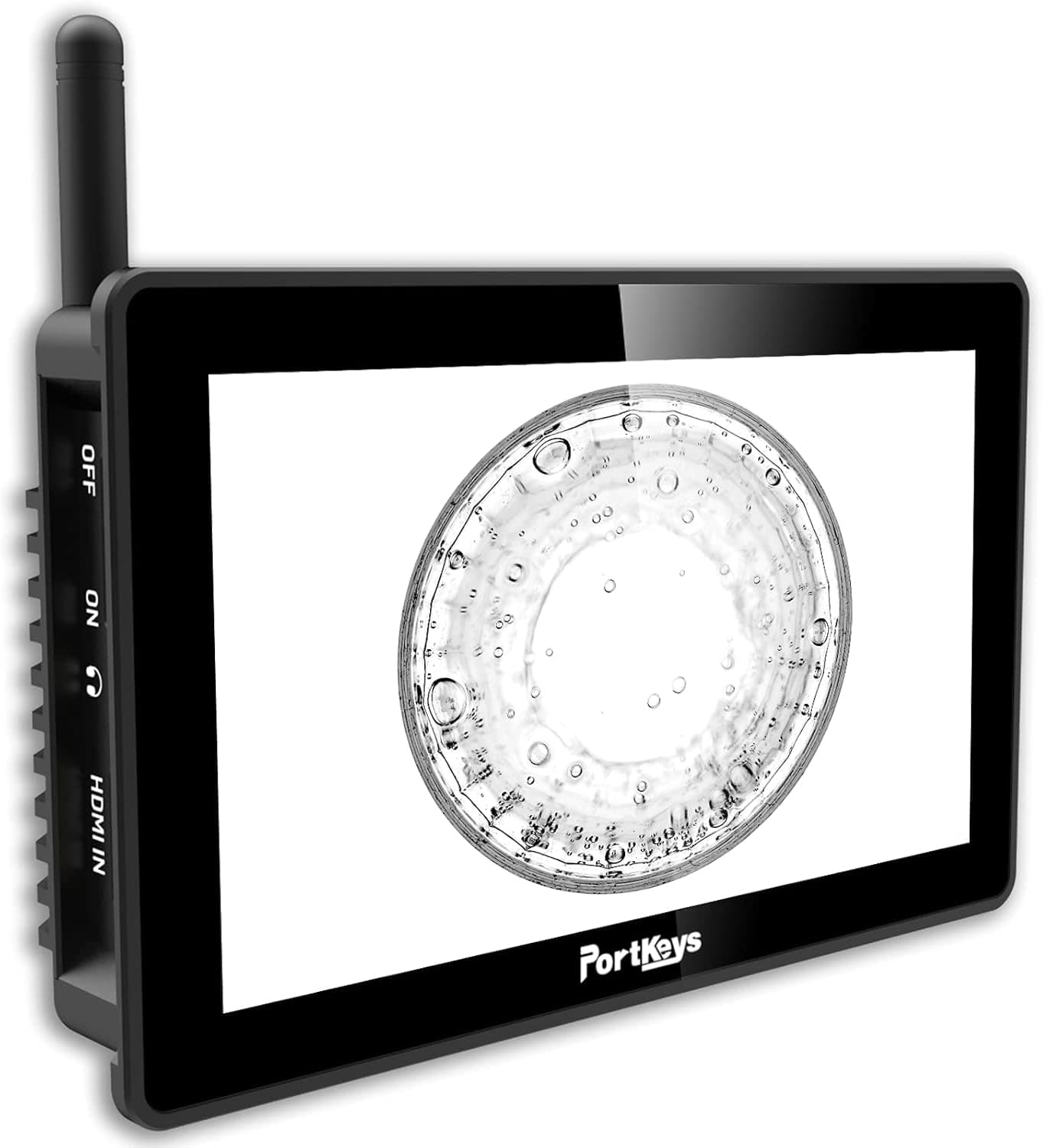
Portkeys BM5 III
Gimbal and rig shooters who want to control the camera from the monitor.
Check price at AmazonThe Portkeys BM5 III is the pick for camera control. Beyond a bright 2200-nit 5.5-inch screen, it can trigger record and adjust settings on many Sony, Canon, and Panasonic bodies, which cleans up a gimbal or rig where you cannot reach the camera. The control compatibility varies by camera, so confirm your body is supported before you buy.
Common mistakes
The most common one is buying for screen size and ignoring brightness, then finding the monitor washes out the moment you step outside. Brightness matters more than size. The second is paying for a recorder you do not need; if your camera's internal codec is fine, a plain monitor saves money and weight. The third is forgetting the accessories: a monitor needs its own battery, a cage or arm to mount it, and the right HDMI or SDI cable, and those add up.
A monitor pairs naturally with stabilized work, so see our best gimbals for video guide for the rigs these screens often ride on, and how to take sharp photos for the focus fundamentals a monitor helps you confirm.
Do I need a monitor recorder or just a monitor?
It depends on your camera's internal recording. A monitor recorder like the Atomos Ninja V records high-quality codecs such as ProRes to an external drive, which can beat what your camera writes internally and is worth it if your body has a weak codec. If your camera already records all you need, a plain monitor gives you the bigger screen and the tools for less money and weight.
How bright does a field monitor need to be?
For outdoor work, aim for at least 1000 nits, and 1500 to 2000 nits is noticeably easier to see in direct sun. A dim monitor you cannot read in daylight defeats the purpose. Indoor and studio shooters can use a lower-brightness panel and save money.
Will any monitor work with my camera?
Most cameras output a clean signal over HDMI, which the monitors here accept. Higher-end cameras and cinema rigs use SDI, so if you shoot on those, pick a monitor with an SDI input. Camera-control features, like triggering record from the monitor, only work on specific supported bodies, so check compatibility before you buy.
Source
Brightness, resolution, inputs, outputs, and software tools were checked against SmallHD's Indie 5 specifications.
Compare picks
The short version
Use this to narrow the list before opening the detailed cards.
Scores weigh fit, owner sentiment, build, and value. Affiliate links do not change pick order. Methodology
Buying order
Start with the skip note. A good deal on the wrong camera is still the wrong camera.
Compare verdictsIf you already own lenses, check the system path before buying into a new mount.
Check systemsOnce the fit makes sense, compare current deals and retailer listings.
Check current deals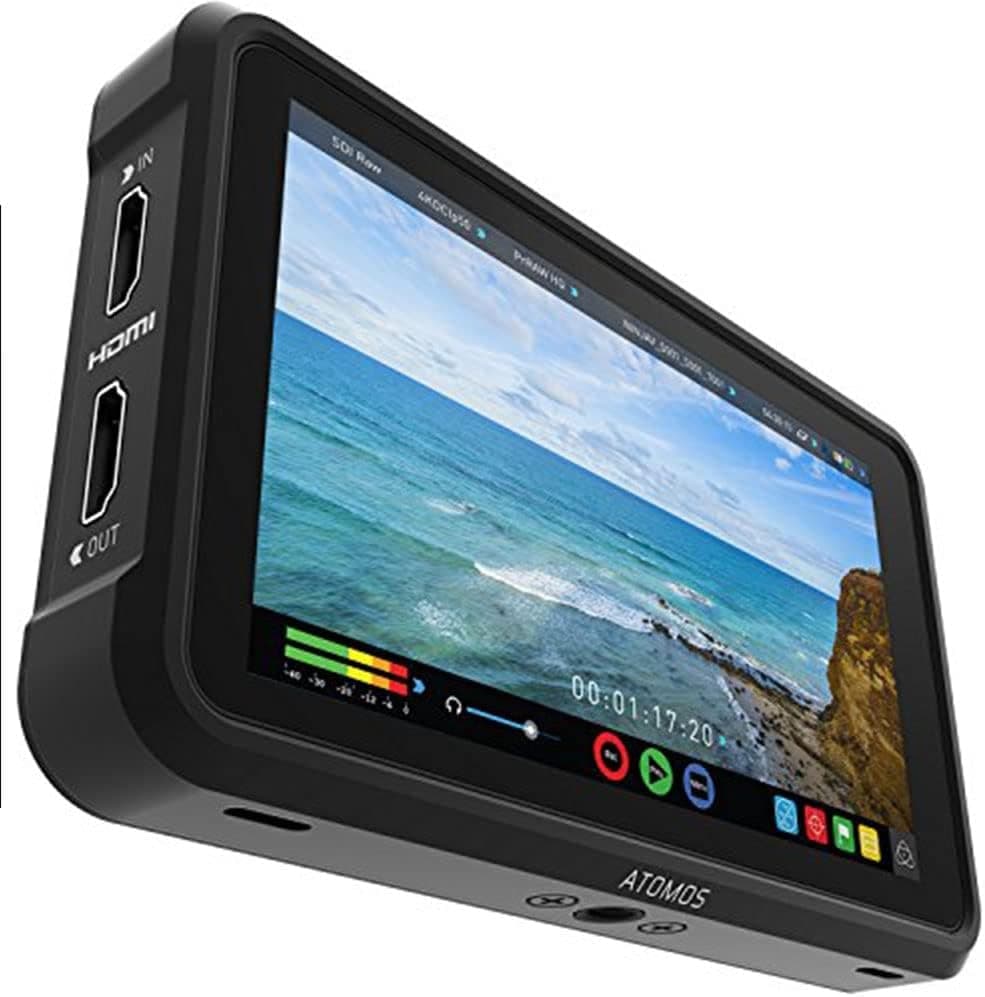
Hybrid shooters who want better monitoring and a stronger codec in one unit.
Use the retailer for the current price after the tradeoff makes sense. Confirm exact version, included accessories, compatibility, and seller listing.
Tradeoff: Plastic build
Use the retailer for the current price after the tradeoff makes sense. Confirm exact version, included accessories, compatibility, and seller listing.
Shooters who want an accurate monitor and already trust their camera's codec.
Use the retailer for the current price after the tradeoff makes sense. Confirm exact version, included accessories, compatibility, and seller listing.
Studio and rig shooters who want a large, accurate display.
Use the retailer for the current price after the tradeoff makes sense. Confirm exact version, included accessories, compatibility, and seller listing.
Price ladder
The useful range here runs from $260 to $599. Start with the ceiling that matches the assignment.
- Hybrid shooters who want better monitoring and a stronger codec in one unit.
- Records ProRes to SSD
- Adds bulk and draws power
Use the retailer for the current price after the tradeoff makes sense. Confirm exact version, included accessories, compatibility, and seller listing.
- Shooters who want an accurate monitor and already trust their camera's codec.
- Excellent color accuracy
- No recording
Use the retailer for the current price after the tradeoff makes sense. Confirm exact version, included accessories, compatibility, and seller listing.
- Beginners and second-camera setups that need outdoor brightness on a budget.
- Very bright for the price
- Plastic build
Use the retailer for the current price after the tradeoff makes sense. Confirm exact version, included accessories, compatibility, and seller listing.
- Studio and rig shooters who want a large, accurate display.
- Big bright HDR panel
- Monitor only
Use the retailer for the current price after the tradeoff makes sense. Confirm exact version, included accessories, compatibility, and seller listing.
- Gimbal and rig shooters who want to control the camera from the monitor.
- Camera control on supported bodies
- Control compatibility varies by camera
Use the retailer for the current price after the tradeoff makes sense. Confirm exact version, included accessories, compatibility, and seller listing.
| Pick | Score | Price | Verdict | Action |
|---|---|---|---|---|
| Best OverallAtomos Ninja V | 9.0
| $549 - $649 | Hybrid shooters who want better monitoring and a stronger codec in one unit. Wins: Records ProRes to SSD Skip: Adds bulk and draws power | Check Amazon · $549 - $649 Use the retailer for the current price after the tradeoff makes sense. Confirm exact version, included accessories, compatibility, and seller listing. |
| Best for ColorSmallHD Indie 5 | 8.8
| $990 - $1,120 | Shooters who want an accurate monitor and already trust their camera's codec. Wins: Excellent color accuracy Skip: No recording | Check Amazon · $990 - $1,120 Use the retailer for the current price after the tradeoff makes sense. Confirm exact version, included accessories, compatibility, and seller listing. |
| Best ValueFeelworld LUT7 | 8.3
| $255 - $295 | Beginners and second-camera setups that need outdoor brightness on a budget. Wins: Very bright for the price Skip: Plastic build | Check Amazon · $255 - $295 Use the retailer for the current price after the tradeoff makes sense. Confirm exact version, included accessories, compatibility, and seller listing. |
| Best Large ScreenAtomos Shinobi 7 | 8.7
| $649 - $749 | Studio and rig shooters who want a large, accurate display. Wins: Big bright HDR panel Skip: Monitor only | Check Amazon · $649 - $749 Use the retailer for the current price after the tradeoff makes sense. Confirm exact version, included accessories, compatibility, and seller listing. |
 Best for ControlPortkeys BM5 III Best for ControlPortkeys BM5 III | 8.5
| $540 - $620 | Gimbal and rig shooters who want to control the camera from the monitor. Wins: Camera control on supported bodies Skip: Control compatibility varies by camera | Check Amazon · $540 - $620 Use the retailer for the current price after the tradeoff makes sense. Confirm exact version, included accessories, compatibility, and seller listing. |
Shoot kits
Buy around the job, not the spec sheet
Video rig
Run-and-gun video rig
$4,201
A compact cinema body, fast normal zoom, cage, monitor, gimbal, shotgun mic, and battery for paid video work.
Best upgrade path from creator kit
Buy order: start with the first piece that makes the job possible, then add the support pieces that remove friction.
Camera: start here. If this piece does not make the shoot easier, the rest of the kit can wait.
Power: add it after the core setup proves useful.
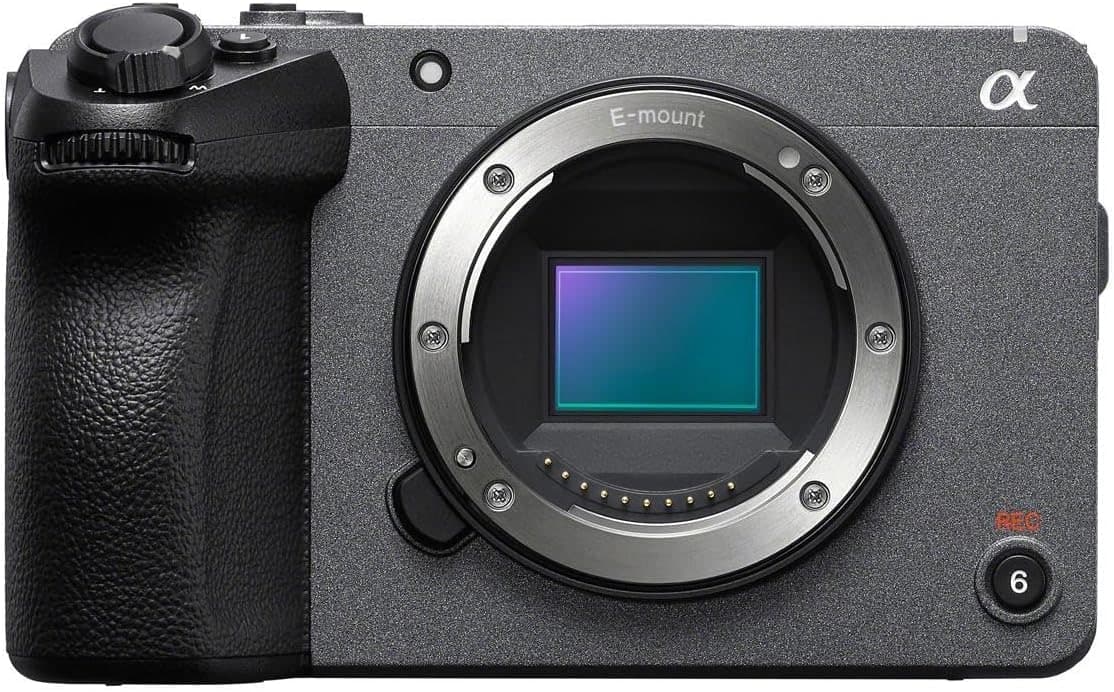
Sony FX30
Cinema-line controls, active cooling, reliable autofocus, and files that grade well without full-frame cost.
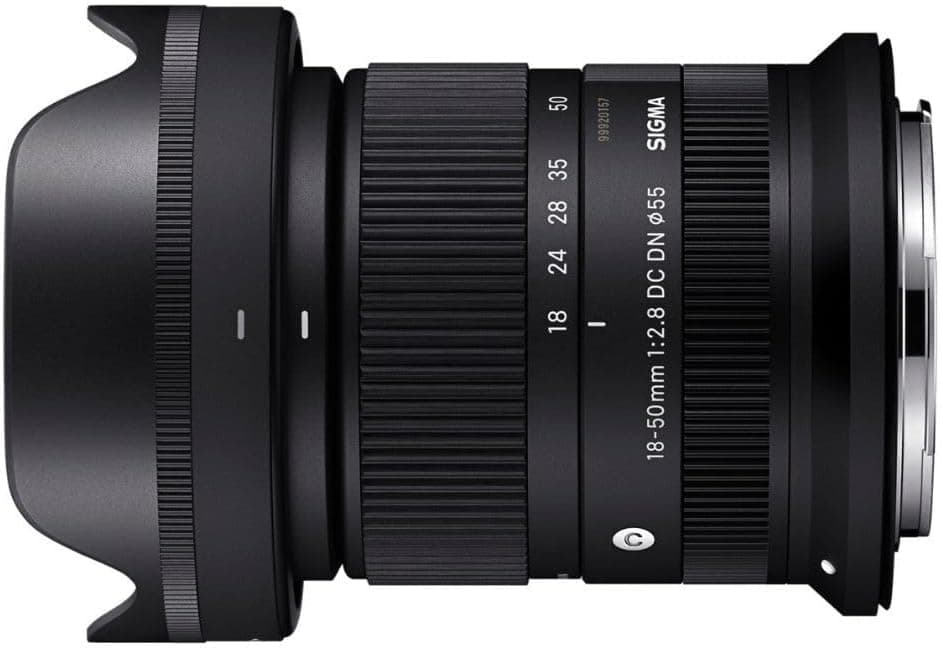
Sigma 18-50mm f/2.8 DC DN Contemporary
A small constant-aperture zoom that keeps an APS-C rig light enough to carry and balance.
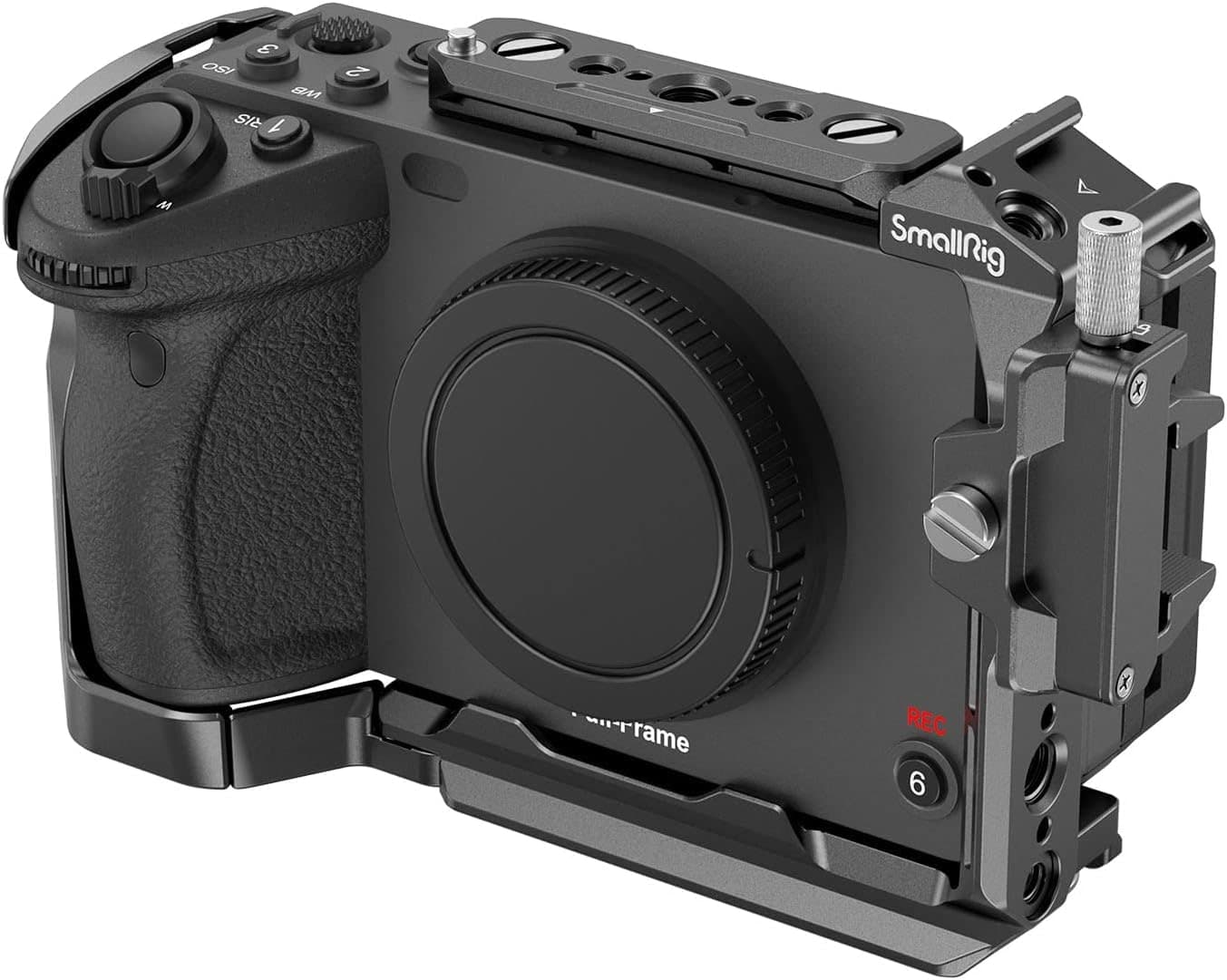
SmallRig Cage for Sony FX3 and FX30
Adds proper mounting points for handles, monitors, mics, and cables without relying on the camera body.
Atomos Ninja V
A bright five-inch screen for focus, exposure tools, LUT preview, and cleaner client monitoring.
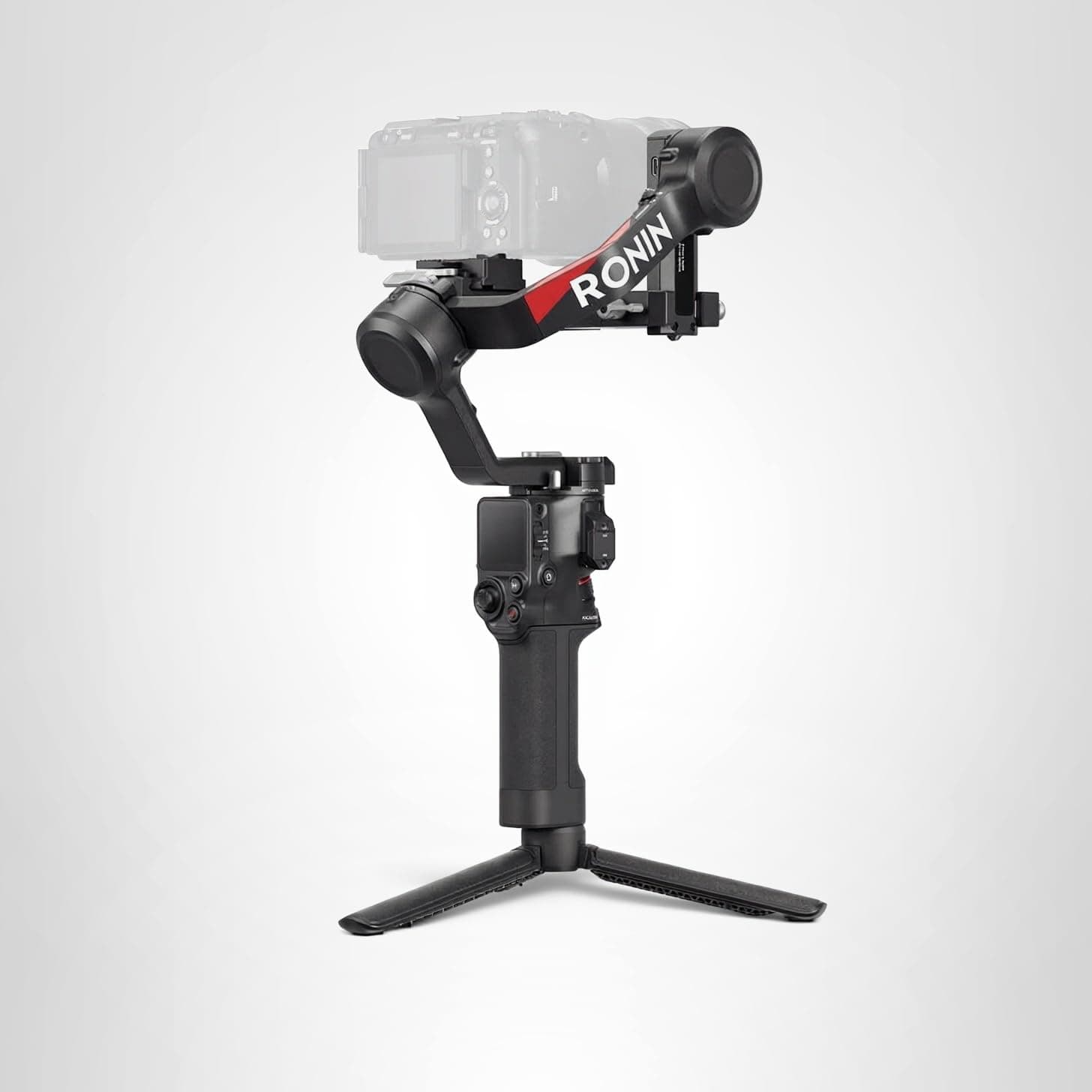
DJI RS 4
The gimbal tier that can handle a built-out mirrorless or compact cinema rig without becoming huge.
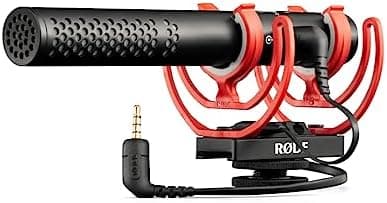
Rode VideoMic NTG
A flexible on-camera shotgun that also works as a small USB mic for quick voiceover or desk work.
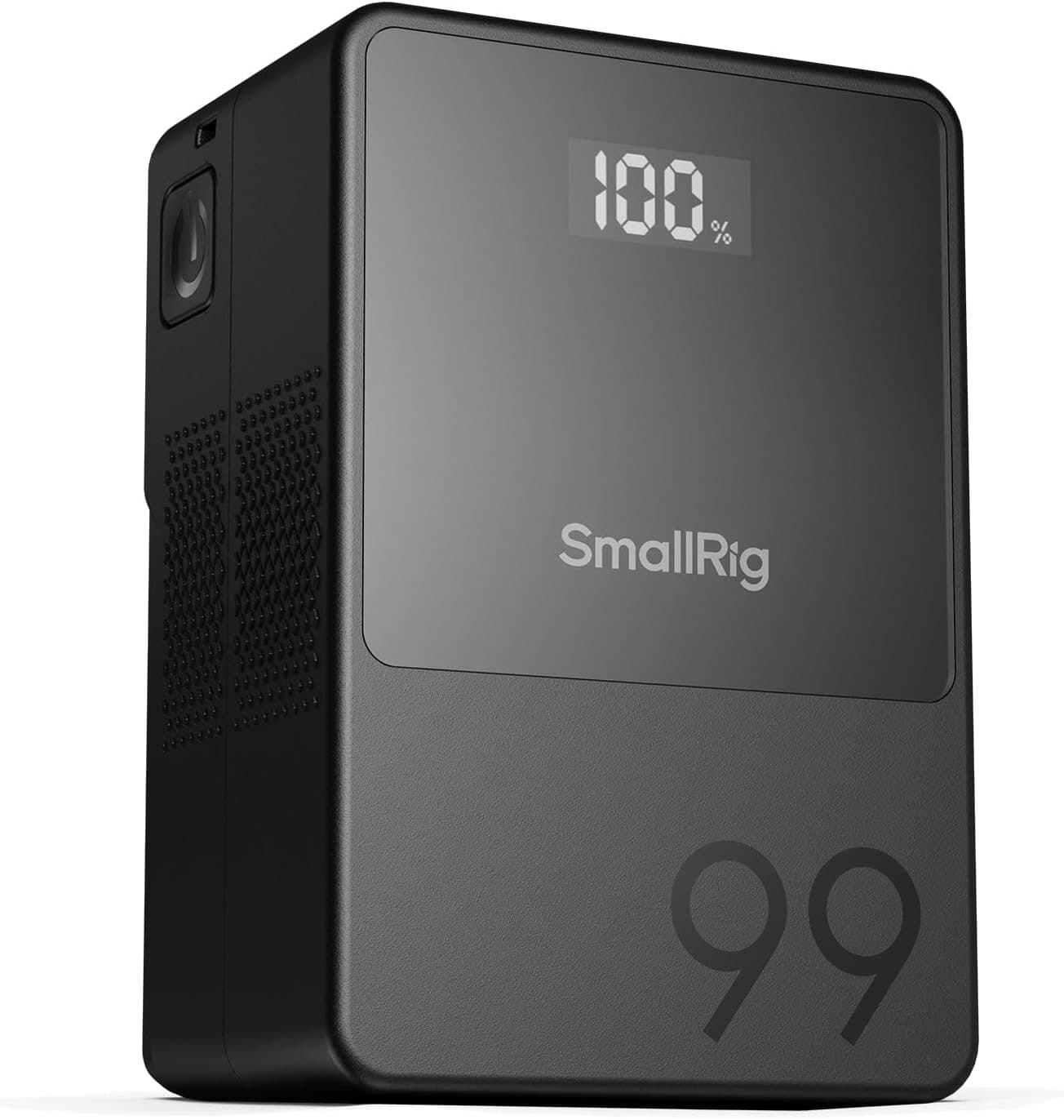
SmallRig VB99
A compact V-mount that can run monitors, lights, or cinema bodies without turning the rig into a brick.
Prices are rough catalog totals. Retailer prices change, and you can swap pieces to fit your system.
Related Gear guides
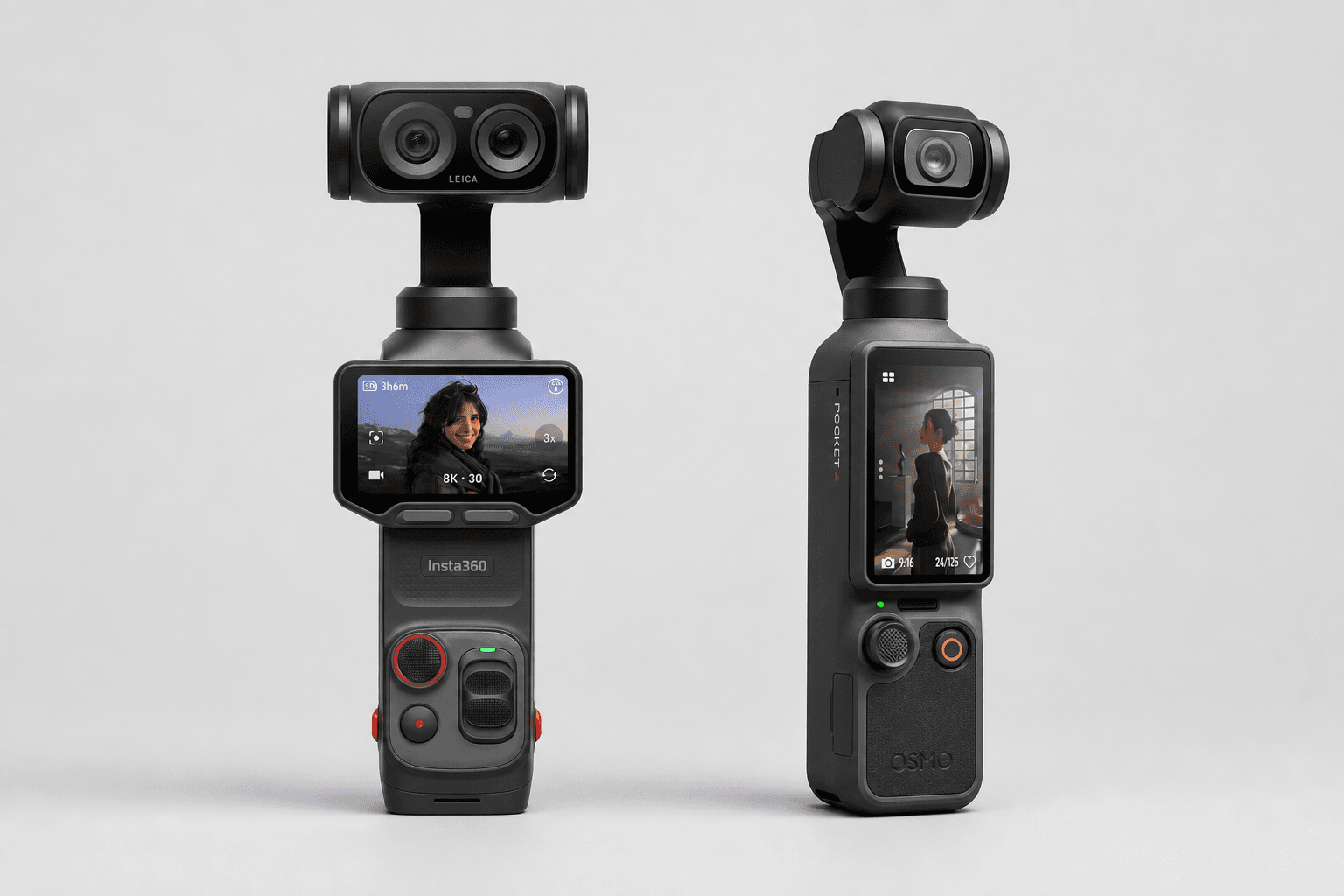
Insta360 Luna Ultra vs DJI Osmo Pocket 4: Which Pocket Gimbal Should You Buy?
Compare Luna Ultra and DJI Pocket 4 by lenses, video, Log formats, storage, U.S. availability, and the filming jobs each pocket gimbal handles best.
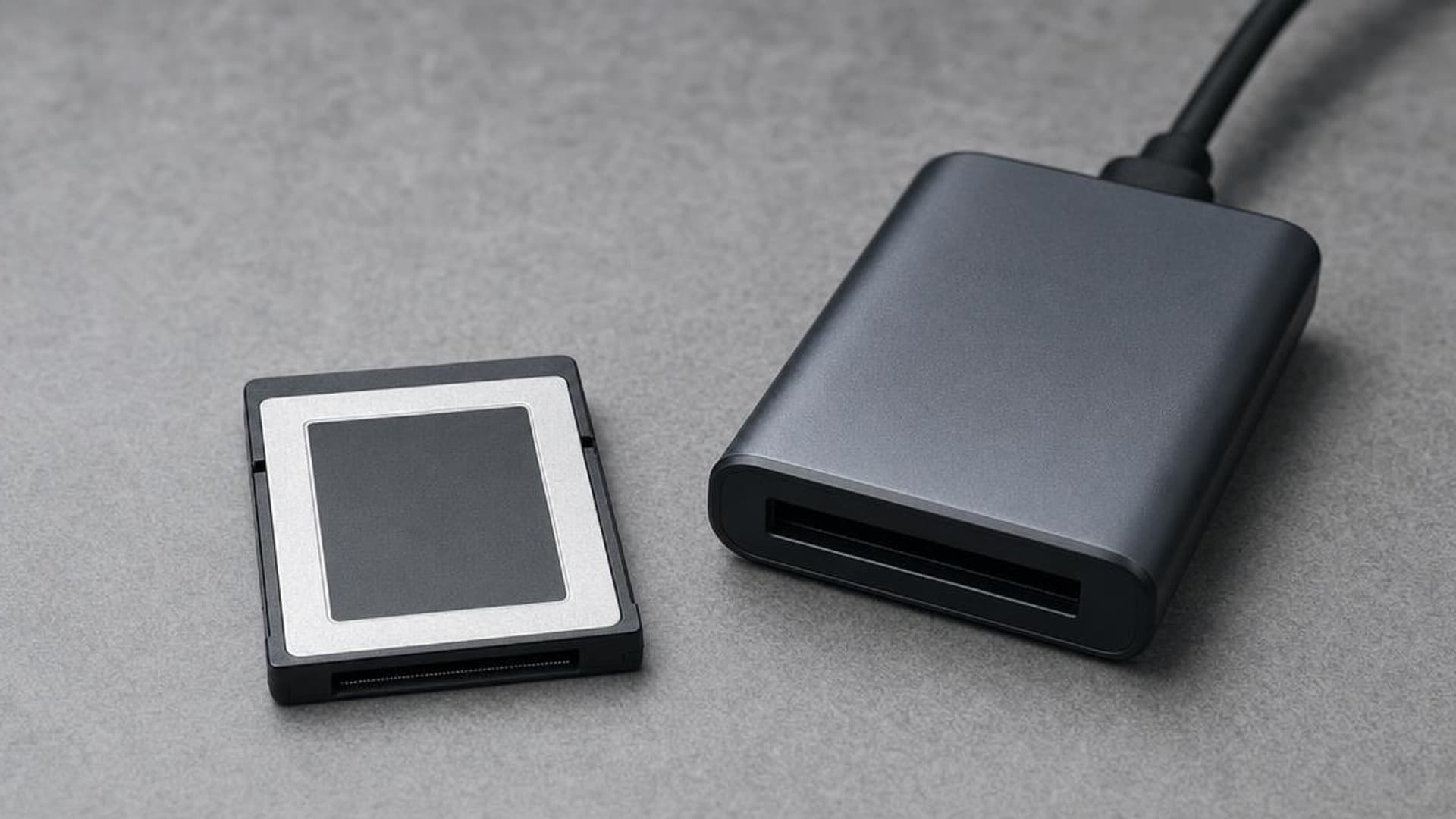
CFexpress 4.0 and VPG Explained: Buy the Card Your Camera Needs
CFexpress 4.0 doubles theoretical bandwidth, while VPG certifies sustained video writes. Learn Type A vs B, VPG classes, and when 4.0 is worth paying for.
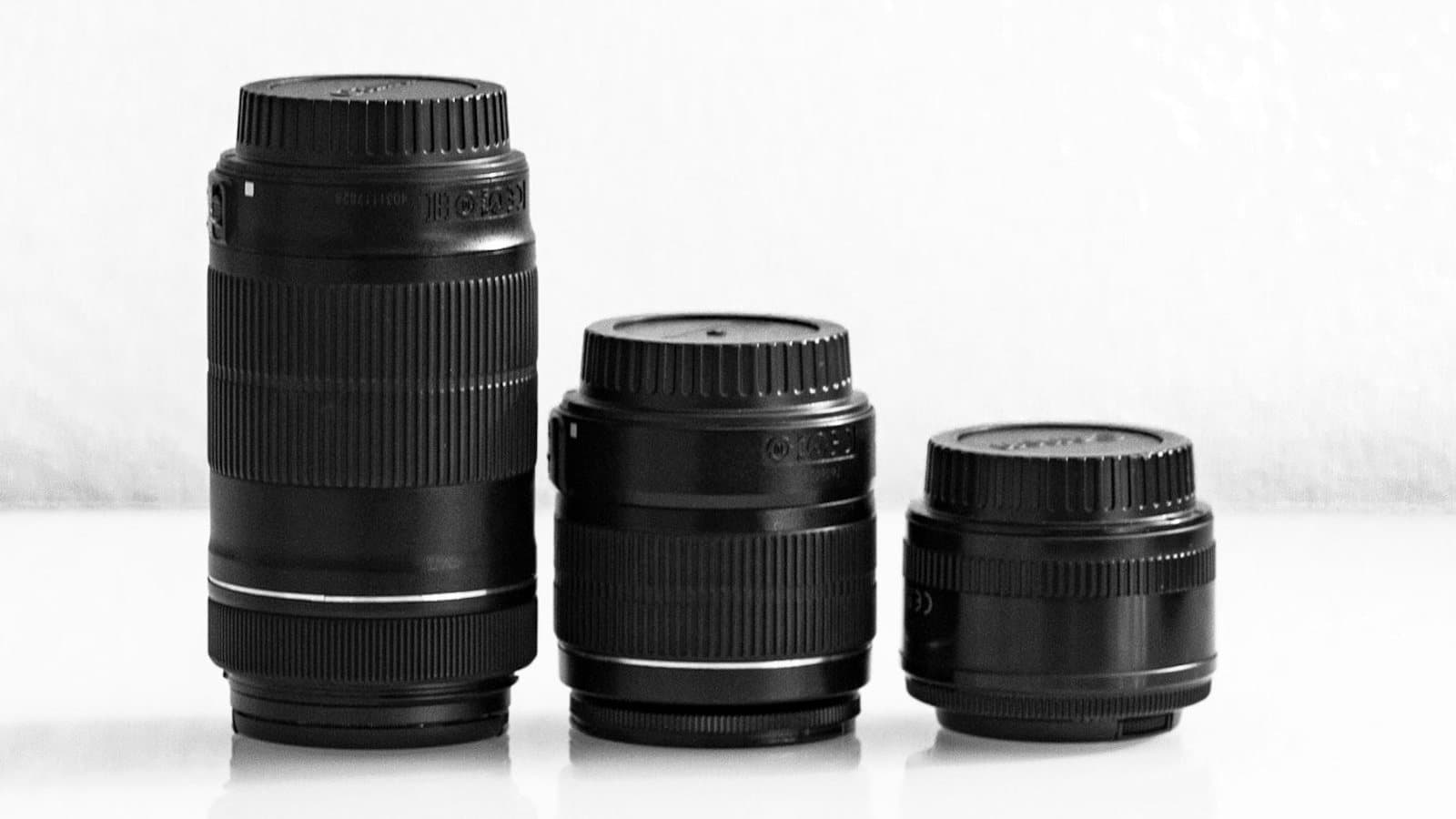
Focal Length Explained: What 24mm, 50mm, 85mm, and 200mm Actually Do
What the millimeter number on a lens changes in the field: angle of view, compression, and working distance. When to reach for 24, 50, 85, or 200mm.
Canon EOS R50 V vs Sony ZV-E10 II: Which Beginner Vlogging Camera Should You Buy?
Canon EOS R50 V is the easier beginner creator kit. Sony ZV-E10 II is the deeper lens-system pick. Compare the practical tradeoffs.
Researched, not personally tested: picks compare specifications, available owner feedback, and established expert sources. As an Amazon Associate I earn from qualifying purchases. We may earn a commission from links here, at no extra cost to you. How we research →