We may earn a commission from links on this page, at no extra cost to you. Picks are researched, not sponsored.
The problem
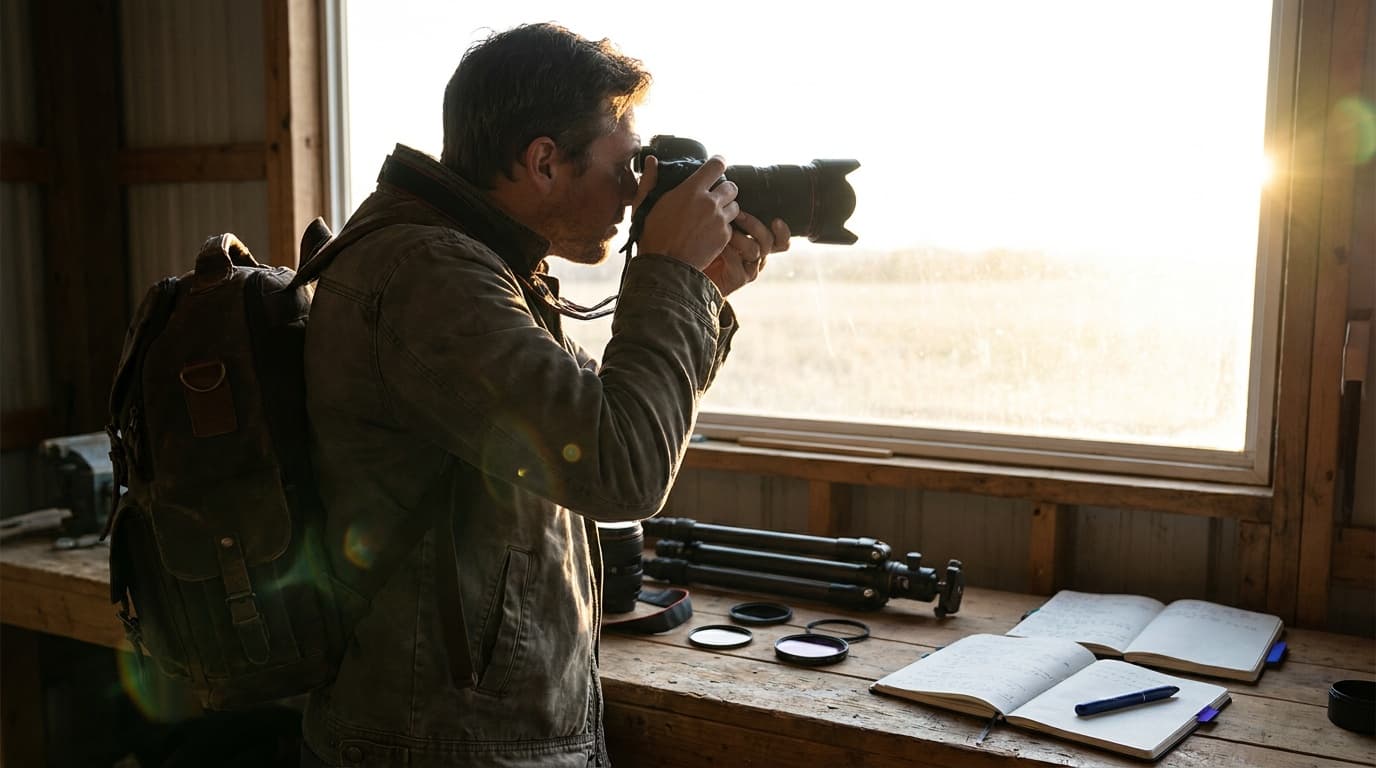
Backlight is dramatic and risky for the same reason: the light is coming toward the camera. Your meter averages the scene, sees a bright background, and pulls the exposure down, leaving your subject too dark. That is the default failure, an unintentional silhouette where you wanted a face. Shooting into the light can also cause flare and lower contrast as light bounces around inside the lens. The fix is to decide, deliberately, whether the subject or the background drives your exposure.
The settings
The numbers depend entirely on which look you want, because backlight has two correct exposures. Choose one before you shoot:
The reliable way to control this is exposure compensation or spot metering. Meter off your subject's face to keep them bright, or off the bright background to drop them to silhouette. Whatever the meter suggests as a starting point, you are overriding it on purpose.
Interactive exposure demo. Enable JavaScript to drag the exposure for this light.
The fix
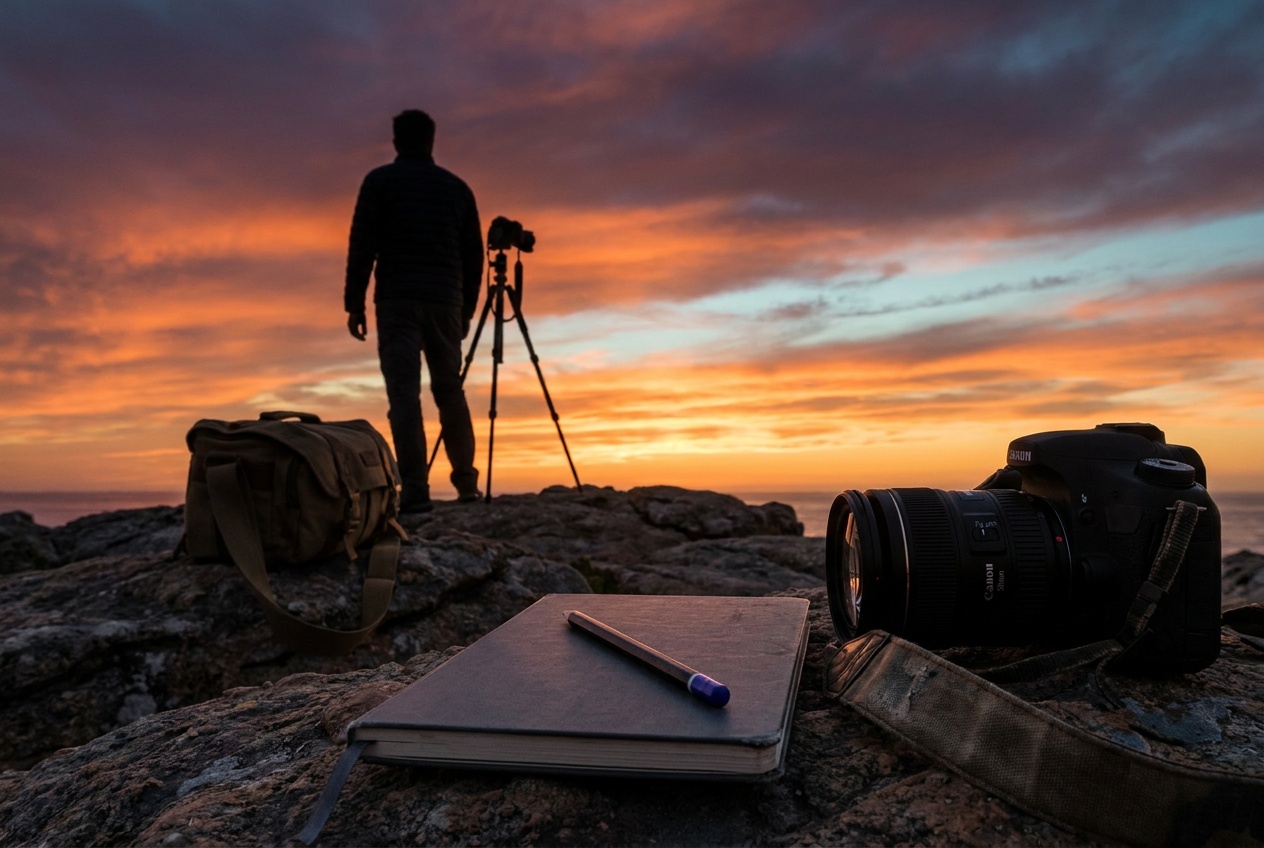
For a glowing backlit portrait, expose for the subject and accept that the background will be bright; a touch of fill from a reflector or a nearby bright wall lifts the shadows without killing the glow. For a strong silhouette, keep your subject's outline clean and recognizable against the brightest part of the sky, avoid overlap between separate shapes, and place the sun just out of frame or hidden behind the subject to control flare. A lens hood and clean front glass cut the haze either way.
The gear that helps
Backlight is where lens quality shows, since cheaper optics flare and lose contrast more when pointed at the sun. A fast lens also lets you keep a glowing subject bright without pushing ISO; the prime vs zoom guide covers the difference. A simple reflector, or even a white wall, is the most useful accessory for lifting a backlit face.
Where this fits
Backlight is a staple of portrait photography, where a rim of light separates the subject from the background and a hidden sun gives hair a glow. Silhouettes are the same setup pushed the other way. Both come down to deciding what your exposure triangle should favor, the subject or the light behind it.
How do I stop my subject from turning into a silhouette?
Expose for the subject, not the bright background. Use spot metering on the face or add positive exposure compensation until the subject looks right, and let the background blow out. A reflector or fill light helps lift the shadows further.
What settings make a good silhouette?
Expose for the bright background so the subject falls to black: a small aperture like f/8, a fast shutter, and base ISO against a bright, colorful sky. Keep the subject's shape clean and separated against the brightest area, and place the light source behind them.
Keep going
Next useful steps
Pick one. Each link continues the same job without starting the research over.
Related Learn guides

Content Credentials and C2PA Explained for Photographers
Content Credentials record a photo's signed provenance and edits. Learn what C2PA proves, what it cannot prove, and how capture-to-export workflows work.
Open Gate Video Explained: When 3:2 Is Worth It
Open Gate records a taller sensor area for flexible 16:9, 9:16, and square crops. See when it helps, what it costs, and how to frame it correctly.
Pre-Capture Photography Explained: Get the Frame Before the Click
Pre-Capture buffers photos before the shutter is fully pressed. Learn how it works, which settings change, and when RAW, flash, or focus may be limited.
RAW vs JPEG: Which File Format Should You Shoot?
RAW keeps all your sensor data for maximum editing freedom; JPEG is smaller and ready to share. Here is how they differ and when each one is the right call.
Researched, not personally tested: picks compare specifications, available owner feedback, and established expert sources. As an Amazon Associate I earn from qualifying purchases. We may earn a commission from links here, at no extra cost to you. How we research →