We may earn a commission from links on this page, at no extra cost to you. Picks are researched, not sponsored.
These two modes are the practical middle ground between full auto and manual mode. You control the one setting that defines the look, and the camera handles the rest of the exposure triangle.
What each mode locks and leaves
| Mode | You set | Camera sets | You control |
|---|---|---|---|
| Aperture priority (A / Av) | Aperture | Shutter speed | Depth of field |
| Shutter priority (S / Tv) | Shutter speed | Aperture | Motion |
In both modes you can leave ISO on auto or set it yourself. The camera adjusts whatever you did not lock to keep the meter balanced.
Aperture priority: control what is in focus
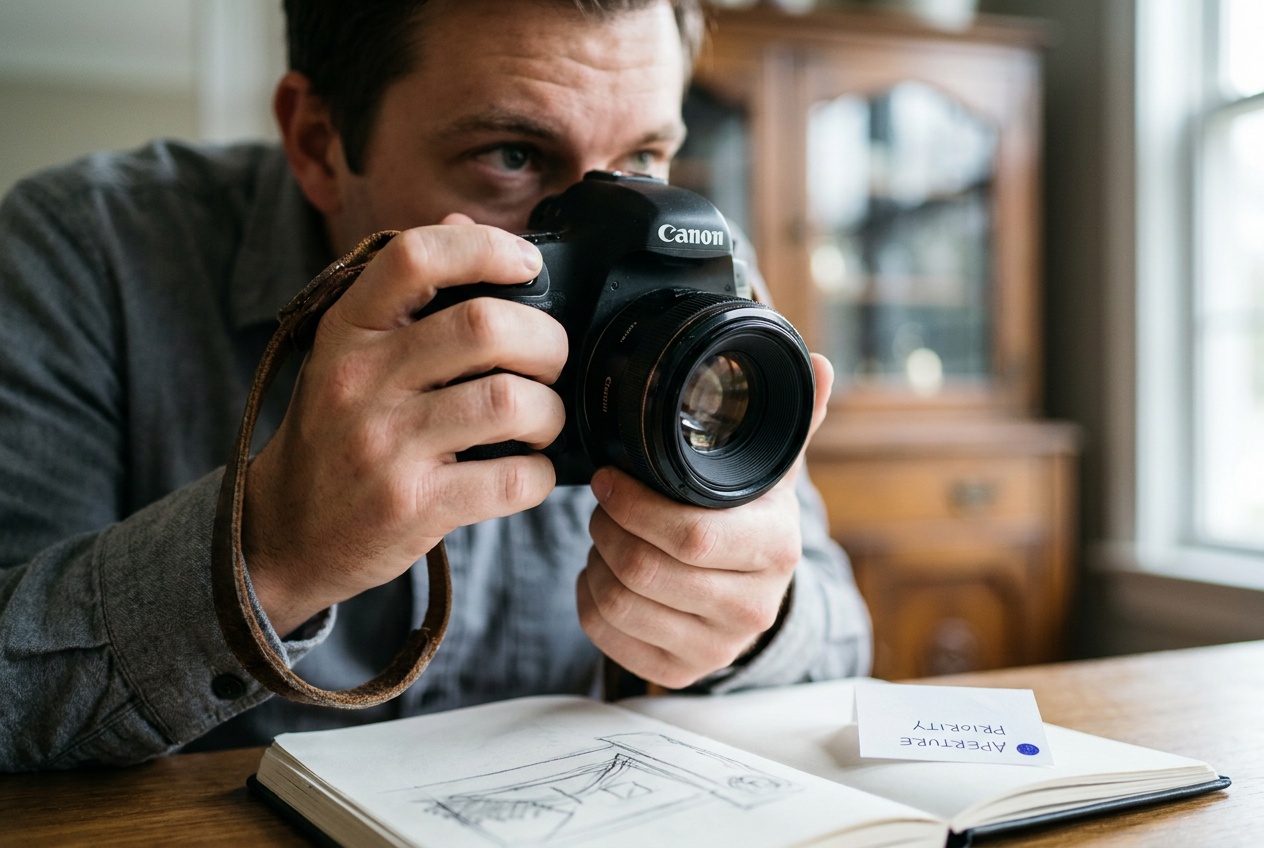
Set the f-number and the camera finds a shutter speed to match. This is the mode most photographers live in, because depth of field is usually the creative decision that matters most.
- Portraits: open up to f/1.8 · f/2.8 for a blurred background. See aperture and f-stop explained.
- Landscapes: stop down to f/8 · f/11 to keep the whole scene sharp.
The catch: in dim light the camera may pick a shutter speed too slow to hand-hold, like 1/15, and you get blur from your own movement. Watch the shutter readout and raise ISO if it drops too low.
Shutter priority: control motion
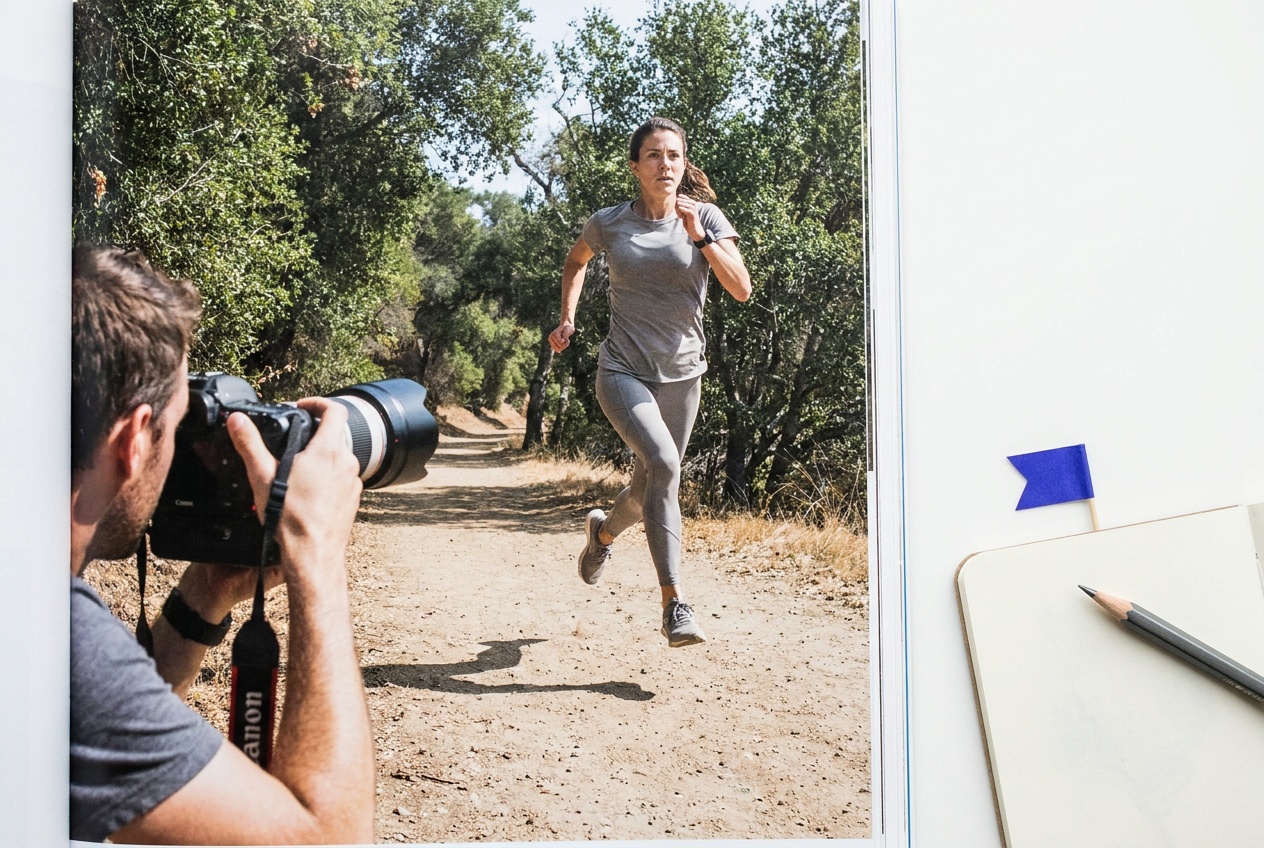
Set the shutter speed and the camera finds an aperture to match. Use it when motion is the point.
- Freeze action: 1/1000 · 1/2000 for sports, birds, or kids.
- Blur motion on purpose: 1/8 · 1/4 for flowing water, or slower for light trails. See shutter speed explained.
The catch: the camera can only open the aperture so far. In bright light at a slow shutter speed it may run out of room and overexpose, and in dim light at a fast shutter speed it may run out and underexpose. The aperture readout will blink when this happens.
When to pick which
- Reach for aperture priority by default. Most shots are about depth of field, and it is forgiving.
- Switch to shutter priority when a specific shutter speed is non-negotiable: freezing a hummingbird, or smoothing a waterfall.
- Move to manual when you want the exact same exposure across many frames regardless of what the camera meters.
The exposure calculator shows how the camera trades one control for the other, which makes it easier to predict what each mode will do.
Common mistakes
- Ignoring the readout the camera chose. In aperture priority, a 1/10 shutter speed means blur. In shutter priority, a blinking aperture means the shot is over or under. Glance at it before pressing.
- Leaving ISO too low in a priority mode. The camera cannot invent light. If aperture priority keeps picking slow shutter speeds, raise ISO so it can pick faster ones. See ISO explained.
- Using shutter priority for portraits. You get a random aperture and unpredictable background blur. Use aperture priority instead.
- Thinking priority modes are not real photography. They are the same exposure decisions as manual, with one delegated to a computer that does it well.
Is aperture priority or shutter priority better for beginners?
Aperture priority. Depth of field is the most common creative choice, the mode is forgiving, and you only have to watch one readout. Most experienced photographers use it as their default too.
What do Av and Tv mean on a Canon?
Av is aperture value (aperture priority) and Tv is time value (shutter priority). Nikon, Sony, and Fujifilm label the same two modes A and S.
Can I use auto ISO with aperture or shutter priority?
Yes, and it is a strong combination. You control the creative setting, the camera picks the other exposure control, and auto ISO fills any remaining gap so the shot stays bright enough.
Practice this
Turn the guide into a working setup
Shoot kits
Buy around the job, not the spec sheet
Beginner photo
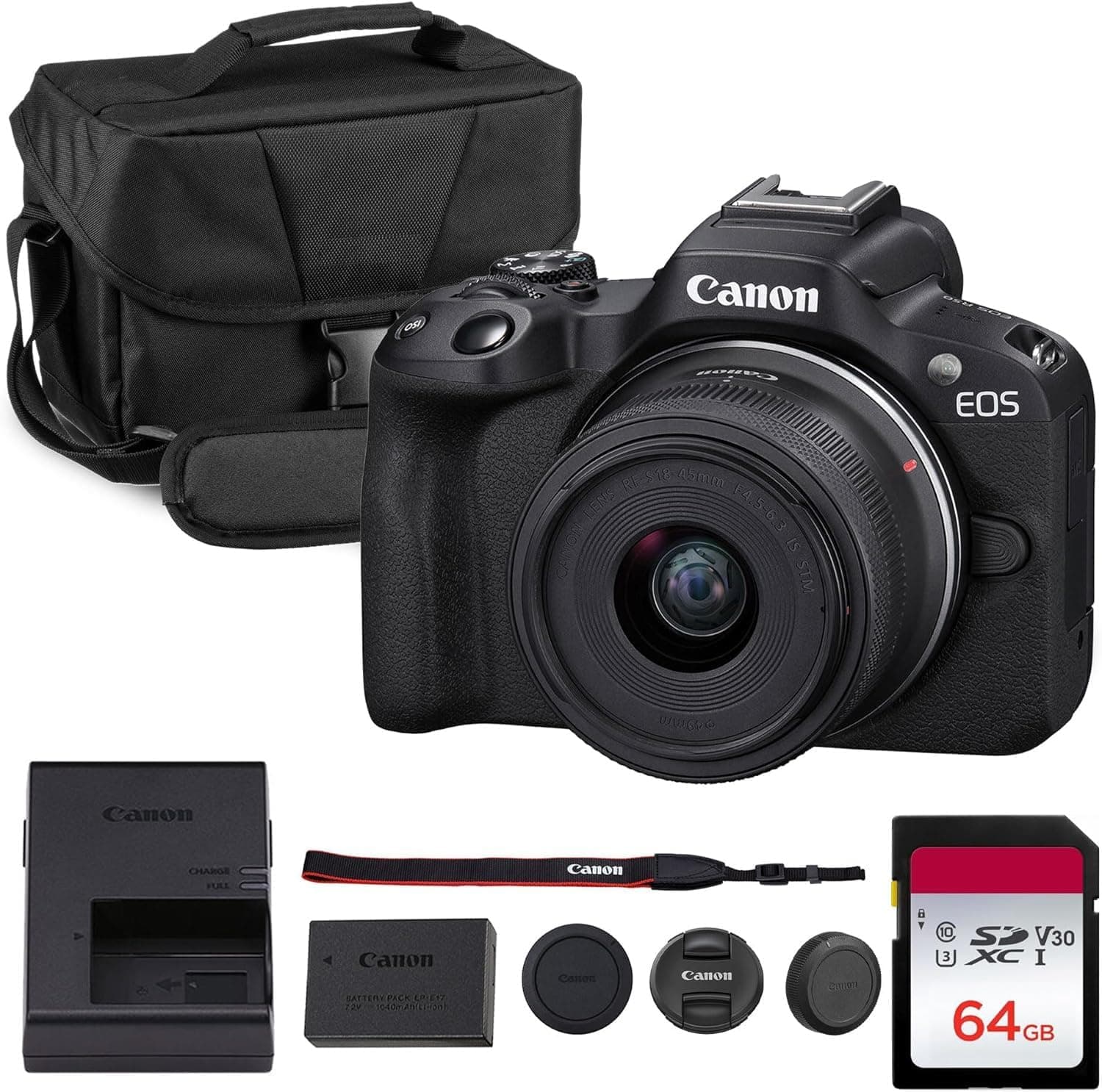
First real camera kit
$1,068
An affordable body, a sharp prime, a reliable card, and a small carry setup that does not turn learning into a hauling problem.
Best learning kit
Buy order: start with the first piece that makes the job possible, then add the support pieces that remove friction.
Camera: start here. If this piece does not make the shoot easier, the rest of the kit can wait.
Carry: add it after the core setup proves useful.
Canon EOS R50
Small, approachable, and good enough to learn exposure, autofocus, and lens choice properly.
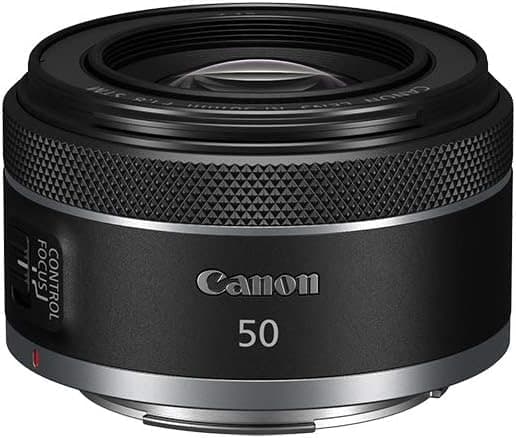
Canon RF 50mm f/1.8 STM
Cheap, bright, and useful for portraits, detail shots, and learning depth of field.
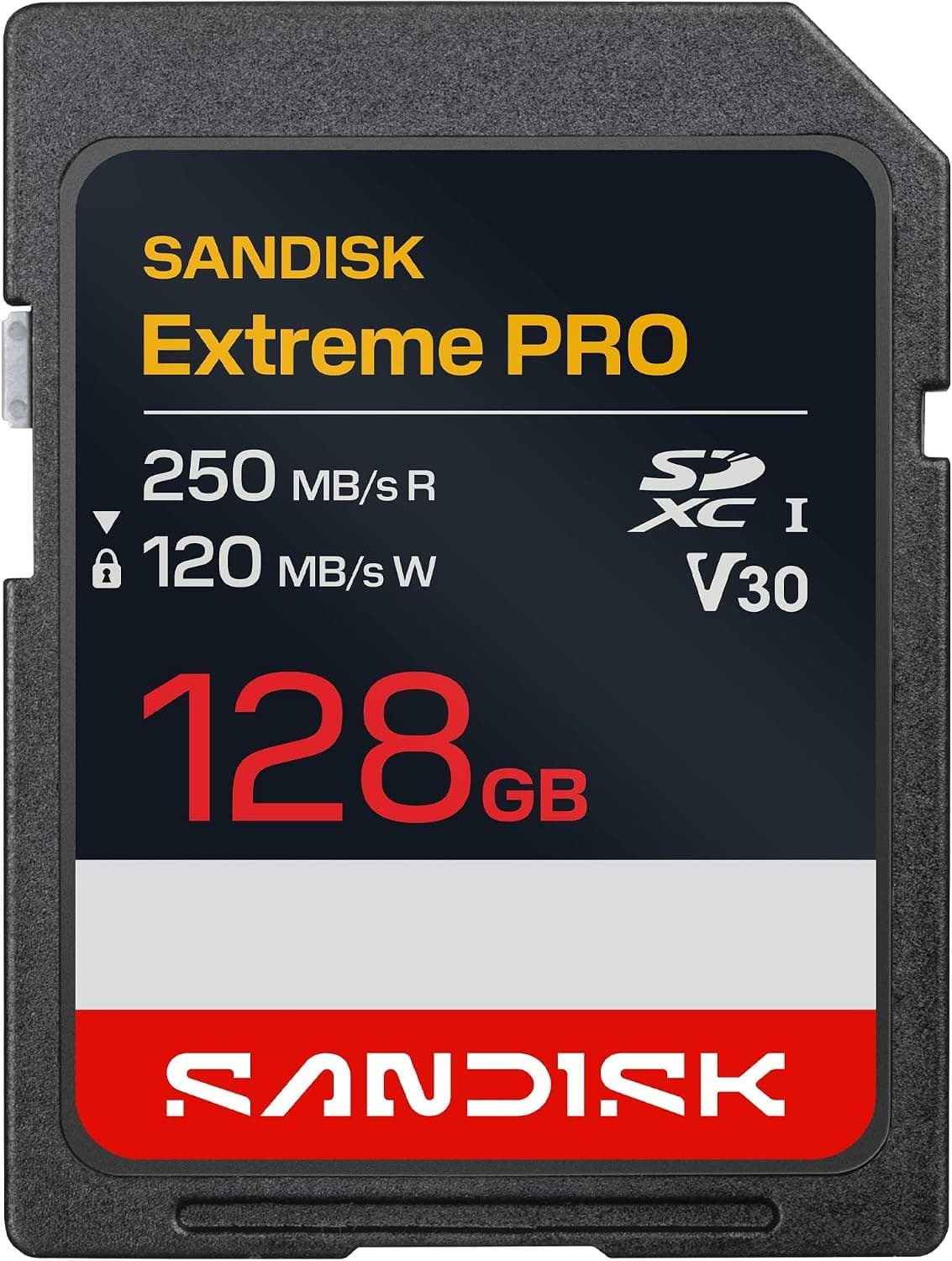
SanDisk Extreme Pro SDXC 128GB
Fast enough for normal stills and video without making storage the exciting purchase.
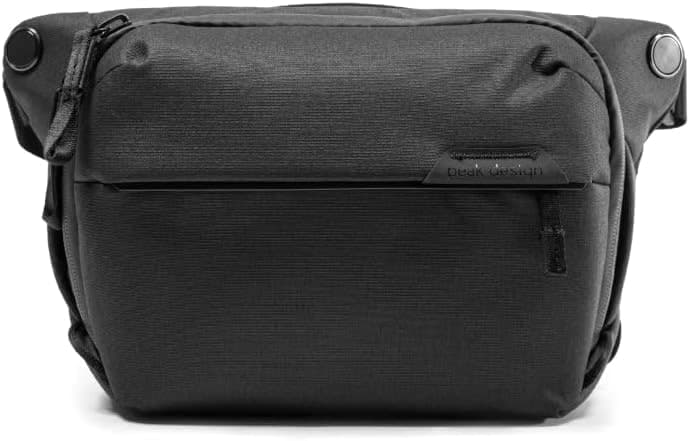
Peak Design Everyday Sling 6L V2
Room for a small body and lens without dragging a full backpack everywhere.
Prices are rough catalog totals. Retailer prices change, and you can swap pieces to fit your system.
Related Learn guides

Content Credentials and C2PA Explained for Photographers
Content Credentials record a photo's signed provenance and edits. Learn what C2PA proves, what it cannot prove, and how capture-to-export workflows work.
Open Gate Video Explained: When 3:2 Is Worth It
Open Gate records a taller sensor area for flexible 16:9, 9:16, and square crops. See when it helps, what it costs, and how to frame it correctly.
Pre-Capture Photography Explained: Get the Frame Before the Click
Pre-Capture buffers photos before the shutter is fully pressed. Learn how it works, which settings change, and when RAW, flash, or focus may be limited.
RAW vs JPEG: Which File Format Should You Shoot?
RAW keeps all your sensor data for maximum editing freedom; JPEG is smaller and ready to share. Here is how they differ and when each one is the right call.
Researched, not personally tested: picks compare specifications, available owner feedback, and established expert sources. As an Amazon Associate I earn from qualifying purchases. We may earn a commission from links here, at no extra cost to you. How we research →