We may earn a commission from links on this page, at no extra cost to you. Picks are researched, not sponsored.
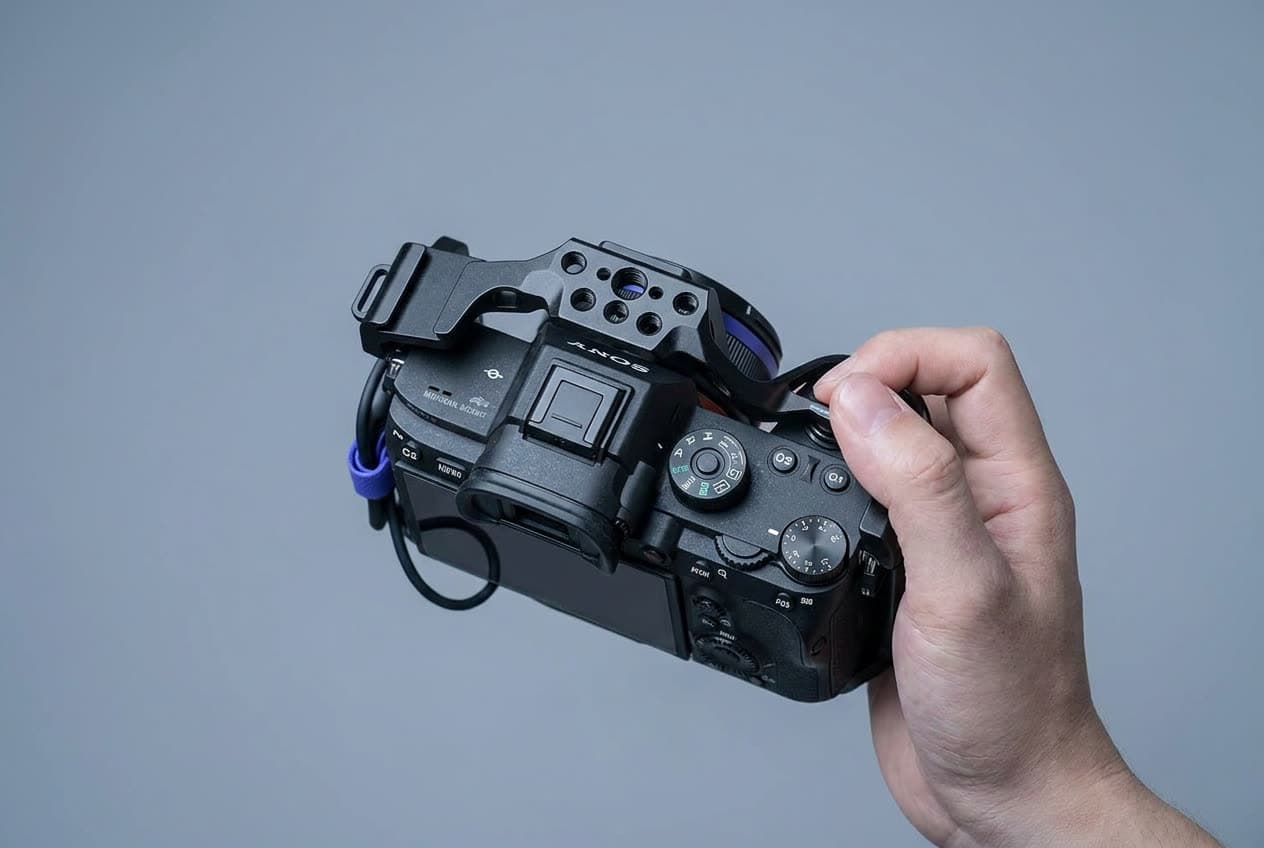
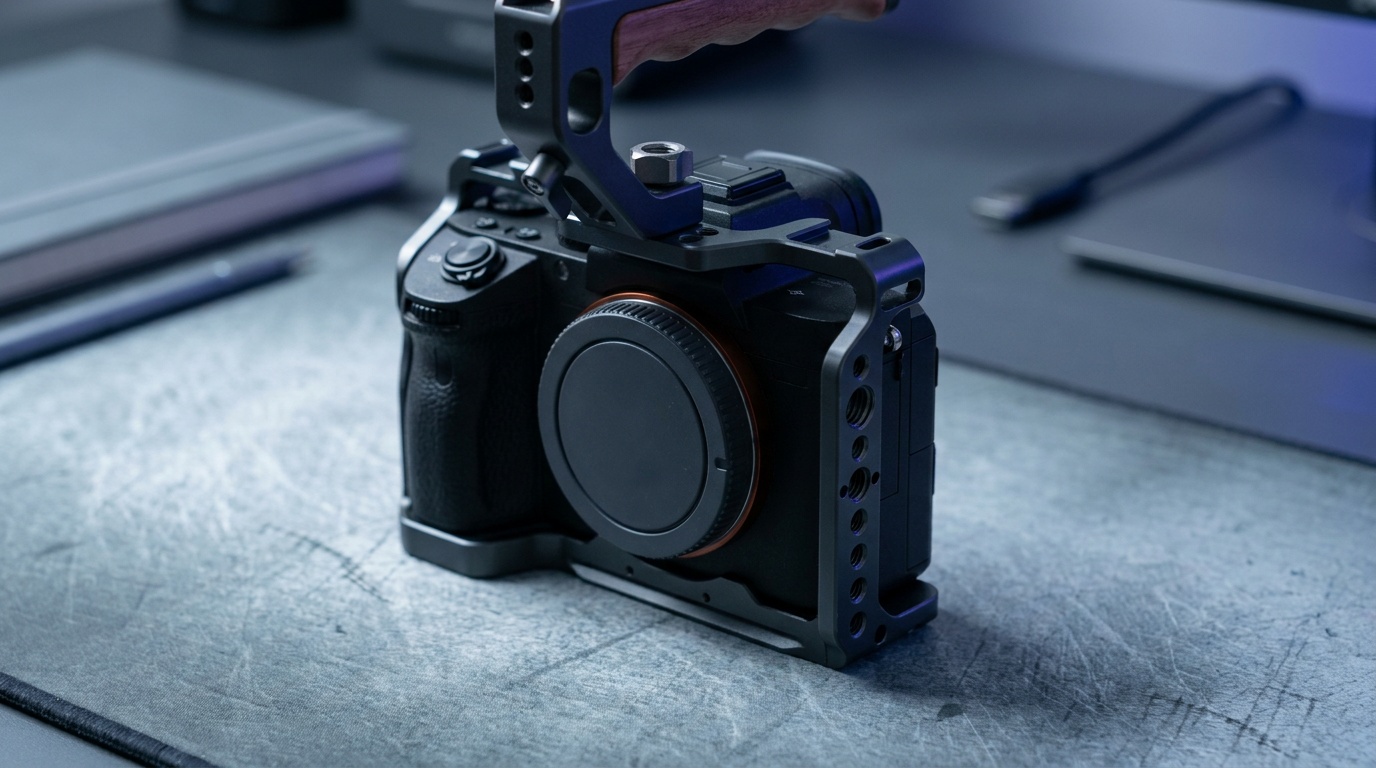
A camera cage is a metal frame that wraps your camera body and adds threaded mounting points on every side. It does two things: it protects the body from knocks, and it gives you somewhere to attach the monitor, microphone, handle, and other accessories a video rig needs, since a bare body has only one hot shoe and one tripod thread. For anyone building beyond a single camera and lens, the cage is the foundation.
If you are assembling a video kit, our best camera monitors and best microphones for video guides cover the accessories a cage mounts, and best cameras for video covers the bodies the cage is built around.
How to choose
Start with fit. A cage made for your exact camera model wraps it snugly, leaves every port and the battery door accessible, and lines up its mounting points where you want them. A universal cage adjusts to fit many bodies but is bulkier and can block a port. Unless you swap cameras constantly, buy the model-specific cage.
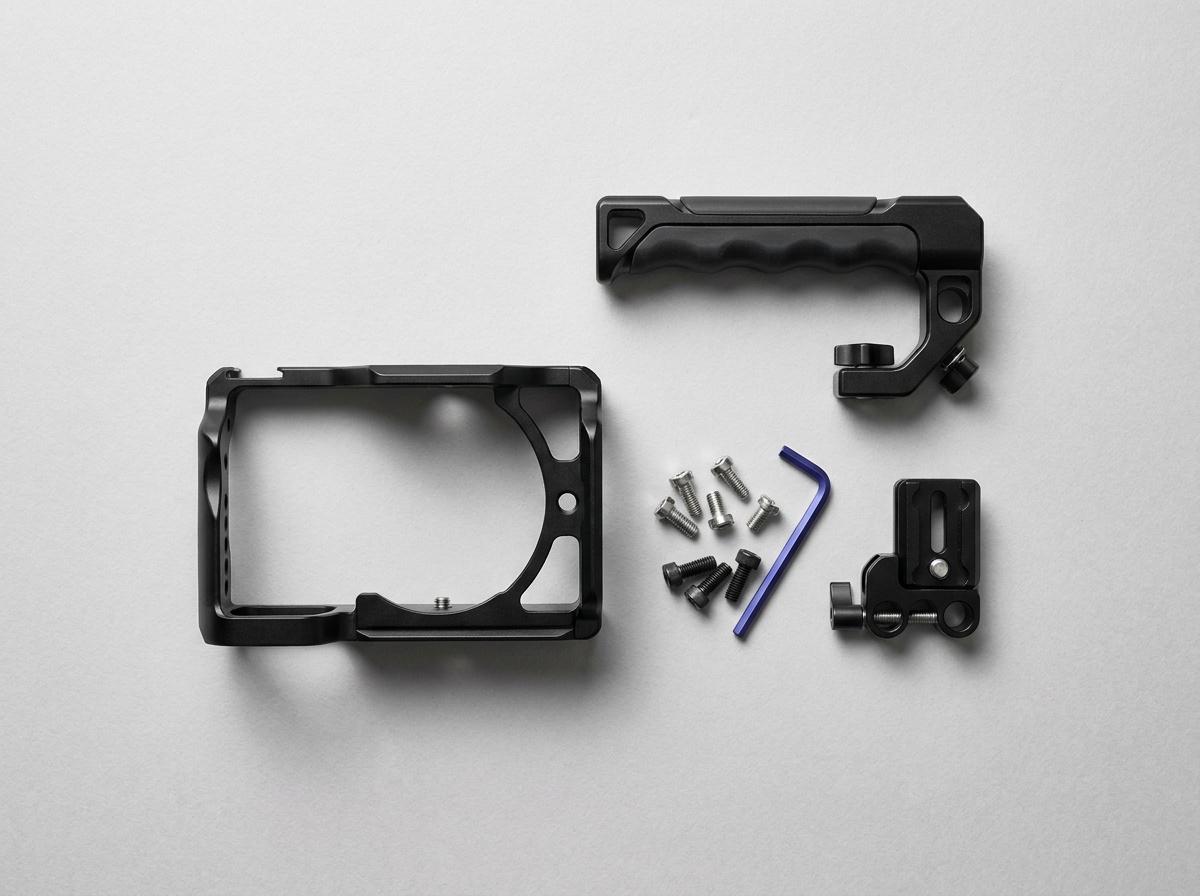
Then look at the mounting points. ARRI-standard 3/8-inch locating holes use two small anti-twist pins that stop an accessory rotating once tightened, and alongside them you want 1/4-inch-20 threads and cold shoes on the top and sides. A built-in NATO rail is the detail that pays off most: it lets a side handle or top grip clamp on and reposition in seconds without bolts. More points mean more flexibility, but confirm there is a usable spot exactly where you want your monitor arm and your microphone.
After that, weigh the build and the access. Aircraft-grade aluminum is the standard; a good cage adds little weight and does not flex. Crucial detail: the cage must leave the battery door and card slot reachable, or you fight it every swap. A base that is both Arca-Swiss and Manfrotto 501PL compatible drops straight onto a tripod or fluid head without an adapter, which is worth checking before you buy. Last, decide if you want a half cage (lighter, just the base and one side) or a full cage (more protection and mounting), based on how much you will rig.
The picks
Best Overall
SmallRig Cage for Sony FX3 and FX30
Sony FX3 and FX30 shooters who want a secure base for a monitor, handle, or wireless video kit.
Check price at AmazonThis SmallRig full cage is the best starting point for a Sony FX3, FX3A, or FX30. It keeps the controls and battery door accessible and adds an HDMI clamp, cold shoe, ARRI locating holes, and 1/4-inch mounting points. It does not fit other cameras. If you use another body, treat this as the model-specific example and buy the cage cut for yours.
Best for Multiple Bodies
Neewer CA016 Universal Camera Cage
Shooters who switch bodies often or run a mixed kit.
Check price at AmazonThe Neewer CA016 is the pick for people who switch bodies. The adjustable rig includes dual grips, a baseplate, and 15mm rods, so it can follow a mixed kit instead of locking you to one shell. It is much bulkier than a fitted cage and clearance depends on the camera, so check the screen, battery door, and ports before committing.
Best System
Tilta Full Camera Cage
Shooters who want a coordinated rig, not just a frame.
Check price at AmazonThe Tilta Full Camera Cage is the pick when you want a system, not just a frame. Tilta builds model-specific cages alongside matching handles, top plates, and a full accessory line, often with a built-in side handle and quick-release plate. It costs more than a bare SmallRig cage, but for shooters who want a coordinated rig with refined ergonomics, the ecosystem is the draw.
Best Lightweight
SmallRig Half Cage 3639 for Sony Alpha
Owners of a compatible Sony Alpha body who want light rigging without enclosing the grip.
Check price at AmazonThe SmallRig 3639 is the lightweight pick for the Sony a7R V, a7 IV, a7S III, a1, and a7R IV. It locks to the body at three points, adds an Arca-type base and accessory threads, and leaves the camera grip open. It is smaller than a full cage, but it is not universal: skip it unless your exact Sony body appears on that compatibility list.
Best Premium
8Sinn Full Cage for BMPCC 4K and 6K
BMPCC 4K and 6K shooters building a durable cinema rig.
Check price at AmazonThe 8Sinn full cage is the premium pick for the Blackmagic Pocket Cinema Camera 4K and 6K. Its model-specific shell includes an HDMI and USB-C cable clamp and gives a heavier cinema build a rigid base. It costs more than the consumer options and fits only the listed Blackmagic bodies, so the machining matters only if that is the camera you own.
Common mistakes
The most common one is buying a universal cage to save money, then fighting a blocked port or a bulky fit every shoot, when a model-specific cage would have fit cleanly for similar money. The second is choosing a cage that covers the battery door or card slot, which turns every swap into a chore, so confirm access before you buy. The third is over-rigging: bolting a monitor, handles, and arms onto a body that only needed a microphone, which adds weight and cost you will resent carrying.
A cage is the base of a rig, so add the screen from our best camera monitors guide and the audio from best microphones for video, and confirm the settings on the body inside it with the exposure triangle.
Do I need a camera cage?
You need one once you rig accessories. A bare body has a single hot shoe and one tripod thread, which is not enough for a monitor, microphone, and handle at once. A cage adds mounting points all around and protects the body. If you only shoot with a camera and lens, you can skip it; for video rigs it is the foundation.
Model-specific or universal cage?
Buy the model-specific cage unless you switch bodies often. A fitted cage wraps your camera snugly, keeps every port and the battery door accessible, and places its mounting points sensibly. A universal cage adjusts to many bodies but is bulkier and can block a port. The fitted version is usually the better experience for similar money.
Half cage or full cage?
A full cage wraps the whole body for maximum protection and the most mounting points, which suits a built-up rig. A half cage covers the base and one side, keeping weight and bulk down while still adding a tripod plate and a grip, which suits run-and-gun shooting. Choose by how much you plan to rig on the camera.
Source
Fit, included parts, and mounting features for the top pick were checked against SmallRig's Cage for Sony FX30 and FX3 specifications.
Compare picks
The short version
Use this to narrow the list before opening the detailed cards.
Scores weigh fit, owner sentiment, build, and value. Affiliate links do not change pick order. Methodology
Buying order
Start with the skip note. A good deal on the wrong camera is still the wrong camera.
Compare verdictsIf you already own lenses, check the system path before buying into a new mount.
Check systemsOnce the fit makes sense, compare current deals and retailer listings.
Check current deals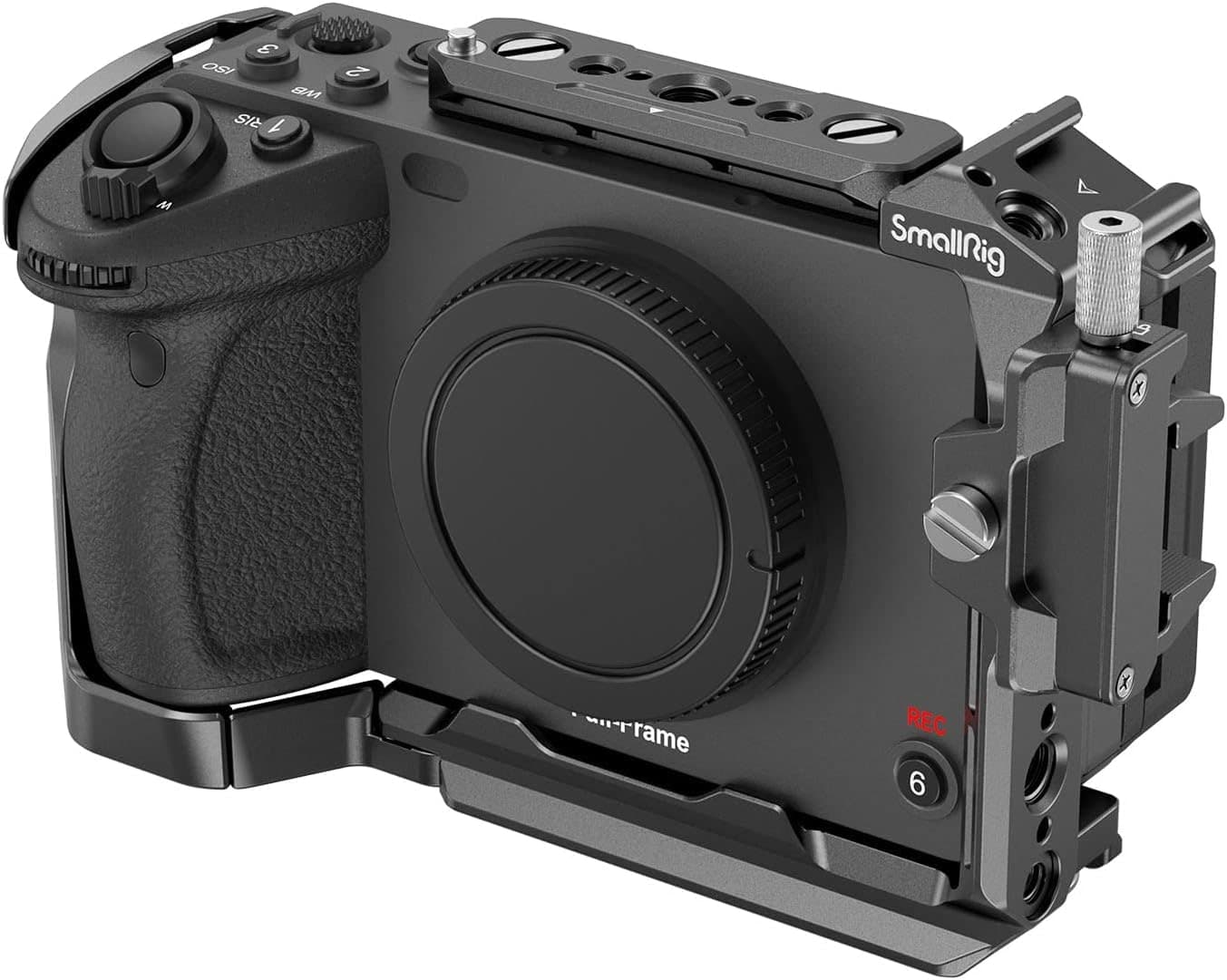
Sony FX3 and FX30 shooters who want a secure base for a monitor, handle, or wireless video kit.
Use the retailer for the current price after the tradeoff makes sense. Confirm exact version, included accessories, compatibility, and seller listing.
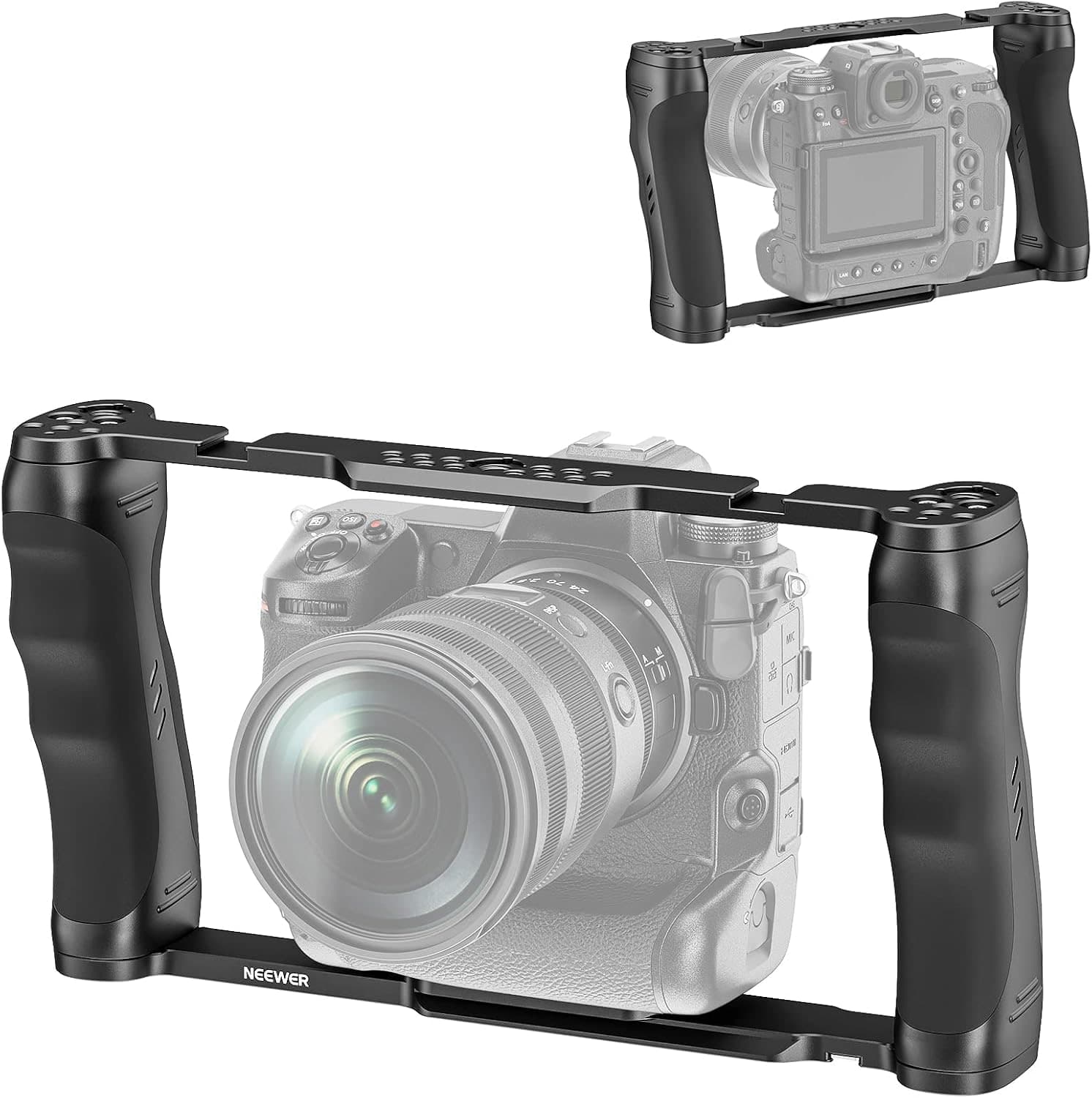
Tradeoff: Bulkier than a fitted cage
Use the retailer for the current price after the tradeoff makes sense. Confirm exact version, included accessories, compatibility, and seller listing.
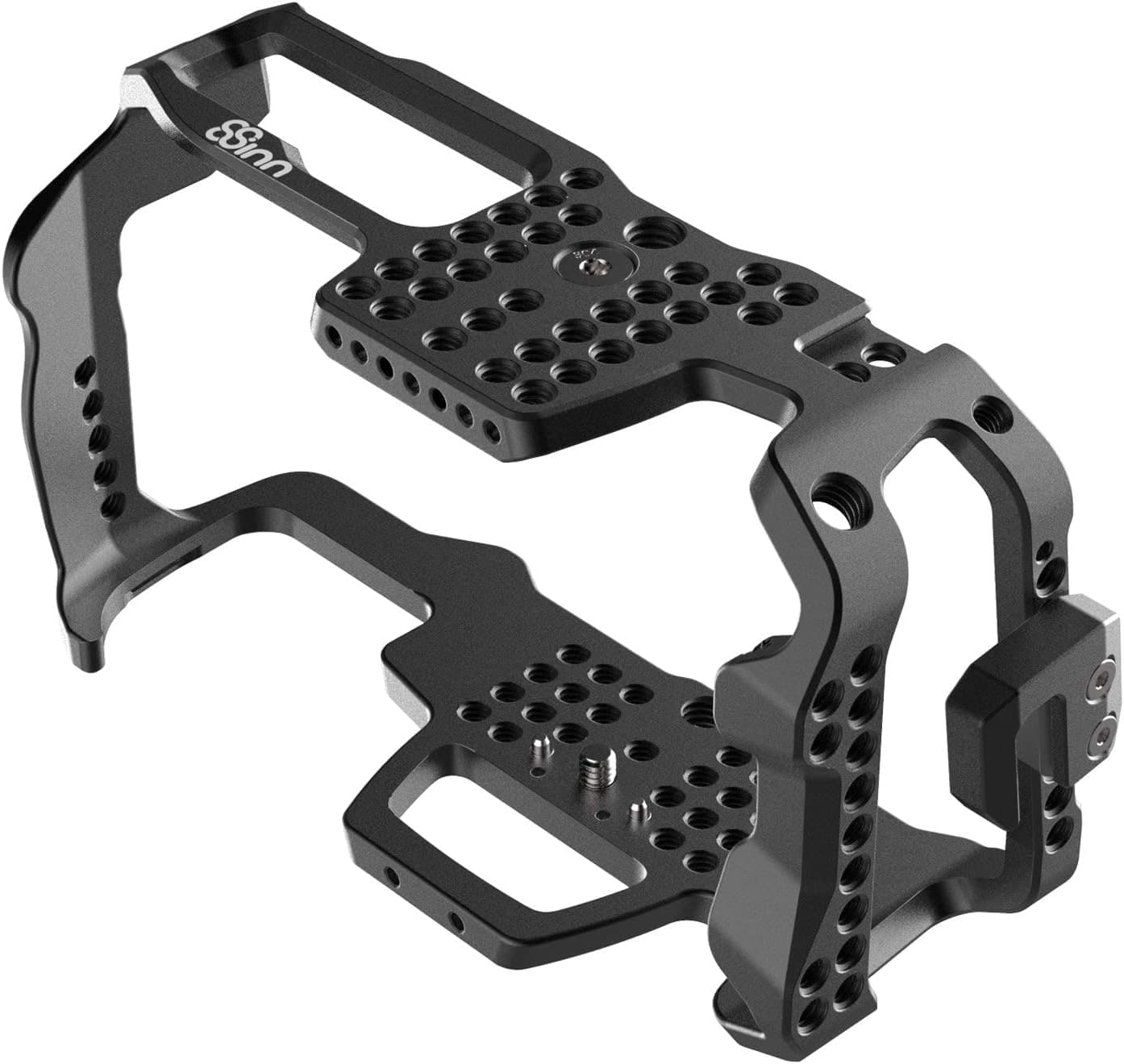
BMPCC 4K and 6K shooters building a durable cinema rig.
Use the retailer for the current price after the tradeoff makes sense. Confirm exact version, included accessories, compatibility, and seller listing.
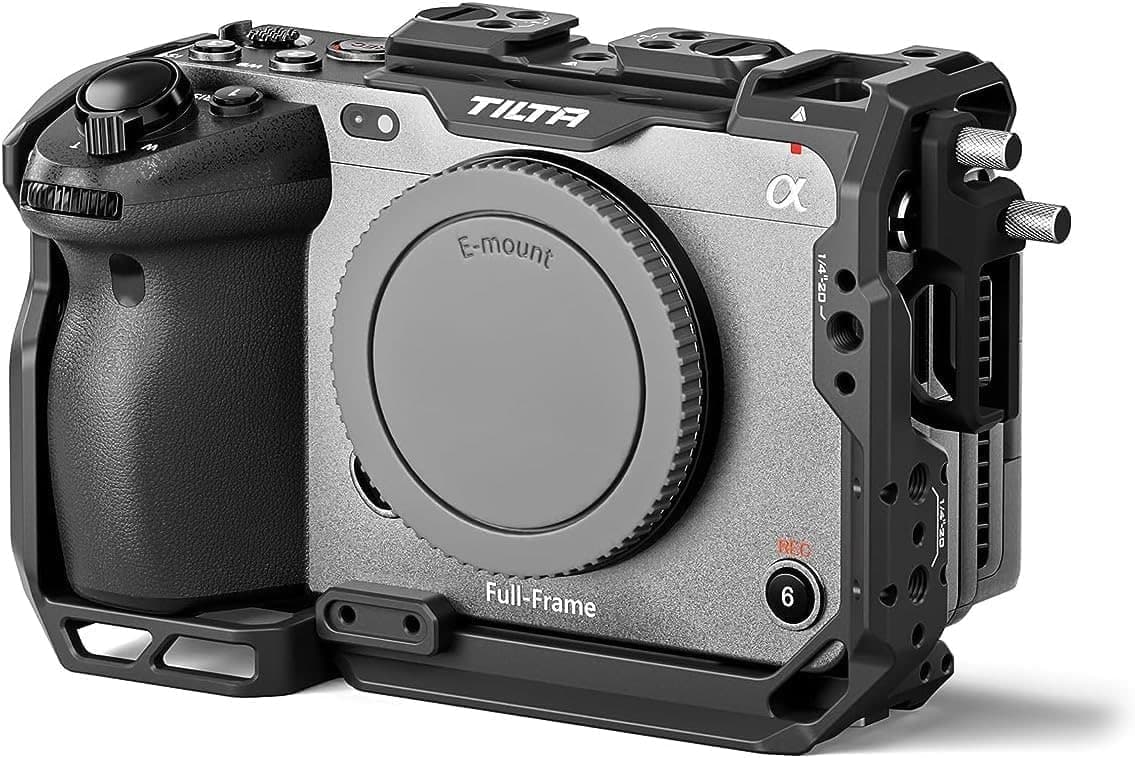
Shooters who want a coordinated rig, not just a frame.
Use the retailer for the current price after the tradeoff makes sense. Confirm exact version, included accessories, compatibility, and seller listing.
- Sony FX3 and FX30 shooters who want a secure base for a monitor, handle, or wireless video kit.
- Snug model-specific fit
- Only fits the listed Sony bodies
Use the retailer for the current price after the tradeoff makes sense. Confirm exact version, included accessories, compatibility, and seller listing.
- Shooters who switch bodies often or run a mixed kit.
- Fits many bodies
- Bulkier than a fitted cage
Use the retailer for the current price after the tradeoff makes sense. Confirm exact version, included accessories, compatibility, and seller listing.
- Shooters who want a coordinated rig, not just a frame.
- Coordinated accessory system
- Costs more than a bare cage
Use the retailer for the current price after the tradeoff makes sense. Confirm exact version, included accessories, compatibility, and seller listing.
- Owners of a compatible Sony Alpha body who want light rigging without enclosing the grip.
- Light and low-bulk
- Less protection than a full cage
Use the retailer for the current price after the tradeoff makes sense. Confirm exact version, included accessories, compatibility, and seller listing.
- BMPCC 4K and 6K shooters building a durable cinema rig.
- Exceptional machining
- Costs well above consumer cages
Use the retailer for the current price after the tradeoff makes sense. Confirm exact version, included accessories, compatibility, and seller listing.
| Pick | Score | Price | Verdict | Action |
|---|---|---|---|---|
| Best OverallSmallRig Cage for Sony FX3 and FX30 | 9.0
| $60 - $80 | Sony FX3 and FX30 shooters who want a secure base for a monitor, handle, or wireless video kit. Wins: Snug model-specific fit Skip: Only fits the listed Sony bodies | Check Amazon · $60 - $80 Use the retailer for the current price after the tradeoff makes sense. Confirm exact version, included accessories, compatibility, and seller listing. |
| Best for Multiple BodiesNeewer CA016 Universal Camera Cage | 8.3
| $45 - $80 | Shooters who switch bodies often or run a mixed kit. Wins: Fits many bodies Skip: Bulkier than a fitted cage | Check Amazon · $45 - $80 Use the retailer for the current price after the tradeoff makes sense. Confirm exact version, included accessories, compatibility, and seller listing. |
| Best SystemTilta Full Camera Cage | 8.7
| $85 - $100 | Shooters who want a coordinated rig, not just a frame. Wins: Coordinated accessory system Skip: Costs more than a bare cage | Check Amazon · $85 - $100 Use the retailer for the current price after the tradeoff makes sense. Confirm exact version, included accessories, compatibility, and seller listing. |
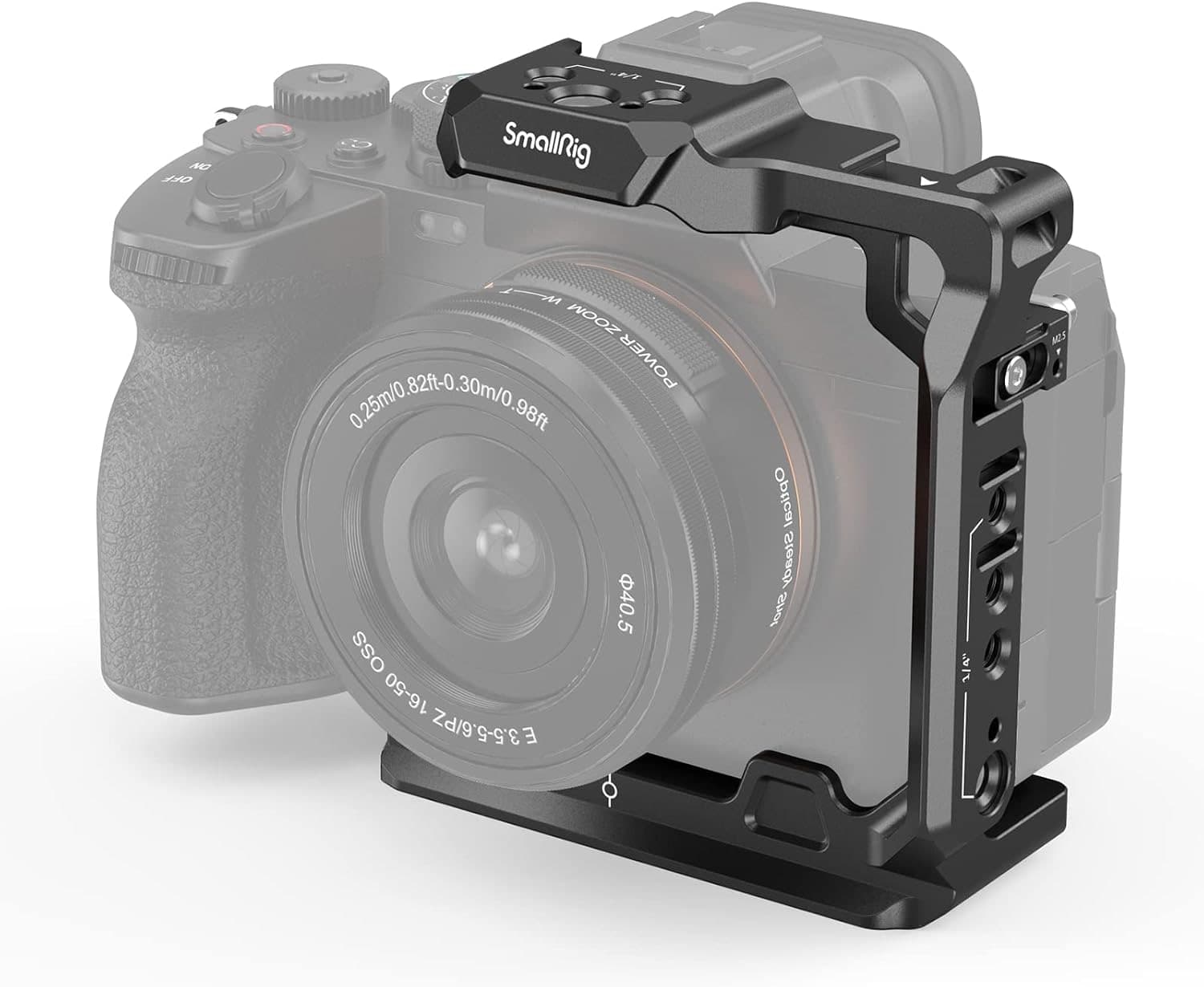 Best LightweightSmallRig Half Cage 3639 for Sony Alpha Best LightweightSmallRig Half Cage 3639 for Sony Alpha | 8.4
| $39 - $59 | Owners of a compatible Sony Alpha body who want light rigging without enclosing the grip. Wins: Light and low-bulk Skip: Less protection than a full cage | Check Amazon · $39 - $59 Use the retailer for the current price after the tradeoff makes sense. Confirm exact version, included accessories, compatibility, and seller listing. |
| Best Premium8Sinn Full Cage for BMPCC 4K and 6K | 8.8
| $179 - $229 | BMPCC 4K and 6K shooters building a durable cinema rig. Wins: Exceptional machining Skip: Costs well above consumer cages | Check Amazon · $179 - $229 Use the retailer for the current price after the tradeoff makes sense. Confirm exact version, included accessories, compatibility, and seller listing. |
Shoot kits
Buy around the job, not the spec sheet
Video rig
Run-and-gun video rig
$4,201
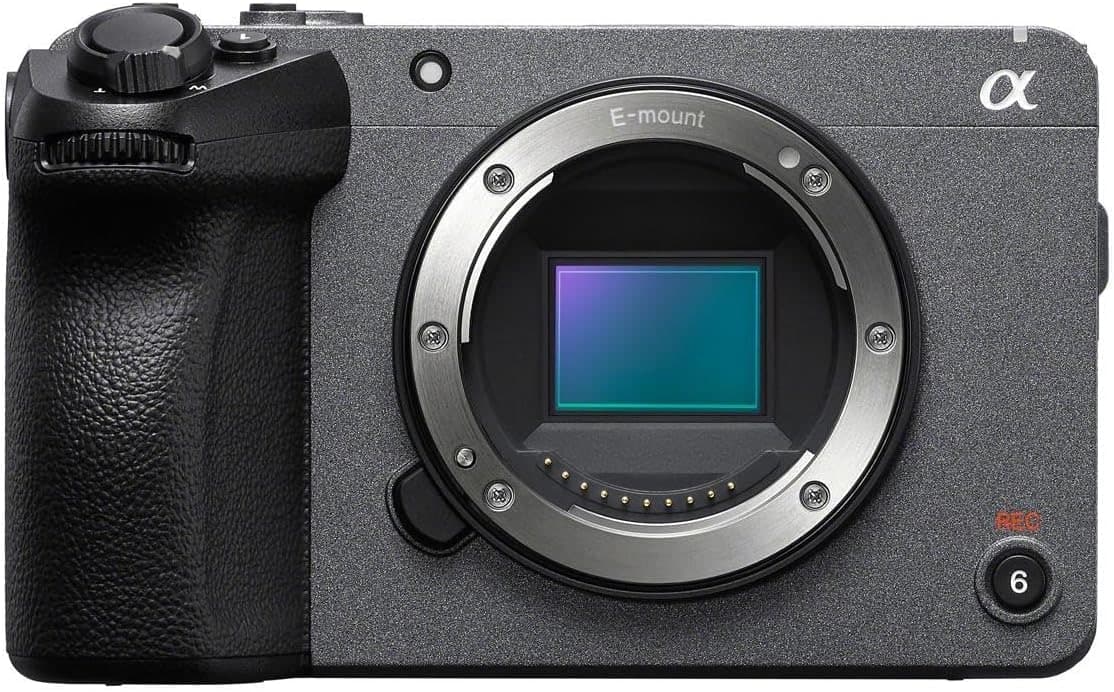
A compact cinema body, fast normal zoom, cage, monitor, gimbal, shotgun mic, and battery for paid video work.
Best upgrade path from creator kit
Buy order: start with the first piece that makes the job possible, then add the support pieces that remove friction.
Camera: start here. If this piece does not make the shoot easier, the rest of the kit can wait.
Power: add it after the core setup proves useful.
Sony FX30
Cinema-line controls, active cooling, reliable autofocus, and files that grade well without full-frame cost.
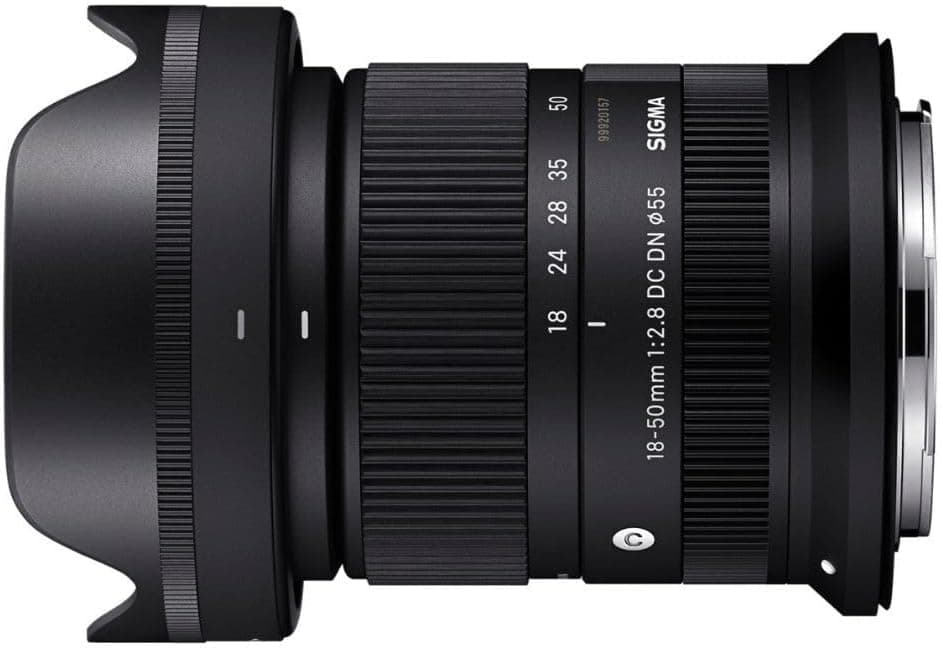
Sigma 18-50mm f/2.8 DC DN Contemporary
A small constant-aperture zoom that keeps an APS-C rig light enough to carry and balance.
SmallRig Cage for Sony FX3 and FX30
Adds proper mounting points for handles, monitors, mics, and cables without relying on the camera body.
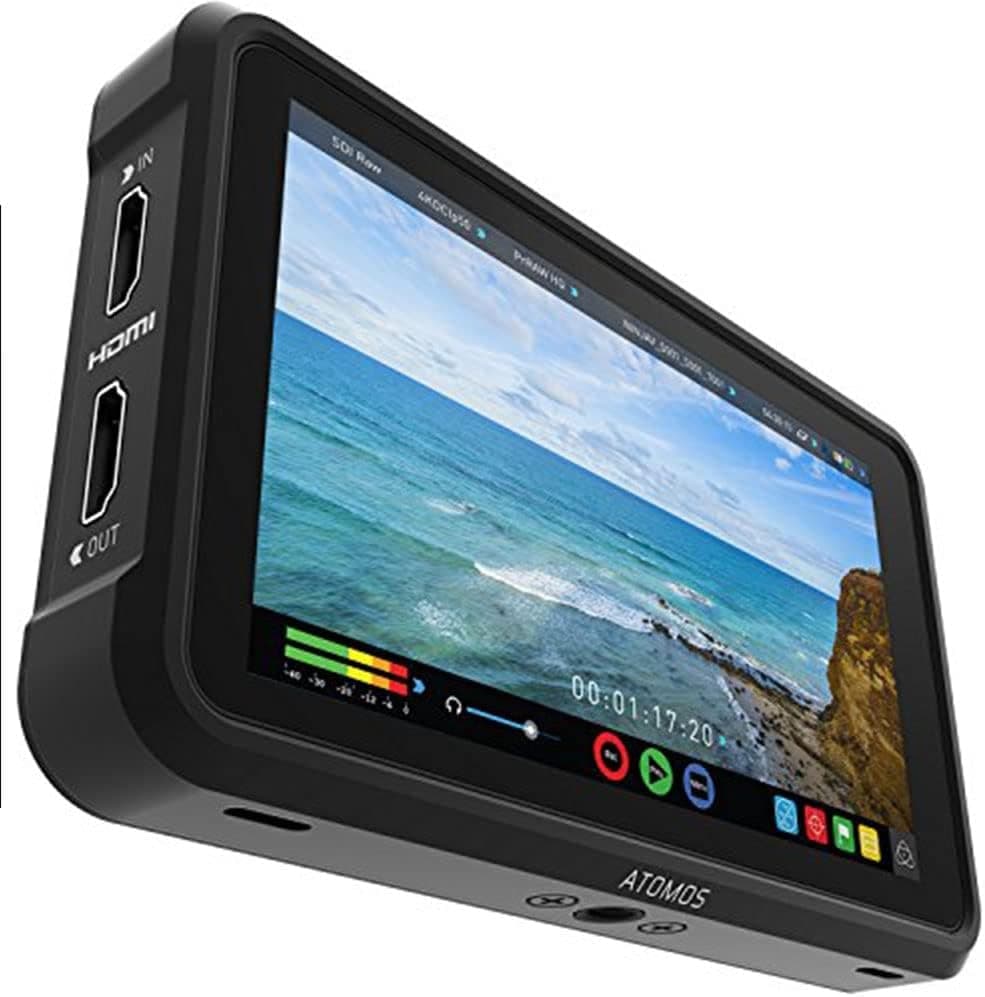
Atomos Ninja V
A bright five-inch screen for focus, exposure tools, LUT preview, and cleaner client monitoring.
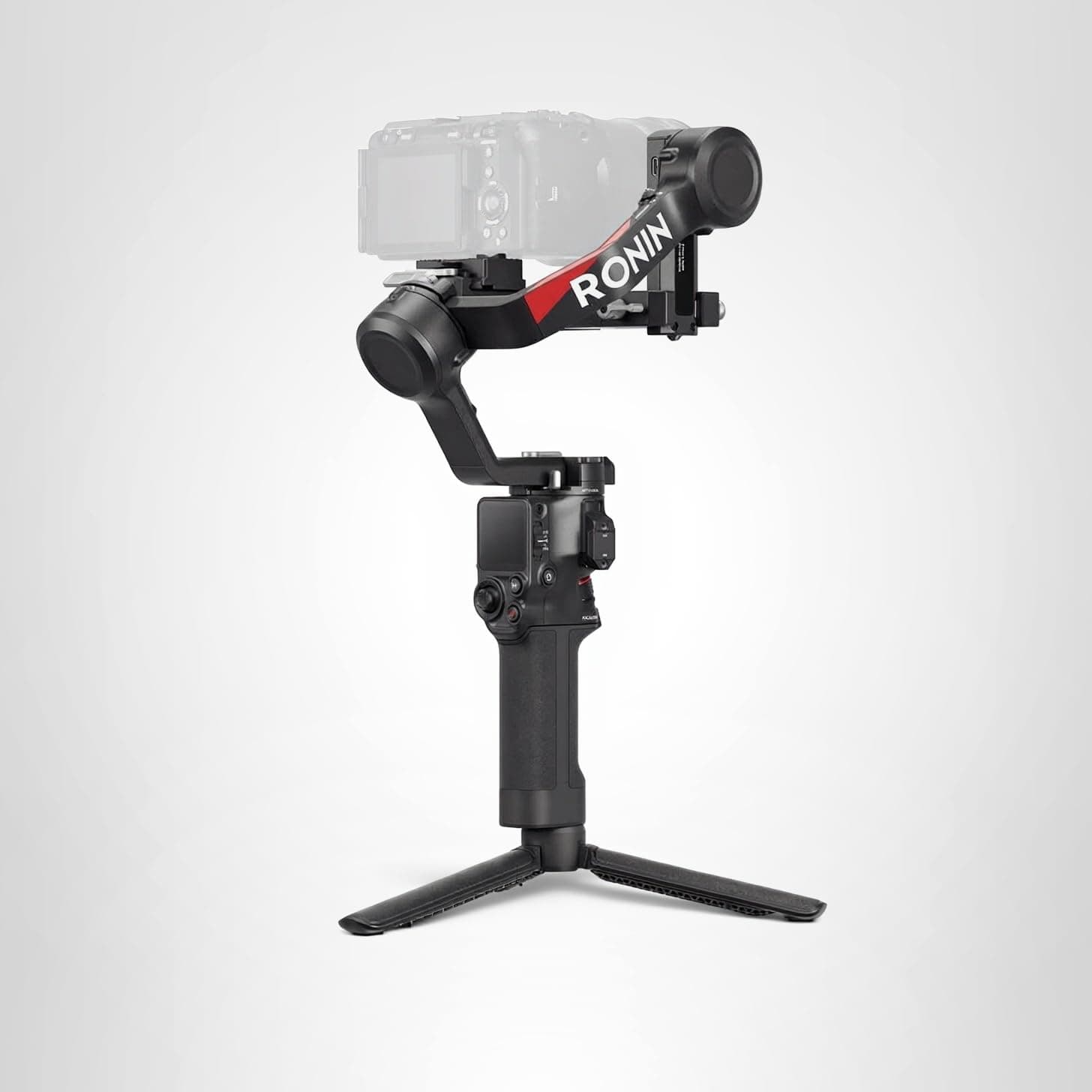
DJI RS 4
The gimbal tier that can handle a built-out mirrorless or compact cinema rig without becoming huge.
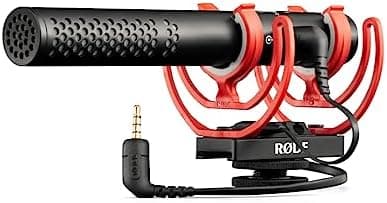
Rode VideoMic NTG
A flexible on-camera shotgun that also works as a small USB mic for quick voiceover or desk work.
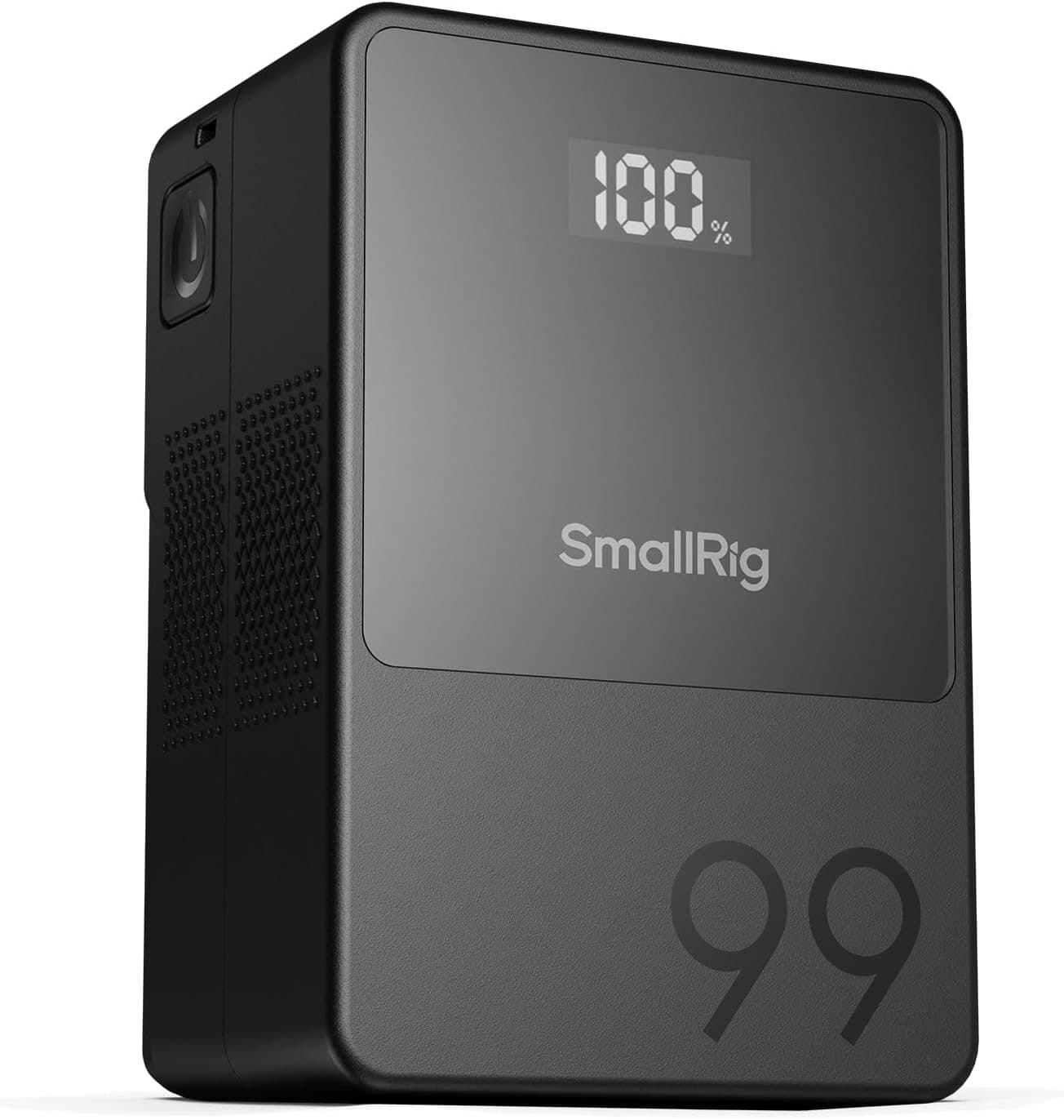
SmallRig VB99
A compact V-mount that can run monitors, lights, or cinema bodies without turning the rig into a brick.
Prices are rough catalog totals. Retailer prices change, and you can swap pieces to fit your system.
Related Gear guides
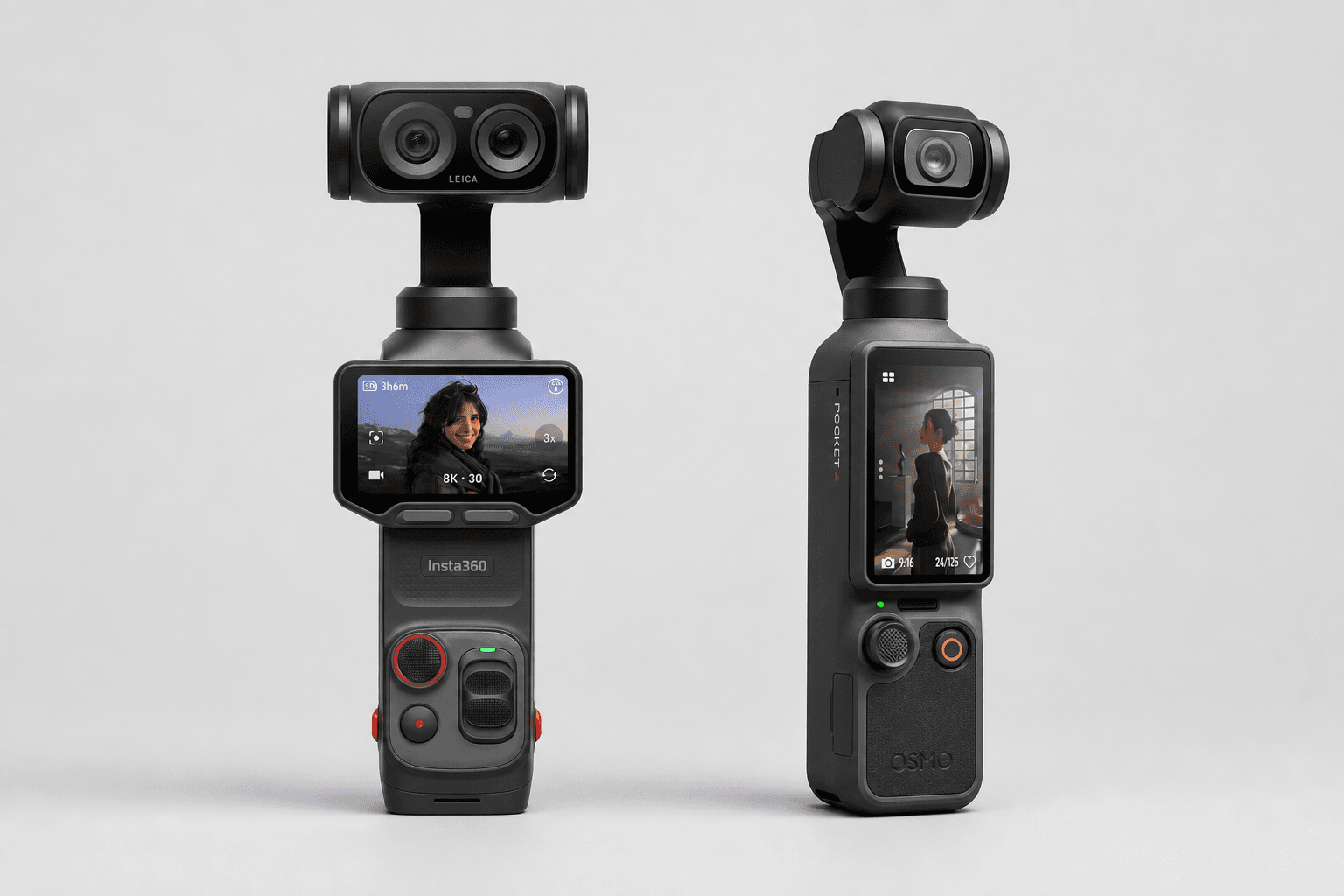
Insta360 Luna Ultra vs DJI Osmo Pocket 4: Which Pocket Gimbal Should You Buy?
Compare Luna Ultra and DJI Pocket 4 by lenses, video, Log formats, storage, U.S. availability, and the filming jobs each pocket gimbal handles best.
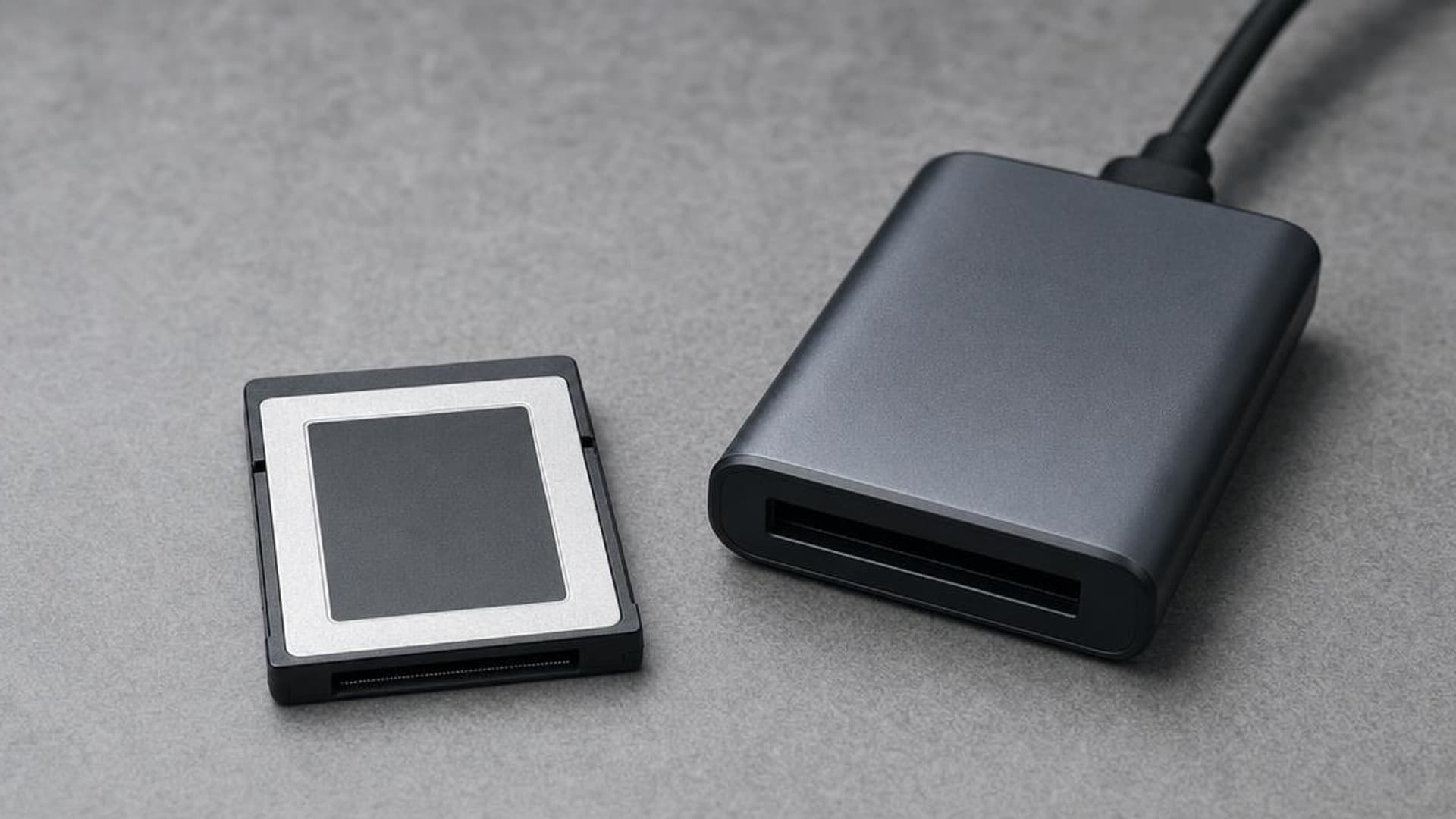
CFexpress 4.0 and VPG Explained: Buy the Card Your Camera Needs
CFexpress 4.0 doubles theoretical bandwidth, while VPG certifies sustained video writes. Learn Type A vs B, VPG classes, and when 4.0 is worth paying for.
Focal Length Explained: What 24mm, 50mm, 85mm, and 200mm Actually Do
What the millimeter number on a lens changes in the field: angle of view, compression, and working distance. When to reach for 24, 50, 85, or 200mm.
Canon EOS R50 V vs Sony ZV-E10 II: Which Beginner Vlogging Camera Should You Buy?
Canon EOS R50 V is the easier beginner creator kit. Sony ZV-E10 II is the deeper lens-system pick. Compare the practical tradeoffs.
Researched, not personally tested: picks compare specifications, available owner feedback, and established expert sources. As an Amazon Associate I earn from qualifying purchases. We may earn a commission from links here, at no extra cost to you. How we research →