We may earn a commission from links on this page, at no extra cost to you. Picks are researched, not sponsored.
Modern phone cameras are good enough that the limiting factor is rarely the sensor. It is shake, bad audio, and not being able to hold the phone where you need it. The right handful of accessories fixes those, and they cost far less than a new phone while improving your results more.
If you are deciding between a phone and a dedicated camera, our best vlogging cameras guide frames that choice, and the exposure triangle covers the settings phone camera apps expose once you shoot in pro mode.
How to choose
Start with stabilization, because it changes your footage the most. A phone gimbal mechanically smooths out your hand movements so pans and walking shots look deliberate, and most add subject tracking that keeps you in frame for solo work. If you shoot any video, this is the first thing to buy. For stills, the same gimbals double as a steady base in low light.
Then fix the audio. The single biggest tell of phone video is thin, roomy, echoey sound, because the phone's mic is far from the speaker. A small wireless or clip-on mic puts the microphone on the subject and cleans that up instantly. Good audio matters more to how finished a video feels than a small bump in image quality.
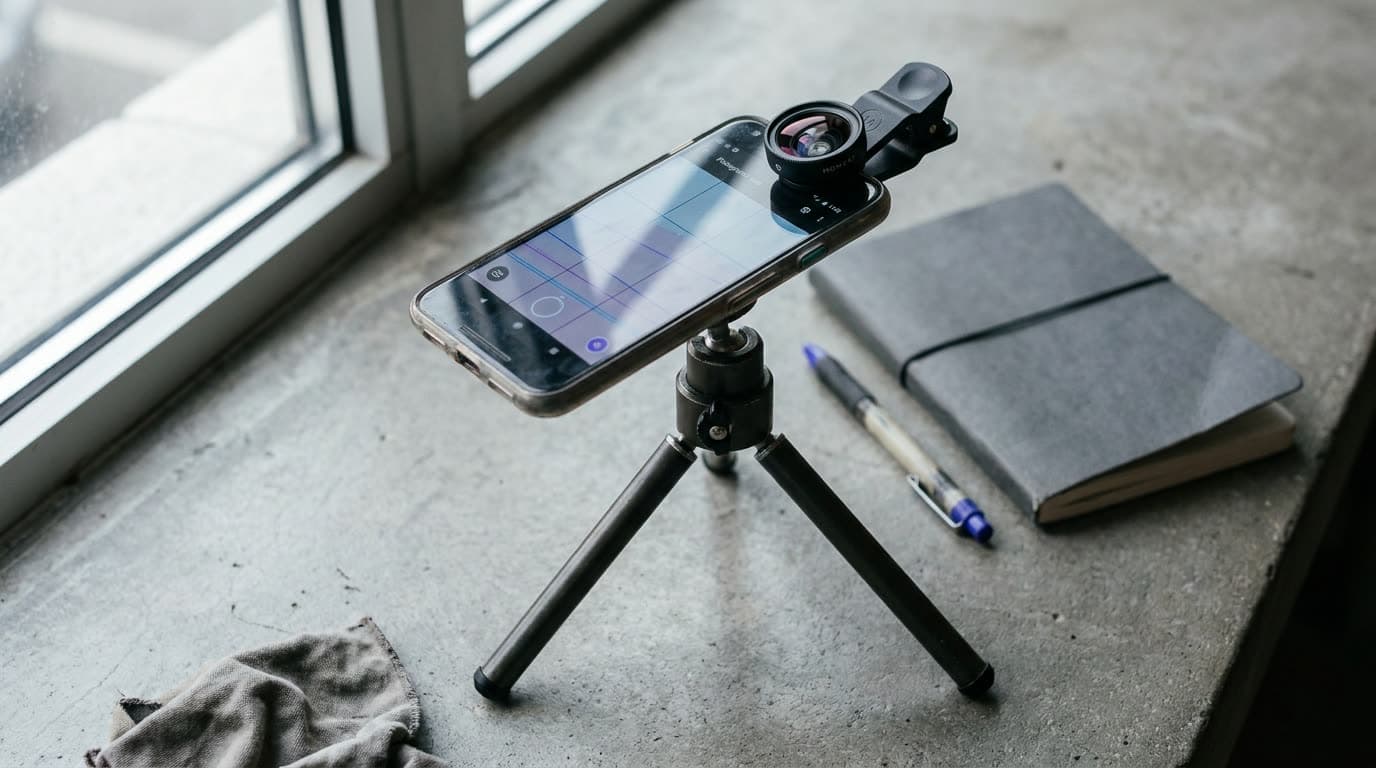
After that, weigh glass and support. A clip-on or case-mounted lens adds reach, a wider field, or an anamorphic look the phone cannot do on its own, though quality varies, so favor the better-made systems. A flexible or compact tripod holds the phone for time-lapses, low angles, and self-recording. Last, a few small extras, a power bank and a clamp mount, keep a long shoot going.
The picks
Best Overall
DJI Osmo Mobile
Phone creators who want footage that looks intentional, not shaky.
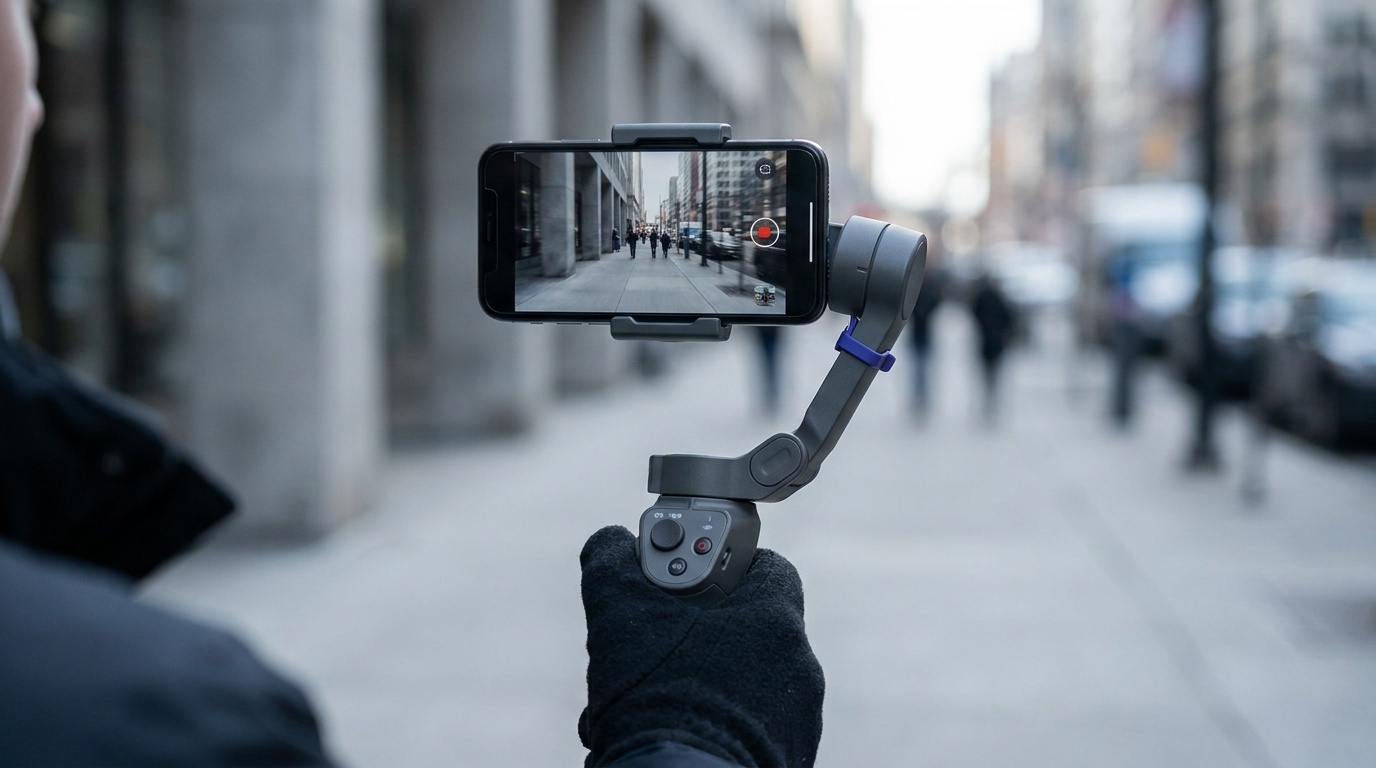
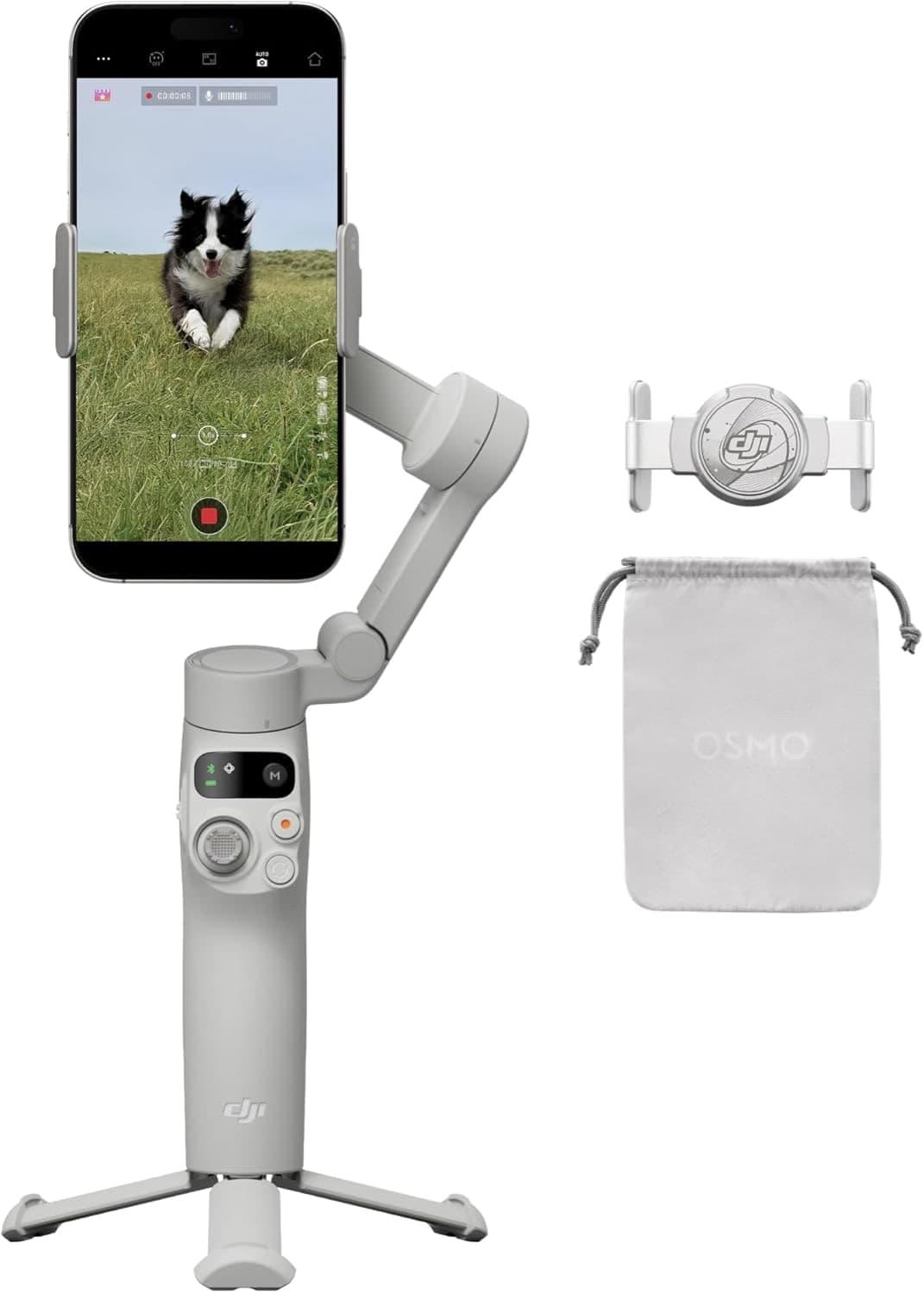
Check price at AmazonThe DJI Osmo Mobile gimbal is the highest-impact upgrade for phone video. Three-axis stabilization smooths walking shots and pans, the tracking keeps you in frame for solo pieces, and it folds down to drop in a bag. The app adds guided moves and time-lapses. It needs balancing and charging like any gimbal, but for turning shaky clips into footage that looks intentional, nothing else on this list does more.
Best for Phones
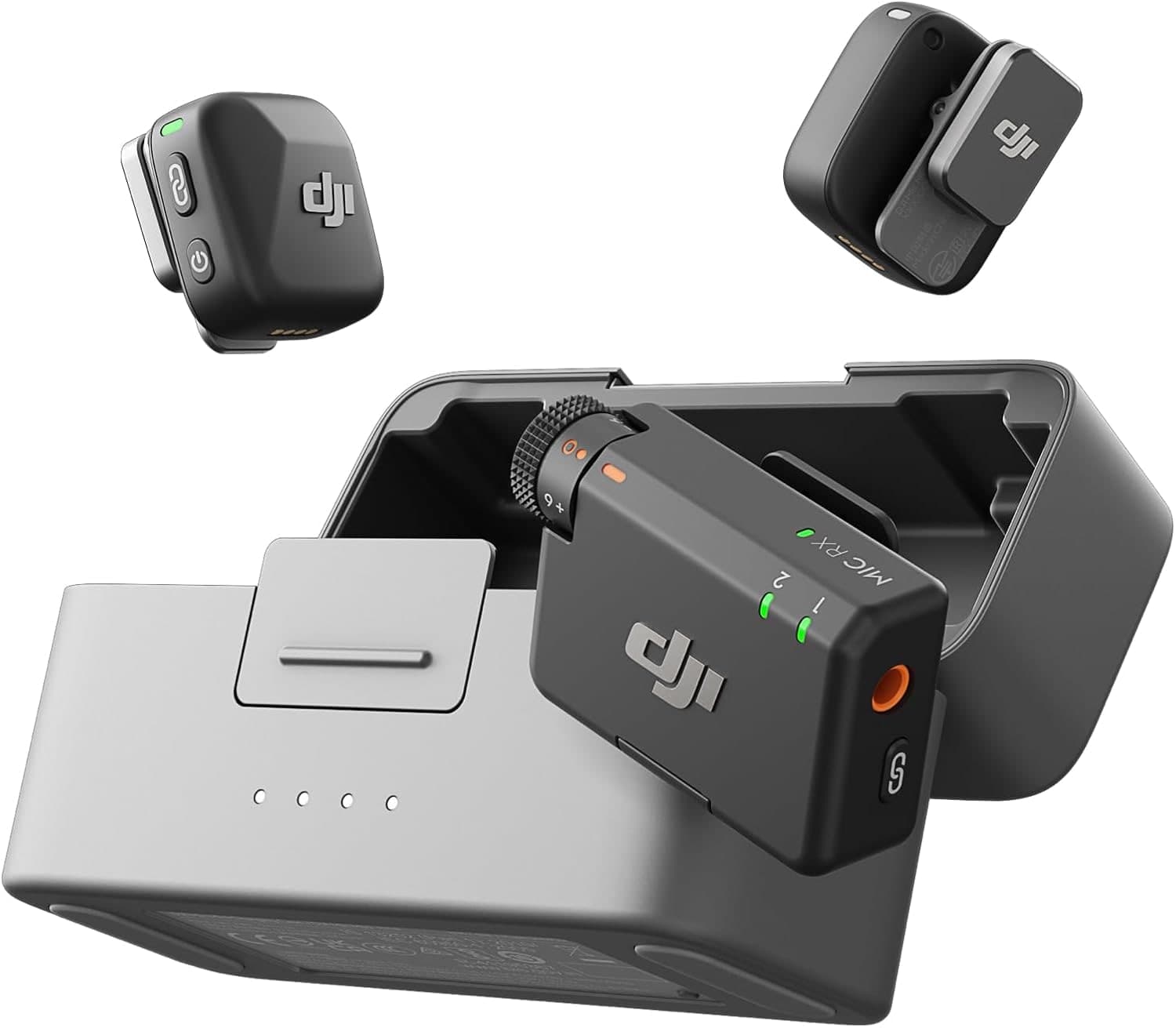
DJI Mic Mini
Phone creators and beginners who want reliable wireless audio cheaply.
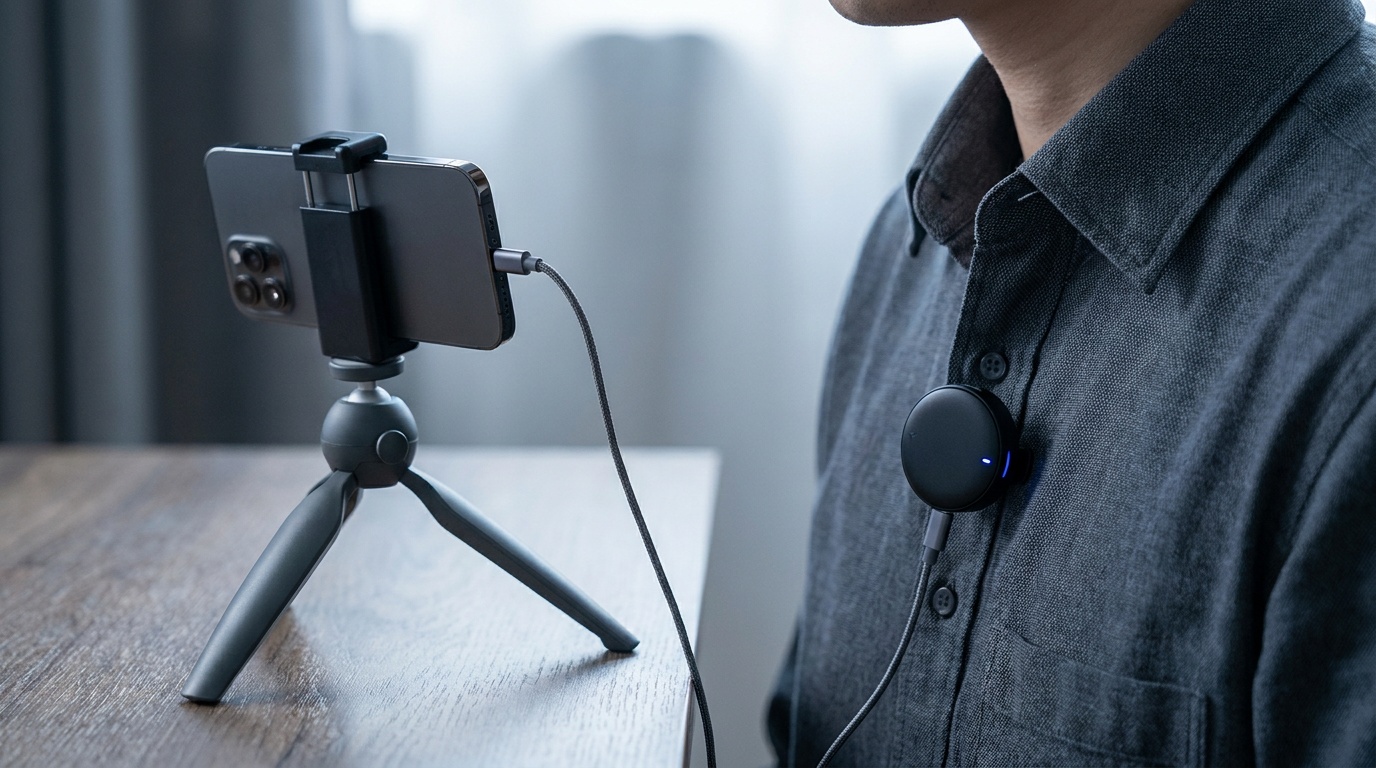
Check price at AmazonThe DJI Mic Mini is the easiest fix for phone audio. It clips onto your subject, connects to the phone, and replaces thin, echoey built-in sound with clean, close audio. It is tiny, light, and runs a long time on a charge. There is no on-board backup recording at this price, but for vlogs, interviews, and pieces to camera, it is the simplest way to make phone video sound finished.
Best Look
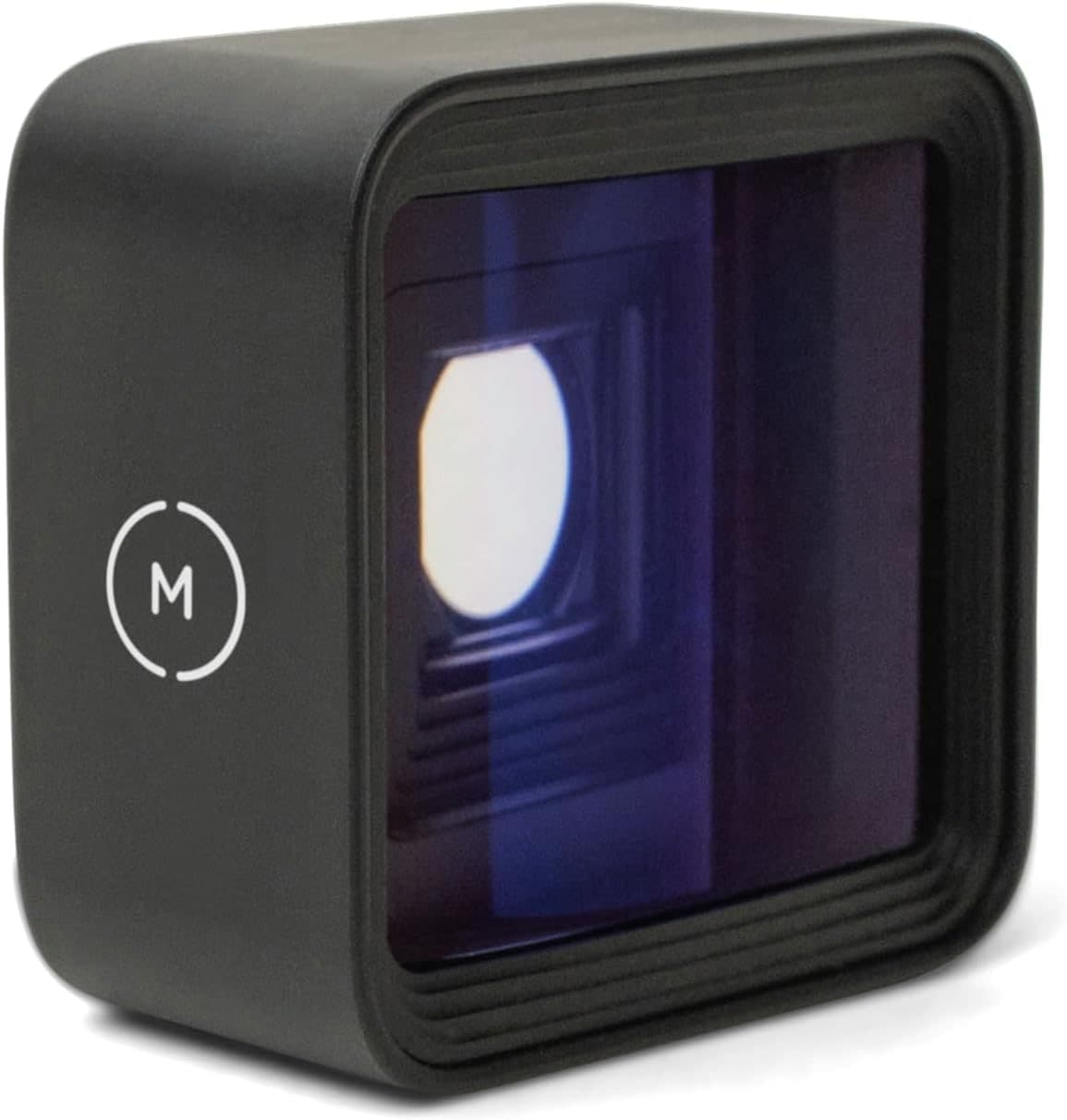
Moment 1.55x Anamorphic T-Series Lens
Phone filmmakers who want a strong widescreen anamorphic look and already use Moment's T-Series mount.
Check price at AmazonThe Moment Anamorphic Lens is the pick for a distinct cinematic look. It mounts to a Moment case and stretches the image into a wide format with the horizontal flares and ovals that read as filmic, which a phone cannot fake well in software. It requires the case system and a bit of practice to frame, but for creators who want their phone footage to stand out, the look is the draw.
Most Versatile
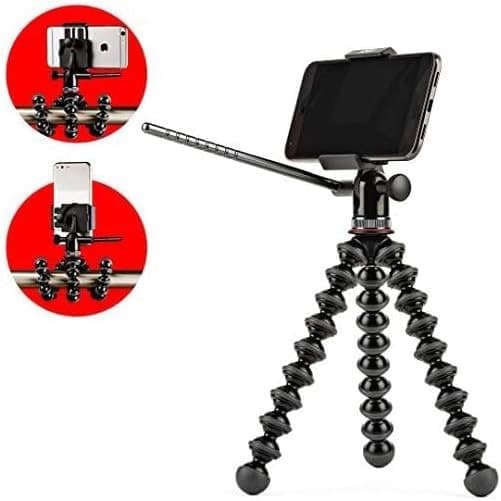
Joby GripTight PRO Video GP Stand
Low angles, odd mounting spots, and steadying a phone anywhere.
Check price at AmazonThe Joby GripTight PRO Video GP Stand is the most versatile support for a phone. It pairs a pan-and-tilt video head with GorillaPod legs that wrap around railings, branches, and poles, or stand flat on a table for time-lapses and self-recording. It folds small enough to carry every day. It is not as tall or rigid as a full tripod, but for low angles, odd mounting spots, and keeping a phone steady anywhere, it is the one to keep in the bag.
Best Adapter
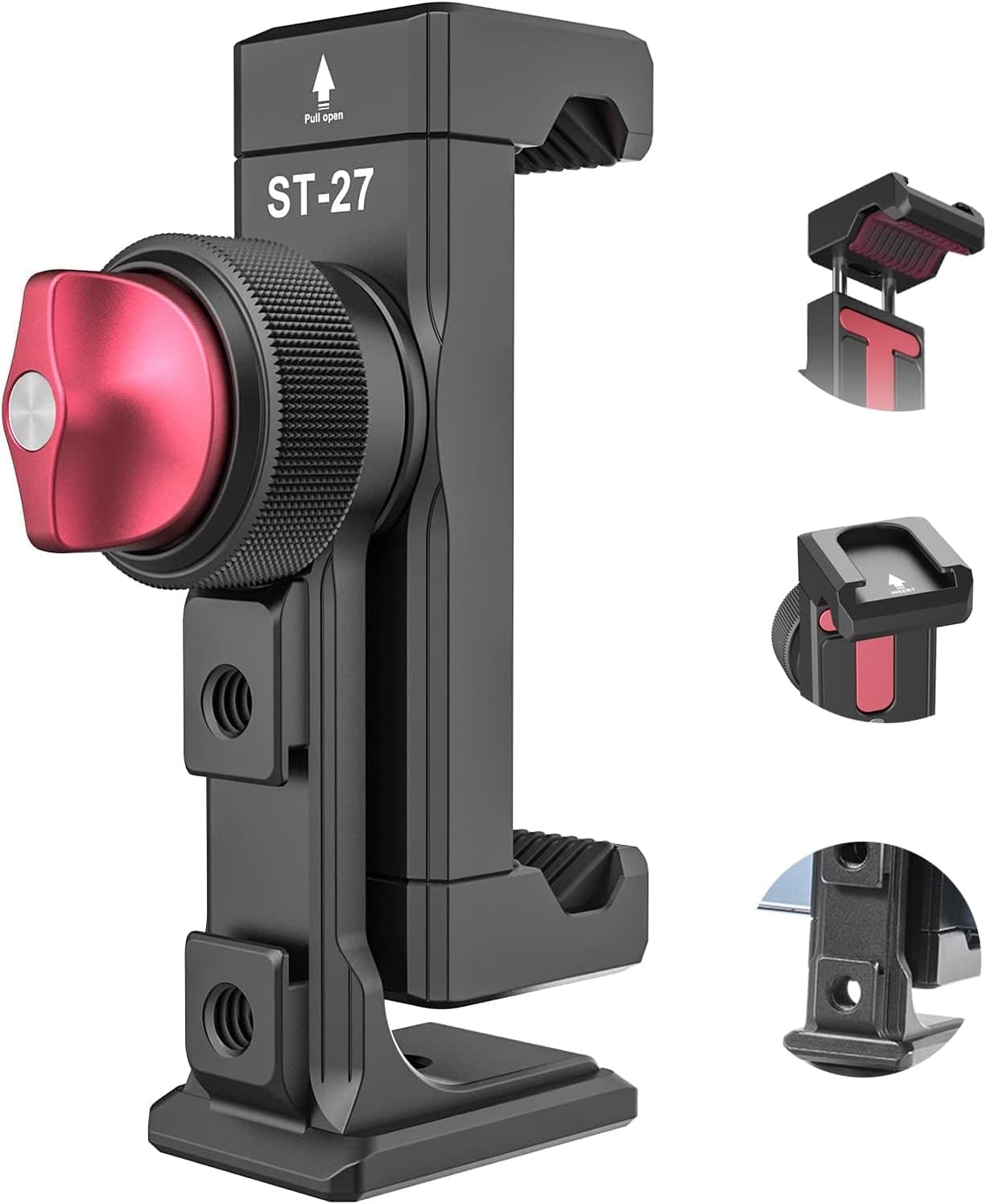
Ulanzi Phone Tripod Mount
Attaching a phone to camera gear and adding a mic or light.
Check price at AmazonThe Ulanzi Phone Tripod Mount is the small part that ties a phone kit together. It grips the phone securely, adds a standard tripod thread plus a cold-shoe to mount a mic or a small light, and works with any tripod or gimbal. It costs little and solves the constant problem of attaching a phone to gear built for cameras. Unglamorous, and one of the most-used pieces in a mobile kit.
Common mistakes
The most common one is buying a fancy clip-on lens before fixing audio and shake, then wondering why the footage still looks amateur. Stabilization and sound do more. The second is cheap clip-on lenses that clamp loosely and drift out of alignment, softening the corners; favor a case-mounted system if you care about the result. The third is forgetting a mount adapter, then finding the phone will not attach to the tripod or gimbal you bought.
A phone kit pairs naturally with good light. See our best lights for video guide for compact sources that suit mobile work, and how to photograph products at home for putting a phone setup to work on a table.
Is a phone gimbal worth it?
If you shoot any video, yes. A gimbal mechanically smooths out hand movement so pans and walking shots look deliberate instead of shaky, and most add tracking that keeps you in frame when you record yourself. It is the single accessory that most changes how finished phone video looks, and it costs far less than a new phone.
Do clip-on phone lenses actually work?
The good ones do, with caveats. A well-made, case-mounted lens can add real reach, a wider field, or an anamorphic look the phone cannot do on its own. Cheap clamp-on lenses tend to sit loosely and soften the corners. Favor a proper case system, and treat lenses as an add-on after you have handled stabilization and audio.
What should I buy first for phone video?
Stabilization and audio, in that order. A gimbal fixes shaky footage, and a small clip-on or wireless mic fixes thin, echoey sound, which are the two biggest tells of amateur phone video. Lenses, tripods, and extras come after those two. Both upgrades cost less than a new phone and improve your results more.
Compare picks
The short version
Use this to narrow the list before opening the detailed cards.
Scores weigh fit, owner sentiment, build, and value. Affiliate links do not change pick order. Methodology
Buying order
Start with the skip note. A good deal on the wrong camera is still the wrong camera.
Compare verdictsIf you already own lenses, check the system path before buying into a new mount.
Check systemsOnce the fit makes sense, compare current deals and retailer listings.
Check current dealsCamera system shortcut
If you already own one of these systems, keep the comparison inside that ecosystem before checking out.
Pocket video setups
Phone creators who want footage that looks intentional, not shaky.
Use the retailer for the current price after the tradeoff makes sense. Confirm payload, plate type, height, folded size, and quick-release system.
Tradeoff: A small part you must not forget
Use the retailer for the current price after the tradeoff makes sense. Confirm exact version, included accessories, compatibility, and seller listing.
Low angles, odd mounting spots, and steadying a phone anywhere.
Use the retailer for the current price after the tradeoff makes sense. Confirm payload, plate type, height, folded size, and quick-release system.
Phone creators and beginners who want reliable wireless audio cheaply.
Use the retailer for the current price after the tradeoff makes sense. Confirm connector, recording format, power, and camera or phone compatibility.
- Phone creators who want footage that looks intentional, not shaky.
- Smooths shaky footage
- Needs balancing and charging
Use the retailer for the current price after the tradeoff makes sense. Confirm payload, plate type, height, folded size, and quick-release system.
- Phone creators and beginners who want reliable wireless audio cheaply.
- Very small and light
- No backup recording in the transmitter (the Mic Mini 2S adds it)
Use the retailer for the current price after the tradeoff makes sense. Confirm connector, recording format, power, and camera or phone compatibility.
- Phone filmmakers who want a strong widescreen anamorphic look and already use Moment's T-Series mount.
- Distinct filmic look
- Requires the Moment case
Use the retailer for the current price after the tradeoff makes sense. Confirm mount, focal length, filter size, and autofocus compatibility.
- Low angles, odd mounting spots, and steadying a phone anywhere.
- Wraps around anything
- Not as tall or rigid as a full tripod
Use the retailer for the current price after the tradeoff makes sense. Confirm payload, plate type, height, folded size, and quick-release system.
- Attaching a phone to camera gear and adding a mic or light.
- Grips the phone securely
- A small part you must not forget
Use the retailer for the current price after the tradeoff makes sense. Confirm exact version, included accessories, compatibility, and seller listing.
| Pick | Score | Price | Verdict | Action |
|---|---|---|---|---|
| Best OverallDJI Osmo Mobile | 9.0
| $75 - $85 | Phone creators who want footage that looks intentional, not shaky. Wins: Smooths shaky footage Skip: Needs balancing and charging | Check Amazon · $75 - $85 Use the retailer for the current price after the tradeoff makes sense. Confirm payload, plate type, height, folded size, and quick-release system. |
| Best for PhonesDJI Mic Mini | 8.5
| Price varies by seller | Phone creators and beginners who want reliable wireless audio cheaply. Wins: Very small and light Skip: No backup recording in the transmitter (the Mic Mini 2S adds it) | Check Amazon · Price varies by seller Use the retailer for the current price after the tradeoff makes sense. Confirm connector, recording format, power, and camera or phone compatibility. |
 Best LookMoment 1.55x Anamorphic T-Series Lens Best LookMoment 1.55x Anamorphic T-Series Lens | 8.4
| $130 - $170 | Phone filmmakers who want a strong widescreen anamorphic look and already use Moment's T-Series mount. Wins: Distinct filmic look Skip: Requires the Moment case | Check Amazon · $130 - $170 Use the retailer for the current price after the tradeoff makes sense. Confirm mount, focal length, filter size, and autofocus compatibility. |
| Most VersatileJoby GripTight PRO Video GP Stand | 8.6
| $39 - $59 | Low angles, odd mounting spots, and steadying a phone anywhere. Wins: Wraps around anything Skip: Not as tall or rigid as a full tripod | Check Amazon · $39 - $59 Use the retailer for the current price after the tradeoff makes sense. Confirm payload, plate type, height, folded size, and quick-release system. |
| Best AdapterUlanzi Phone Tripod Mount | 8.5
| $27 - $32 | Attaching a phone to camera gear and adding a mic or light. Wins: Grips the phone securely Skip: A small part you must not forget | Check Amazon · $27 - $32 Use the retailer for the current price after the tradeoff makes sense. Confirm exact version, included accessories, compatibility, and seller listing. |
Shoot kits
Buy around the job, not the spec sheet
Creator kit
Solo vlogging kit
$1,286
A stabilized pocket camera, clean wireless audio, fast media, a backup drive, and a small light for one-person video.
Best low-friction creator kit
Buy order: start with the first piece that makes the job possible, then add the support pieces that remove friction.
Camera: start here. If this piece does not make the shoot easier, the rest of the kit can wait.
Light: add it after the core setup proves useful.
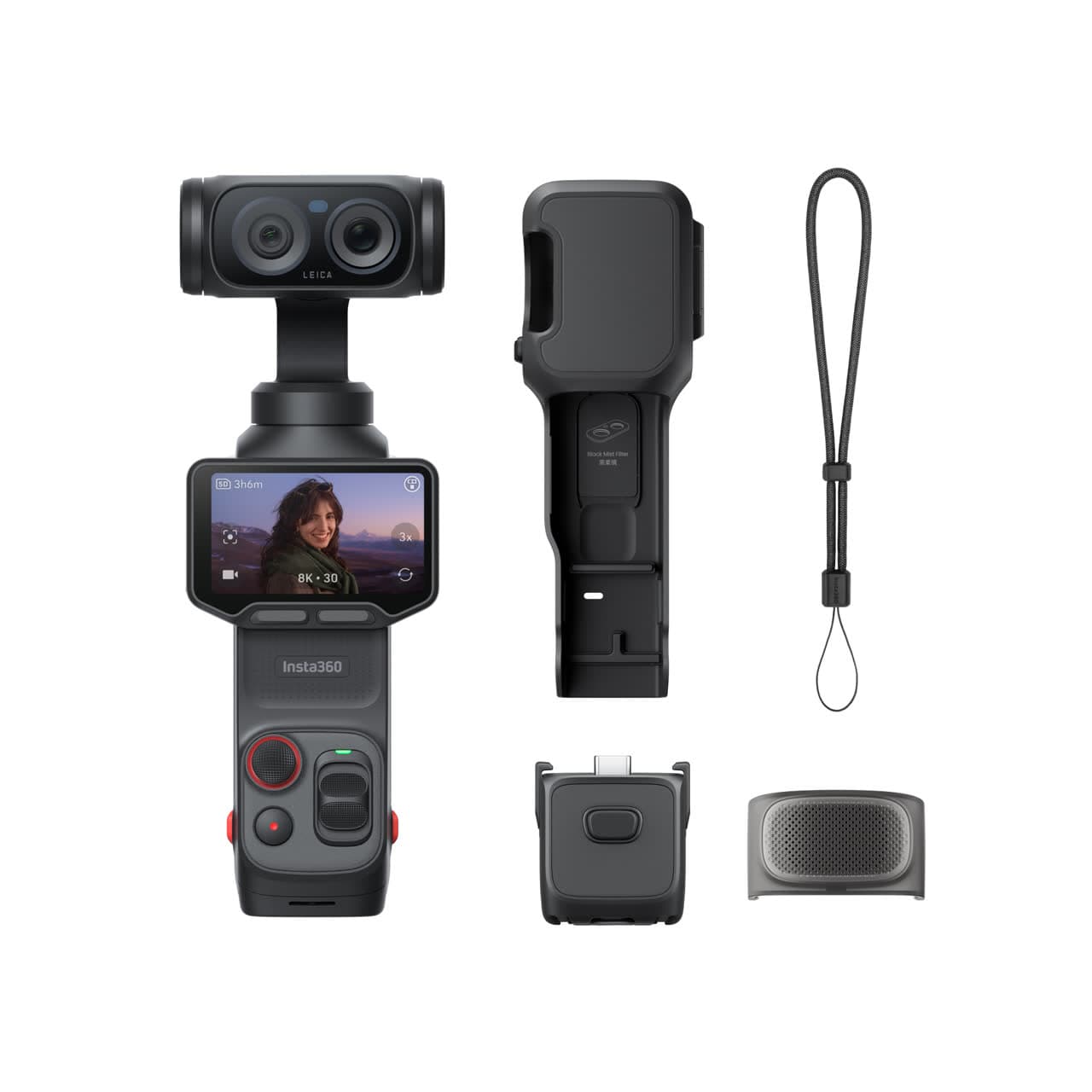
Insta360 Luna Ultra
Wide and tele framing, mechanical stabilization, and a detachable screen without a full camera rig.
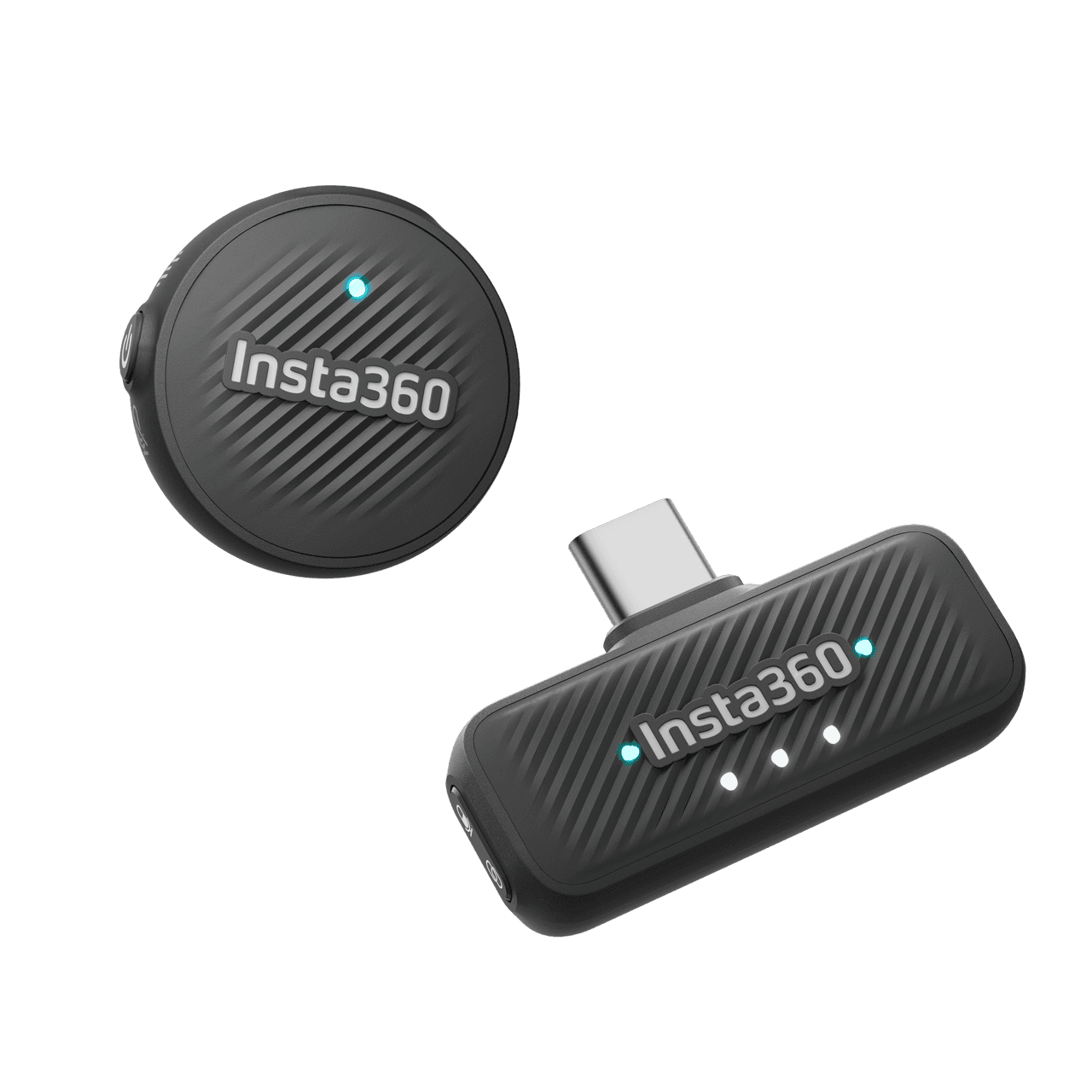
Insta360 Mic Air
Pairs directly with Luna Ultra for clearer speech without hanging a receiver from the camera.
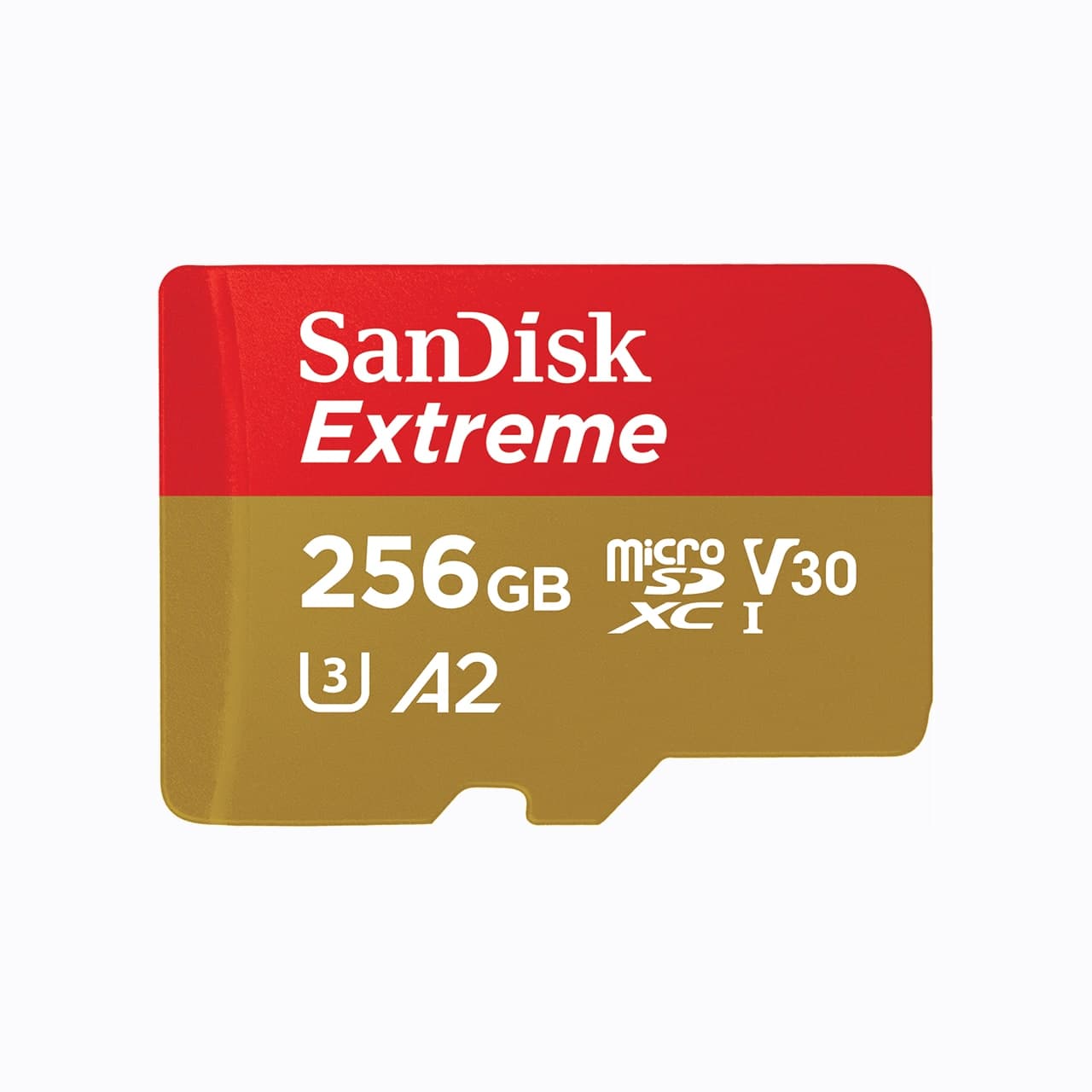
SanDisk Extreme microSDXC 256GB
Pocket gimbals and action cameras use microSD, not a full-size SD card.
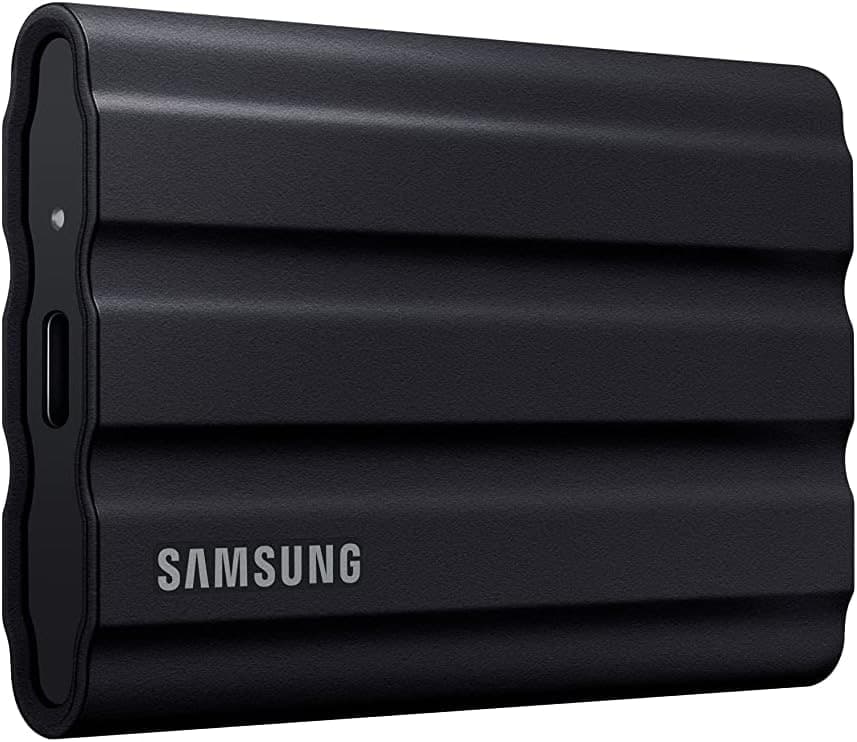
Samsung T7 Shield
A rugged pocket SSD for offloading footage before a card gets reused.
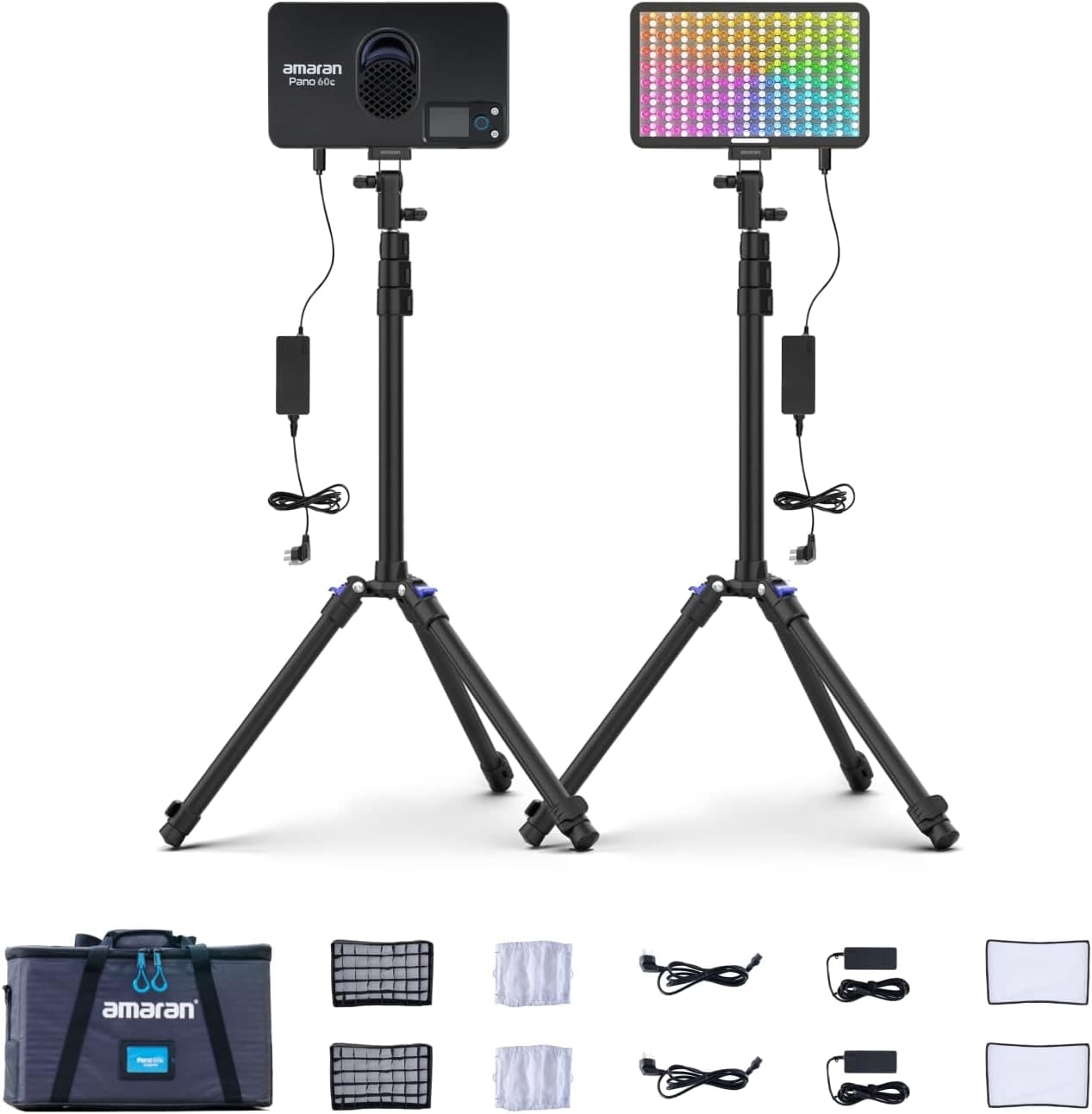
Amaran P60c RGBWW Panel
Soft, controllable fill for talking-head clips, product details, and ugly rooms.
Prices are rough catalog totals. Retailer prices change, and you can swap pieces to fit your system.
Related Gear guides
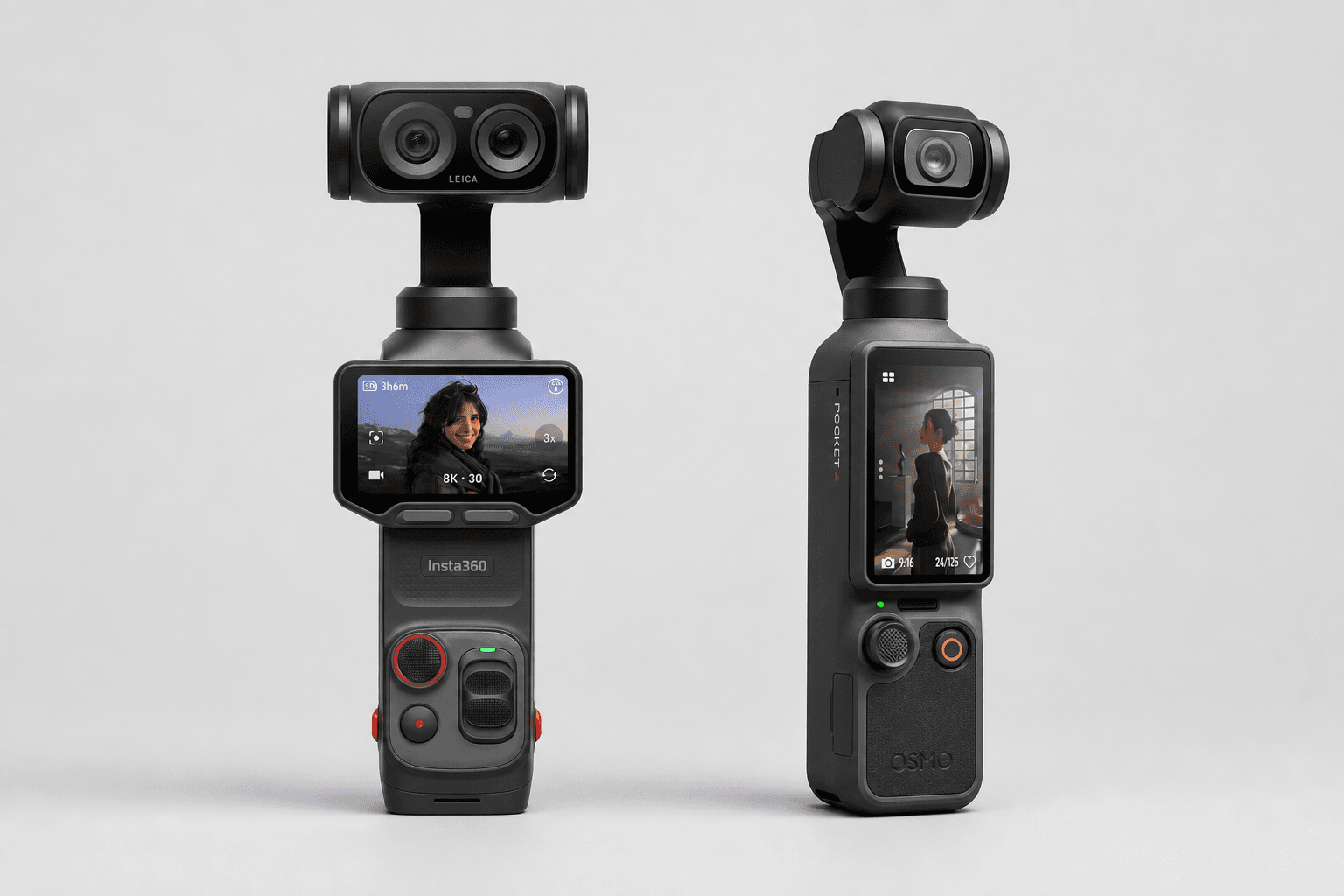
Insta360 Luna Ultra vs DJI Osmo Pocket 4: Which Pocket Gimbal Should You Buy?
Compare Luna Ultra and DJI Pocket 4 by lenses, video, Log formats, storage, U.S. availability, and the filming jobs each pocket gimbal handles best.
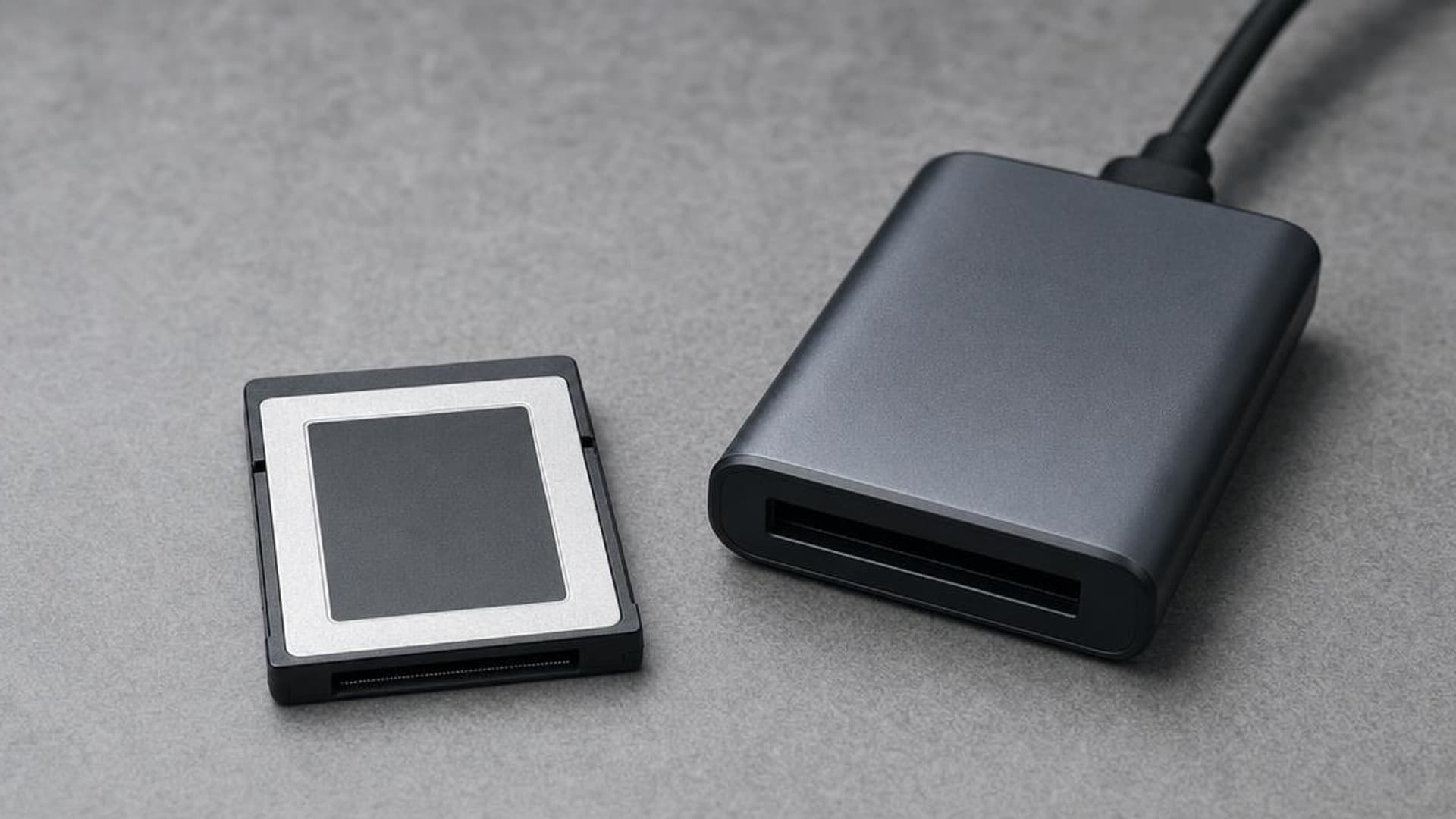
CFexpress 4.0 and VPG Explained: Buy the Card Your Camera Needs
CFexpress 4.0 doubles theoretical bandwidth, while VPG certifies sustained video writes. Learn Type A vs B, VPG classes, and when 4.0 is worth paying for.
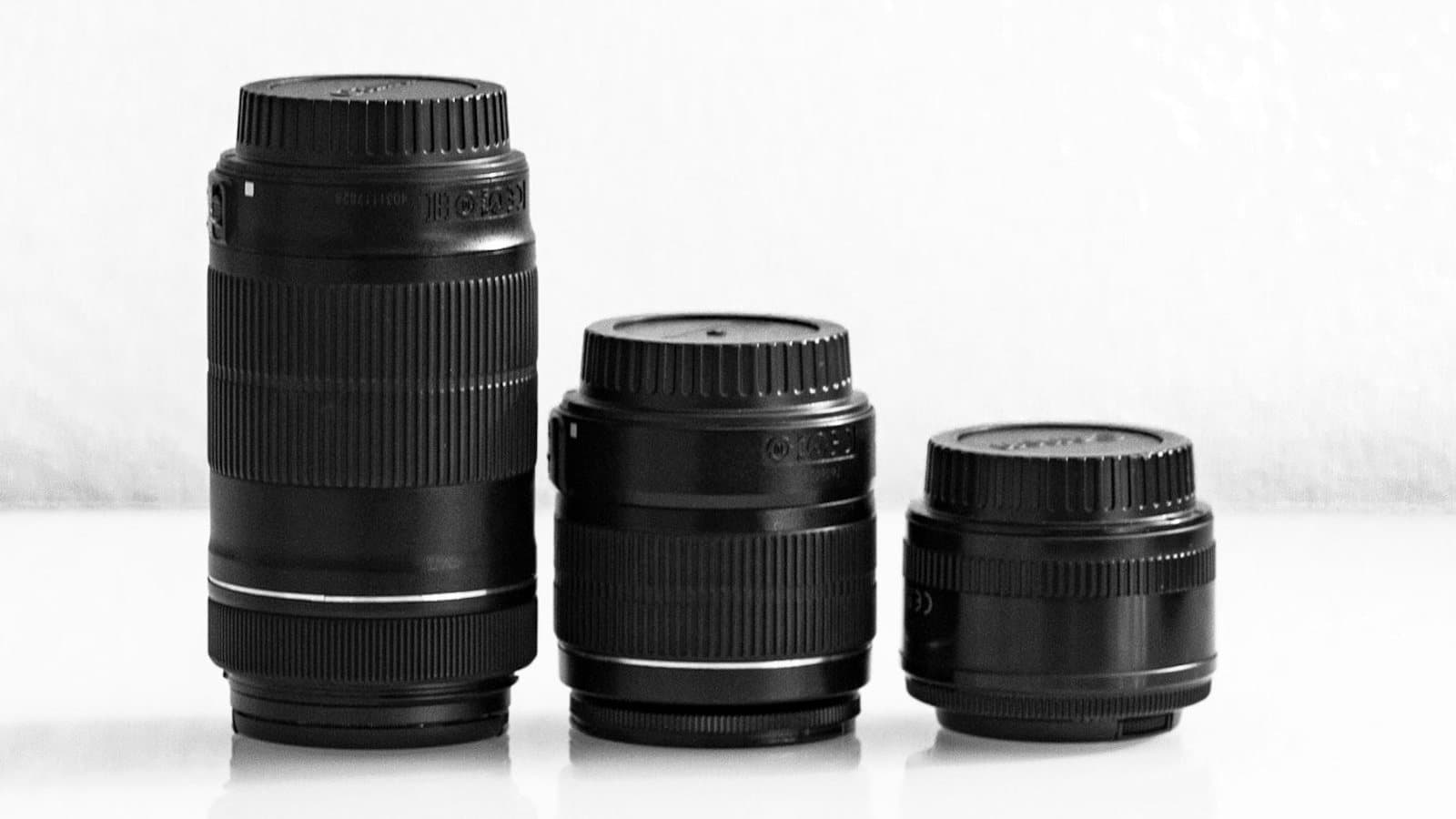
Focal Length Explained: What 24mm, 50mm, 85mm, and 200mm Actually Do
What the millimeter number on a lens changes in the field: angle of view, compression, and working distance. When to reach for 24, 50, 85, or 200mm.
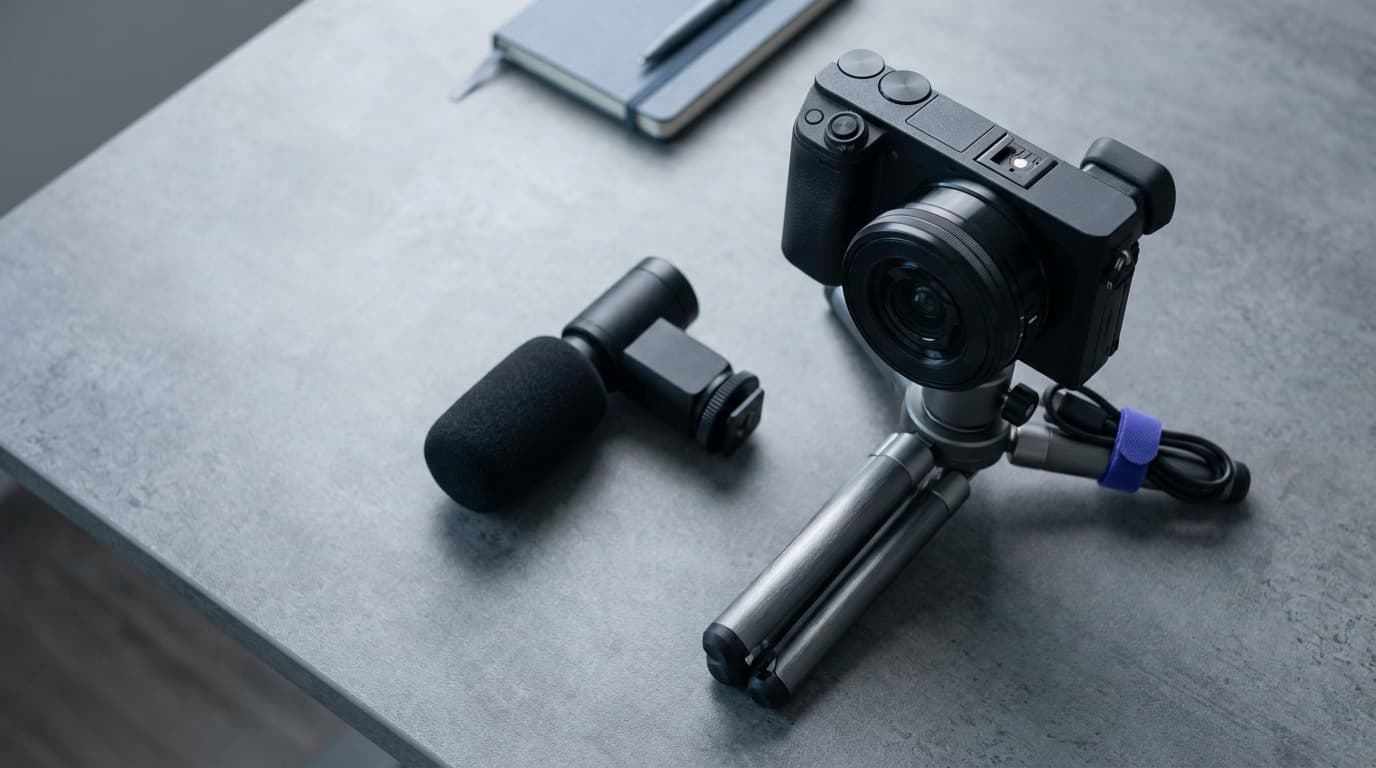
Canon EOS R50 V vs Sony ZV-E10 II: Which Beginner Vlogging Camera Should You Buy?
Canon EOS R50 V is the easier beginner creator kit. Sony ZV-E10 II is the deeper lens-system pick. Compare the practical tradeoffs.
Researched, not personally tested: picks compare specifications, available owner feedback, and established expert sources. As an Amazon Associate I earn from qualifying purchases. We may earn a commission from links here, at no extra cost to you. How we research →