We may earn a commission from links on this page, at no extra cost to you. Picks are researched, not sponsored.
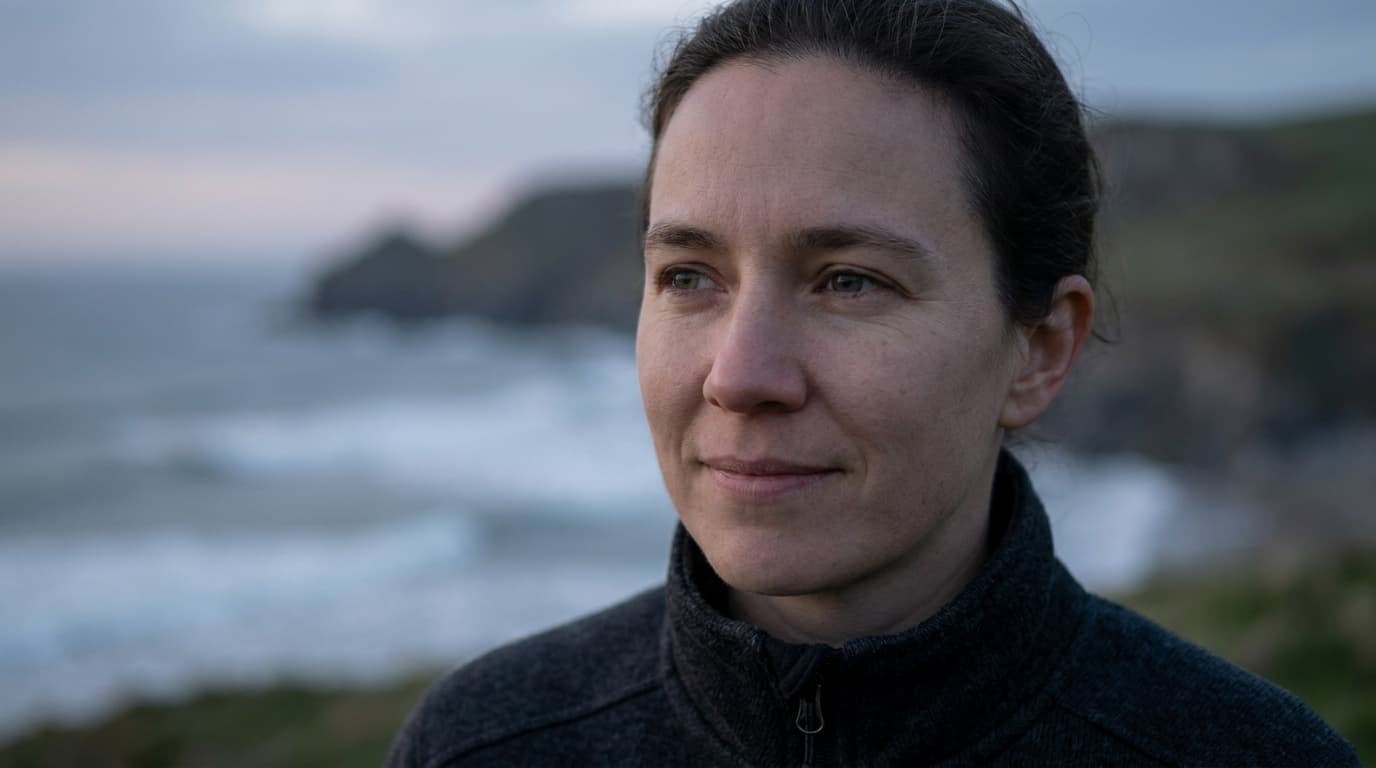
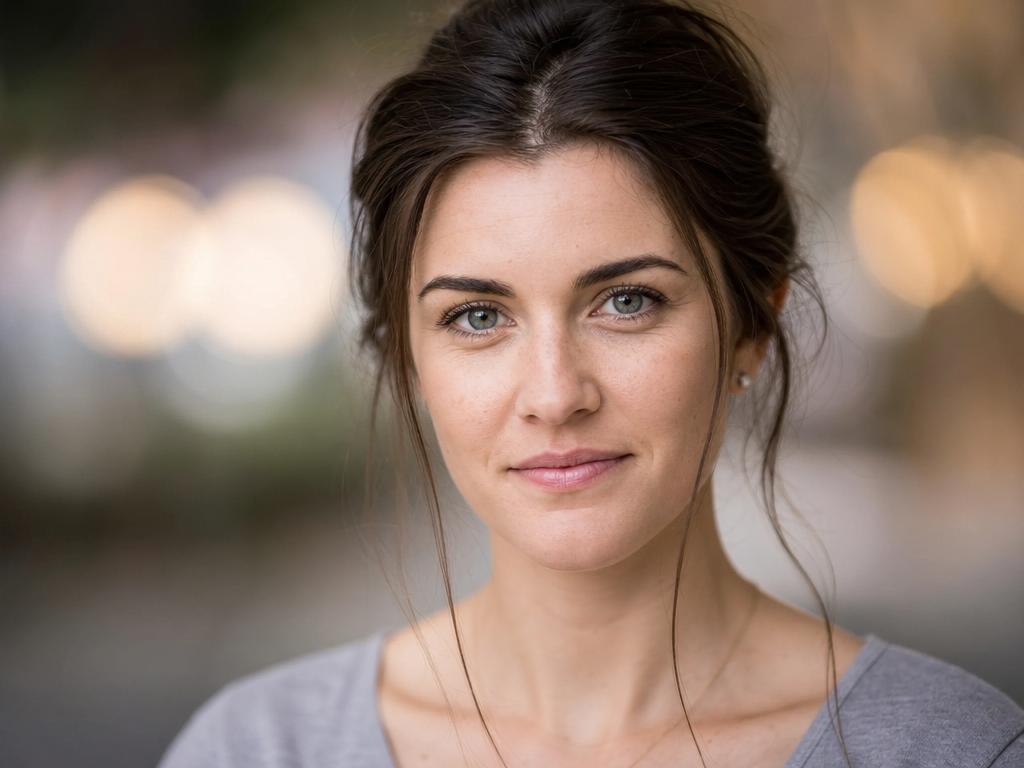
The creamy, melted background behind a sharp subject is called bokeh, and it is the single most requested beginner look. It is not a camera mode or a filter; it is shallow depth of field, and you create it with four levers you control on any interchangeable-lens camera.
The four levers
You do not need all four. The first one matters most, and the rest stack on top.
1. Open the aperture wide
A wide aperture, a low f-number, is the main control. Set your camera to Aperture Priority (A or Av) and choose the lowest f-number your lens allows. f/1.8 · f/2.8 give a strong blur. f/4 gives a softer, gentler separation. The reason a low number is a wide opening is covered in what aperture and f-stop mean.
2. Get close to your subject
Depth of field shrinks the closer you focus. Stepping in from six feet to three feet noticeably increases the blur behind your subject, even at the same aperture. This is the cheapest lever and costs nothing.
3. Push the background back
Blur depends on the distance between your subject and what is behind them. A subject standing against a wall stays sharp against a sharp wall. Move that same subject ten feet in front of the wall and the wall melts. When you can, place your subject far from the background.
4. Use a longer lens
Longer focal lengths compress the scene and exaggerate background blur. An 85mm lens at f/2.8 blurs more than a 35mm lens at f/2.8 from the same framing. This is part of the prime versus zoom lens decision, and it is why portrait photographers reach for 85mm and longer.
Settings that work
A reliable portrait starting point: f/2 · 1/250 · ISO 200 in good light, with an 85mm lens, subject a few feet from you and well off the background. Adjust ISO up if it is dark. Keep the shutter fast enough to stay sharp; at a wide aperture your sharp zone is thin and any shake is obvious.
Sensor size also plays in. A full-frame sensor blurs backgrounds more than a smaller one at the same aperture and framing, which is one practical reason it matters. See sensor sizes explained.
Common mistakes
The most common mistake is shooting at f/1.4 or f/1.8 and missing focus on the eyes. At those apertures the sharp zone can be a couple of centimeters deep, so if you focus on the nose, the eyes go soft. Focus on the near eye, and if you struggle, stop down to f/2.8 for a more forgiving margin while keeping plenty of blur. Back button focus helps you lock focus and recompose.
The second mistake is expecting blur from a subject pressed against a wall. No aperture fixes zero subject-to-background distance. Move them off the background first.
A third is thinking you need an expensive lens. A cheap 50mm f/1.8, the "nifty fifty," blurs backgrounds beautifully and is the classic first lens for exactly this reason.
What is the best aperture for a blurry background?
f/1.8 to f/2.8 gives strong blur. f/1.4 blurs even more but the sharp zone is so thin that focus errors are common. For a balance of blur and reliable sharp eyes, f/2.8 is a safe choice.
Can I get a blurry background with a kit lens?
Yes, though it is harder. Zoom the kit lens to its longest end, open to its widest aperture there, get close, and push the background far back. The effect is gentler than a fast prime, but the four levers still apply.
Why is my background not blurry even at f/1.8?
Most likely the background is too close to your subject, or you are too far from your subject. Move your subject away from the background and step closer to them. Both deepen the blur without changing the aperture.
Background blur is one expression of depth of field. To understand the whole concept, including how to get the opposite (everything sharp), read understanding depth of field and the exposure triangle.
Practice this
Turn the guide into a working setup
Shoot kits
Buy around the job, not the spec sheet
People work
Portrait and headshot kit
$2,936
A full-frame hybrid body, an 85mm prime, simple flash, diffusion, and grip pieces for clean portraits without a studio buildout.
Best people-first kit
Buy order: start with the first piece that makes the job possible, then add the support pieces that remove friction.
Camera: start here. If this piece does not make the shoot easier, the rest of the kit can wait.
Sandbag: add it after the core setup proves useful.
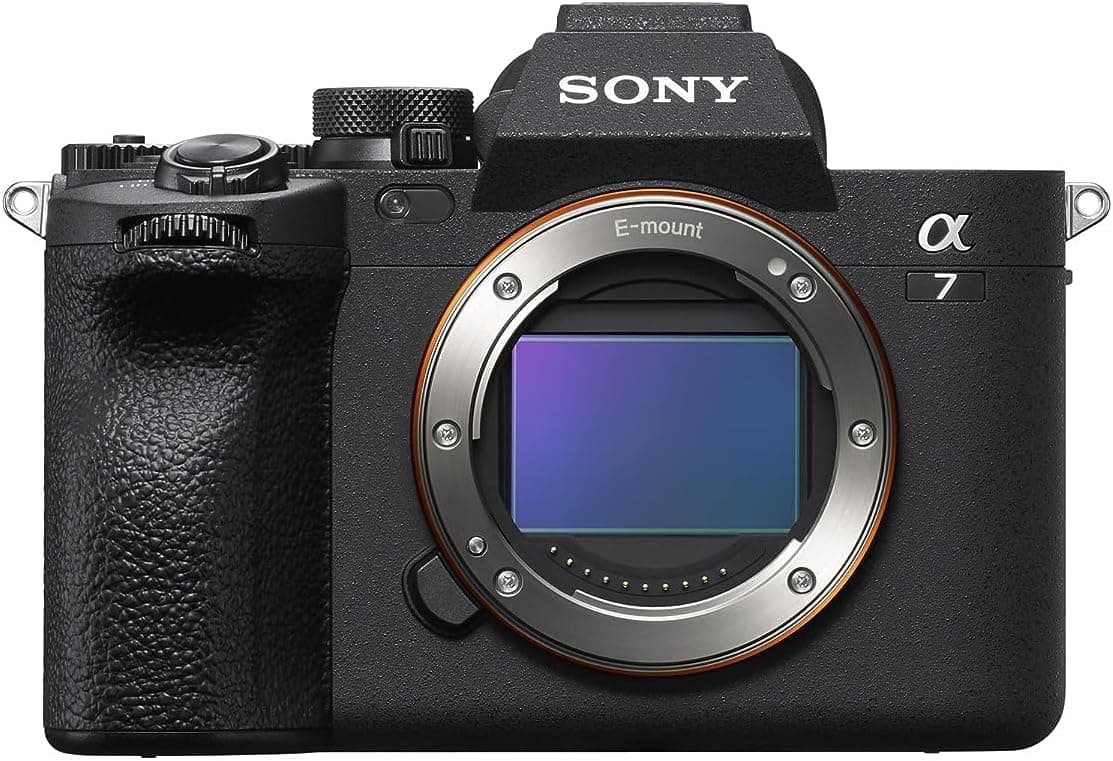
Sony a7 IV
A balanced full-frame body with reliable eye autofocus for portraits, events, and headshots.
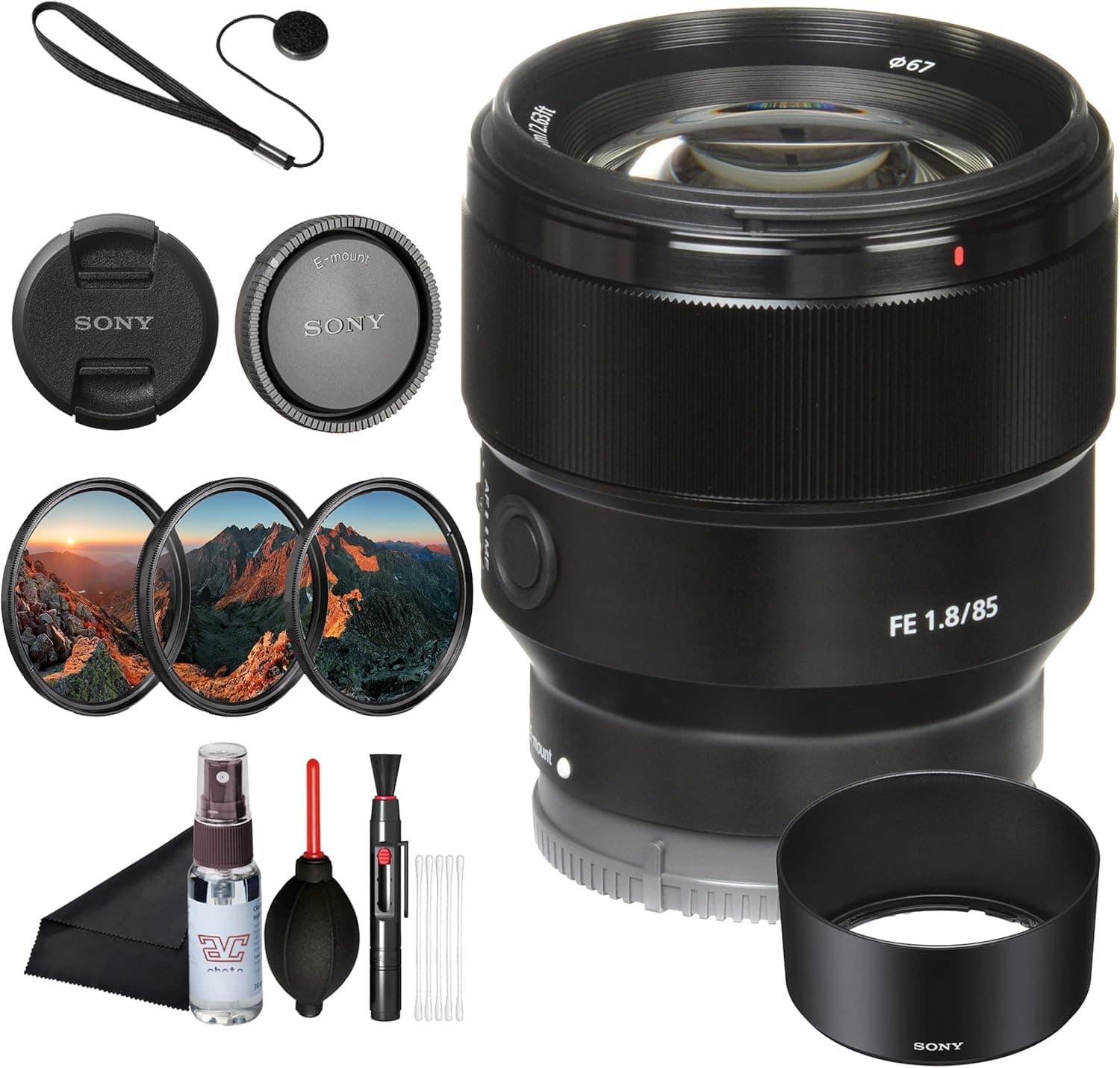
Sony FE 85mm f/1.8
Classic headshot framing, flattering compression, and a price that leaves money for light.
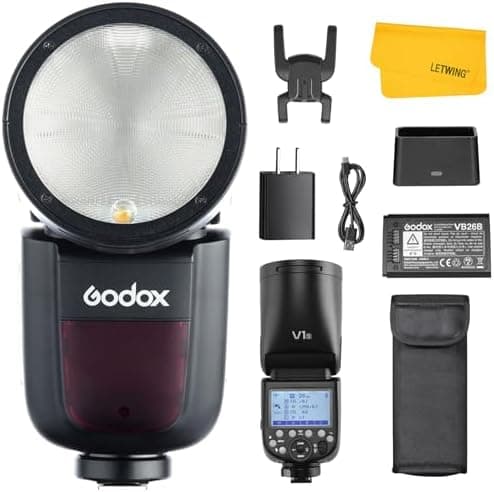
Godox V1
Round-head flash for bounce, quick portraits, and a first off-camera setup.
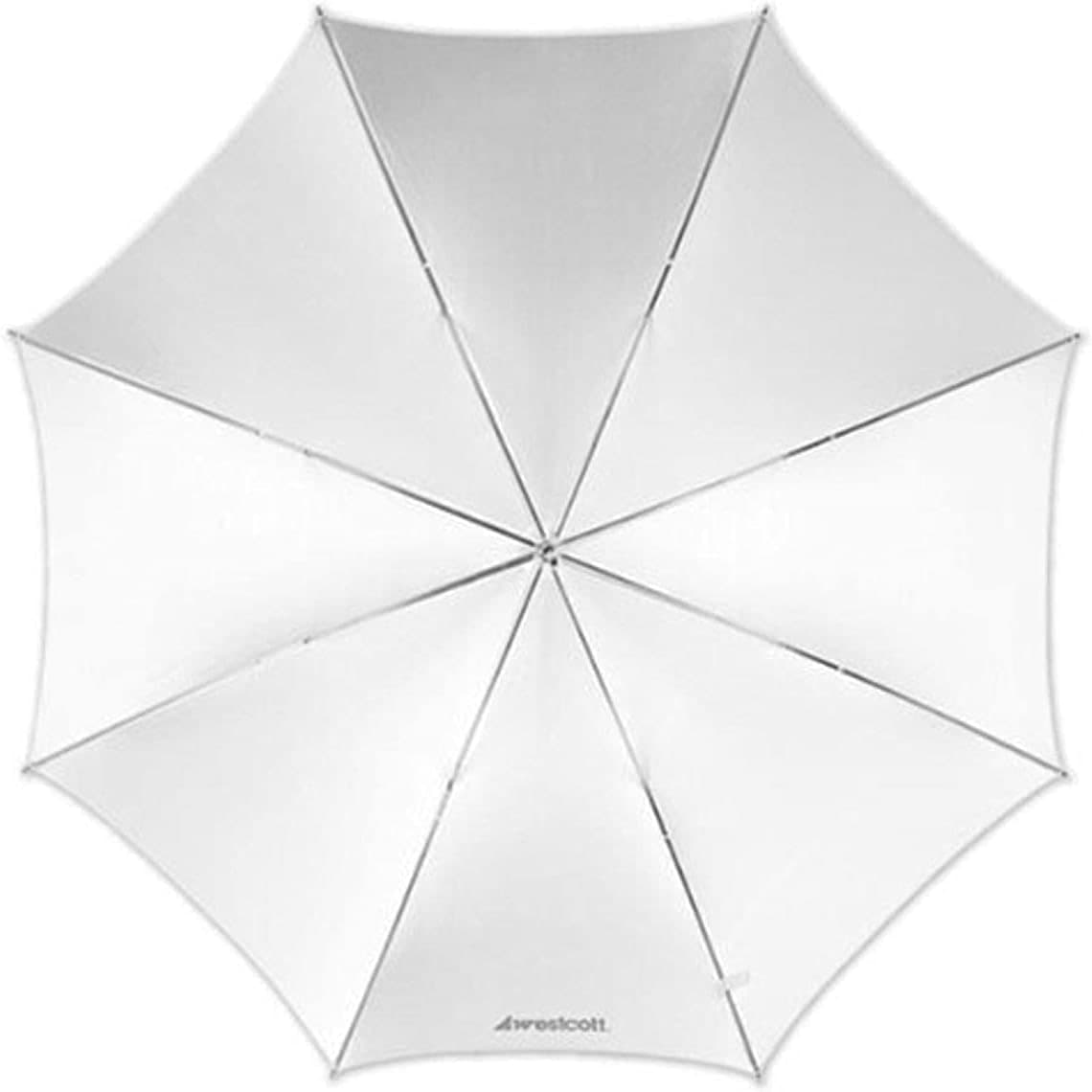
Westcott 43-inch Umbrella
Cheap, fast diffusion that makes one light look less harsh.
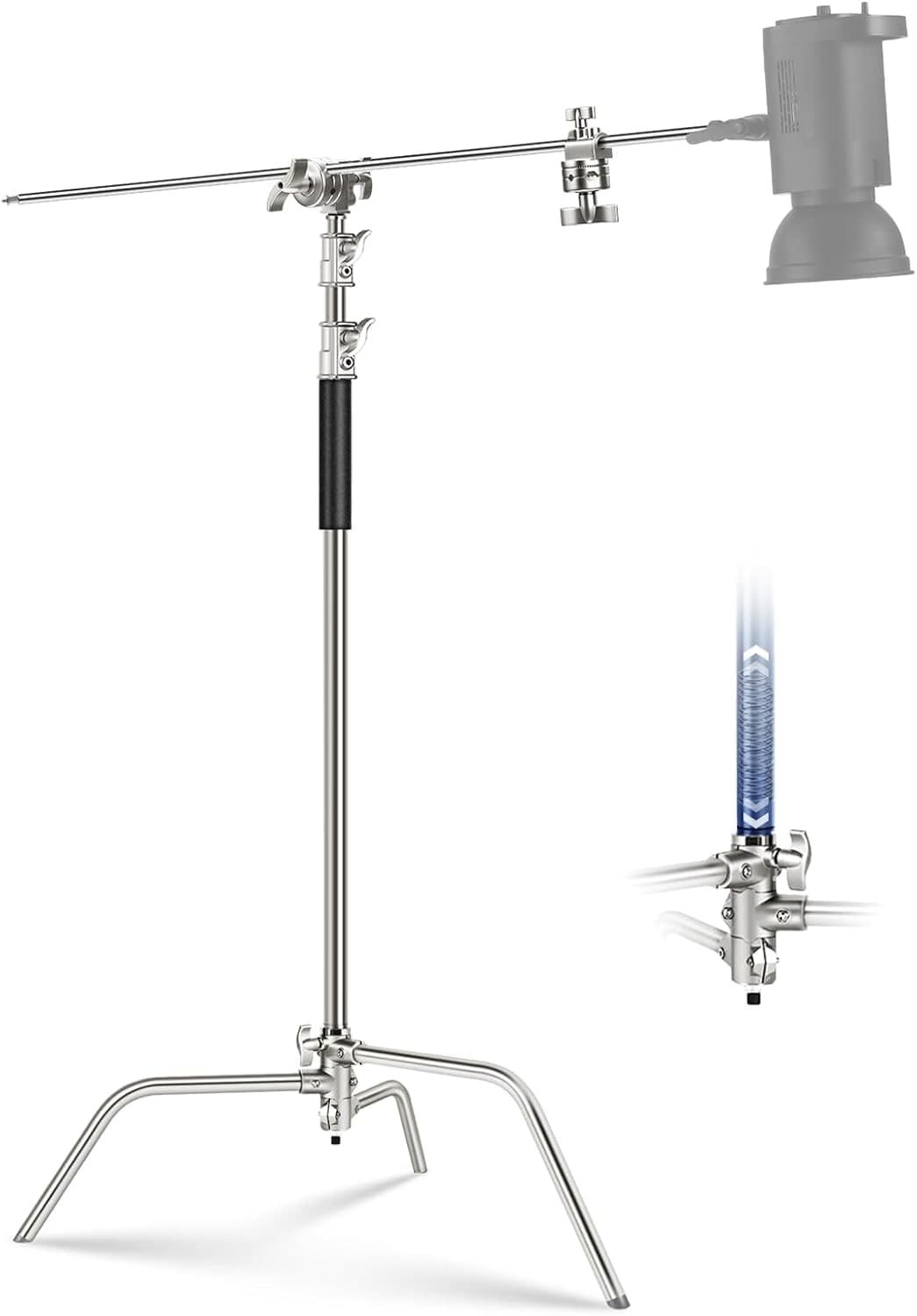
Neewer C-Stand
Keeps the light where it belongs when a small tripod would be a liability.
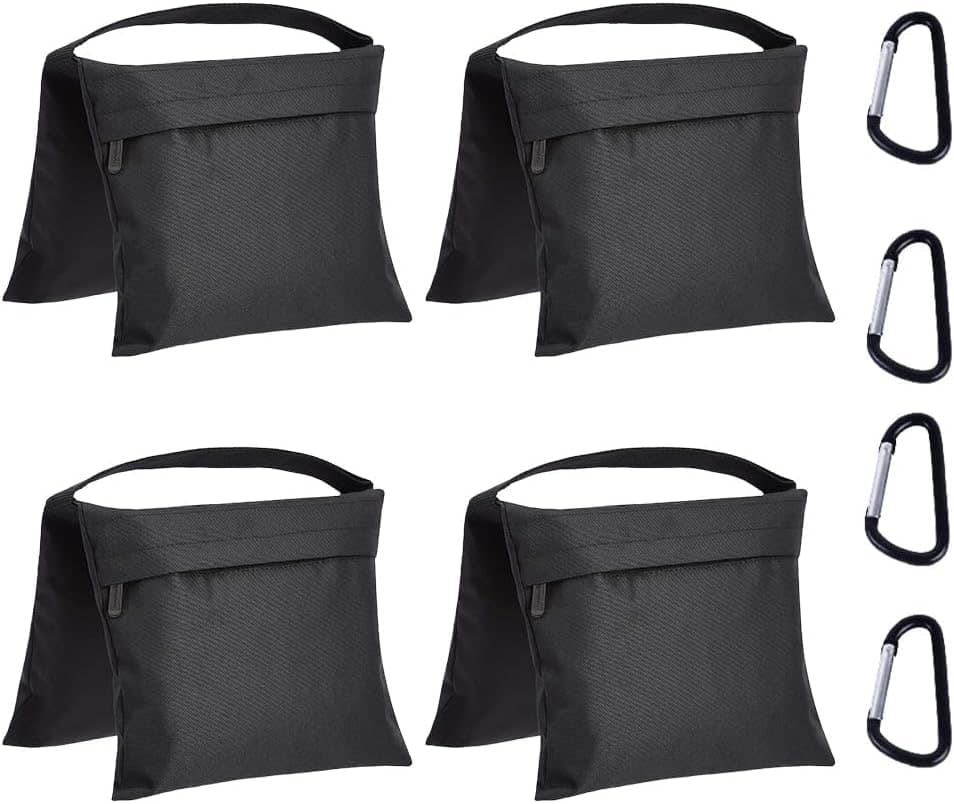
Amazon Basics Photography Sandbags (4-Pack)
The unglamorous piece that keeps a light stand from becoming expensive chaos.
Prices are rough catalog totals. Retailer prices change, and you can swap pieces to fit your system.
Related Learn guides

Content Credentials and C2PA Explained for Photographers
Content Credentials record a photo's signed provenance and edits. Learn what C2PA proves, what it cannot prove, and how capture-to-export workflows work.
Open Gate Video Explained: When 3:2 Is Worth It
Open Gate records a taller sensor area for flexible 16:9, 9:16, and square crops. See when it helps, what it costs, and how to frame it correctly.
Pre-Capture Photography Explained: Get the Frame Before the Click
Pre-Capture buffers photos before the shutter is fully pressed. Learn how it works, which settings change, and when RAW, flash, or focus may be limited.
RAW vs JPEG: Which File Format Should You Shoot?
RAW keeps all your sensor data for maximum editing freedom; JPEG is smaller and ready to share. Here is how they differ and when each one is the right call.
Researched, not personally tested: picks compare specifications, available owner feedback, and established expert sources. As an Amazon Associate I earn from qualifying purchases. We may earn a commission from links here, at no extra cost to you. How we research →