We may earn a commission from links on this page, at no extra cost to you. Picks are researched, not sponsored.
What this means in real life
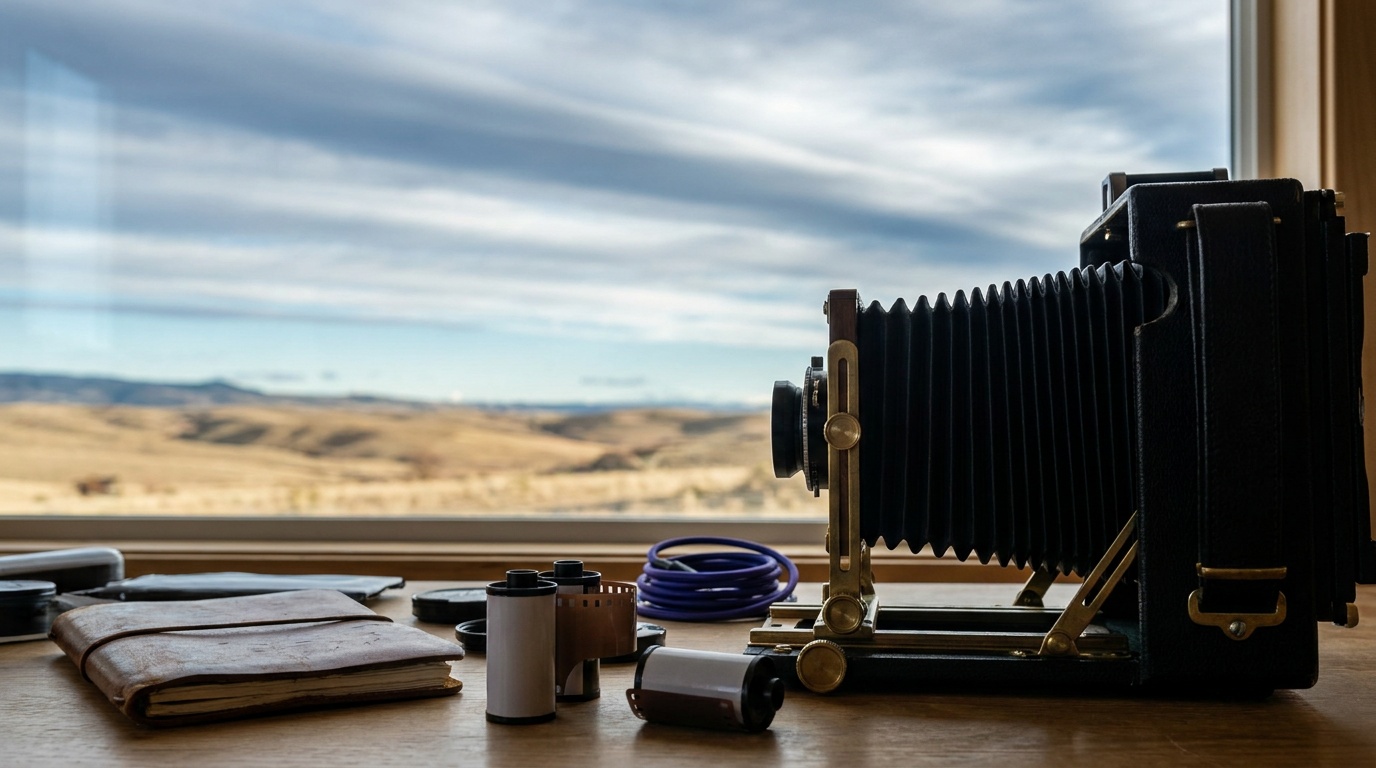
Slow change looks like nothing in real time. Clouds drift, shadows crawl, a sunset fades over an hour. Shoot one frame every few seconds across that hour, then play the frames at 24 or 30 per second, and the slow change becomes obvious, fluid motion in a few seconds of video. The interval, the gap between frames, controls how compressed time becomes: a longer interval covers more real time in the same clip length. The catch is consistency. Every frame should match the last in exposure and framing, or the playback flickers and jumps.
The interval and the math
The interval is the heart of a time-lapse. Faster-moving subjects need a shorter interval; slow ones can use a longer one. A rough guide: 1 to 2 seconds for fast clouds or busy traffic, 3 to 5 seconds for general skies and sunsets, and 15 to 30 seconds for stars or very slow scenes. To find how long to shoot, multiply the clip length you want by the playback rate by the interval. A 10-second clip at 30 frames per second needs 300 frames; at a 4-second interval, that is 300 times 4, or 20 minutes of shooting. Plan the shoot around the result you want.
The settings
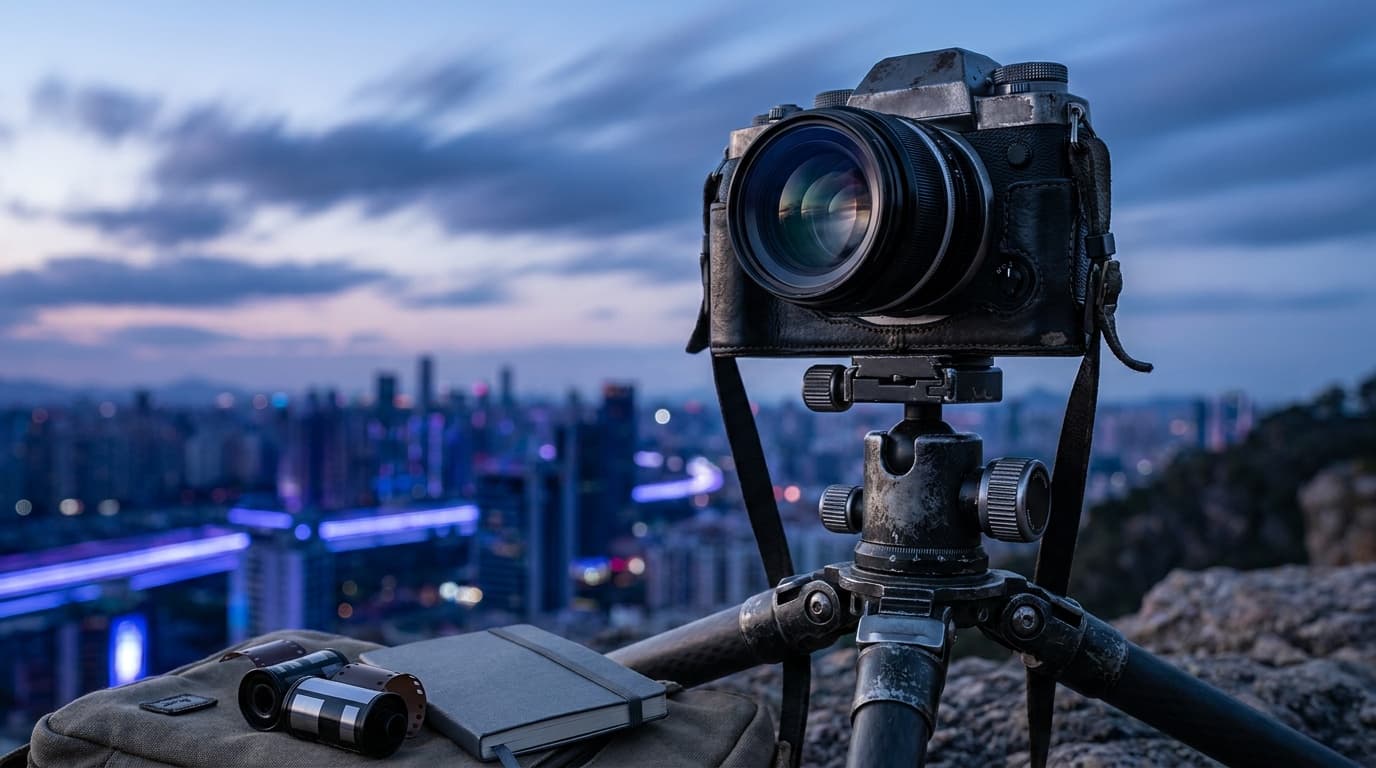
Lock exposure so the frames match, then let the intervalometer run.
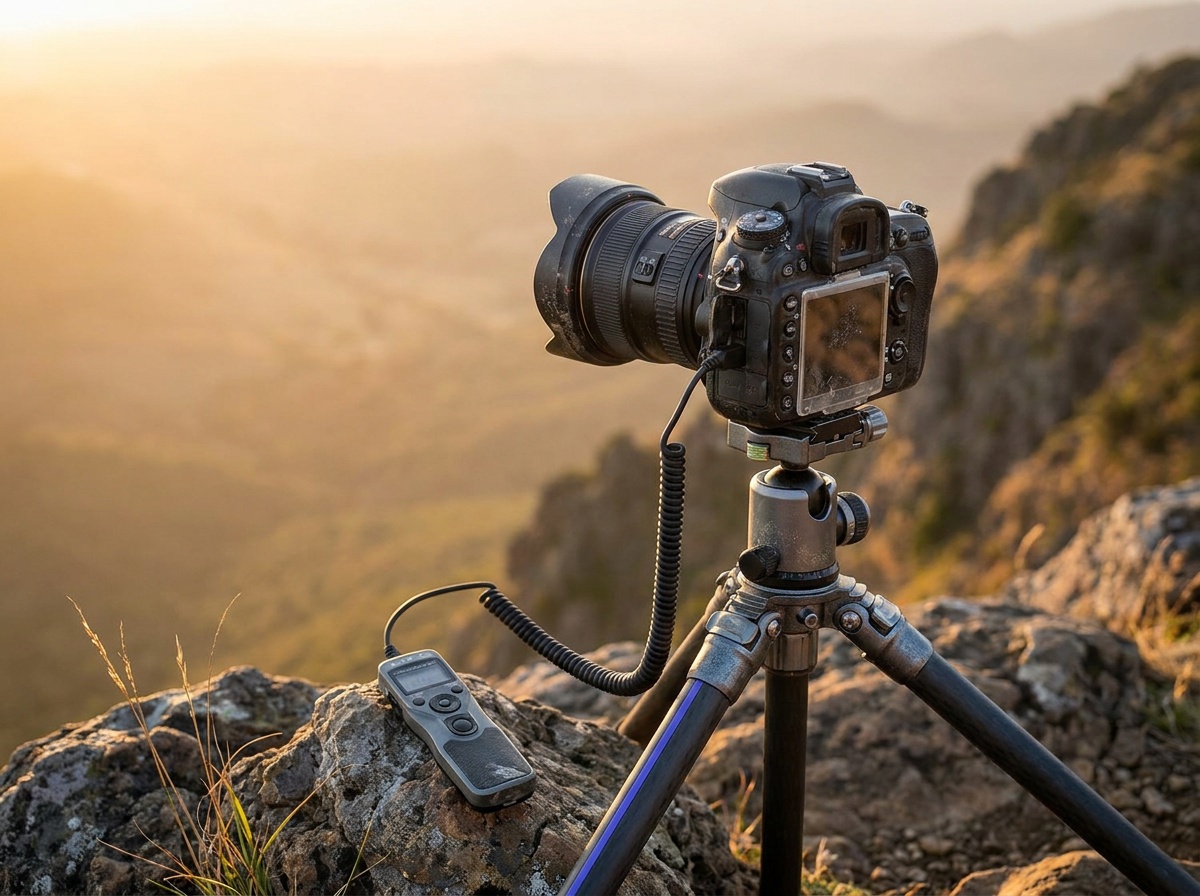
Manual exposure is the key discipline: if the camera re-meters every frame, brightness jitters and the clip flickers. Manual focus and fixed white balance keep the look stable too. The intervalometer can be a dedicated remote or your camera's built-in interval timer. This is the same shutter speed and aperture discipline from the exposure triangle, held perfectly steady across hundreds of frames.
One more discipline matters for a smooth result: keep some motion blur in each frame. A shutter that is too fast renders every frame crisp and the playback looks stuttery, like stop motion. As a rough guide, aim for a shutter around half the interval where the light allows, which in bright daylight usually means a dark ND filter on the lens so the shutter can stay slow without overexposing. That slight per-frame blur is what makes traffic and clouds flow rather than jump.
The day-to-night move
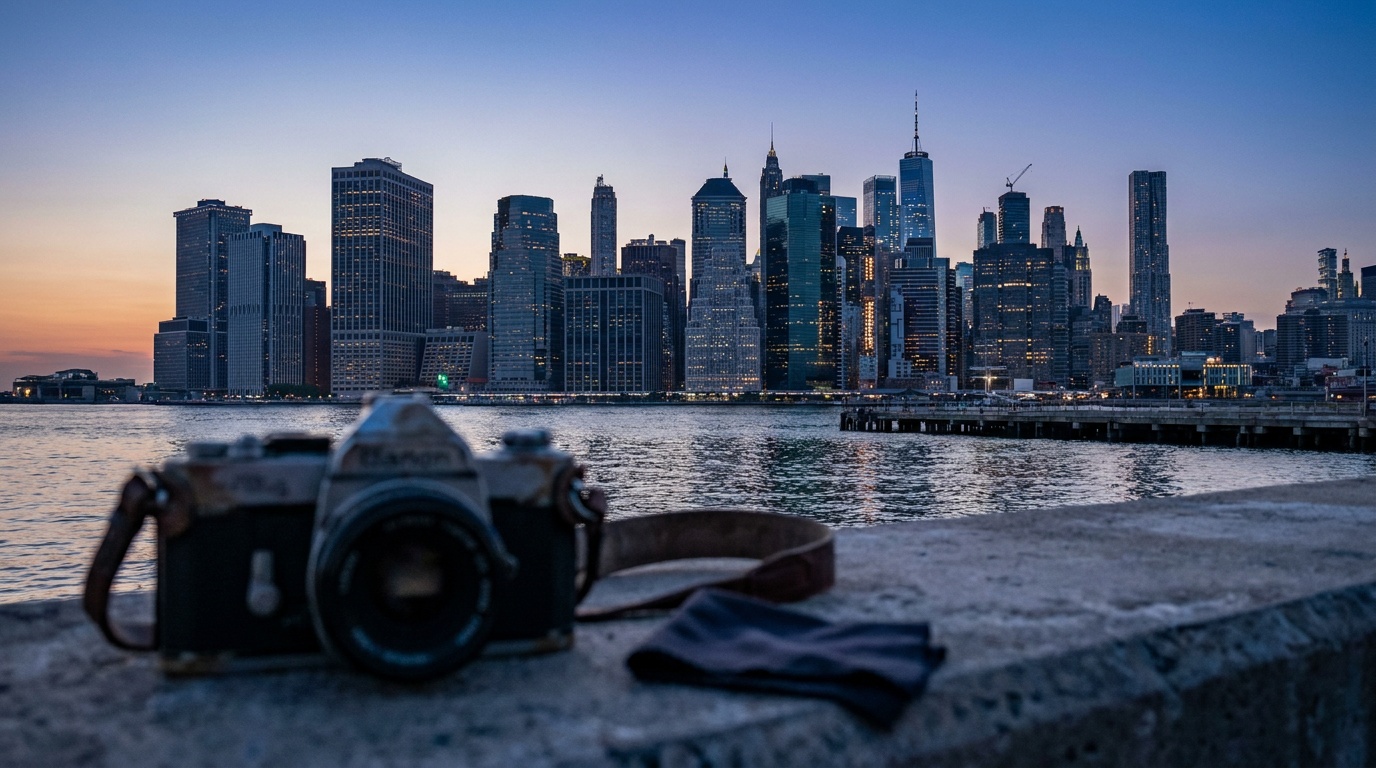
The hardest time-lapse is the one that spans changing light, a sunset that runs into night, often called the holy-grail transition. The problem is that fully manual exposure that looks right at sunset is hours too dark by nightfall. The brightness can shift by ten stops or more across the window. There are two ways through. The first is to slowly adjust exposure by hand during the shoot, nudging shutter or ISO a small amount, no more than about a third of a stop at a time, every minute or two so brightness drifts smoothly. The second is to use a camera or intervalometer mode that ramps exposure automatically. Either way, change exposure in tiny steps so the brightening or darkening looks like real dusk, not a series of jumps. A lengthening interval also helps as the light fades, since night frames need longer shutters and there is less to capture. This is why an external intervalometer with exposure ramping earns its place for serious landscape photography sequences and for night photography that starts before dark.
Research pick
Vello Wireless ShutterBoss 4.0
Landscape and astro shooters doing time-lapse and long exposures away from the camera.
Check price at B&H PhotoThe current Vello Wireless ShutterBoss 4.0 adds a backlit interval timer and wireless triggering up to 196 feet. Choose the cable version made for your camera; the Canon, Nikon, Sony, and Olympus/Panasonic versions are not interchangeable. Many modern bodies already include an interval timer, so buy the remote when you need bulb exposures, off-camera control, or a sequence the built-in menu cannot handle.
Common mistakes
Leaving the camera in an automatic mode causes flicker, because the meter re-decides the exposure every frame; lock it in manual. Using autofocus means the camera may hunt and shift focus between frames. Choosing the wrong interval gives a clip that is either too jerky (interval too long) or too short for the effort (interval too short). Running out of battery or card space mid-sequence ends the shoot early, so bring spares and a power source for long runs. And bumping the tripod, or shooting in wind without weighting it, ruins the steady framing the whole effect depends on.
What interval should I use for a time-lapse?
Match it to how fast the subject moves. Use 1 to 2 seconds for fast clouds or traffic, 3 to 5 seconds for general skies and sunsets, and 15 to 30 seconds for stars or very slow scenes. Shorter intervals give smoother motion but need more frames and storage.
Why does my time-lapse flicker?
Flicker almost always comes from the exposure changing slightly between frames. Shoot in full manual mode with manual focus and a fixed white balance so every frame matches. If you must change exposure during a day-to-night shoot, do it in tiny, gradual steps.
Do I need an intervalometer or will the camera do it?
Many cameras have a built-in interval timer that works for basic time-lapses. An external intervalometer adds flexibility, longer runs, finer control, and exposure ramping for the day-to-night transition, which is why it is worth having for ambitious sequences.
Practice this
Turn the guide into a working setup
Shoot kits
Buy around the job, not the spec sheet
Travel landscape
Travel landscape kit
$4,465
A light full-frame body, wide zoom, serious travel tripod, filters, and a bag that can handle rough days outside.
Light but not flimsy
Buy order: start with the first piece that makes the job possible, then add the support pieces that remove friction.
Camera: start here. If this piece does not make the shoot easier, the rest of the kit can wait.
Carry: add it after the core setup proves useful.
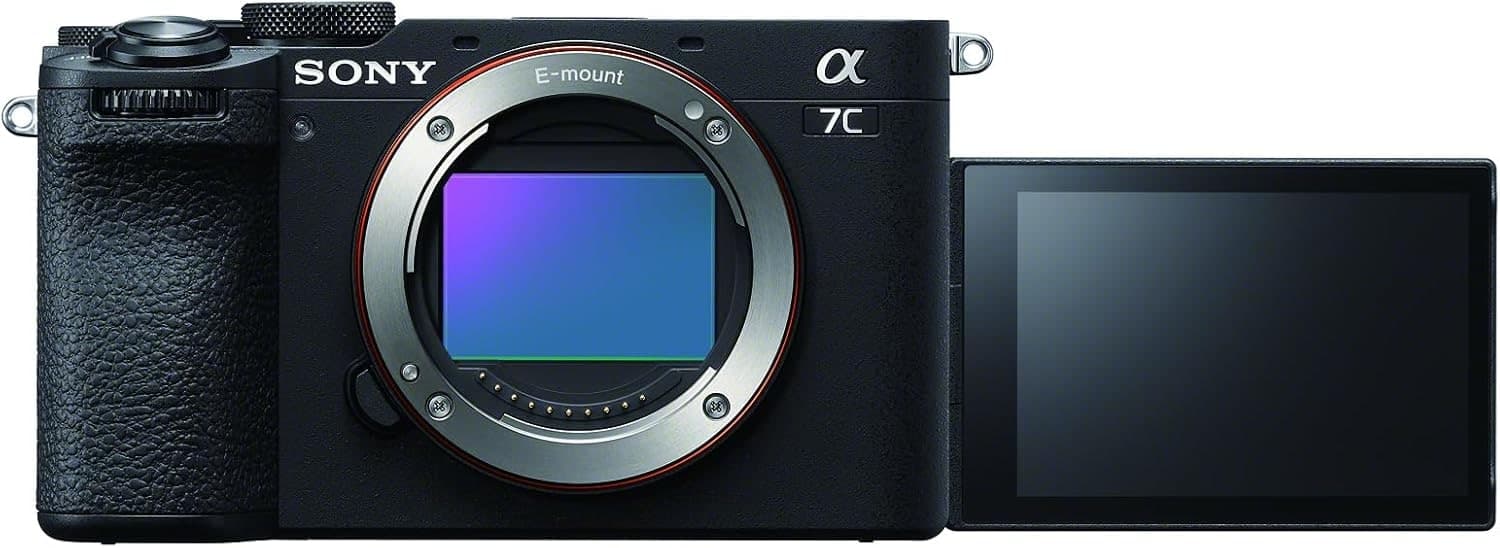
Sony a7C II
Full-frame files in a smaller body, with autofocus and stabilization that travel well.
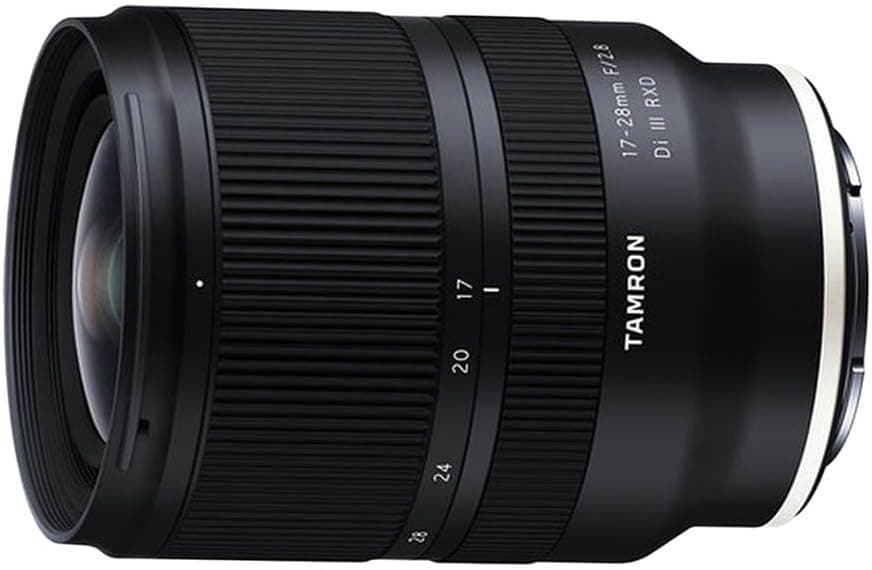
Tamron 17-28mm f/2.8 Di III RXD
Wide enough for landscapes and interiors without the size of a premium 16-35mm.
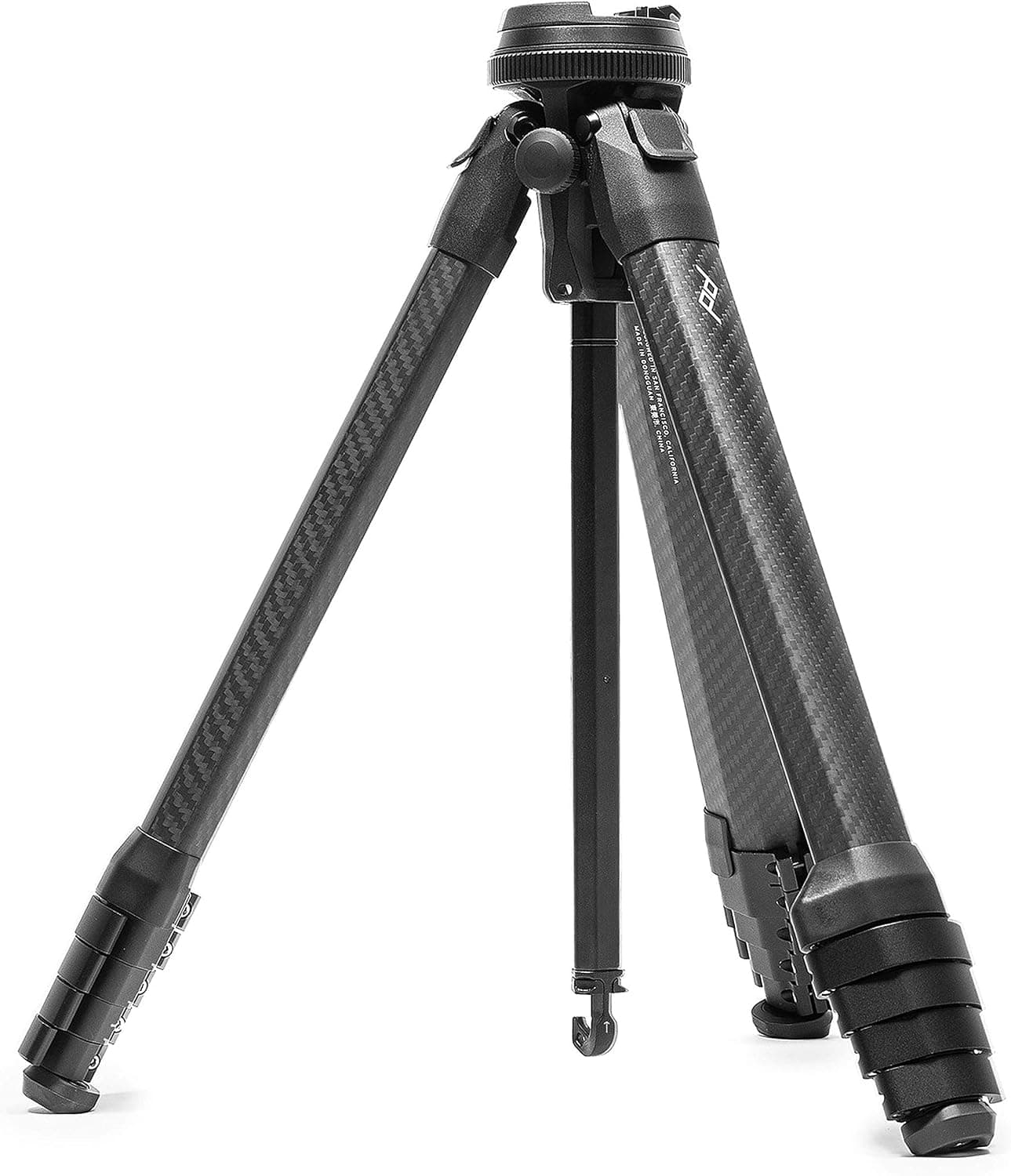
Peak Design Travel Tripod (Carbon)
The point of a travel tripod is bringing it. This one packs small and stays serious.
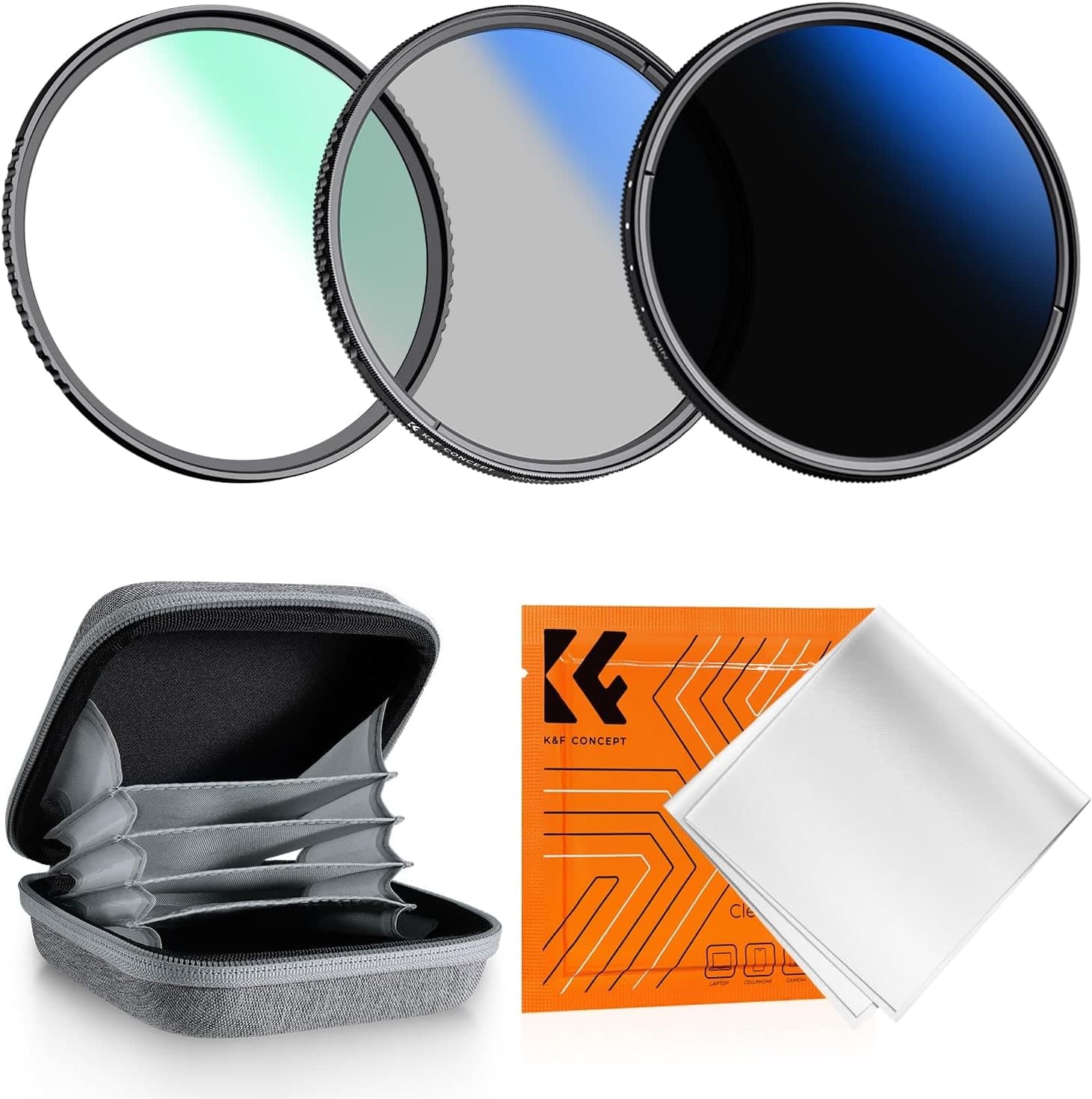
K&F Concept 77mm UV/CPL/ND2-400 Filter Kit
CPL and ND coverage for water, skies, reflections, and slower shutters.
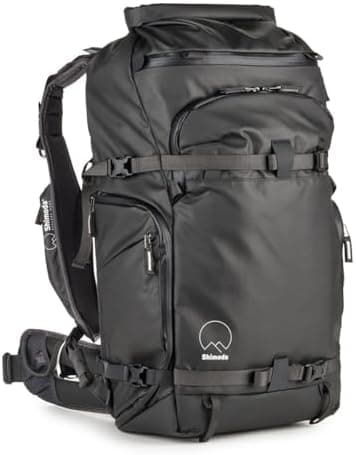
Shimoda Action X30 V2
A real harness matters once camera gear and outdoor layers share the same bag.
Prices are rough catalog totals. Retailer prices change, and you can swap pieces to fit your system.
Related Learn guides

Content Credentials and C2PA Explained for Photographers
Content Credentials record a photo's signed provenance and edits. Learn what C2PA proves, what it cannot prove, and how capture-to-export workflows work.
Open Gate Video Explained: When 3:2 Is Worth It
Open Gate records a taller sensor area for flexible 16:9, 9:16, and square crops. See when it helps, what it costs, and how to frame it correctly.
Pre-Capture Photography Explained: Get the Frame Before the Click
Pre-Capture buffers photos before the shutter is fully pressed. Learn how it works, which settings change, and when RAW, flash, or focus may be limited.
RAW vs JPEG: Which File Format Should You Shoot?
RAW keeps all your sensor data for maximum editing freedom; JPEG is smaller and ready to share. Here is how they differ and when each one is the right call.
Researched, not personally tested: picks compare specifications, available owner feedback, and established expert sources. As an Amazon Associate I earn from qualifying purchases. We may earn a commission from links here, at no extra cost to you. How we research →