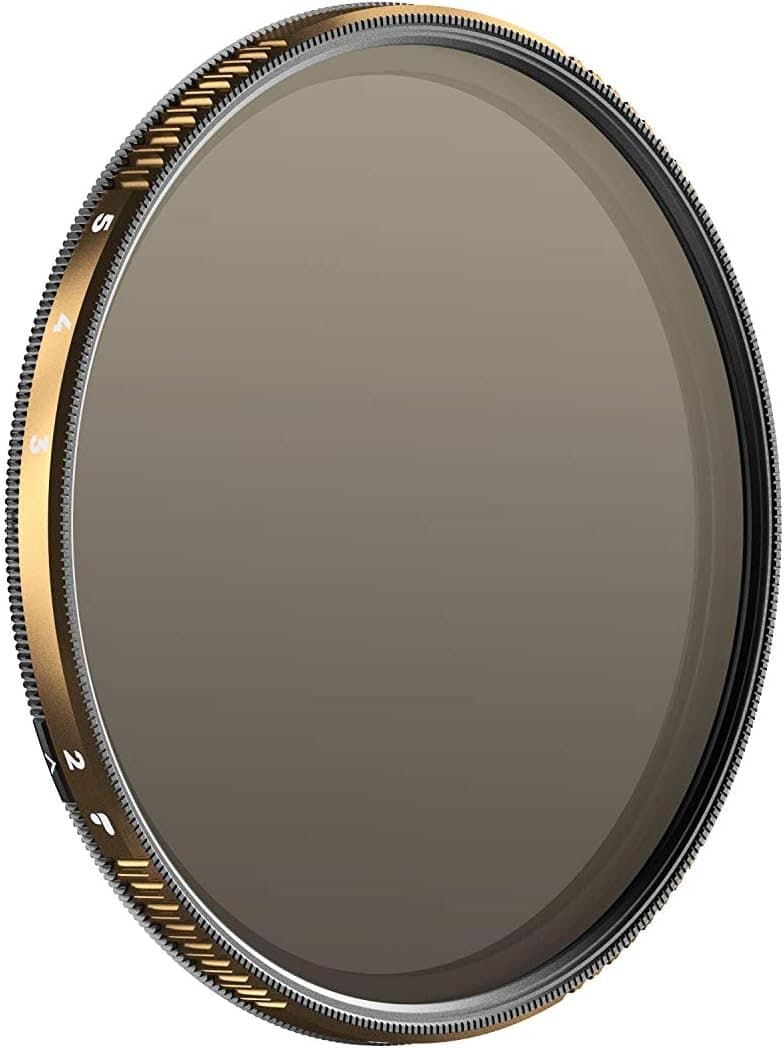
PolarPro Peter McKinnon VND II
Best fit: Video shooters who want precise, repeatable exposure control.
$229 - $279
Skip if: Expensive
ND filter · long exposure times
Meter the scene with no filter, pick your ND strength, and get the corrected exposure time. Or work backward: choose the look you want and see which filter gets you there.
Long exposure
Set exposure with no filter on the lens and note the shutter speed. Each ND stop doubles the time. The calculator gives the corrected exposure, and the reverse section tells you which filter reaches a target look.
Corrected exposure
17 s
1/60 + ND1024, sold as ND1000 (10 stops)
00:17
Reverse: which ND gets you there
Seas and lakes flatten toward mist from about 30 seconds.
ND2048
1/60 through 11 stops lands at 34 s.
Field notes: recheck the meter right before fitting the filter (light drifts fast at the edges of the day), cover the viewfinder eyepiece on long exposures, and expect roughly a stop of extra exposure error from cheap filters that run darker than labeled.
Next move
Once the calculator gives you the shutter time, the next questions are filter strength, camera stability, and the scene you are trying to blur.
Gear path
If the result is measured in seconds instead of fractions, the practical kit is a good ND filter and a tripod that does not wander.
Use the result to name the real limit: light, stability, focal length, or focus distance.
Read best-for and skip-if before the retailer click, so the item has to earn its place.
Compare similar gear and deal history first, then use the retailer button when the choice is clear.
Best fit: Video shooters who want precise, repeatable exposure control.
$229 - $279
Skip if: Expensive
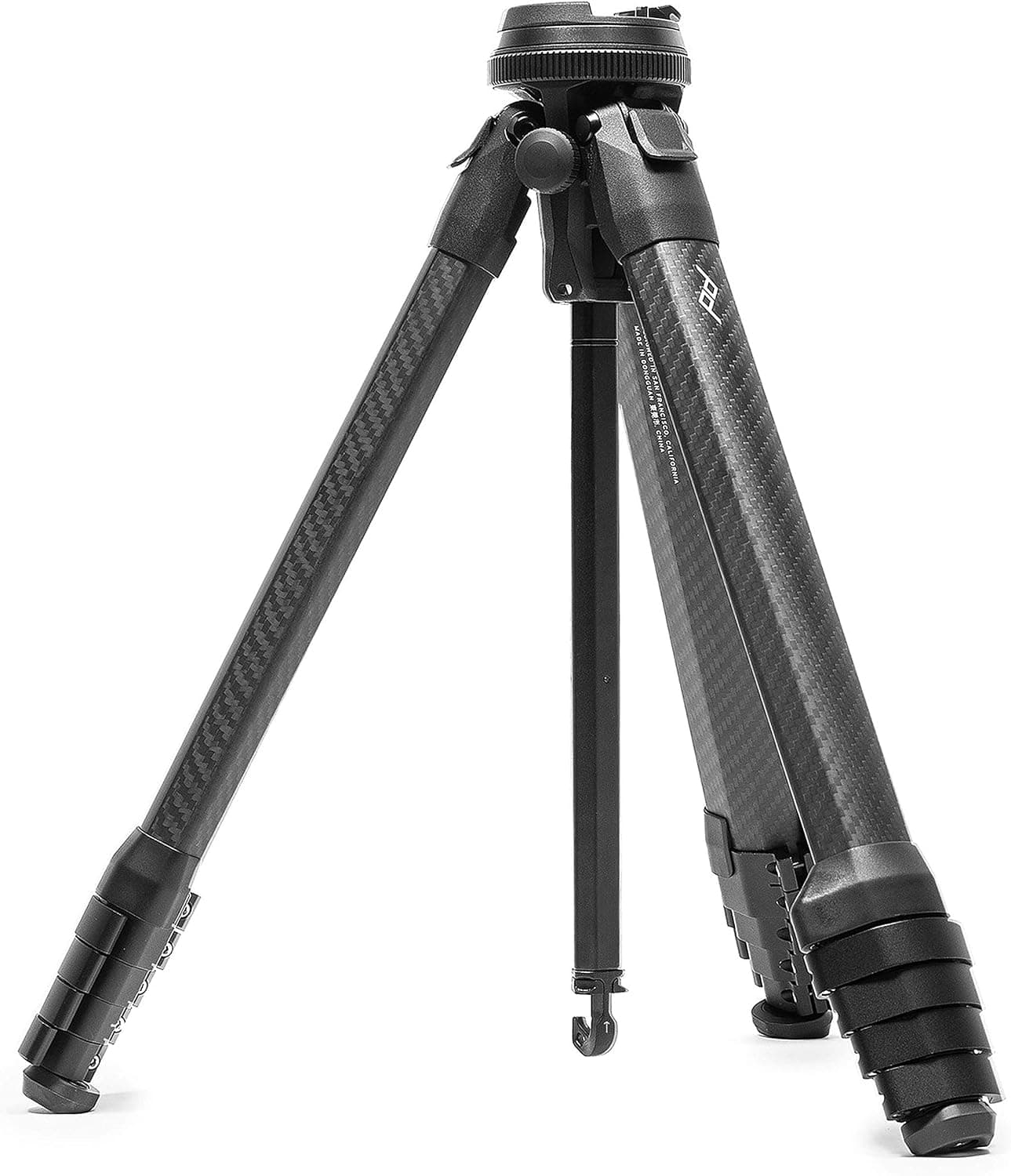
Best fit: Photographers who hike or travel and want full height in a pack-friendly form.
$599 - $699
Skip if: Expensive
Product links may earn a commission at no cost to you. Use the calculator first, buy only if the gear solves the actual problem.
Step 1
Compose, set aperture and ISO, and note the shutter speed the camera meters with no filter on the lens.
Step 2
Choose the filter you are fitting, from ND2 (1 stop) to ND65536 (16 stops), including common stacked pairs.
Step 3
The result is the new exposure time. Above 30 seconds, switch to bulb mode and time it against the countdown readout. The reverse section shows which ND reaches a target look instead.
Each stop of neutral density halves the light, so the shutter has to stay open twice as long for the same exposure. The math is base time multiplied by 2 to the power of the filter stops: 1/60 s behind a 10 stop ND1000 becomes about 17 seconds.
No. The ND number is the light reduction factor, and stops are its base-2 logarithm. ND8 passes 1/8 of the light, which is 3 stops. ND1000 is marketing shorthand for ND1024, which is 10 stops.
Most cameras cap timed exposures at 30 seconds. Beyond that you need bulb or time mode, a remote release or the self-timer to avoid shake, and you time the exposure yourself, which is what the countdown-style readout is for.
Yes, and the stops add: ND8 plus ND64 is 3 + 6 = 9 stops. The tradeoffs are extra glass (more flare and a possible color cast) and vignetting on wide lenses, so one strong filter usually beats three weak ones.