We may earn a commission from links on this page, at no extra cost to you. Picks are researched, not sponsored.
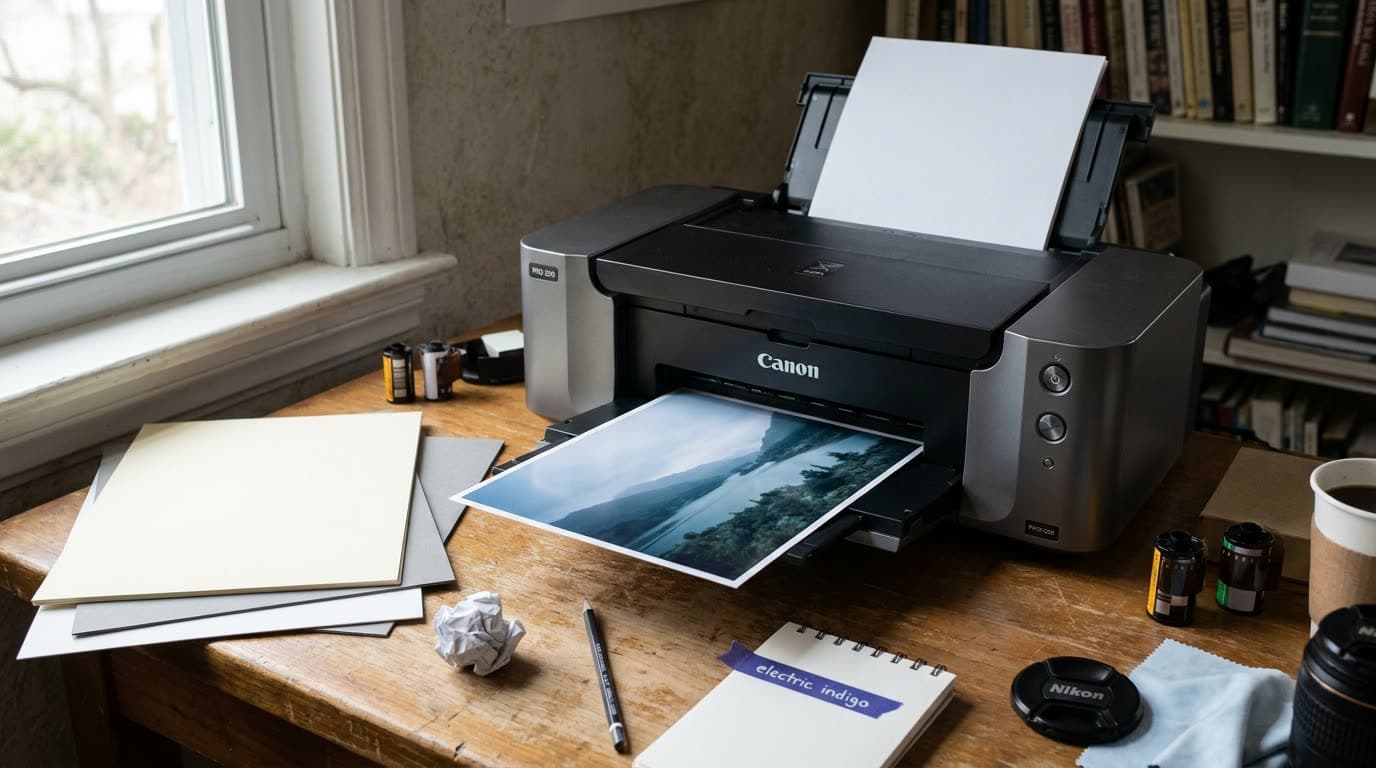
A dedicated photo printer gives you control a print lab cannot: you see the result, adjust, and reprint until the color and detail are right. The good ones use many inks, not the four in an office printer, so skin tones, skies, and shadows render the way you edited them. The trade is that the printer is cheap relative to the ink and paper it drinks.
If you are getting your files ready to print, our intro to photo editing guide covers the editing that comes first, and color grading basics covers getting color right before it reaches paper.
How to choose
Start with dye versus pigment, the key fork. Dye-based printers lay down vivid, glossy color and cost less, which suits prints for display, albums, and gifts; the prints last a long time behind glass but fade faster than pigment if exposed. Pigment-based printers use inks that resist fading for decades, handle matte and fine art papers beautifully, and are the choice if you sell prints or want archival permanence. Pigment printers and their inks cost more.
Then size to your largest real print. A 13-inch-wide printer handles up to 13 by 19 inches, which covers most home and small-business needs. A 17-inch or wider printer suits gallery and exhibition work but takes up a desk and costs more. Buy for the print size you actually make, not the one you imagine.
Last, weigh the ongoing cost and the paper. The printer price is the smallest part; ink and paper are where the money goes, so check cartridge prices and how many inks the model uses before you buy. More inks usually means better color but more cartridges to replace. And the printer is only half the result: good photo paper matters as much as the machine, so budget for it.
The picks
Best Overall
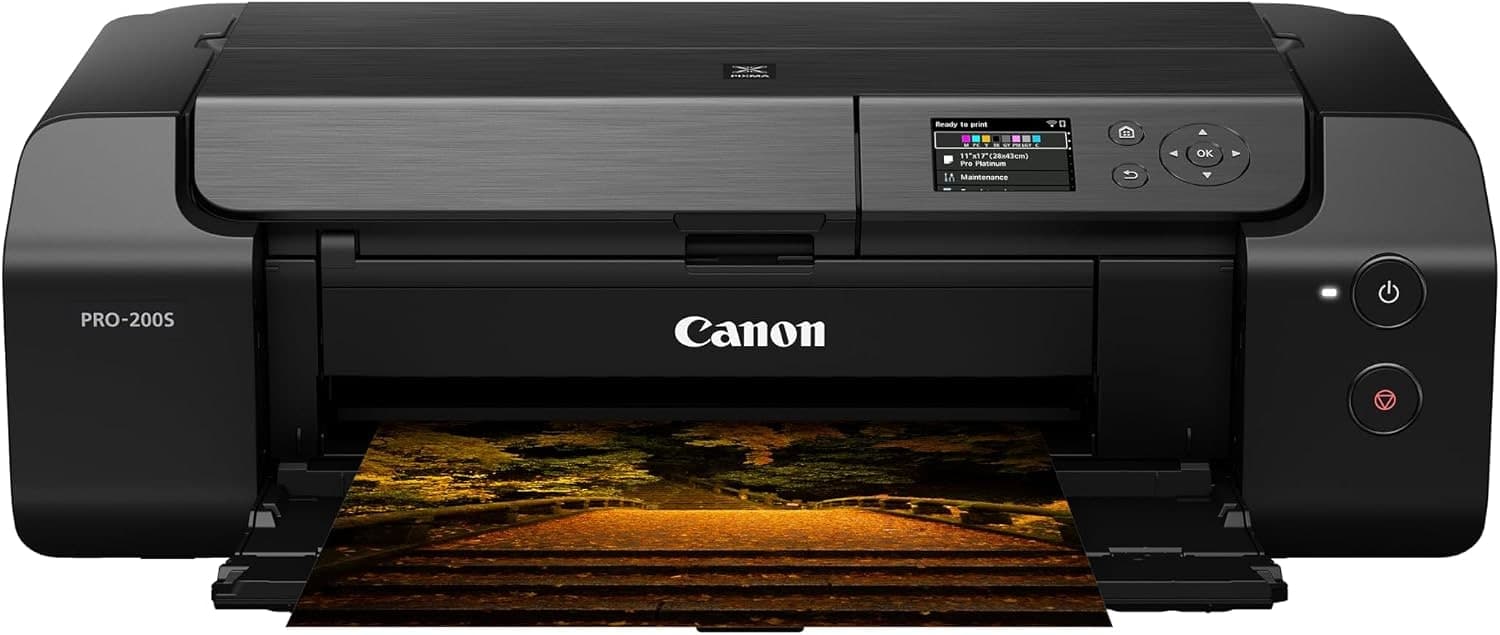
Canon PIXMA PRO-200S
Photographers who want gallery-worthy display prints at home.
Check price at AmazonThe Canon PIXMA PRO-200 is the default recommendation for most photographers. Its eight-ink dye system produces vivid, saturated prints up to 13 by 19 inches, with glossy output that looks gallery-ready straight off the tray. It is faster and cheaper than the pigment pro models and a joy for display prints, albums, and gifts. Dye fades faster than pigment under harsh exposure, but behind glass the prints last for years.
Best Archival
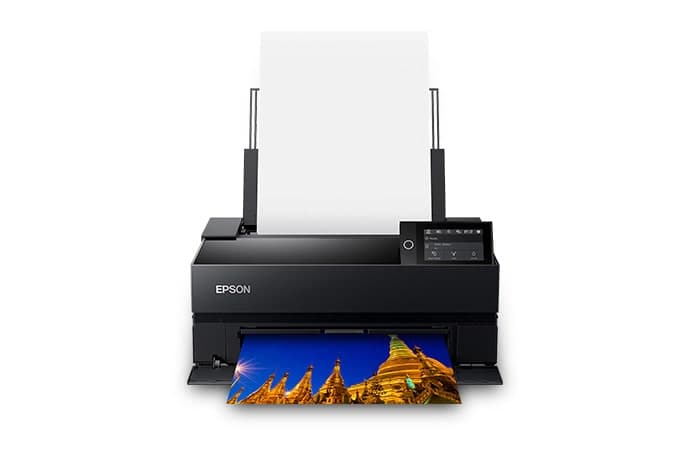
Epson SureColor P700
Photographers who sell prints or want archival permanence.
Check price at AmazonThe Epson SureColor P700 is the pick if your prints need to last. The ten-ink pigment system resists fading for decades, renders deep blacks and subtle tones, and handles matte and fine art papers that dye printers struggle with. It is the choice for selling prints or building an archival portfolio. It costs more up front and per print than a dye model, which is the price of permanence.
Best Value
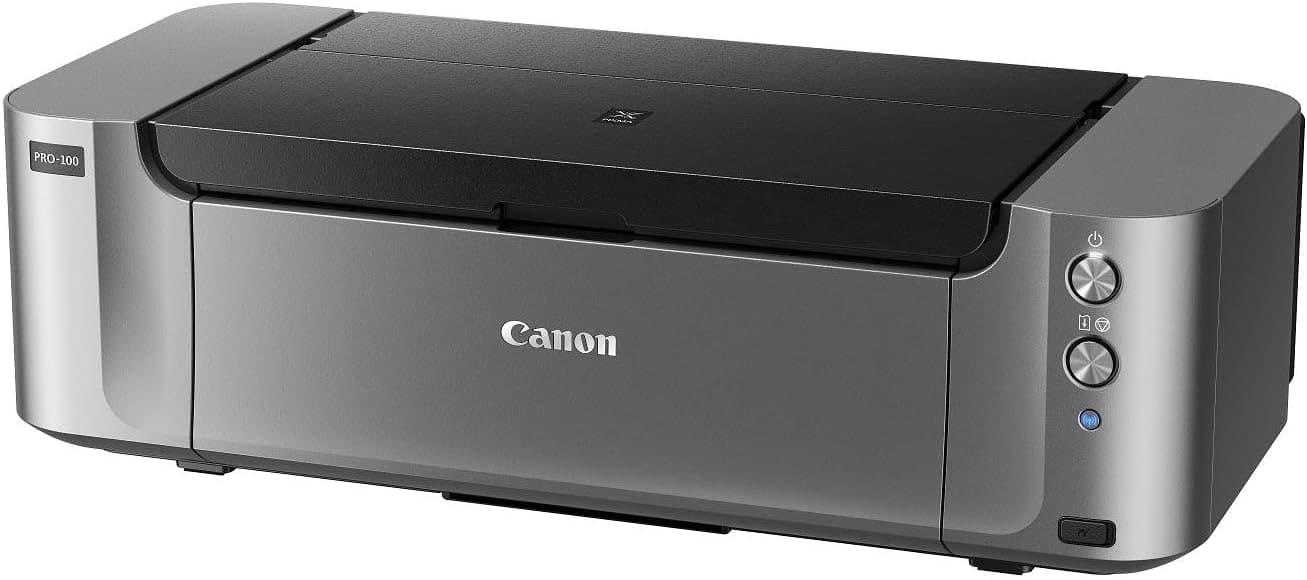
Canon PIXMA PRO-100
Beginners who want big, punchy display prints on a budget.
Check price at AmazonThe Canon PIXMA PRO-100 is the value pick for big, punchy color. An eight-ink dye printer that turns out vibrant 13 by 19 inch prints for less than the newer pro models, it is a popular entry into serious printing. The color is rich and the cost of entry low. It is an older design and the inks are dye rather than archival pigment, but for display prints on a budget, the value is hard to beat.
Best for Volume
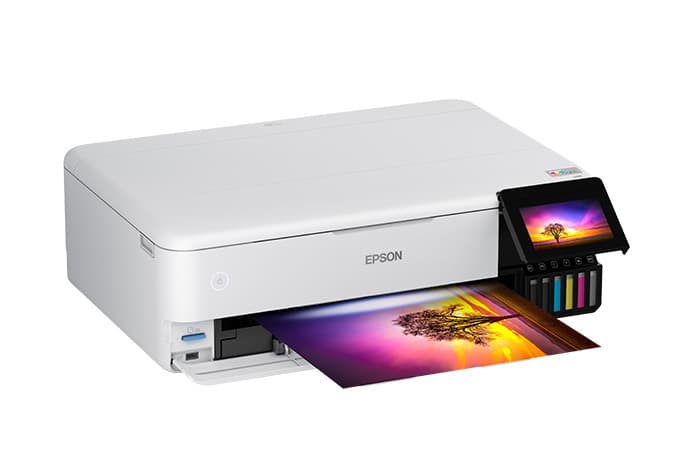
Epson EcoTank Photo ET-8550
Anyone who prints often and wants the lowest running cost.
Check price at AmazonThe Epson EcoTank Photo ET-8550 is the pick for high-volume printing. Instead of cartridges, it uses refillable ink tanks with a six-color set, so the cost per print drops sharply once you print a lot. It prints up to 13 inches wide and doubles as a capable document printer. The tanks cost more up front and the color is not quite at the dedicated pro level, but for anyone who prints often, the running cost is the lowest here.
Best for Small Prints
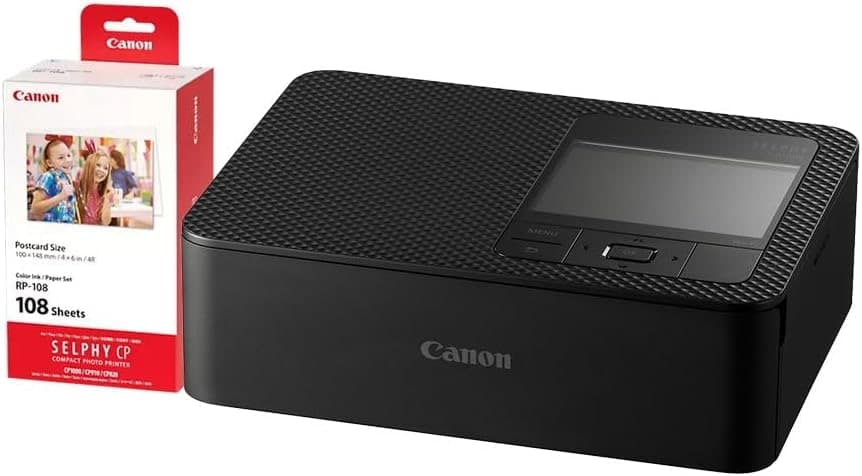
Canon SELPHY CP1500
Events, instant gifts, and photo-booth fun.
Check price at AmazonThe Canon SELPHY CP1500 is the pick for quick, small prints. It uses dye-sublimation to make smudge-proof, water-resistant 4 by 6 inch prints in about a minute, straight from a phone or card. It will not make a gallery print, and it is limited to small sizes, but for events, instant gifts, and photo-booth fun, it is compact, cheap to run per print, and genuinely convenient.
Common mistakes
The most common one is judging a printer by its sticker price and ignoring the ink and paper, which over a year cost far more than the machine. Check the running cost first. The second is buying a dye printer for prints meant to be sold or archived, then watching them fade; for permanence, pay for pigment. The third is printing on cheap paper through a great printer and blaming the printer for flat results; the paper is half the picture, so match a quality photo paper to the model.
A printer is the last step in a careful workflow. See our raw vs jpeg guide for capturing the most editable file, and how to read a histogram for nailing exposure before a file ever reaches paper.
Dye or pigment printer, which should I get?
It depends on what the prints are for. Dye printers give vivid, glossy color, cost less, and suit display prints, albums, and gifts that live behind glass. Pigment printers resist fading for decades and handle matte and fine art papers, which is what you want if you sell prints or build an archival portfolio. Choose dye for vibrant everyday prints, pigment for permanence.
Why does a photo printer use so many inks?
Office printers use four inks; photo printers use eight, ten, or more. The extra inks, including light grays and additional color shades, let the printer render smooth skin tones, subtle skies, and neutral black-and-white without the color casts and banding a four-ink printer produces. More inks generally means better color, at the cost of more cartridges to replace.
Is it cheaper to print at home or use a lab?
For occasional prints, a lab is usually cheaper because you avoid buying ink and paper that can dry out between uses. Printing at home pays off when you print regularly and value the control: you see the result, adjust, and reprint until the color and detail are right. Tank-based printers lower the per-print cost if you print in volume.
Compare picks
The short version
Use this to narrow the list before opening the detailed cards.
Scores weigh fit, owner sentiment, build, and value. Affiliate links do not change pick order. Methodology
Buying order
Start with the skip note. A good deal on the wrong camera is still the wrong camera.
Compare verdictsIf you already own lenses, check the system path before buying into a new mount.
Check systemsOnce the fit makes sense, compare current deals and retailer listings.
Check current dealsCamera system shortcut
If you already own one of these systems, keep the comparison inside that ecosystem before checking out.
Simple camera paths
Photographers who want gallery-worthy display prints at home.
Use the retailer for the current price after the tradeoff makes sense. Confirm exact version, included accessories, compatibility, and seller listing.
Tradeoff: Older design
Use the retailer for the current price after the tradeoff makes sense. Confirm exact version, included accessories, compatibility, and seller listing.
9.1/10 Aperture Score
Use the retailer for the current price after the tradeoff makes sense. Confirm exact version, included accessories, compatibility, and seller listing.
$190 - $210
Use the retailer for the current price after the tradeoff makes sense. Confirm exact version, included accessories, compatibility, and seller listing.
Price ladder
The useful range here runs from $200 to $599. Start with the ceiling that matches the assignment.
- Photographers who want gallery-worthy display prints at home.
- Vivid glossy color
- Dye fades faster than pigment under harsh exposure
Use the retailer for the current price after the tradeoff makes sense. Confirm exact version, included accessories, compatibility, and seller listing.
- Photographers who sell prints or want archival permanence.
- Archival pigment inks
- Costs more up front and per print
Use the retailer for the current price after the tradeoff makes sense. Confirm exact version, included accessories, compatibility, and seller listing.
- Beginners who want big, punchy display prints on a budget.
- Rich punchy color
- Older design
Use the retailer for the current price after the tradeoff makes sense. Confirm exact version, included accessories, compatibility, and seller listing.
- Anyone who prints often and wants the lowest running cost.
- Very low cost per print
- Higher up-front cost
Use the retailer for the current price after the tradeoff makes sense. Confirm exact version, included accessories, compatibility, and seller listing.
- Events, instant gifts, and photo-booth fun.
- Quick small prints
- Limited to small sizes
Use the retailer for the current price after the tradeoff makes sense. Confirm exact version, included accessories, compatibility, and seller listing.
| Pick | Score | Price | Verdict | Action |
|---|---|---|---|---|
| Best OverallCanon PIXMA PRO-200S | 9.0
| $549 - $649 | Photographers who want gallery-worthy display prints at home. Wins: Vivid glossy color Skip: Dye fades faster than pigment under harsh exposure | Check Amazon · $549 - $649 Use the retailer for the current price after the tradeoff makes sense. Confirm exact version, included accessories, compatibility, and seller listing. |
| Best ArchivalEpson SureColor P700 | 9.1
| $749 - $899 | Photographers who sell prints or want archival permanence. Wins: Archival pigment inks Skip: Costs more up front and per print | Check Amazon · $749 - $899 Use the retailer for the current price after the tradeoff makes sense. Confirm exact version, included accessories, compatibility, and seller listing. |
| Best ValueCanon PIXMA PRO-100 | 8.6
| Price varies by seller | Beginners who want big, punchy display prints on a budget. Wins: Rich punchy color Skip: Older design | Check Amazon · Price varies by seller Use the retailer for the current price after the tradeoff makes sense. Confirm exact version, included accessories, compatibility, and seller listing. |
 Best for VolumeEpson EcoTank Photo ET-8550 Best for VolumeEpson EcoTank Photo ET-8550 | 8.7
| $699 - $799 | Anyone who prints often and wants the lowest running cost. Wins: Very low cost per print Skip: Higher up-front cost | Check Amazon · $699 - $799 Use the retailer for the current price after the tradeoff makes sense. Confirm exact version, included accessories, compatibility, and seller listing. |
| Best for Small PrintsCanon SELPHY CP1500 | 8.2
| $190 - $210 | Events, instant gifts, and photo-booth fun. Wins: Quick small prints Skip: Limited to small sizes | Check Amazon · $190 - $210 Use the retailer for the current price after the tradeoff makes sense. Confirm exact version, included accessories, compatibility, and seller listing. |
Keep going
Next useful steps
Pick one. Each link continues the same job without starting the research over.
Shoot kits
Buy around the job, not the spec sheet
Studio table
Product studio kit
$5,268
A high-detail body, macro lens, portable strobe, modifier, backdrop, and grip pieces for repeatable product photos at home or in a small studio.
Best small-commerce kit
Buy order: start with the first piece that makes the job possible, then add the support pieces that remove friction.
Camera: start here. If this piece does not make the shoot easier, the rest of the kit can wait.
Safety: add it after the core setup proves useful.
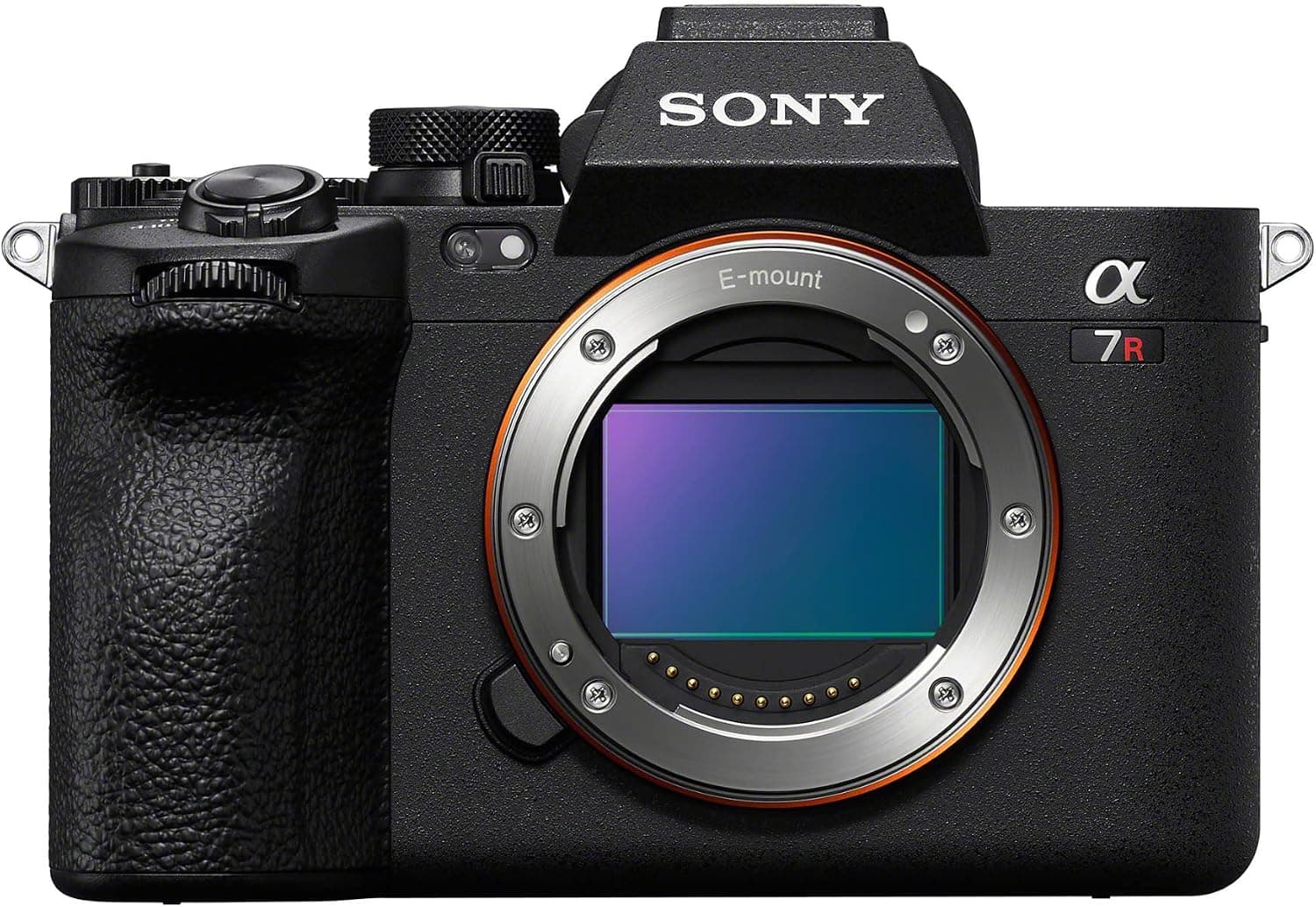
Sony a7R V
High-resolution files give product work enough detail for crops, retouching, and marketplace layouts.
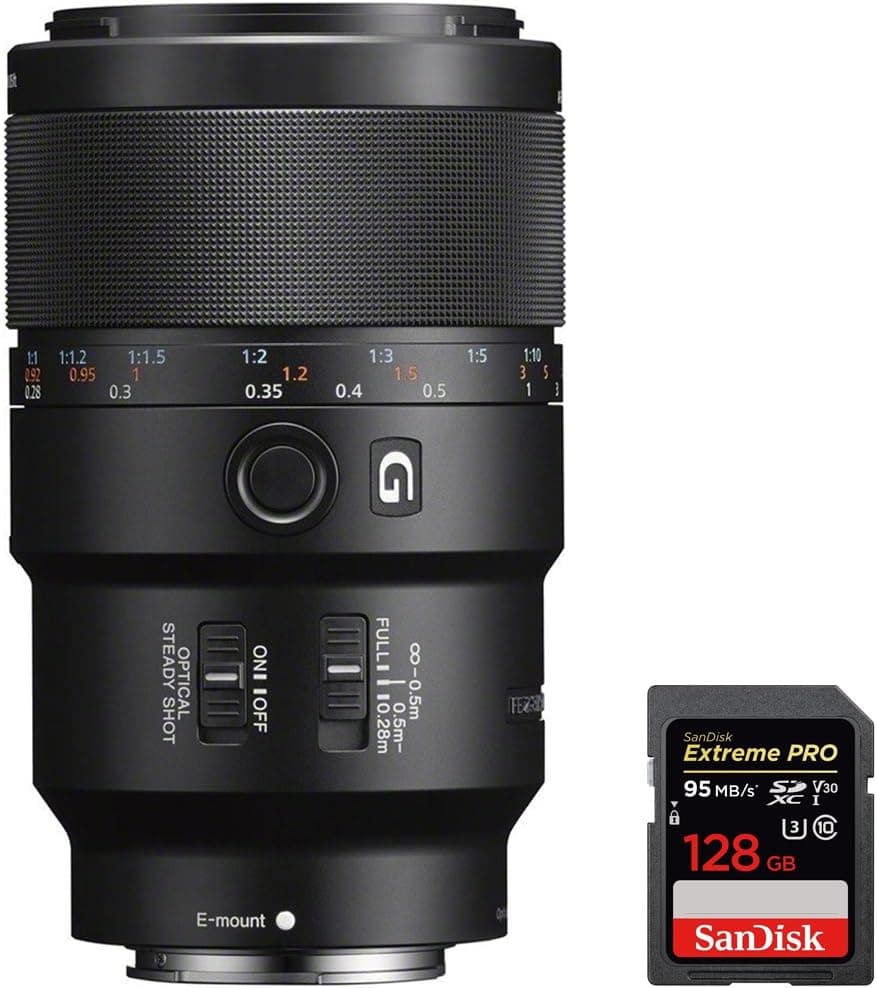
Sony FE 90mm f/2.8 Macro G OSS
True close focus for small products, labels, texture, and detail shots.
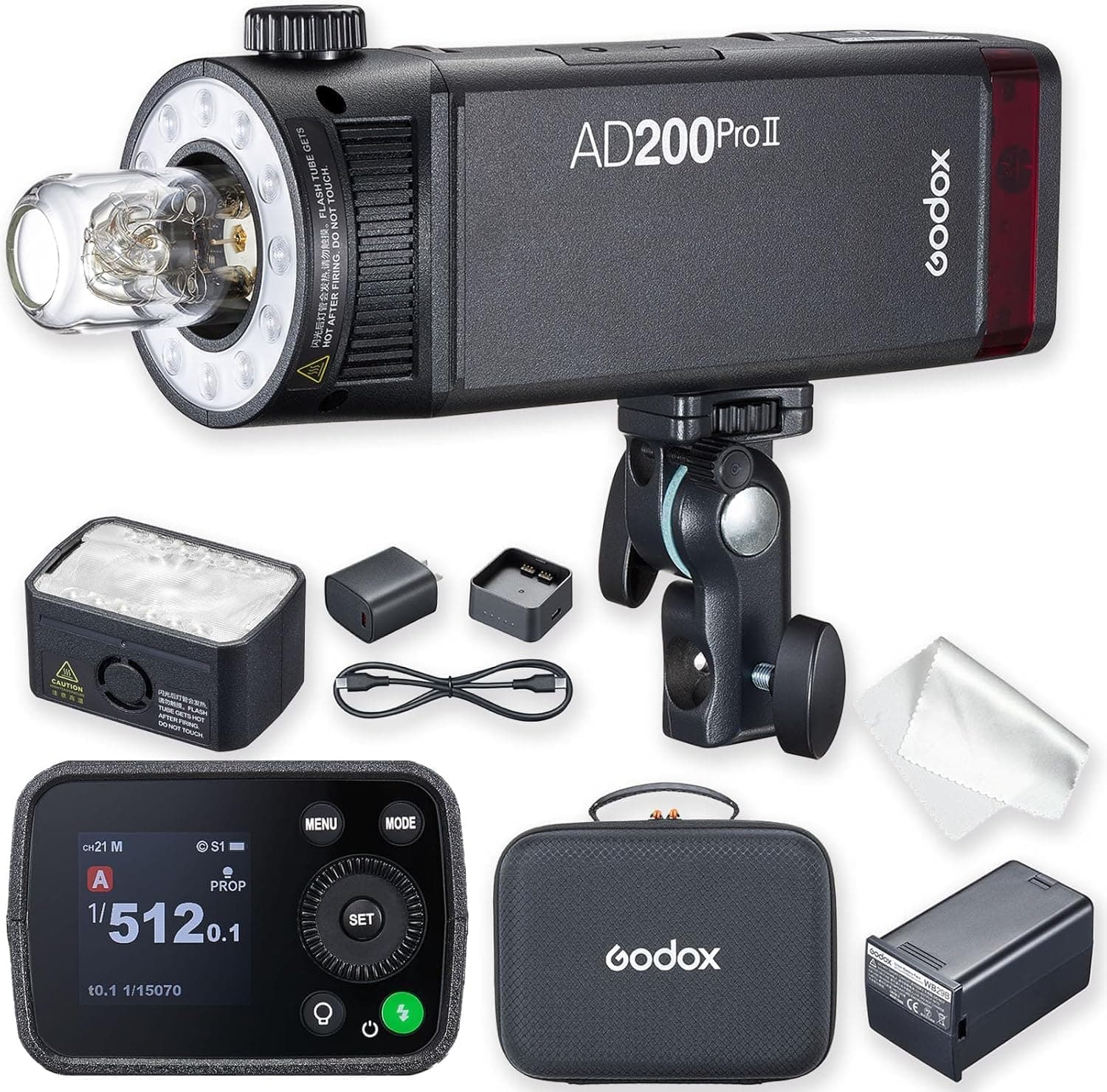
Godox AD200 Pro
More control and output than a speedlight while still staying portable.
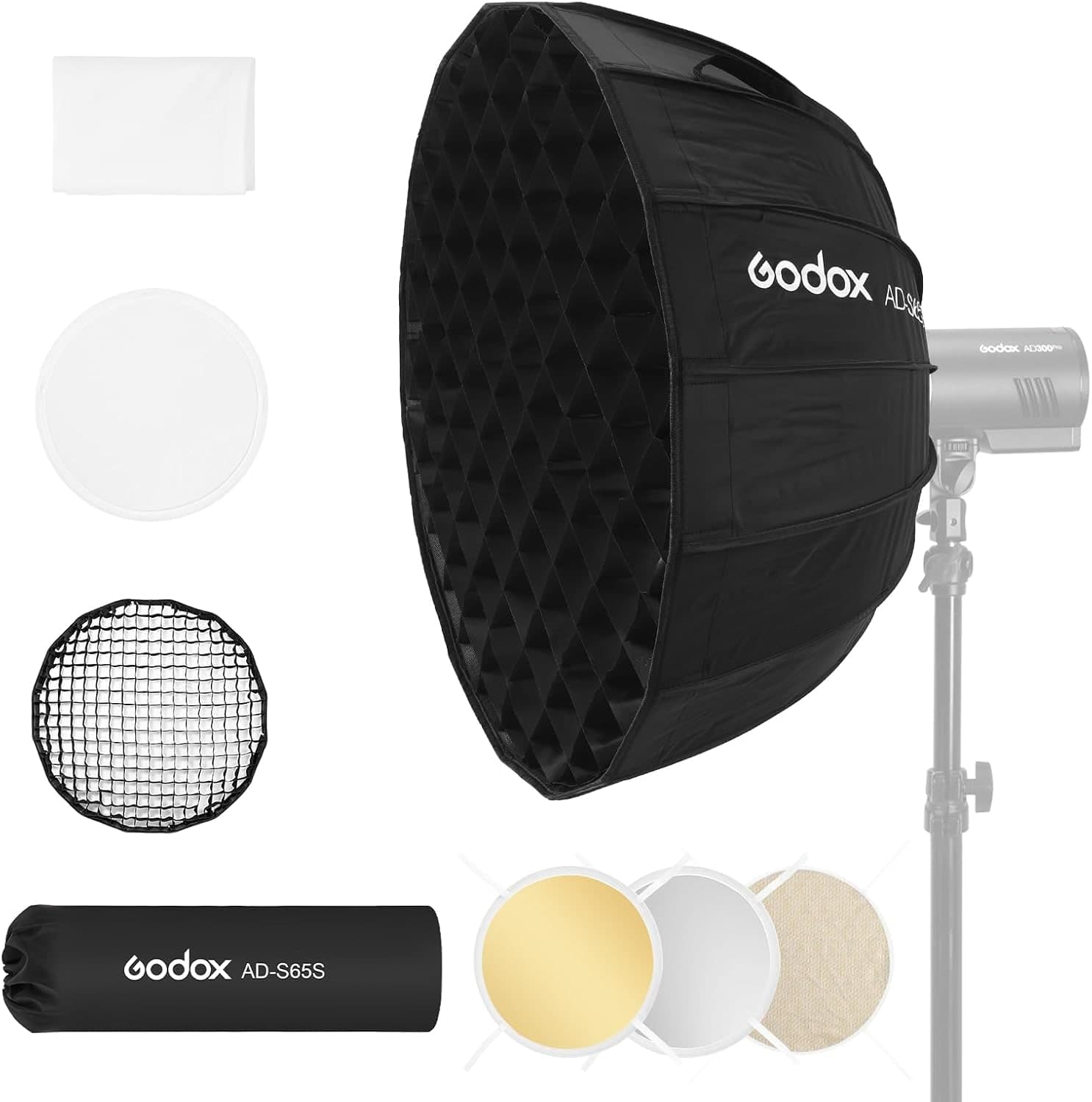
Godox AD-S65S
Soft, controlled light with a round catchlight for bottles, ceramics, food, and tabletop objects.
Savage Seamless Paper
A clean sweep removes distracting horizon lines and makes products read professionally.
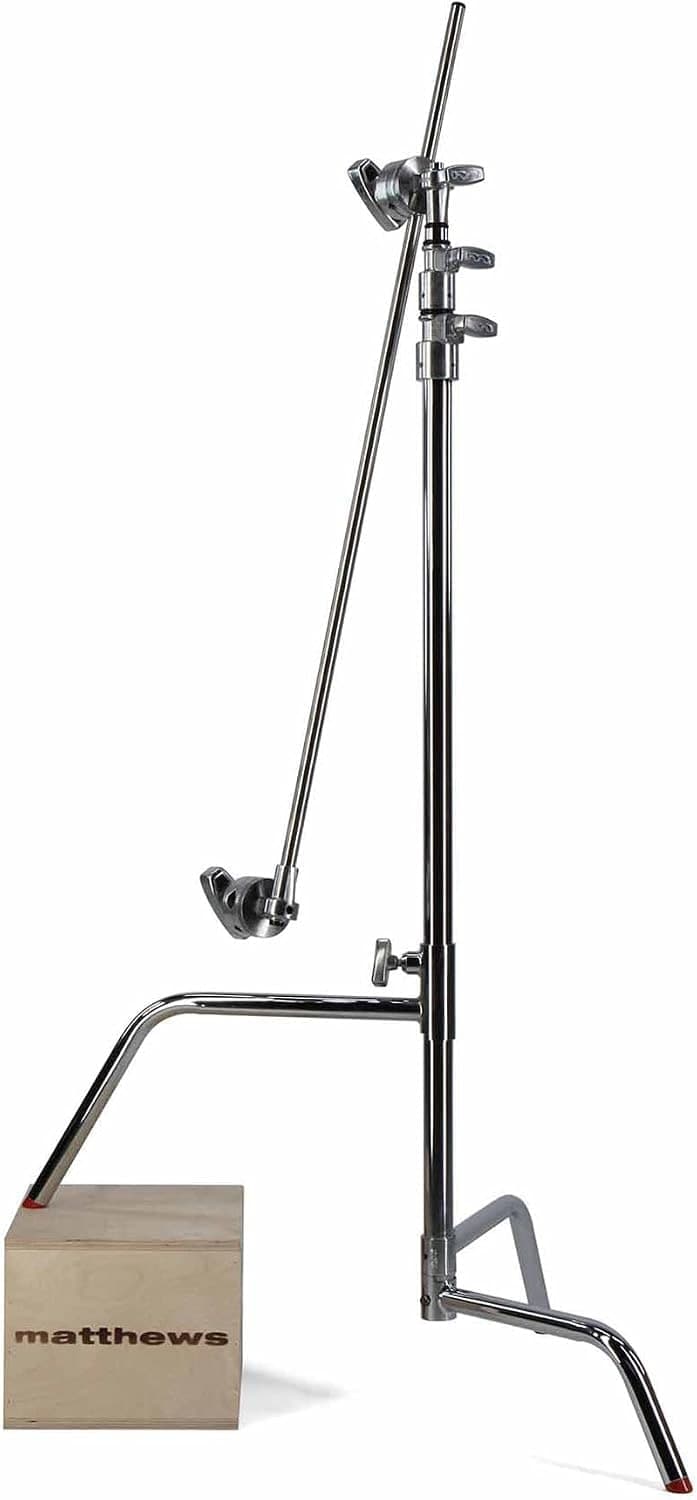
Matthews C-Stand
Holds lights, flags, and reflectors in fixed positions while the product stays untouched.
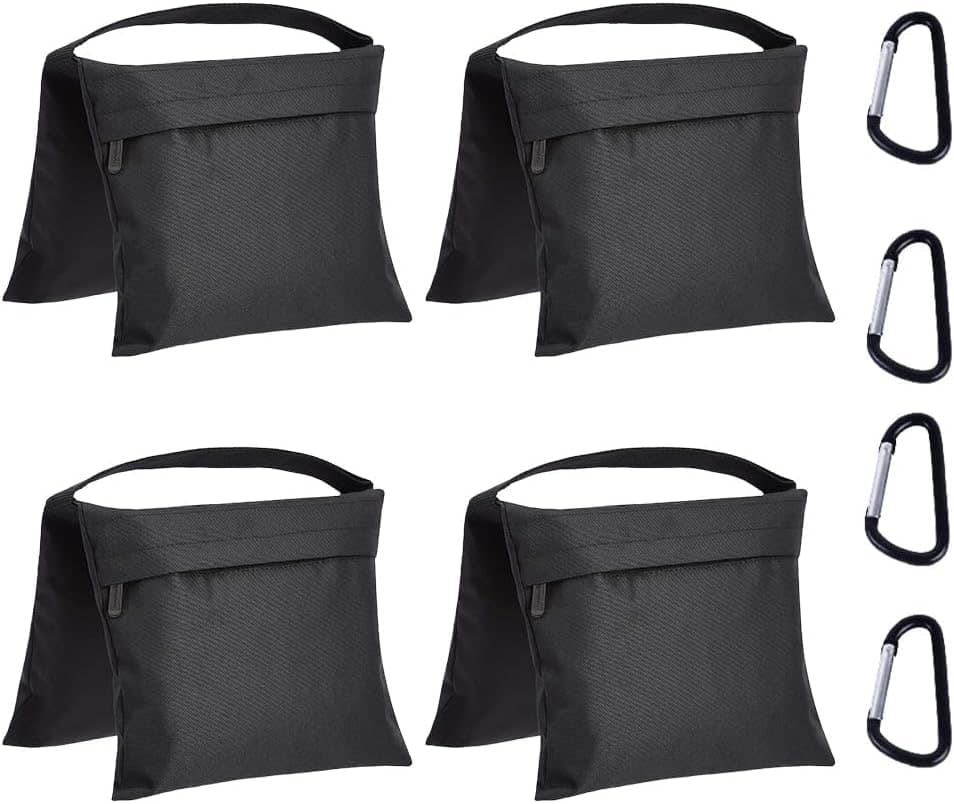
Amazon Basics Photography Sandbags (4-Pack)
Keeps the stand planted when a modifier or boom arm pulls the load off-center.
Prices are rough catalog totals. Retailer prices change, and you can swap pieces to fit your system.
Related Gear guides
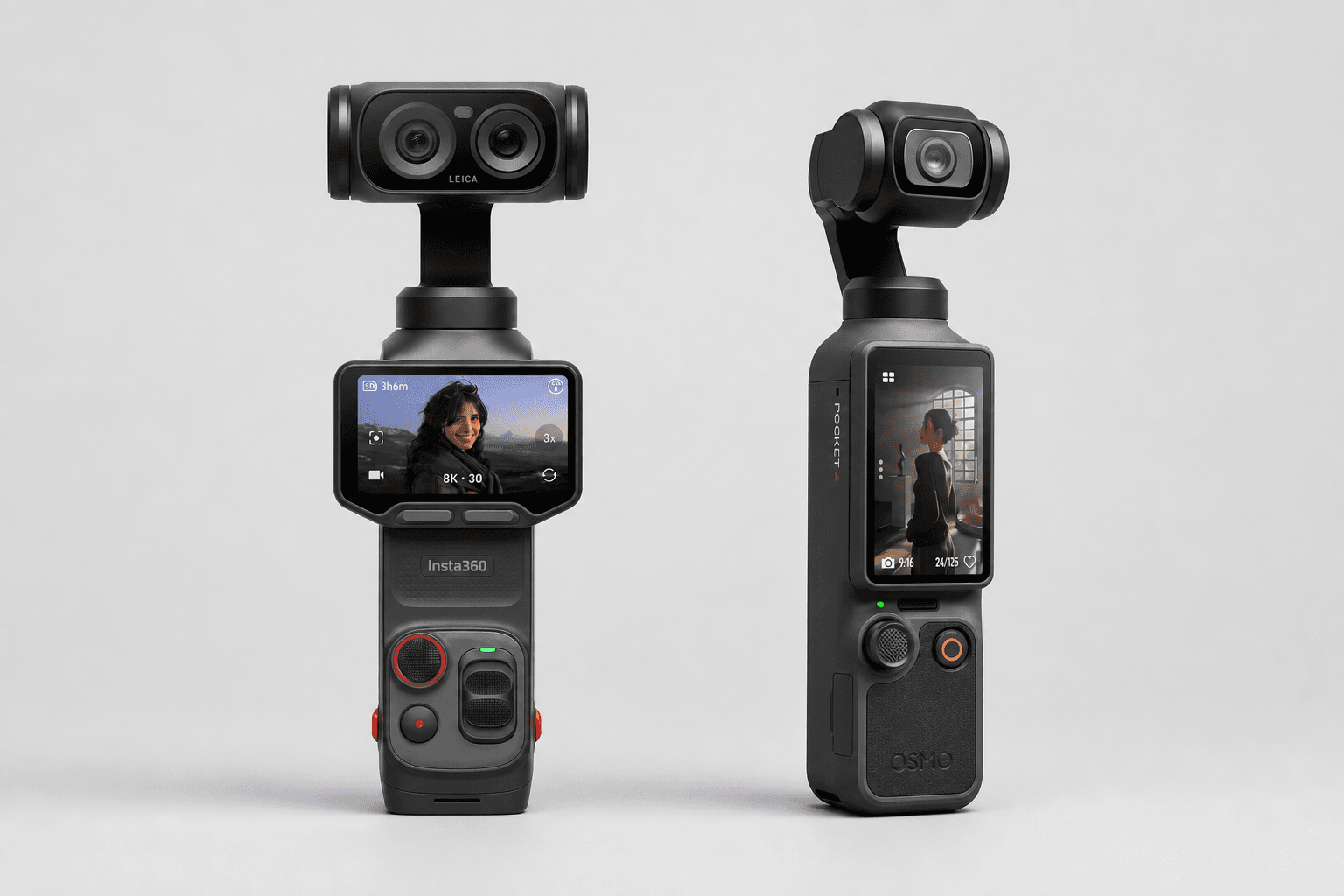
Insta360 Luna Ultra vs DJI Osmo Pocket 4: Which Pocket Gimbal Should You Buy?
Compare Luna Ultra and DJI Pocket 4 by lenses, video, Log formats, storage, U.S. availability, and the filming jobs each pocket gimbal handles best.
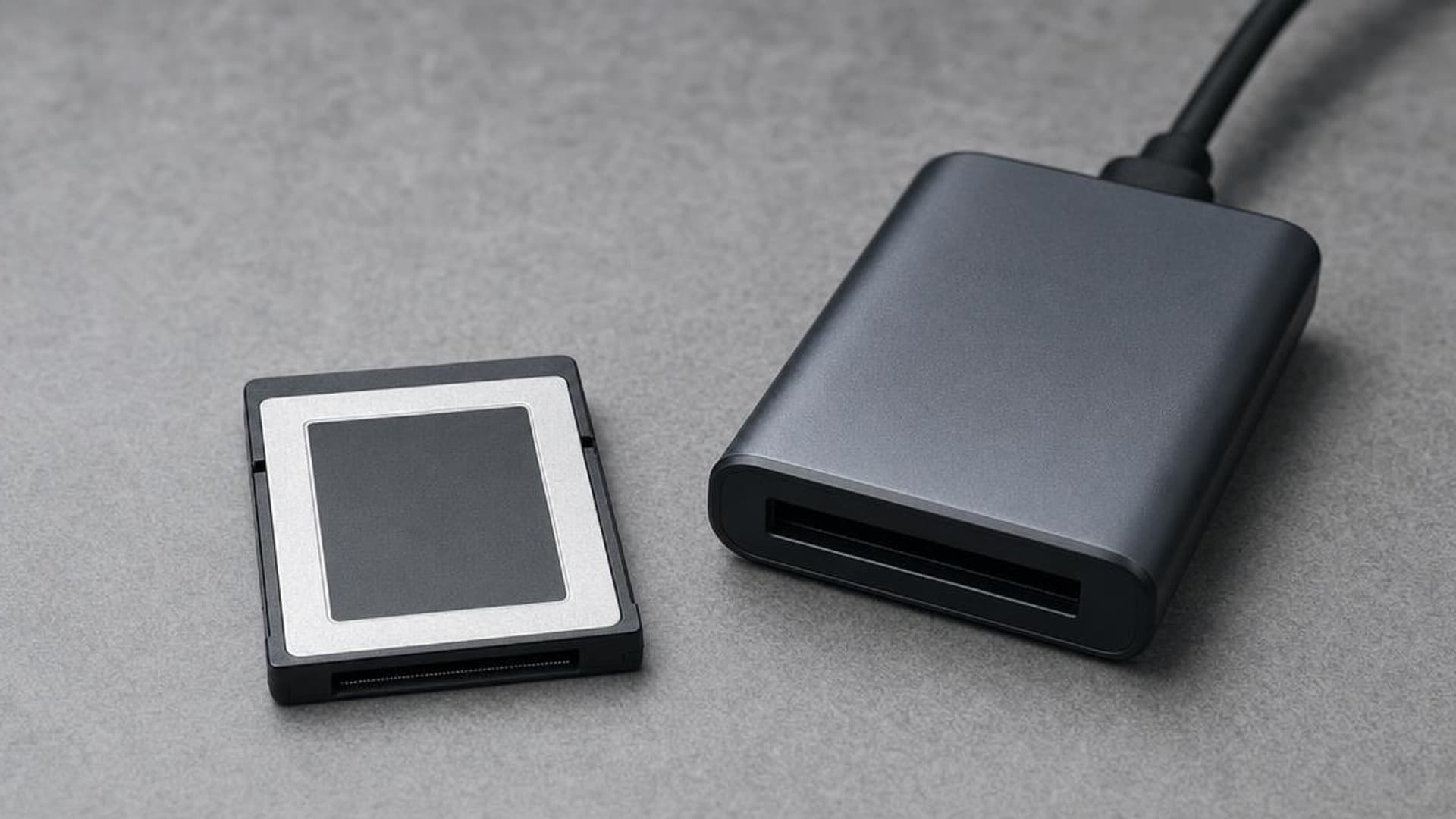
CFexpress 4.0 and VPG Explained: Buy the Card Your Camera Needs
CFexpress 4.0 doubles theoretical bandwidth, while VPG certifies sustained video writes. Learn Type A vs B, VPG classes, and when 4.0 is worth paying for.
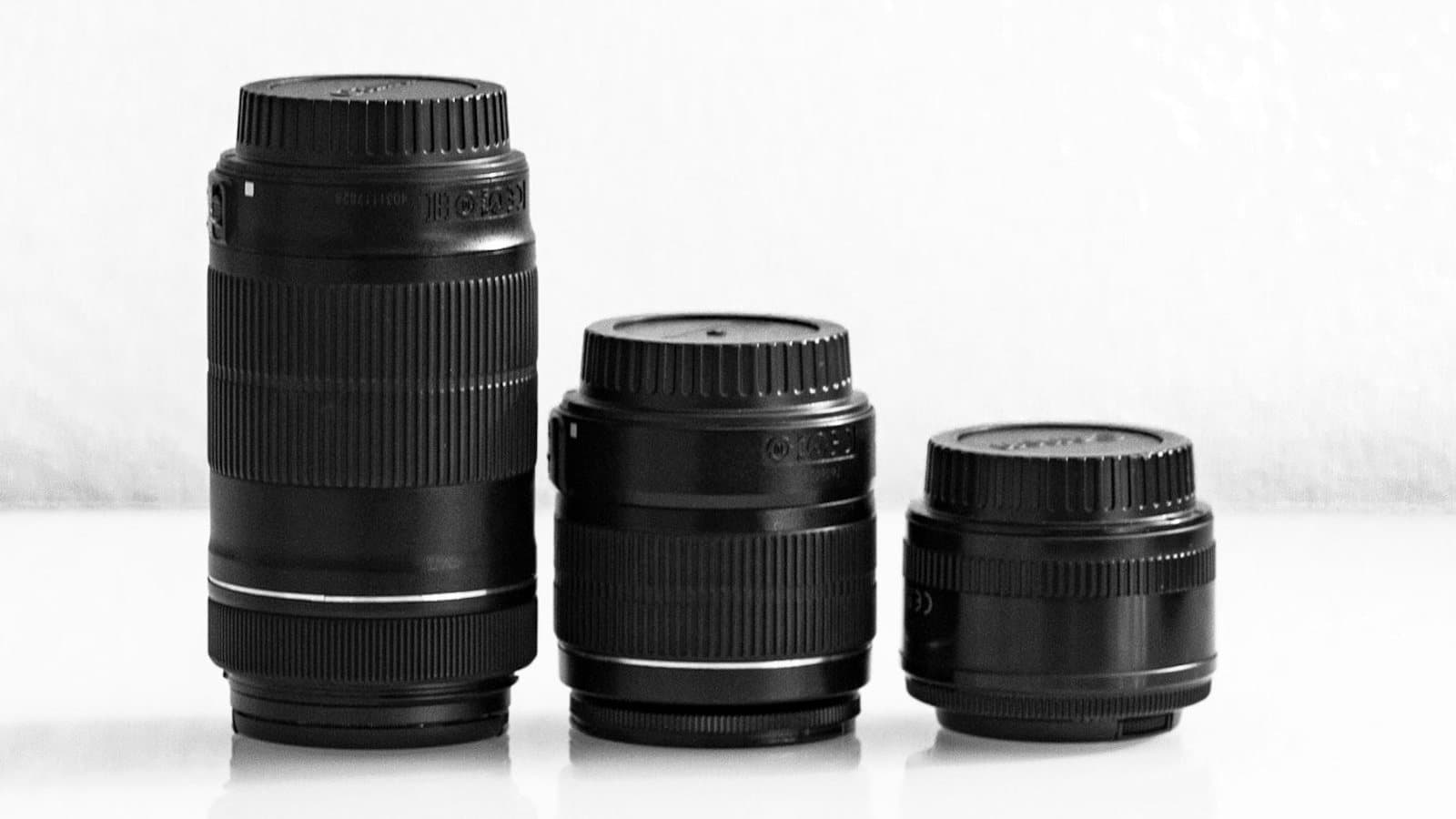
Focal Length Explained: What 24mm, 50mm, 85mm, and 200mm Actually Do
What the millimeter number on a lens changes in the field: angle of view, compression, and working distance. When to reach for 24, 50, 85, or 200mm.
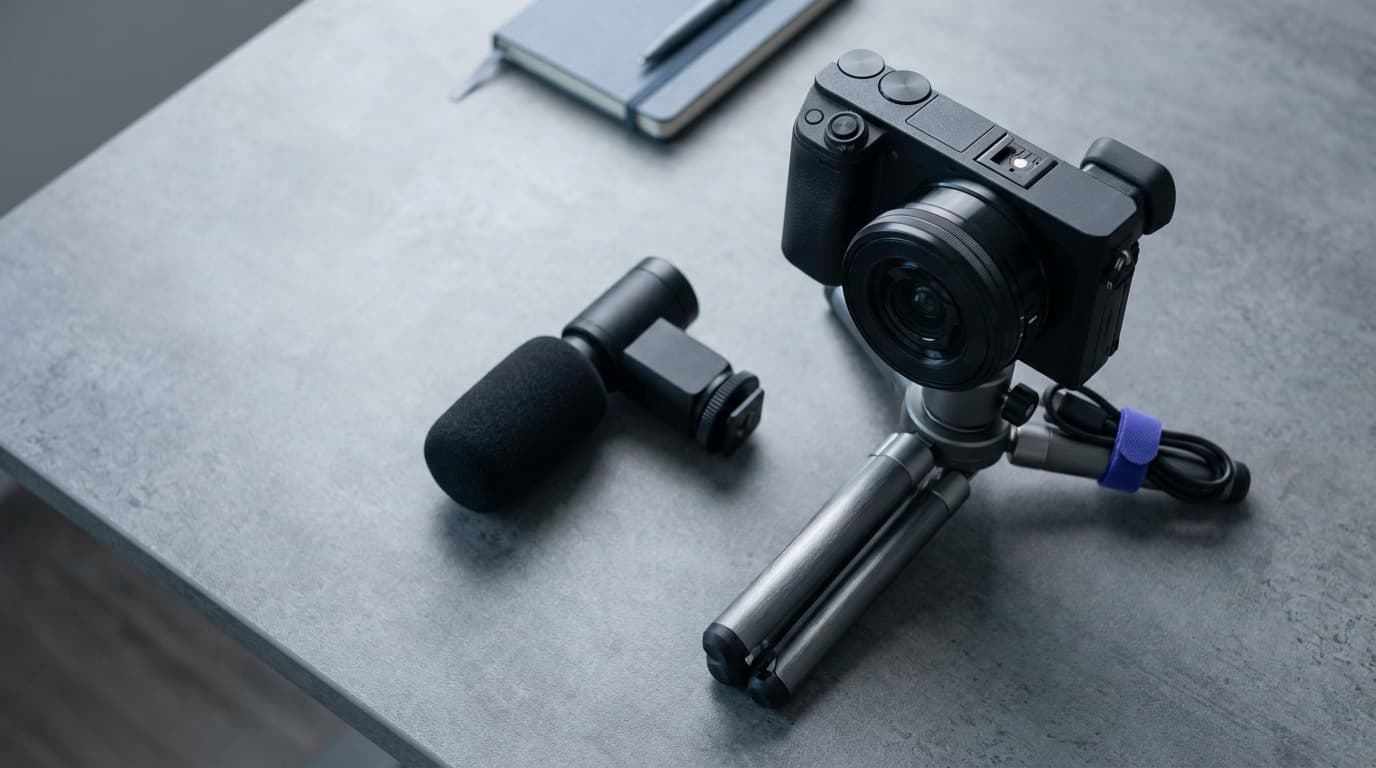
Canon EOS R50 V vs Sony ZV-E10 II: Which Beginner Vlogging Camera Should You Buy?
Canon EOS R50 V is the easier beginner creator kit. Sony ZV-E10 II is the deeper lens-system pick. Compare the practical tradeoffs.
Researched, not personally tested: picks compare specifications, available owner feedback, and established expert sources. As an Amazon Associate I earn from qualifying purchases. We may earn a commission from links here, at no extra cost to you. How we research →