We may earn a commission from links on this page, at no extra cost to you. Picks are researched, not sponsored.
What this means in real life
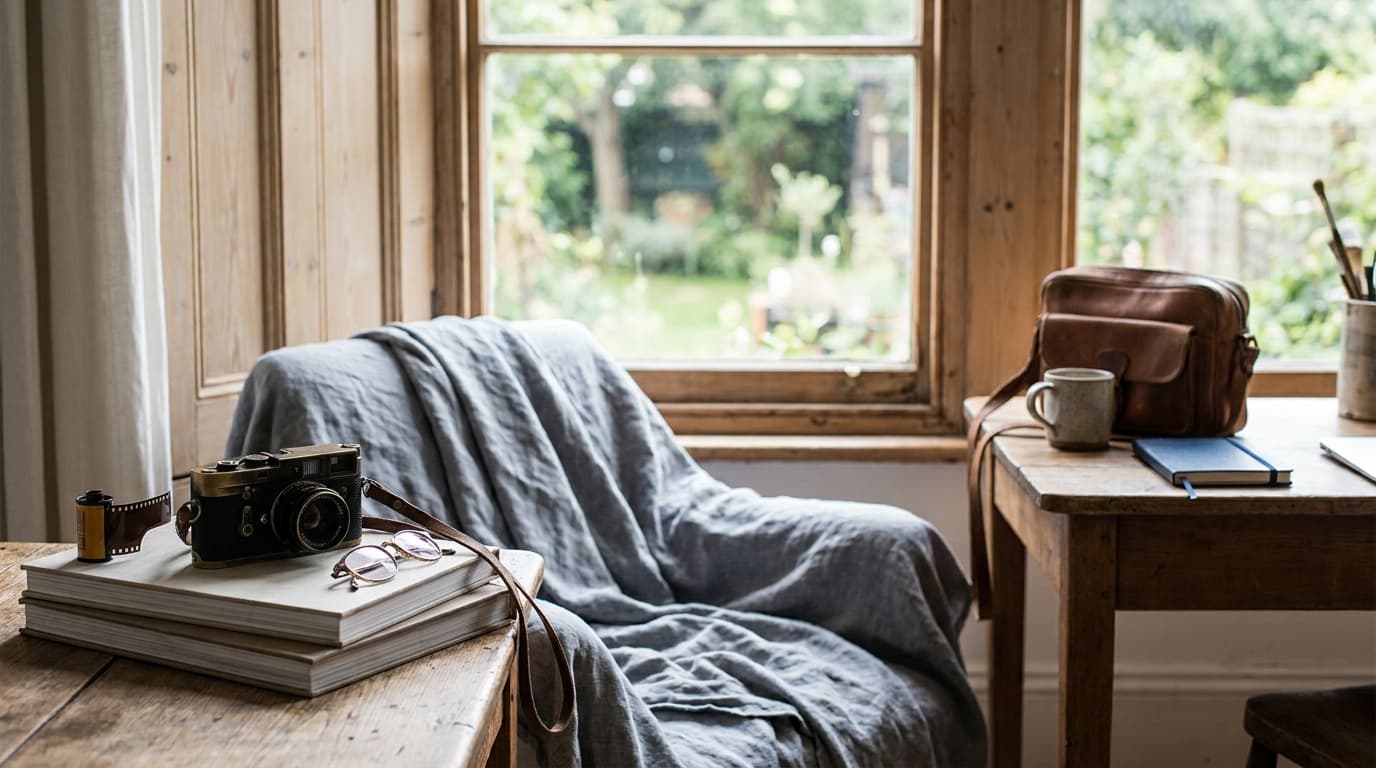
A camera sensor can only record so much range between the brightest and darkest tones in one frame, typically around 12 to 14 stops on a modern sensor. Some scenes simply exceed that. Point at a window during the day and you either expose for the room and blow out the view, or expose for the view and lose the room to black. Your eye handles this easily; the sensor cannot. HDR solves it by capturing the scene more than once: a dark frame that protects the bright highlights, a bright frame that opens up the shadows, and a normal frame in the middle. Software then keeps the best-exposed detail from each and combines them into one image that holds the whole range.
When you need HDR
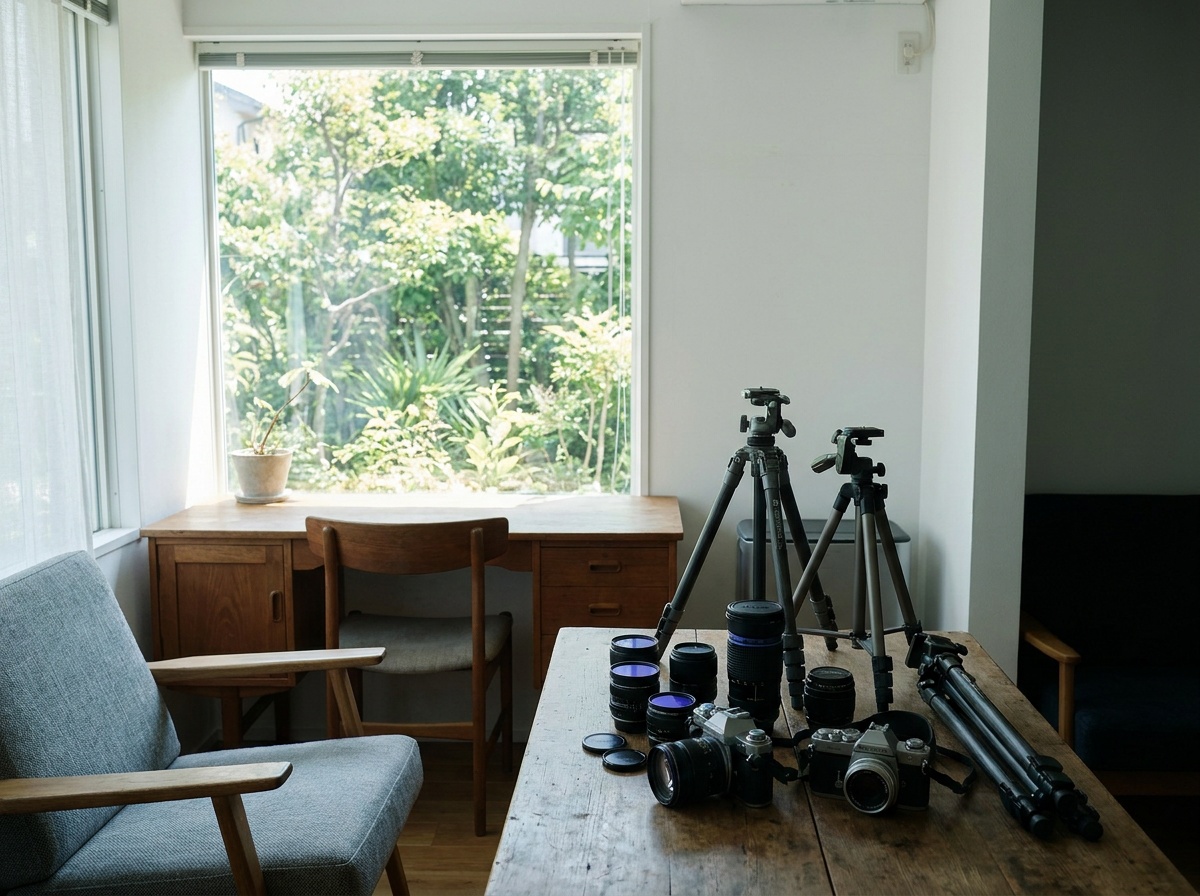
You need it when the scene's contrast is genuinely beyond one frame: interiors with bright windows, sunrises and sunsets shot toward the light, and high-contrast architecture. You do not need it for soft, even light, where a single raw file already holds plenty of range and HDR just adds work and risk. Real-estate interiors are the classic HDR case, where you want both the room and the sunny view out the window to read clearly. If you can recover the scene from one raw file by lifting shadows and pulling highlights, do that instead; HDR is for when one file is not enough.
The settings
Lock the camera down and bracket your exposures.
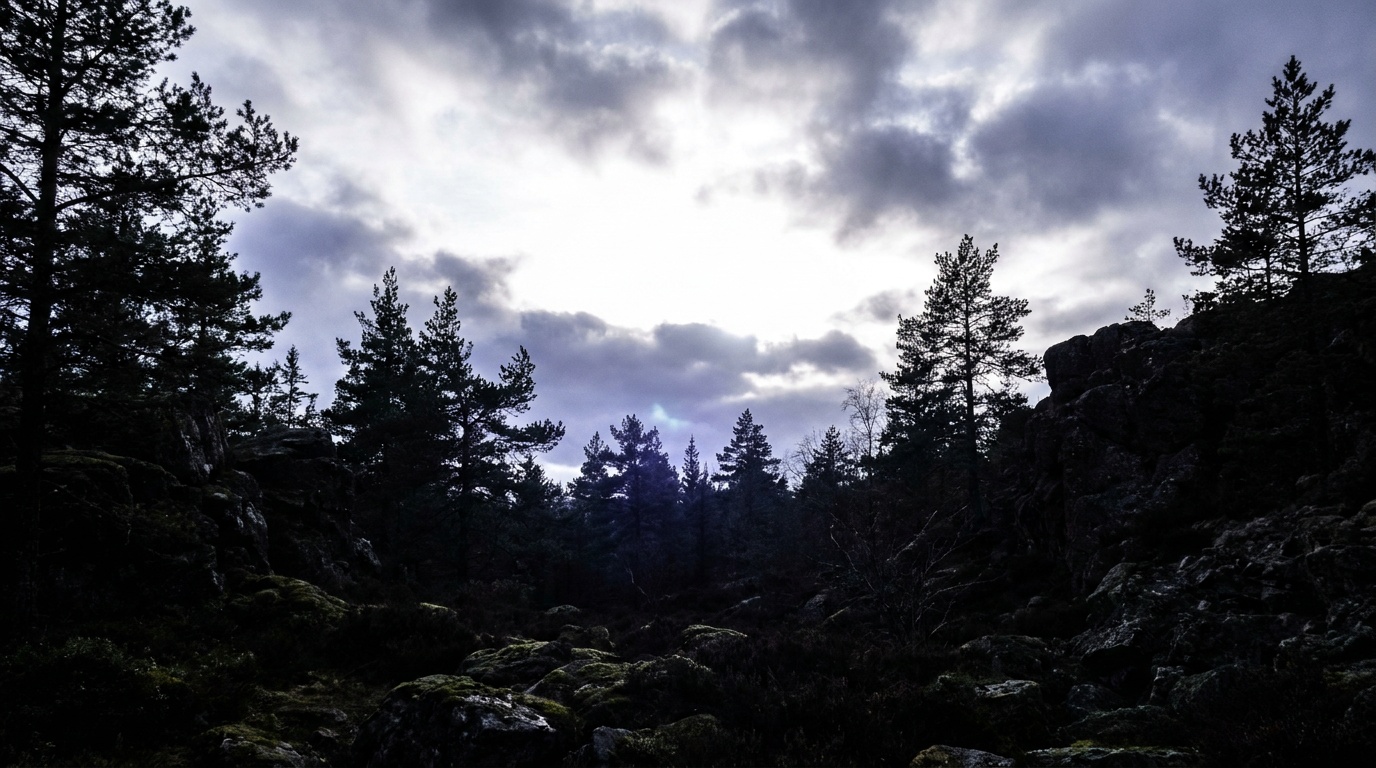
Keep the aperture and ISO fixed across the bracket so depth of field and noise stay consistent; only the shutter speed should change. This keeps the frames identical except for brightness, which is what makes them blend cleanly. Use your camera's auto-exposure-bracketing (AEB) mode to fire the set quickly. Set it to continuous drive so a single shutter press rattles off the whole bracket in a fraction of a second, which limits movement between frames. Reading the histogram tells you whether your brackets actually cover the range, with the dark frame's highlights off the right edge and the bright frame's shadows off the left.
The spacing between frames matters as much as the count. Two stops apart is the standard step, wide enough that three frames cover most scenes. For extreme contrast such as shooting straight into the sun, drop to one-stop steps across five or seven frames so the merge has finer gradations to work with and no gap in the tonal coverage.
The technique
Work the shot in order:
- Mount on a tripod and compose; lock focus, then switch to manual focus.
- Set aperture-priority or manual with a fixed aperture and ISO so only the shutter moves.
- Turn on AEB, choose your spread (three frames at -2, 0, +2 is the default), and set continuous drive.
- Fire the full bracket with a remote or self-timer in one quick burst.
- Merge the frames in your editor's HDR or photo-merge command, then tone gently.
Firing the full bracket in quick succession keeps anything in the scene from moving between frames; this is why HDR struggles with wind-blown leaves or passing cars. The natural look comes from a light hand: recovered detail in both ends, normal contrast, no glowing halos. HDR is a staple of architecture photography and interiors precisely because those scenes pair bright windows with shaded rooms.
Common mistakes
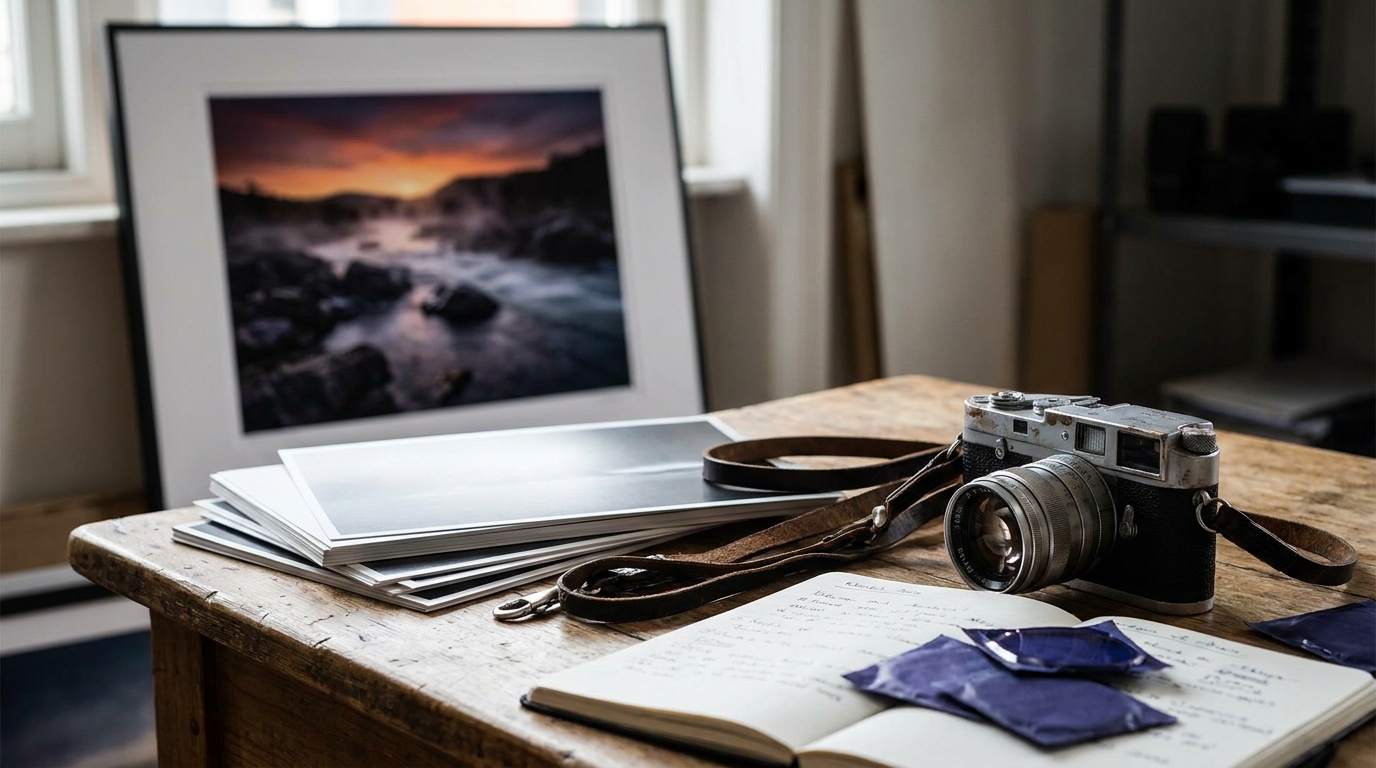
Overcooking the tone mapping is the most common error and the source of HDR's bad reputation: crushed local contrast, glowing halos around edges, and grungy oversaturated skies. Pull back and aim for natural. Letting the scene move between frames, leaves, water, traffic, creates ghosting where the subject appears in two places; use a still scene or your software's de-ghosting option. Changing aperture or ISO across the bracket instead of just the shutter makes the frames mismatch. And reaching for HDR when one raw file would do just adds work and a chance to make the image worse.
How many exposures do I need for HDR?
Three frames at -2 · 0 · +2 stops handle most scenes. For extreme contrast, like shooting straight into a sunset, five frames spaced one or two stops apart give the merge more to work with. The goal is that your darkest frame holds the brightest highlights and your brightest frame opens the deepest shadows.
Why does my HDR look fake and cartoonish?
That look comes from heavy tone mapping that crushes contrast and creates glowing halos. Use a light hand: merge the brackets, then aim for normal contrast and natural color. A good HDR should look like a single well-exposed frame, just with detail held at both ends.
Can I shoot HDR handheld?
Sometimes, since many cameras and editors align bracketed frames automatically. But a tripod is far more reliable, especially for the precise alignment HDR needs, and it lets you keep ISO low. Either way, fire the bracket quickly so nothing in the scene moves between frames.
Keep going
Next useful steps
Pick one. Each link continues the same job without starting the research over.
Related Learn guides

Content Credentials and C2PA Explained for Photographers
Content Credentials record a photo's signed provenance and edits. Learn what C2PA proves, what it cannot prove, and how capture-to-export workflows work.
Open Gate Video Explained: When 3:2 Is Worth It
Open Gate records a taller sensor area for flexible 16:9, 9:16, and square crops. See when it helps, what it costs, and how to frame it correctly.
Pre-Capture Photography Explained: Get the Frame Before the Click
Pre-Capture buffers photos before the shutter is fully pressed. Learn how it works, which settings change, and when RAW, flash, or focus may be limited.
RAW vs JPEG: Which File Format Should You Shoot?
RAW keeps all your sensor data for maximum editing freedom; JPEG is smaller and ready to share. Here is how they differ and when each one is the right call.
Researched, not personally tested: picks compare specifications, available owner feedback, and established expert sources. As an Amazon Associate I earn from qualifying purchases. We may earn a commission from links here, at no extra cost to you. How we research →