We may earn a commission from links on this page, at no extra cost to you. Picks are researched, not sponsored.
The problem
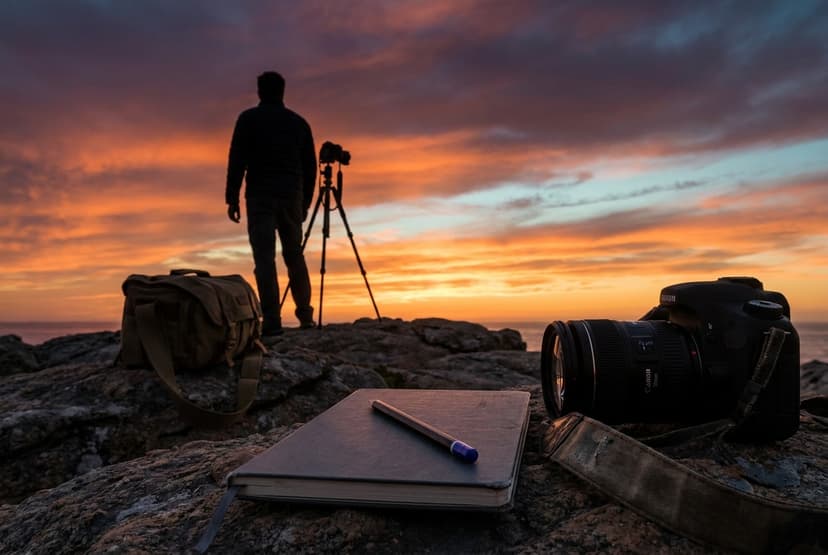
Backlight is dramatic and risky for the same reason: the light is coming toward the camera. Your meter averages the scene, sees a bright background, and pulls the exposure down, leaving your subject too dark. That is the default failure, an unintentional silhouette where you wanted a face. Shooting into the light can also cause flare and lower contrast as light bounces around inside the lens. The fix is to decide, deliberately, whether the subject or the background drives your exposure.
The settings
The numbers depend entirely on which look you want, because backlight has two correct exposures. Choose one before you shoot:
The reliable way to control this is exposure compensation or spot metering. Meter off your subject's face to keep them bright, or off the bright background to drop them to silhouette. Whatever the meter suggests as a starting point, you are overriding it on purpose.
Interactive exposure demo. Enable JavaScript to drag the exposure for this light.
Metering a backlit scene
Your camera's default metering mode is designed to cope with backlight, but it can only guess which part you care about. Canon's EOS M50 Mark II manual for metering modes describes partial metering, about 5.8% of the center of the screen, as effective when much brighter light surrounds the subject, such as backlighting, and spot metering, about 2.9%, for metering a specific part of the subject. To meter one area and then recompose, Canon's EOS R50 manual describes AE lock, which holds the exposure while you reframe and is noted there as effective for backlit subjects. The workflow is: spot or partial meter the face, lock, recompose, shoot. More detail is in metering modes explained.
A worked example: a portrait at sunset
The sun sits low behind your subject. In evaluative metering the camera gives f/2.8 · 1/2000 · ISO 100, and the face comes out about two stops dark against a glowing sky. You have three fixes:
- Expose for the face. Spot meter the cheek, or dial in +2 EV of exposure compensation. The camera moves to about f/2.8 · 1/500 · ISO 100. The face is right, the sky goes bright, and the hair gets a rim of light.
- Bounce light back. Hold a white reflector or stand the subject near a light wall so it lifts the shadow side of the face. Now you can expose a stop darker, around f/2.8 · 1/1000 · ISO 100, and keep more color in the sky.
- Add fill flash. A small amount of flash brightens the face without changing the background. See below.
If you want the silhouette instead, go the other direction: meter the bright sky beside the sun and shoot at that reading, around f/8 · 1/2000 · ISO 100.
Fill flash and high-speed sync
Fill flash balances a backlit face against a bright background, but wide apertures in bright light push the shutter past the flash's normal limit. Canon's EOS R50 manual lists flash sync options topping out at 1/250, and notes that external Speedlites offer high-speed sync for faster shutter speeds. Canon's Speedlite EL-10 manual explains that high-speed sync allows flash above the maximum sync speed, for example to blur the background outdoors with an open aperture, but that faster shutter speeds lower the guide number and shorten the flash's effective range. In practice, either stop down to f/8 so 1/250 works with normal sync, or use high-speed sync and keep the flash close to the subject.
Flare: use it or lose it
Pointing the lens toward the sun creates flare: haze, reduced contrast, and colored shapes. Sometimes that glow is the look you want. When it is not, use a lens hood, shade the front of the lens with your hand just outside the frame, or move a step so the sun hides behind the subject's head. A clean front element matters more in backlight than anywhere else, because every smudge scatters light.
The fix
For a glowing backlit portrait, expose for the subject and accept that the background will be bright; a touch of fill from a reflector or a nearby bright wall lifts the shadows without killing the glow. For a strong silhouette, keep your subject's outline clean and recognizable against the brightest part of the sky, avoid overlap between separate shapes, and place the sun just out of frame or hidden behind the subject to control flare. A lens hood and clean front glass cut the haze either way.
The gear that helps
Backlight is where lens quality shows, since cheaper optics flare and lose contrast more when pointed at the sun. A fast lens also lets you keep a glowing subject bright without pushing ISO; the prime vs zoom guide covers the difference. A simple reflector, or even a white wall, is the most useful accessory for lifting a backlit face.
Common mistakes
- Letting evaluative metering decide. It splits the difference, so the face is too dark and the sky is still too bright. Choose subject or background on purpose.
- Shapes that merge in a silhouette. Two people touching, or a hand against a body, turn into one black blob. Leave space between outlines.
- Too much fill flash. If the face is brighter than the background suggests, the shot looks pasted in. Lower flash exposure compensation by a stop or two.
- Forgetting the sun moves. At sunset the angle changes in minutes. Recheck exposure every few frames.
Where this fits
Backlight is a staple of portrait photography, where a rim of light separates the subject from the background and a hidden sun gives hair a glow. Silhouettes are the same setup pushed the other way. Both come down to deciding what your exposure triangle should favor, the subject or the light behind it.
Where to go next
Backlight usually means golden hour, so plan it with the golden hour calculator. If you want to keep sky color behind a lit face, the best flashes and speedlights roundup covers units with high-speed sync, and a fast portrait lens from the best 85mm lenses guide gives the background glow its soft look. The exposure calculator shows what a two-stop correction costs in shutter speed before you start.
How do I stop my subject from turning into a silhouette?
Expose for the subject, not the bright background. Use spot metering on the face or add positive exposure compensation until the subject looks right, and let the background blow out. A reflector or fill light helps lift the shadows further.
What settings make a good silhouette?
Expose for the bright background so the subject falls to black: a small aperture like f/8, a fast shutter, and base ISO against a bright, colorful sky. Keep the subject's shape clean and separated against the brightest area, and place the light source behind them.
Should I use flash for backlit portraits?
It helps when you want both a well-exposed face and a colorful sky. Use a low flash setting so it fills shadows without looking obvious. If your shutter speed needs to be faster than about 1/200 to 1/250, you will need a flash with high-speed sync, or you can stop down the aperture so the shutter stays within normal sync.
How do I avoid lens flare when shooting into the sun?
Use a lens hood, keep the front element clean, and block the sun with your hand, a tree, or the subject's head. Moving a step left or right often hides the sun just enough to remove most flare while keeping the rim light.
Keep going
Next useful steps
Pick one. Each link continues the same job without starting the research over.
Related Learn guides
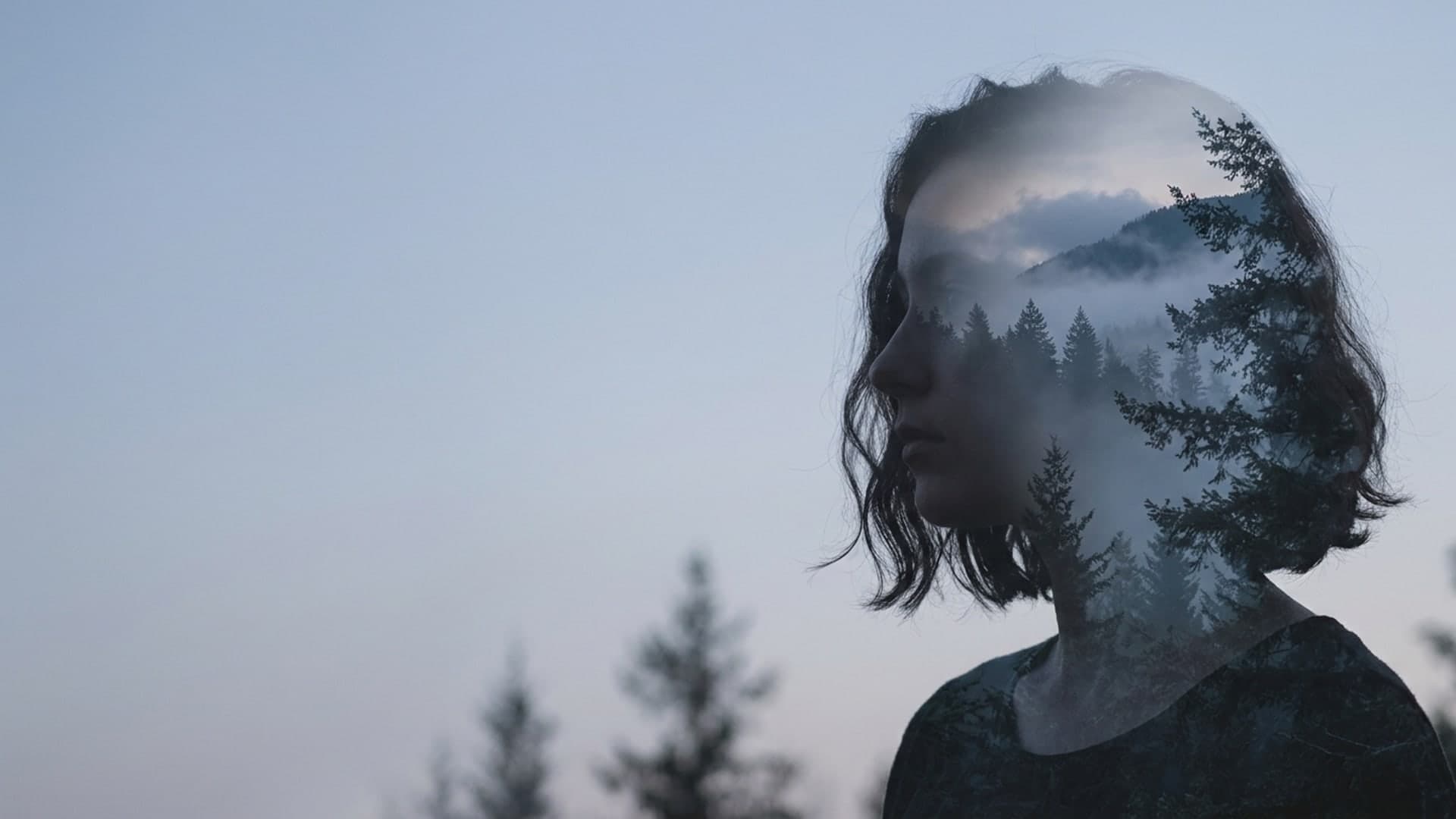
Double Exposure Photography: In-Camera and in Editing
How double exposure photography works, which in-camera modes Canon, Nikon, and Fujifilm offer, the silhouette method, and how to blend two photos in editing.
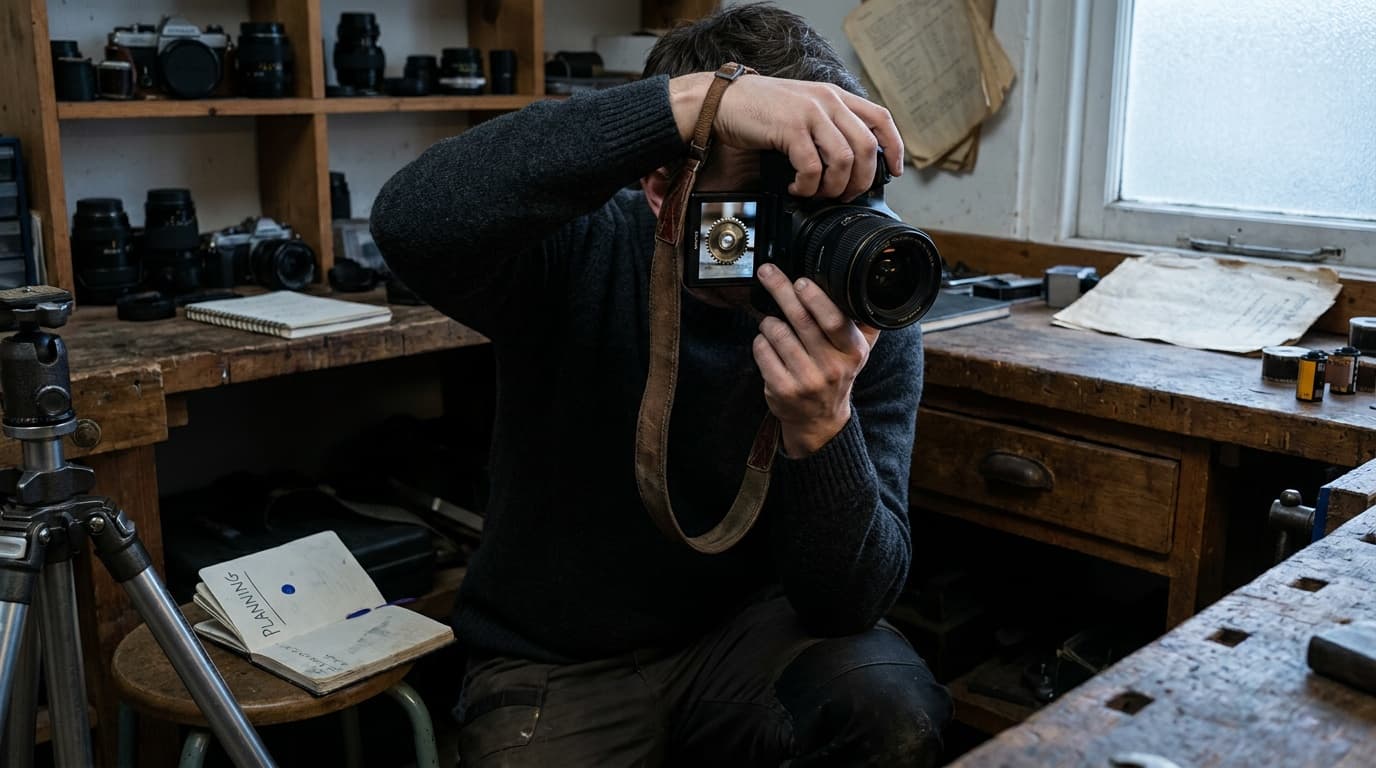
How to Avoid Camera Shake: Stop Blurring Your Own Photos
Camera shake blurs the whole frame when your hands move during the exposure. Beat it with a faster shutter, better holding technique, stabilization, or a tripod.
How to Get a Blurry Background (Bokeh) in Your Photos
A blurry background comes from a wide aperture, a longer lens, getting close to your subject, and distance behind them. Here are the exact settings to use.
How to Photograph Reflections: Water, Glass, and Mirror Shots
Reflections add symmetry and depth, but they need the right angle and exposure. Here is how to shoot water, glass, and mirror reflections cleanly.
Researched, not personally tested: picks compare specifications, available owner feedback, and established expert sources. As an Amazon Associate I earn from qualifying purchases. We may earn a commission from links here, at no extra cost to you. How we research →